

Screenshots
Description
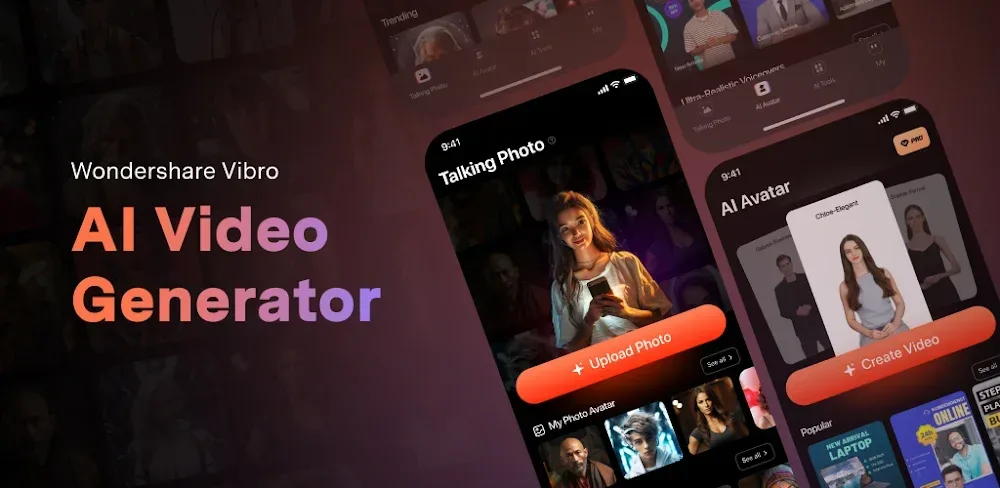
Virbo helps creators make eye-catching videos quickly with animated professional avatars, photo animation, and multilingual options. Start creating today!
This Virbo MOD APK delivers a premium unlocked experience, giving users access to the full suite of professional video generation tools and digital avatars. The modification enables advanced features that are normally restricted in the standard version of the app.
What's Modified in Virbo
- Premium Unlocked: Grants full access to professional AI avatars, high-definition export options, and the complete library of marketing and training templates.
This build is version 3.0.14, with a file size of 65 MB and the package name com.virtual.video.i18n. It is a re-signed file, so it cannot be installed as an update over a version downloaded from the official store.
About Virbo
VIRBO – AI Video Generator makes it easy to turn scripts into marketing and sales content. It helps users move quickly from a video idea to a finished production. Businesses and individuals can use it to create videos for social media that showcase their brand or message. By simplifying production, it lets users concentrate on their message and brand rather than the technical side of filmmaking.
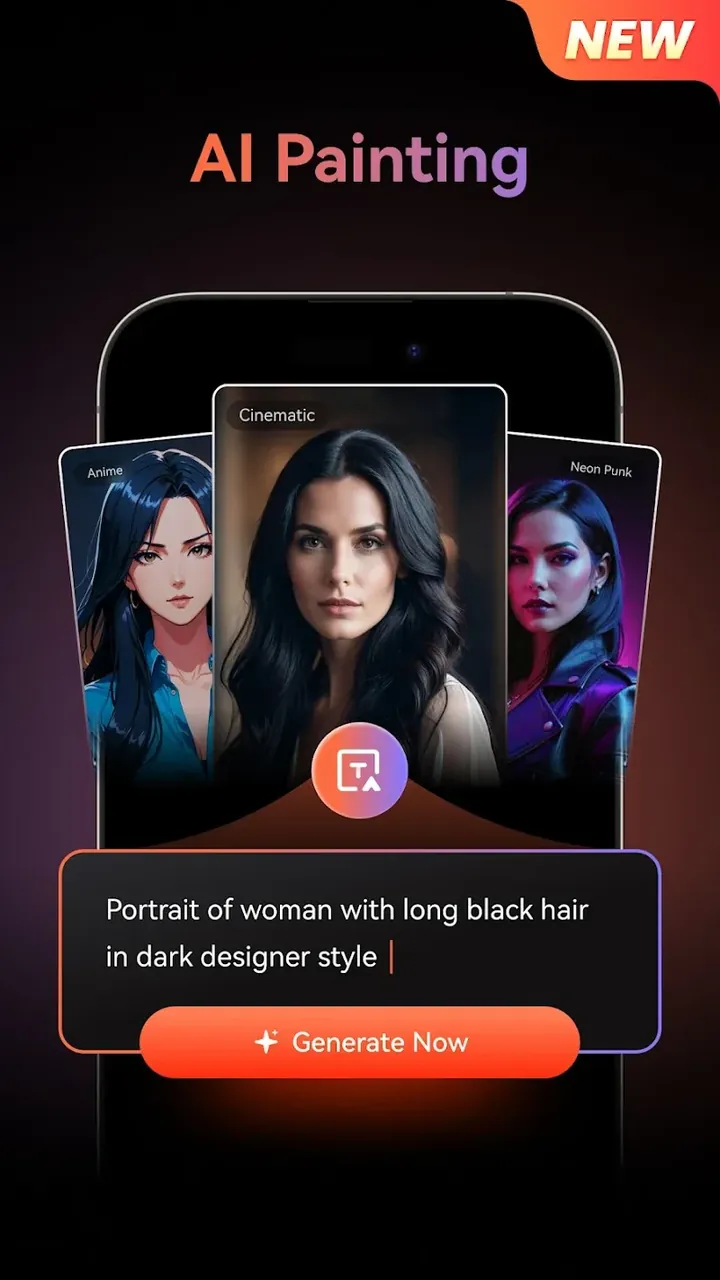
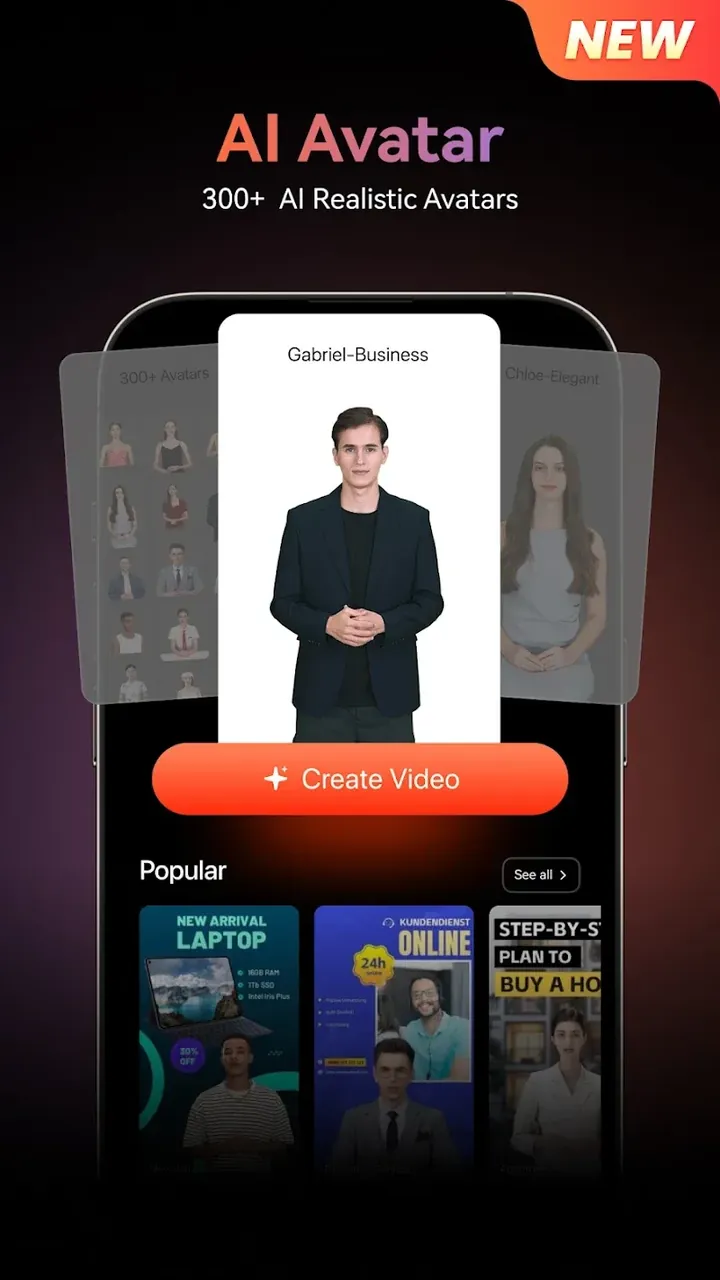
The app's AI Video Generator shortens production time by building videos directly from scripts. Much like other AI video generators, users type in their ideas and the tool assembles a video by adding stock footage and editing it automatically. It offers a range of prompts that further streamline the process. While this removes the waiting time associated with manual editing, it doesn't always produce a fully coherent, polished video on its own. Users can issue instructions such as "speak the video script and finalize the presentation" to create a presentation video, or "give an introductory speech" to generate an intro. Users can also have digital humans act as the on-screen presenter for professional presentations. In this way, the tool simplifies video production and content creation, giving digital content a human spokesperson.
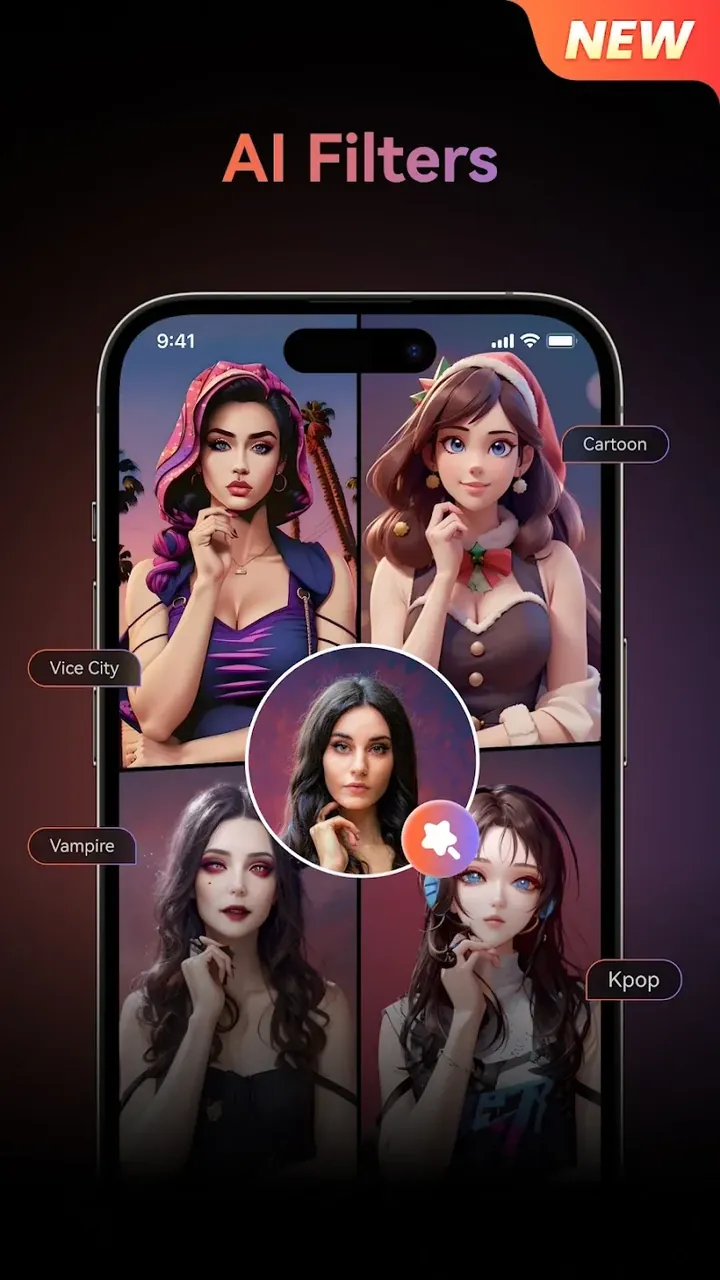
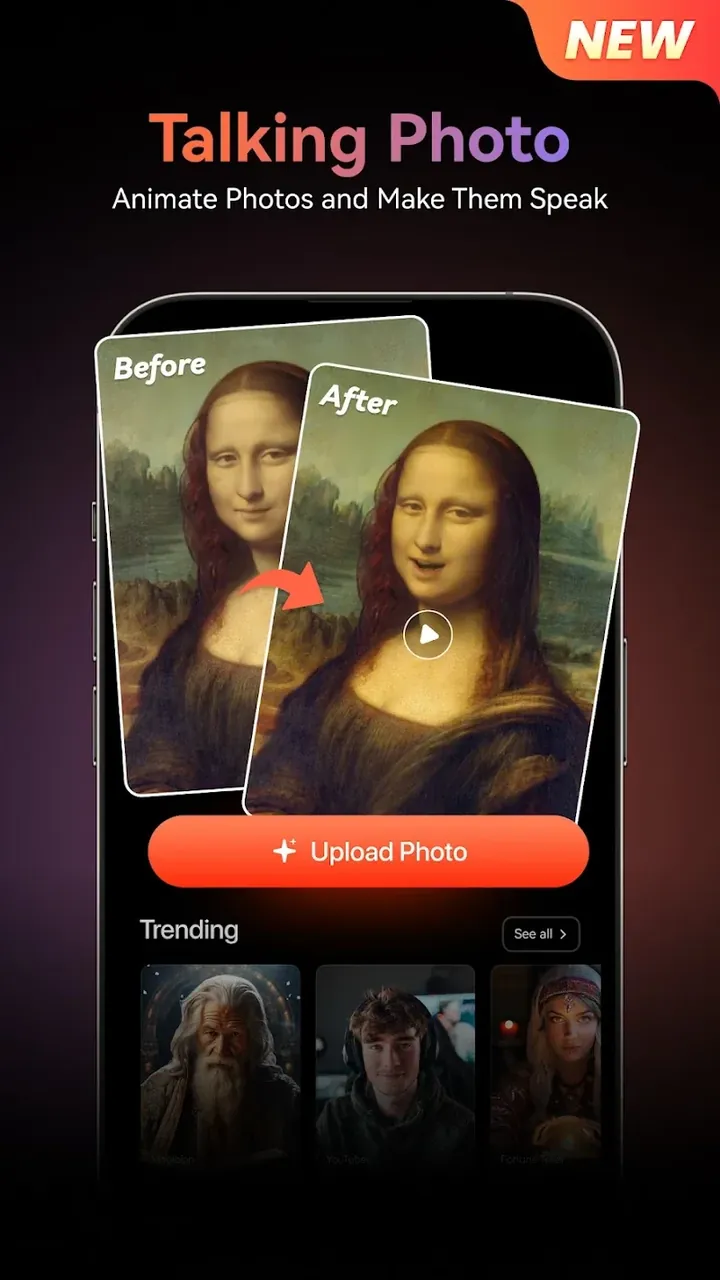
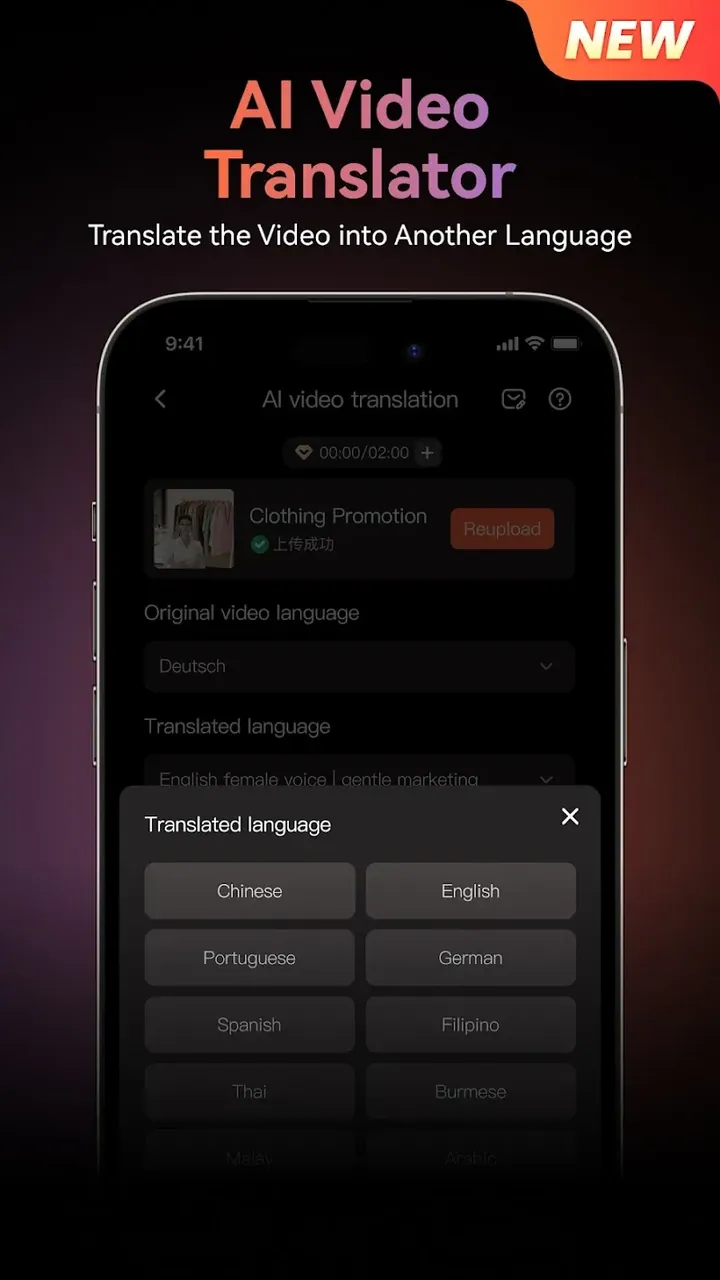
The app also includes an AI feature called AI in Motion. Like AI Video Generation, it uses artificial intelligence and machine learning to create videos in several ways, including basic image and GIF creation. Its magic photo effects add movement to still pictures. To help videos reach a global audience, the app includes multilingual support that breaks down language barriers. Businesses can deliver their messages in different regions without the usual hassle of translating and re-recording videos for each target audience.
The app also lets users build the audio side of a video with Voice Your Video. To bring emotion to a script, users can add voiceovers using a variety of AI voices and sound effects, and choose the voice that best suits their audience. With Tailor Your Template, users can organize and structure their creative process. As mentioned earlier, templates are tailored and organized for different purposes, such as marketing videos and social media posts.
The workflow inside the app is designed for speed, even though the underlying technology is complex and tightly connected. Users first choose how to create their script: starting from a still image or from a blank slate. They type their message into a text box, and the app analyzes the context and tone to suggest the best visual flow for the video. From there, users can adjust that flow with various tools. Next, they browse AI avatars, representations of a person, to pick the best on-screen presenter for the voice and tone of the video.
Once the settings are finalized, users tap the generate button. The app's engine processes everything into a high-definition video. Even after generation, editing tools let users refine the result to their liking, making the app a powerful personal production assistant. Users can experiment as freely as they want, generating, editing, and fine-tuning content for as long as they need. With these advanced AI features, they can produce more content, faster.
Key features
- AI Video Generation
- Avatars Made Easy
- AI in Motion
- Support all around the world
- Voice Your Video
- Tailor Your Template
- High-definition video output
- Audio adjustments
- Editing tweaks
Related MOD APKs
- CapCut – Video Editor
- Capcut MOD
- Youtube Vanced
- FilmoraGo
FAQ
Is Premium unlocked in Virbo – AI Video Generator MOD APK?
Yes. This Virbo – AI Video Generator 3.0.14 build comes with Premium unlocked and works like the official WONDERSHARE GLOBAL LIMITED release, with every modification active straight after installation.
What is the latest version of Virbo – AI Video Generator MOD APK?
Version 3.0.14 matches the WONDERSHARE GLOBAL LIMITED release last updated on June 10, 2026. We don’t keep older builds on GameMod.dev. To update, install this file over your current app; if you get a signature error, uninstall the old version first.
Is Virbo – AI Video Generator MOD APK safe to download?
This Virbo – AI Video Generator 3.0.14 file is the WONDERSHARE GLOBAL LIMITED app with Premium unlocked. It has a rating of 3.7/5 from 340 users and doesn’t require root. Expect a Play Protect warning during install, and always download it from this page on GameMod.dev.
Does Virbo – AI Video Generator MOD APK remove the watermark?
This version includes unlocked Premium features. Since Virbo – AI Video Generator bundles watermark removal with Pro, check the export screen after installing the app to confirm it.
How to install
- Download the APK file above to your phone.
- Allow “Install unknown apps” when prompted.
- Open the downloaded APK and tap Install.
- If the package includes OBB/XAPK data, follow the bundled instructions.
MOD APKs are modified builds, so Play Protect may show a warning. Install only if you trust the file; use at your own risk.