

Screenshots
Description
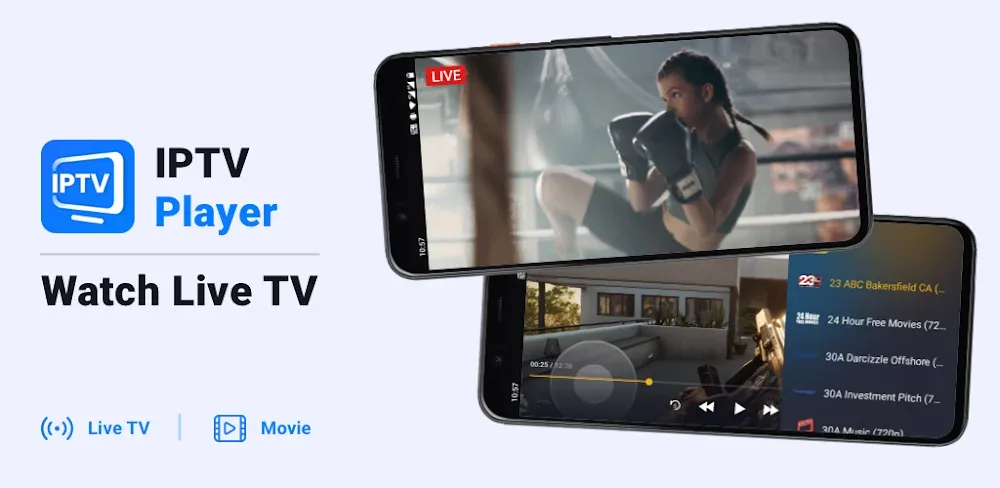
Stream live sports, football matches, and TV channels wherever you are with IPTV Player. The app supports M3U8 and EPG playlists and lets you cast to your Smart TV, so you can enjoy top-quality streaming on any screen.
This IPTV Player MOD APK unlocks the premium features that are normally limited in the standard version. With the premium tier enabled, you get the full set of streaming and playlist management tools without the restrictions of the basic license.
What's Modified in IPTV Player
- Premium Unlocked: Every feature included with the premium subscription is enabled by default.
This build is version 1.7.3, measures 30M, and uses the package name com.boostvision.player.iptv. Because it is re-signed, it cannot be installed as an update over a version downloaded from the official store.
About IPTV Player
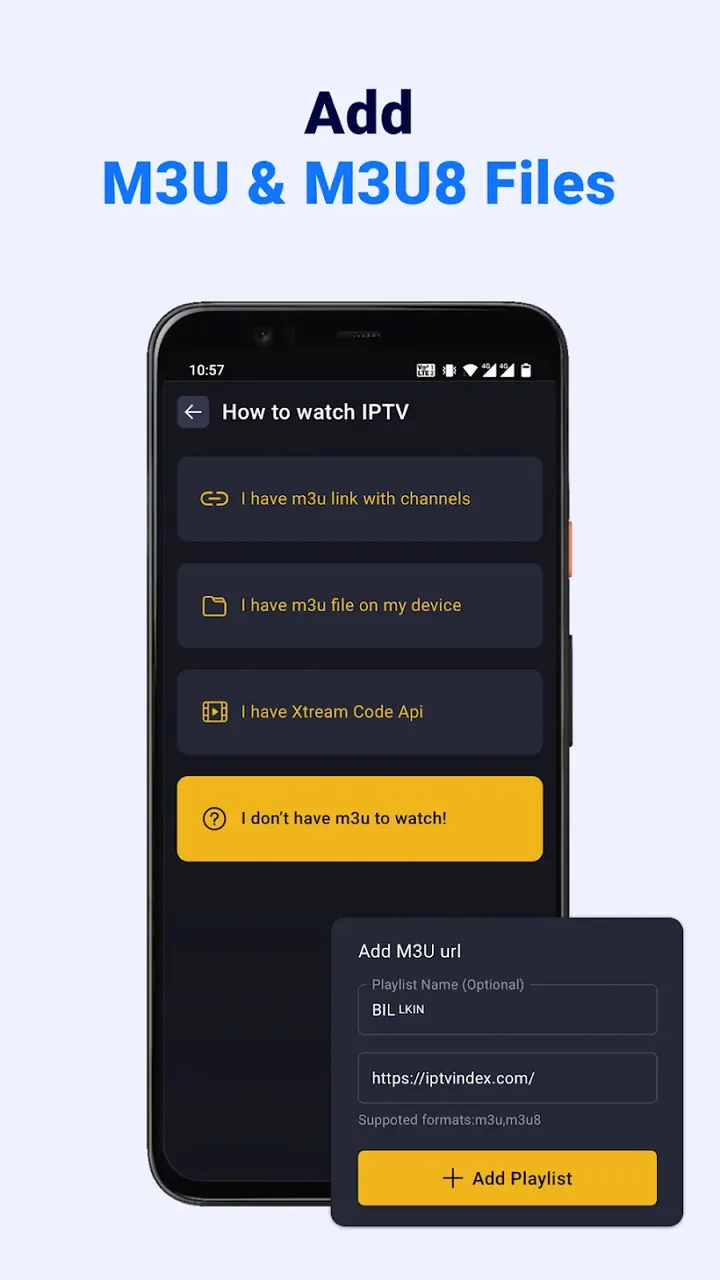
IPTV Player: Watch Live TV is an electronic program guide (EPG) app built for organizing and playing digital TV streams. It works as a flexible media player and does not supply any content of its own. Instead, it helps you import and arrange your digital TV streams, usually through M3U and M3U8 playlist formats. You can add your content by pasting the direct URL of an M3U playlist or by uploading a playlist file stored on your device. Once a source is loaded, the app parses the data, detects the streams, and sorts them into an easy-to-browse layout. Since the app handles the grouping for you, you no longer have to manage long, cluttered lists of stream links by hand.
A key part of the app is its View API integration, which creates a stable connection between your mobile device and multiple IPTV service providers. Through this API, the player can draw from several sources at once to offer a wide range of live content, including movies, news, and international broadcasts. The app is designed for people who want their entertainment to move with them. With it, your phone becomes a portable sports arena where you can catch every goal or point as it happens. By combining your own content sources into one interface, the app removes the limits on where and when you can watch TV.
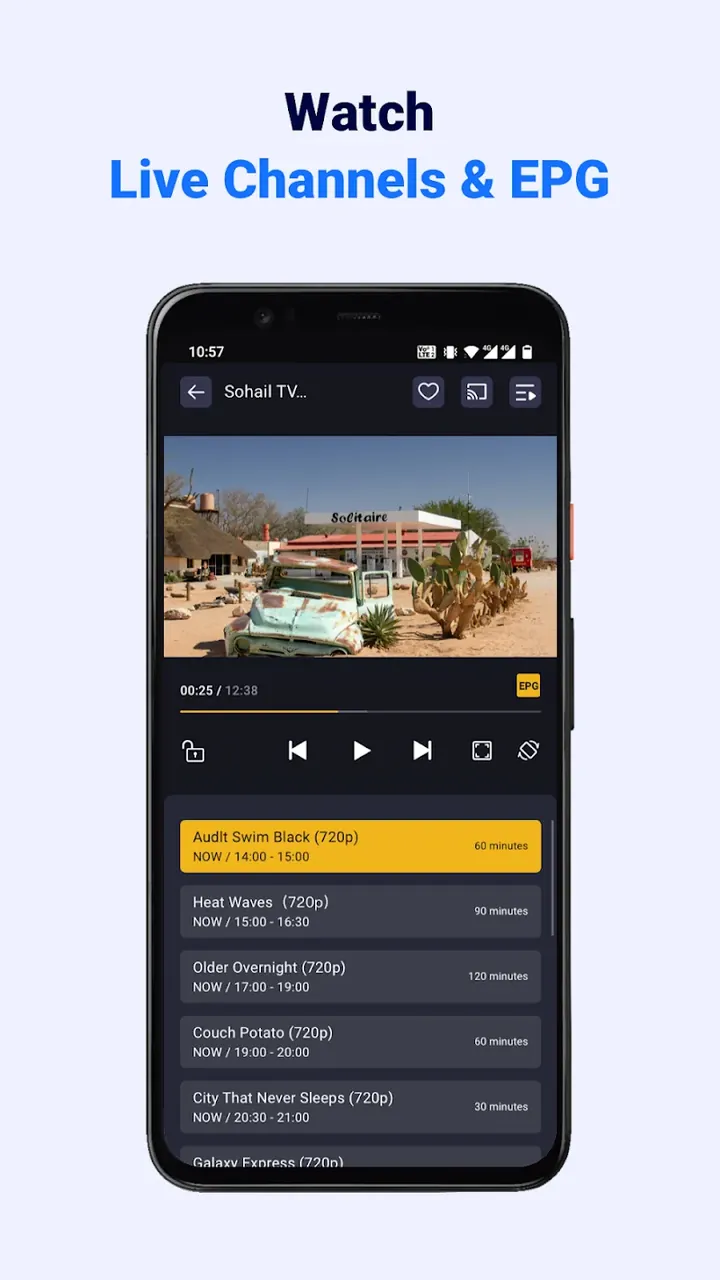
Navigation is supported by Smart EPG, an enhanced version of the traditional Electronic Program Guide. It links streaming content with overlaid metadata to show more details about what you are watching. It lets you follow the full broadcast schedule and see which shows or events are coming up next. Like a standard EPG, it helps you keep track of what is airing, and the app goes further with built-in search and filter tools. You can find a channel by typing its name or use genre filters to narrow the list to a category you care about, such as sports, news, or cinema. This is especially handy when your playlist contains hundreds of channels.
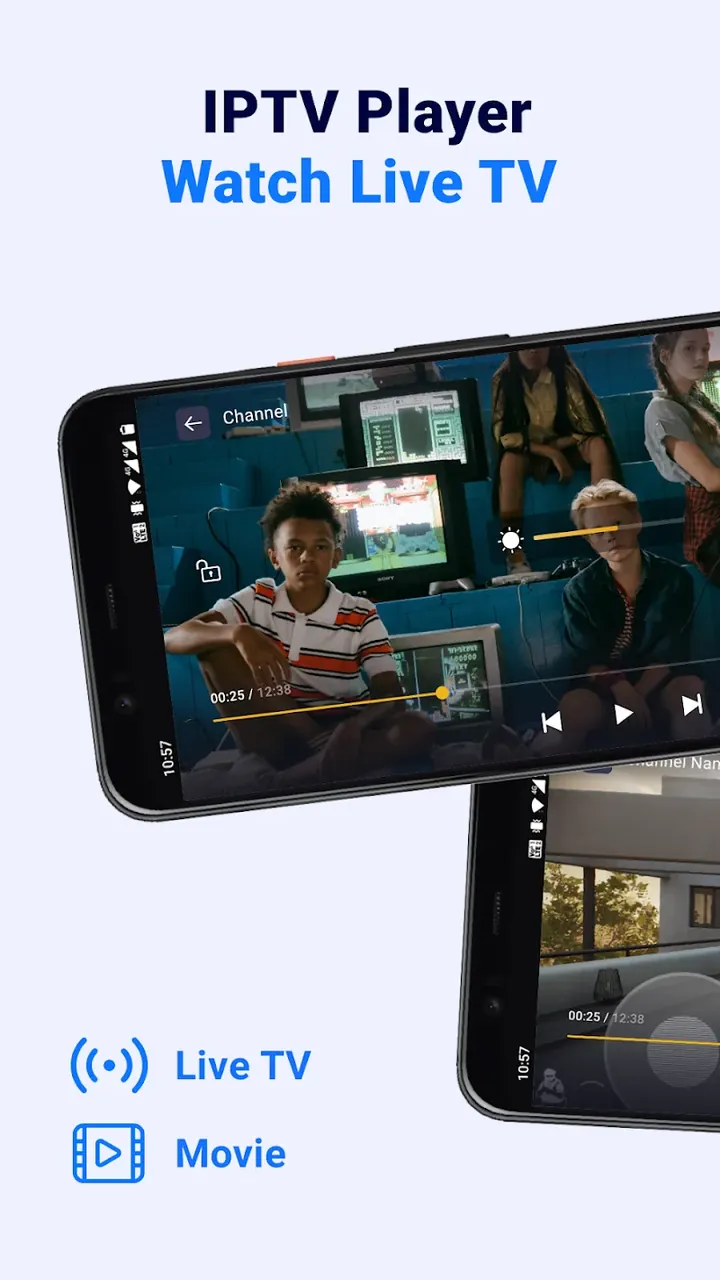
The media player is built for speed and stability, which improves the overall IPTV experience. Inconsistent internet connections often cause buffering, so the player is designed to minimize it while keeping HD-quality streams running smoothly. During playback, you can adjust brightness, contrast, and saturation, and change the volume with simple gestures. You can also switch the aspect ratio so the video fits your screen.
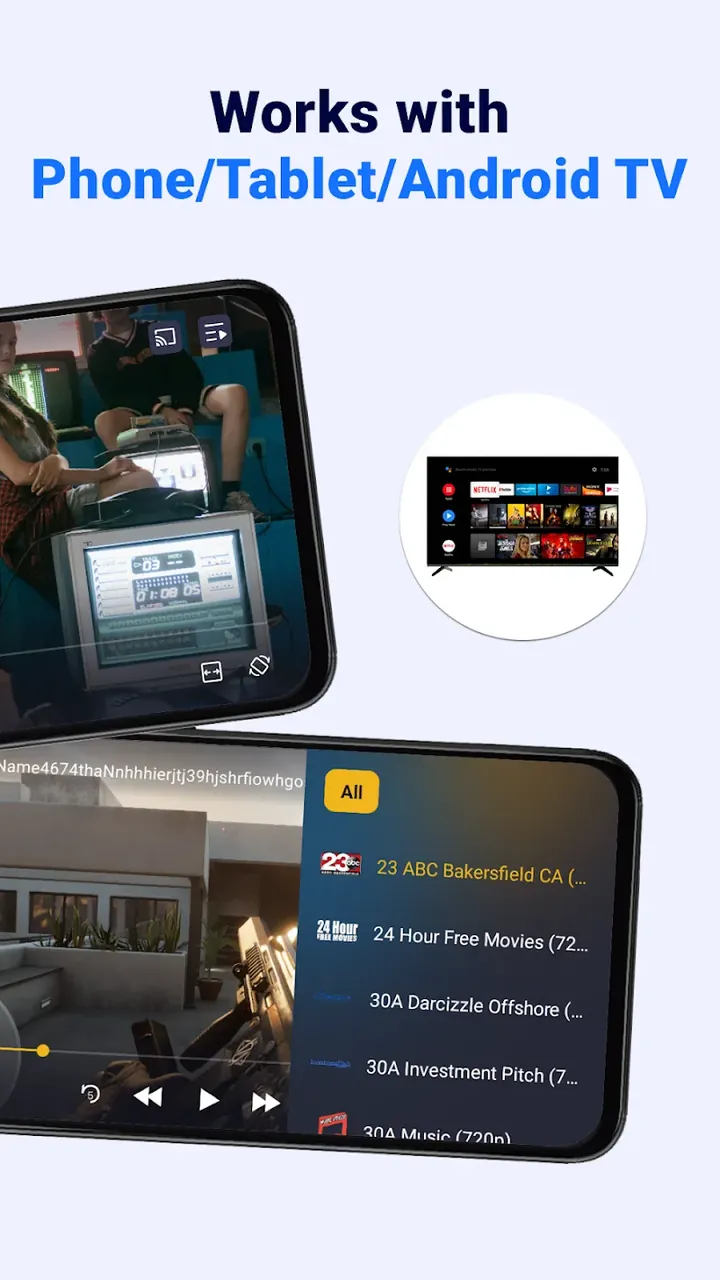
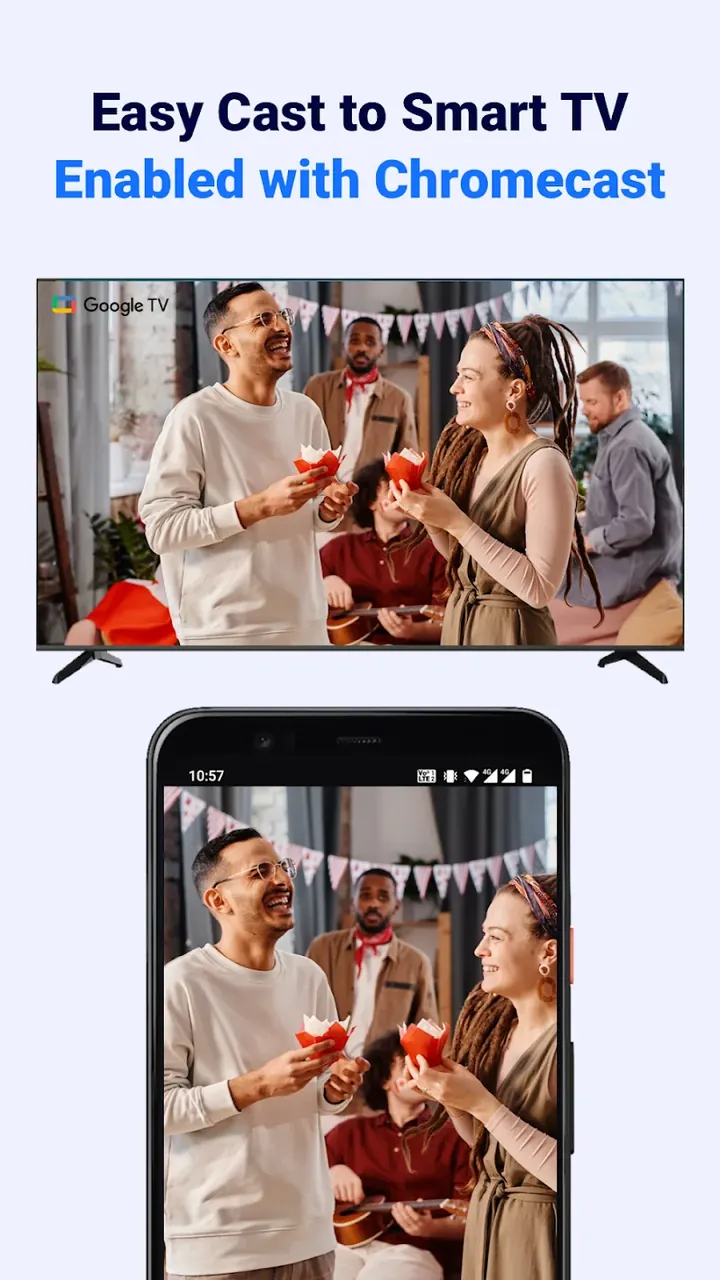
You can send your stream to a larger display by connecting to Smart TVs and other Chromecast-enabled devices. The app also lets you balance video quality against data usage, so you can choose a resolution that suits your data plan and connection. You can save favorite channels for quick access and build a personal list of preferred channels that bypasses the main playlist.
For convenience, the app remembers where you left off so you can quickly resume your content. The developers see it as a bridge between traditional television and modern digital streaming. The IPTV Player MOD APK also takes care of the complicated work of parsing data and managing broadcasts, making it a simple mobile IPTV solution. You can watch live streams and TV broadcasts of your choice wherever you are, whether at home, at work, or on the go. It brings together multiple streaming sources and gives you professional-grade playback controls over all of them.
Key features
- Support for M3U and M3U8 playlist formats
- Connects to service provider APIs for seamless integration
- Smart EPG delivers program details and scheduling information
- Works with Chromecast and Smart TV streaming
- Built-in media player with HD quality support
- Custom playback controls for adjusting brightness and volume
- Adjustable aspect ratio settings
- Add an M3U URL manually or upload a file from your storage
- Parses data automatically and groups channels
- Search channels and filter by genre
- Choose video resolution to manage data usage
- Mark favorite channels for quick access
- Resume playback right where you left off
Related MOD APKs
- TV Remote – Smart TV Control
- LG Remote
- Remote for Fire TV & FireStick
- Remote for Smart Samsung TV
FAQ
Is Premium unlocked in IPTV Player: Watch Live TV MOD APK?
Version 1.7.3 of IPTV Player: Watch Live TV comes with Premium Unlocked. This mod works just like the original BoostVision release, with every feature active as soon as installation is complete.
What is the latest version of IPTV Player: Watch Live TV MOD APK?
This 1.7.3 build matches the BoostVision update released on June 29, 2026. We don't keep older versions on GameMod.dev. To update, install this file over your current app; if you see a signature error, uninstall the previous version first.
Is IPTV Player: Watch Live TV MOD APK safe to download?
This 1.7.3 release of IPTV Player: Watch Live TV from BoostVision includes Premium Unlocked and has earned a 4-star rating from 69 users. No root access is required. You can ignore Play Protect warnings during installation, but always download from this page.
Does IPTV Player: Watch Live TV MOD APK remove the watermark?
This version includes Premium Unlocked. Since watermark removal is a paid feature in IPTV Player: Watch Live TV, check the export screen after installing to confirm it works.
How to install
- Download the APK file above to your phone.
- Allow “Install unknown apps” when prompted.
- Open the downloaded APK and tap Install.
- If the package includes OBB/XAPK data, follow the bundled instructions.
MOD APKs are modified builds, so Play Protect may show a warning. Install only if you trust the file; use at your own risk.