
Screenshots
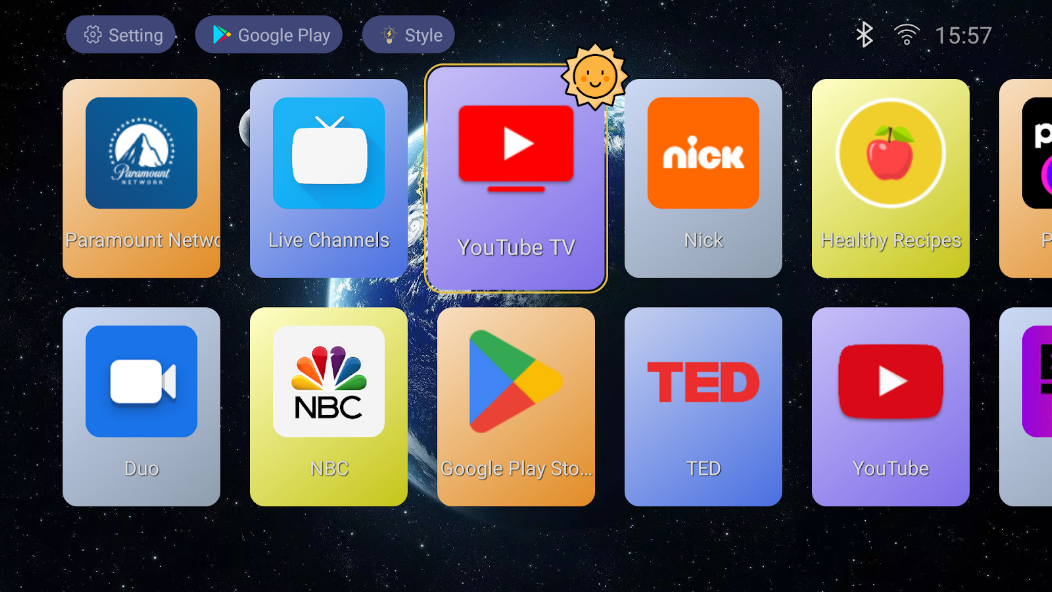
Description
TV Launcher is a lightweight, customizable replacement for the Android TV home screen, built to give smart TVs, Android TV boxes, and Fire TV devices a clean, fast, ad-free interface. While the default launcher often packs in suggestions and visual clutter, TV Launcher keeps things simple, letting you arrange, reorder, and control how your apps appear. Navigation is smooth with the remote or D-pad, which makes it a great fit for large screens. You can hide apps you never use, set a custom wallpaper, and bring your favorite content to the front, all while the launcher keeps performance high even on low-end hardware. It's an ideal choice for anyone who wants a minimal, distraction-free TV experience.
Clean and Minimal Android TV Home Screen
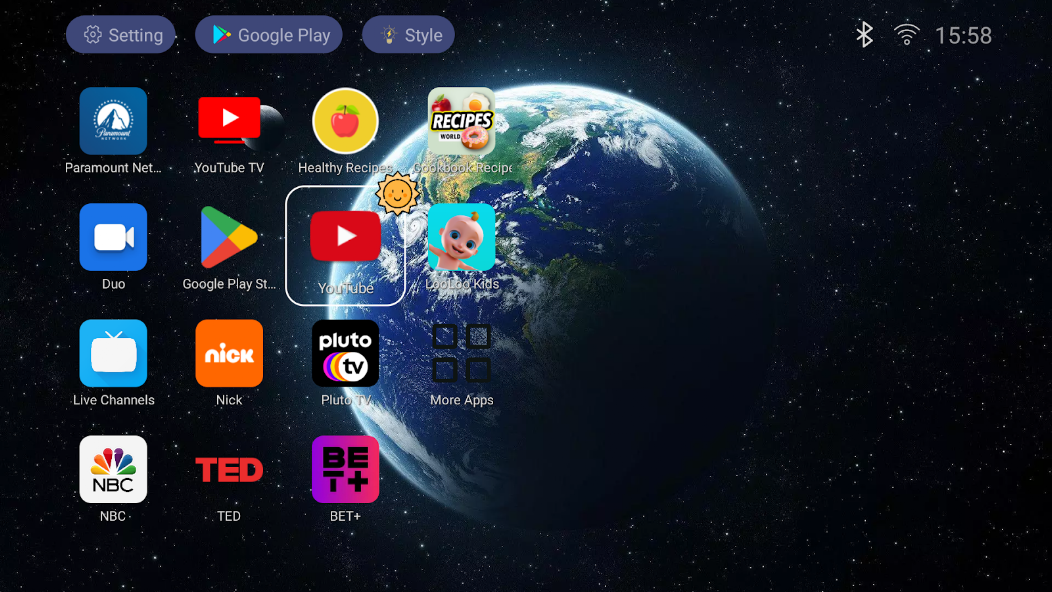
TV Launcher delivers a clean, minimal home screen that cuts out the unnecessary clutter found in default Android TV interfaces. Rather than bombarding you with ads, tips, or sections you never use, it presents a straightforward layout that puts your apps front and center. Everything is clearly visible and easy to reach with the remote, which makes the whole interface more pleasant to use. Because the design is streamlined, it runs smoothly on older or low-powered TVs, with less lag and quicker response times. Whether you're streaming live content, playing games, or using utility apps, the minimalist design gets you where you want to go without distractions. TV Launcher is the right pick for anyone who values simplicity and efficiency over busy, complicated interfaces.
- The clutter-free interface strips out ads and unnecessary tips for a cleaner experience.
- Built for remote and D-pad navigation, it feels easy to use on large screens.
- Its lightweight design keeps performance fast, even on low-end Android TV devices.
Full Customization and App Organization
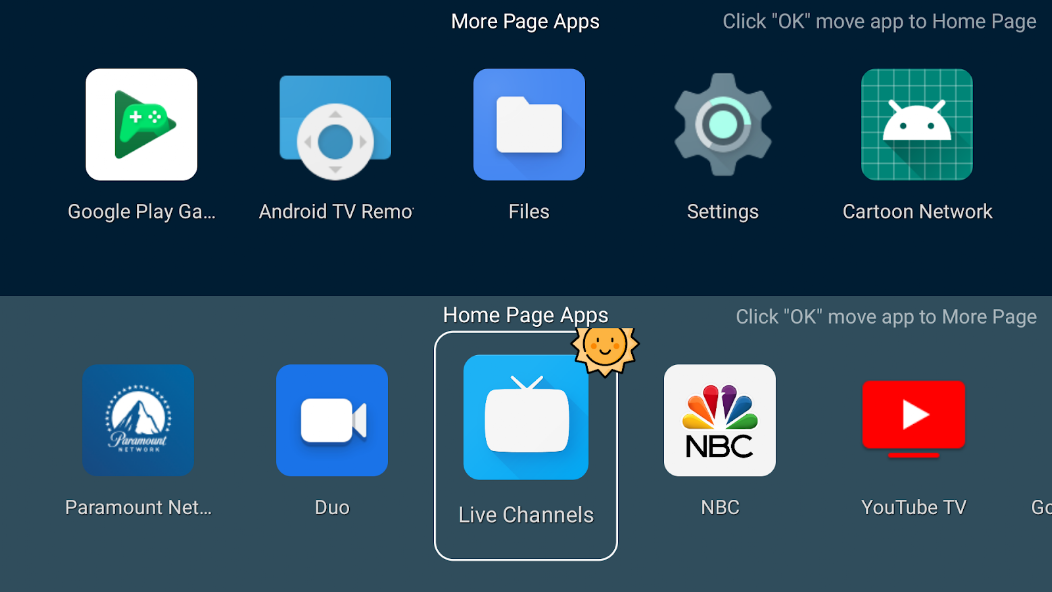
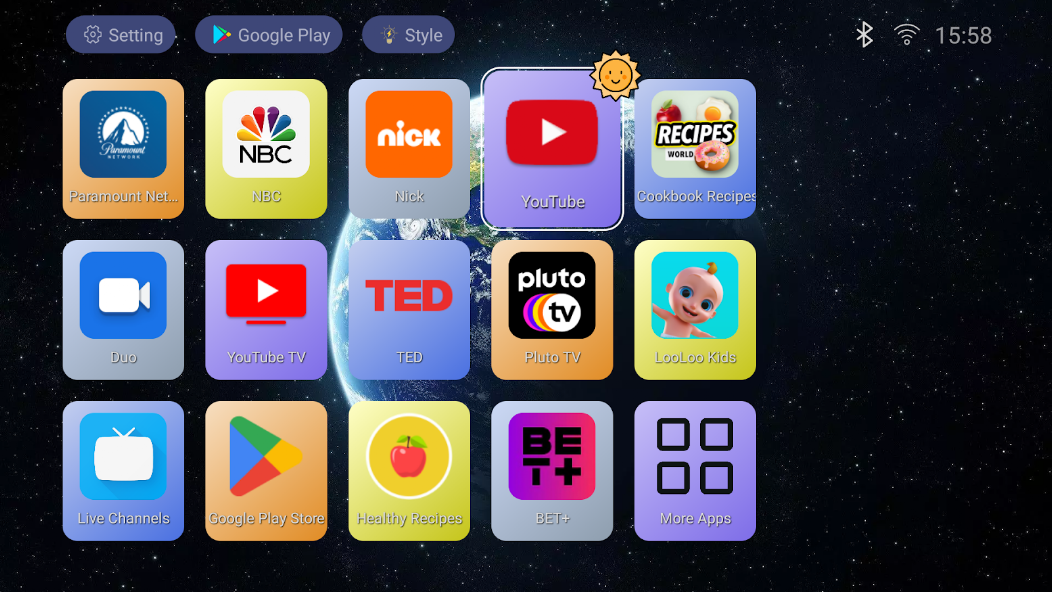
TV Launcher puts you in charge of how your apps are displayed and organized, so you can build a personalized TV interface that fits the way you watch. Rearrange apps, create custom categories or rows, and pin your most-used apps for quick access. You can also hide unused or system apps to keep the home screen tidy and focused on what matters most. Customization goes beyond layout, too: you can swap in a new wallpaper and adjust layout settings to match your style. This flexibility lets your TV interface reflect your habits and preferences instead of forcing you into a single fixed design.
- Rearrange apps and build custom categories to organize your home screen efficiently.
- Hide unwanted apps to keep your interface clean and free from distractions.
- Customize your wallpaper and layout for a personalized TV experience.
Fast Performance and a Privacy-Focused Experience
TV Launcher is built with performance and privacy in mind, delivering a smooth, reliable experience without unnecessary background processes or data tracking. Its lightweight design means quick load times and fluid navigation, even on devices with limited resources. Unlike many stock launchers, it steers clear of intrusive ads and excessive data collection, giving you a more privacy-friendly environment. The launcher works well offline and doesn't depend heavily on an internet connection, so it stays dependable for everyday use. This emphasis on speed, stability, and privacy makes TV Launcher a strong option for anyone who wants a responsive, secure Android TV interface.
- The lightweight design keeps performance fast and navigation smooth.
- With no intrusive ads or tracking, it offers a privacy-focused experience.
- It runs reliably even without a constant internet connection, so you can use it consistently.
How to install
- Download the APK file above to your phone.
- Allow “Install unknown apps” when prompted.
- Open the downloaded APK and tap Install.
- If the package includes OBB/XAPK data, follow the bundled instructions.
MOD APKs are modified builds, so Play Protect may show a warning. Install only if you trust the file; use at your own risk.