
Screenshots

Description
TV File Transfer
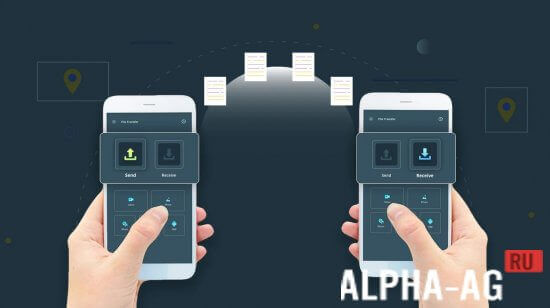
A great app that makes it simple to connect your smartphone or tablet to a TV or other devices so you can share data such as photos, documents, music, movies, and much more.
Features
If you're looking for a fast and hassle-free way to move files between your mobile device and a TV or other gadgets, this app is well worth having.
With it, you can link your smartphone to your TV and send photos, music, movies, and other files straight to the big screen. Then you can enjoy them together with friends or family.
To get started, install the app on both devices, then launch it. It will automatically detect other devices that also have the utility installed.
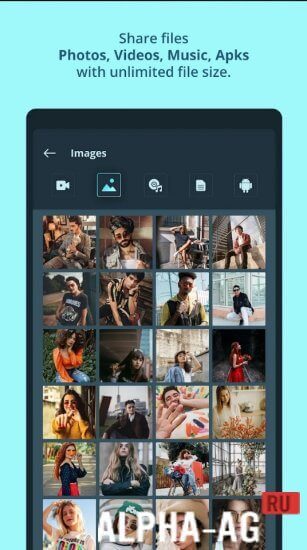
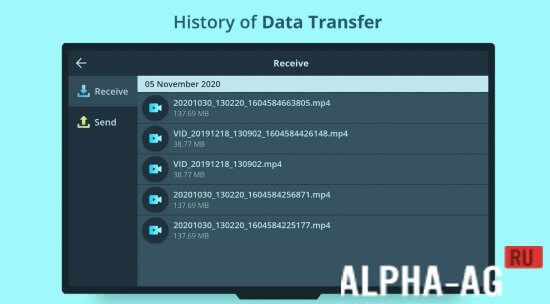
Next, tap the "Data Transfer" button and choose what you'd like to send to your TV or other device.
Key Features
The app lets you easily access data on your TV or other device from your smartphone. Transfers happen over a local Wi-Fi network, which makes them considerably faster than Bluetooth.
Enjoy music, photos, videos, and movies with your friends and loved ones on your TV or other device.
0 Mar 03 Additional information:
- Android version required: 5.0 or later
- Age restrictions: 3+
- Russian localization: available
- Cache installation: not required
1.2.5 Application version Our rating: 7 out of 10 Similar applications: File Transfer Speak and Translate Voice Translator Yoosee Speaks Who Is Calling Our YouTube channel
Subscribe to our YouTube channel!
Add a comment
How to install
- Download the APK file above to your phone.
- Allow “Install unknown apps” when prompted.
- Open the downloaded APK and tap Install.
- If the package includes OBB/XAPK data, follow the bundled instructions.
MOD APKs are modified builds, so Play Protect may show a warning. Install only if you trust the file; use at your own risk.