
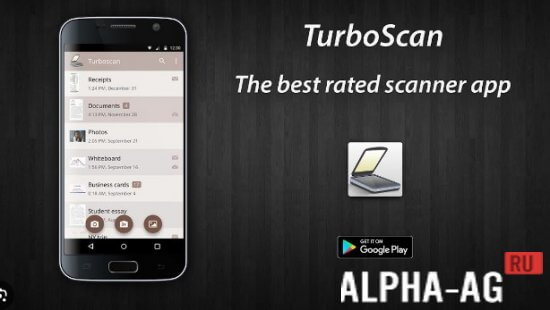
Screenshots
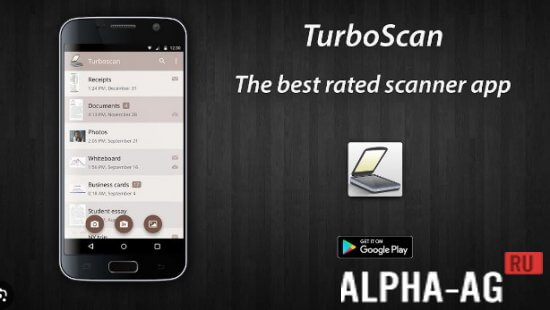
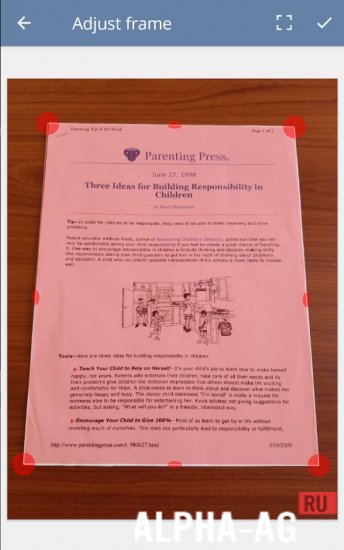

Description
TurboScan: Quick Document Scanner
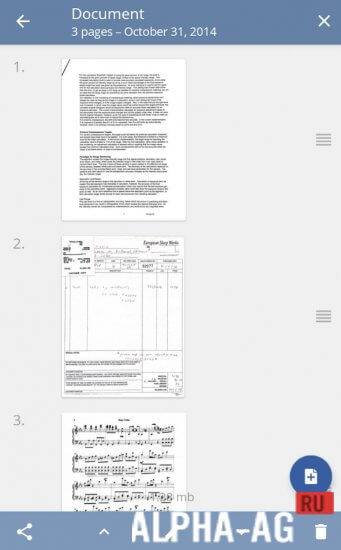
Export scanned files in PDF or JPEG formats straight to local storage, share them via email, or transfer them to third-party applications.
Key Capabilities
Equipped with sophisticated processing algorithms, TurboScan seamlessly recognizes page borders, corrects perspective distortion, removes unwanted shadows, and balances contrast for crystal-clear readability.
The exclusive SureScan mode guarantees crisp results even in dim environments by capturing 3 consecutive shots and blending them through a dedicated sharpening algorithm.
With the "Email to Myself" tool, users can instantly forward files to a preset inbox—ideal for personal archives or automated cloud uploads like Evernote.
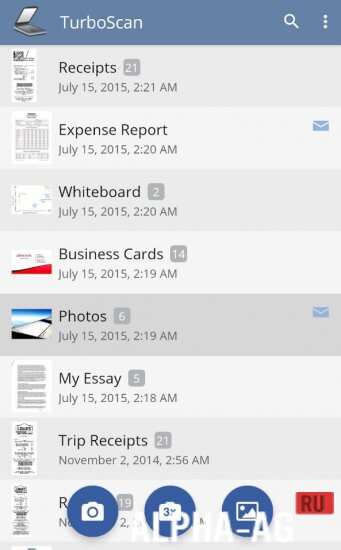
Easily organize your paperwork by renaming, archiving, and searching files in-app, while also duplicating pages across files or fine-tuning brightness, color filters, and orientation with one tap.
Core Highlights
Beyond high-speed scanning, TurboScan delivers unmatched convenience by letting you assemble several receipts or business cards onto one PDF sheet and effortlessly launch your PDFs or JPEGs in cloud services such as Google Drive, Dropbox, Evernote, and Yandex.Disk.
Moreover, TurboScan pairs swift processing with lightweight file output. Pages scan within seconds, producing compact PDFs perfect for rapid email sharing—making it an indispensable tool for on-the-go scanning whenever you need it.
Additional Info:
- OS Requirement: Android 5.0 and up
- Content Rating: 3+
- Russian Language Support: Available
- OBB / Cache: No extra data needed
Version: 1.7.1 | GameMod.dev Rating: 9/10 | Related Apps: ABBYY FineReader, Caller Name Announcer, Chatroulette, EZVIZ
Join Our Community on YouTube!
Leave a Review
How to install
- Download the APK file above to your phone.
- Allow “Install unknown apps” when prompted.
- Open the downloaded APK and tap Install.
- If the package includes OBB/XAPK data, follow the bundled instructions.
MOD APKs are modified builds, so Play Protect may show a warning. Install only if you trust the file; use at your own risk.