
Screenshots

Description
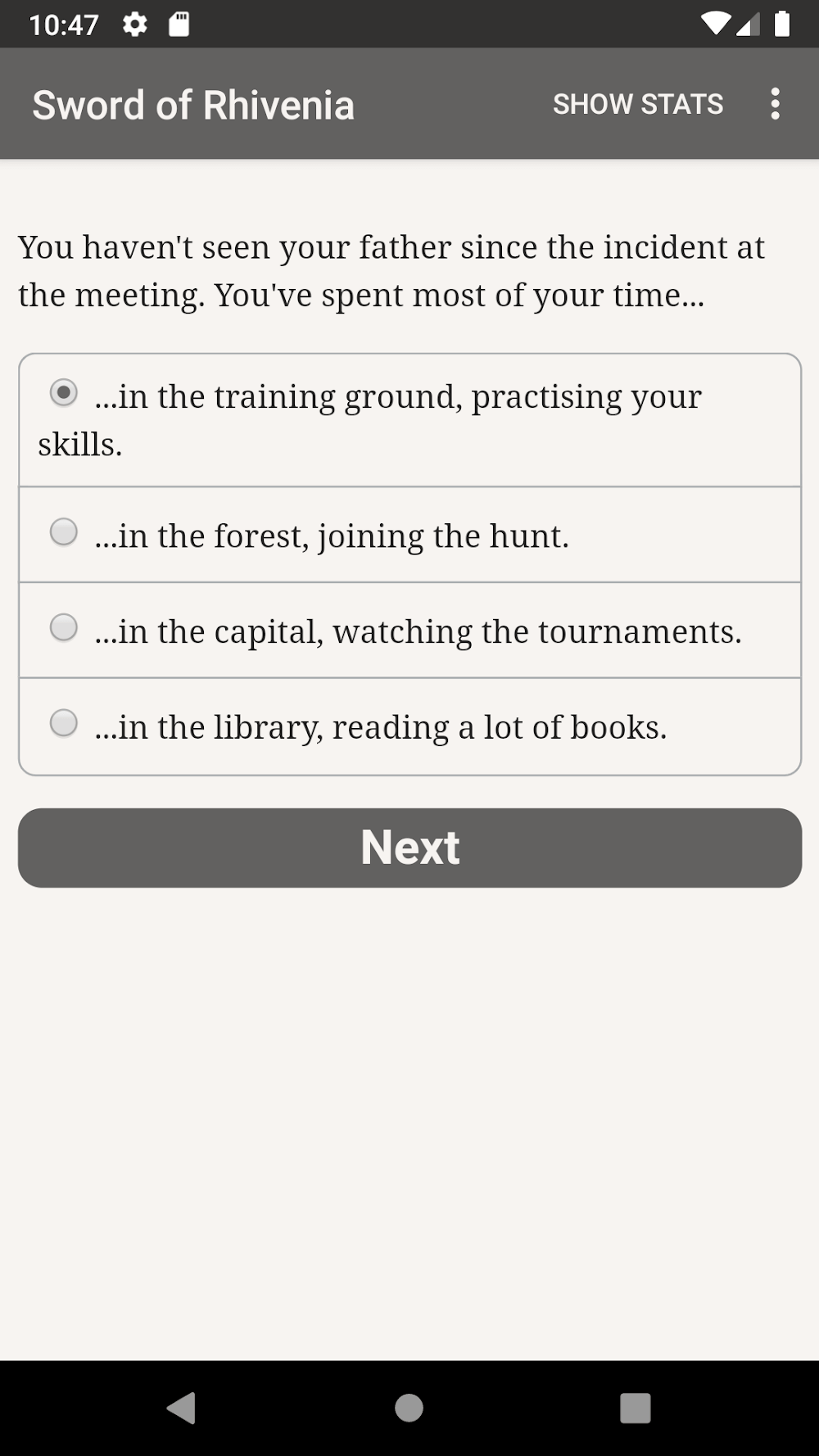
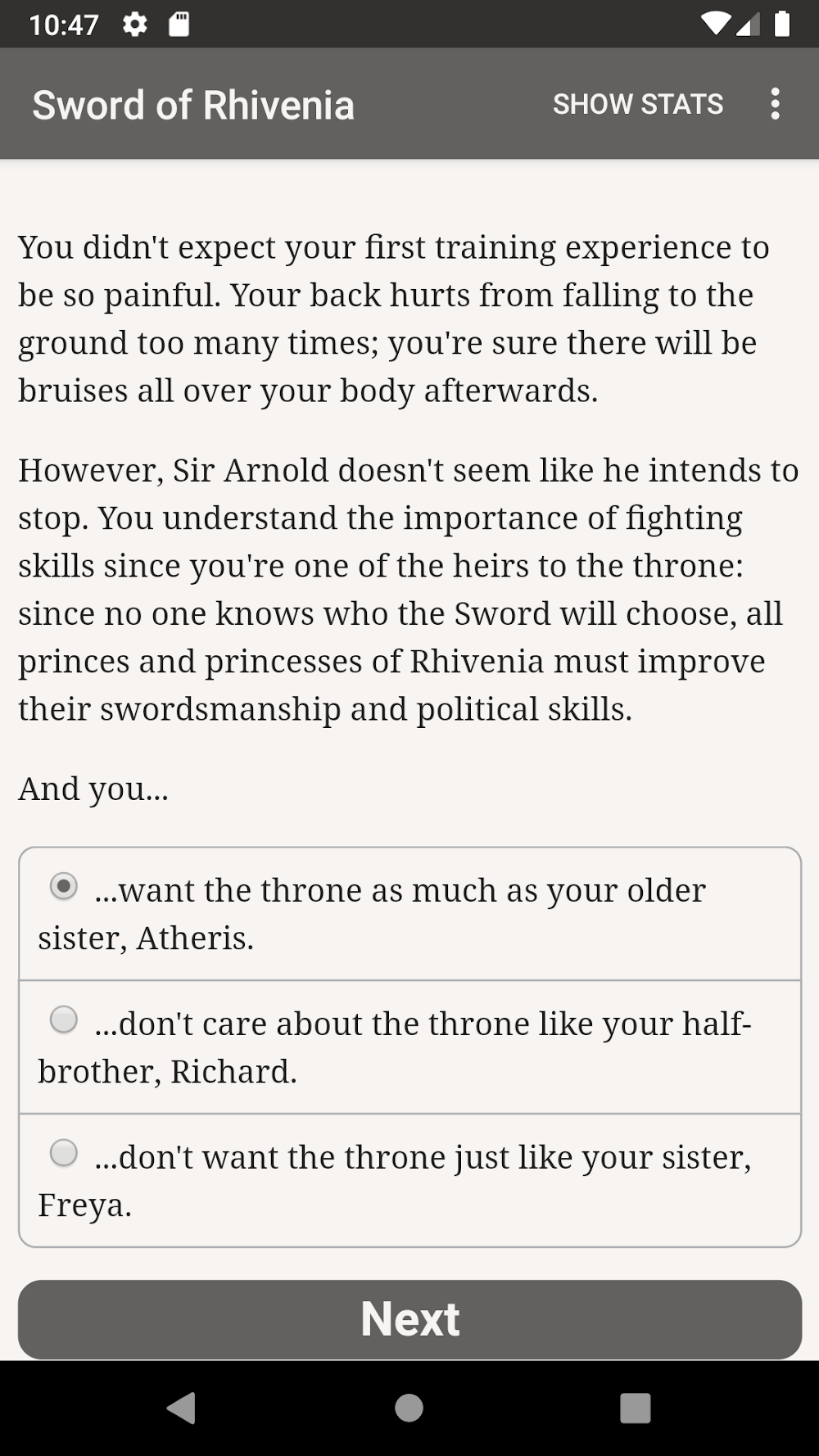
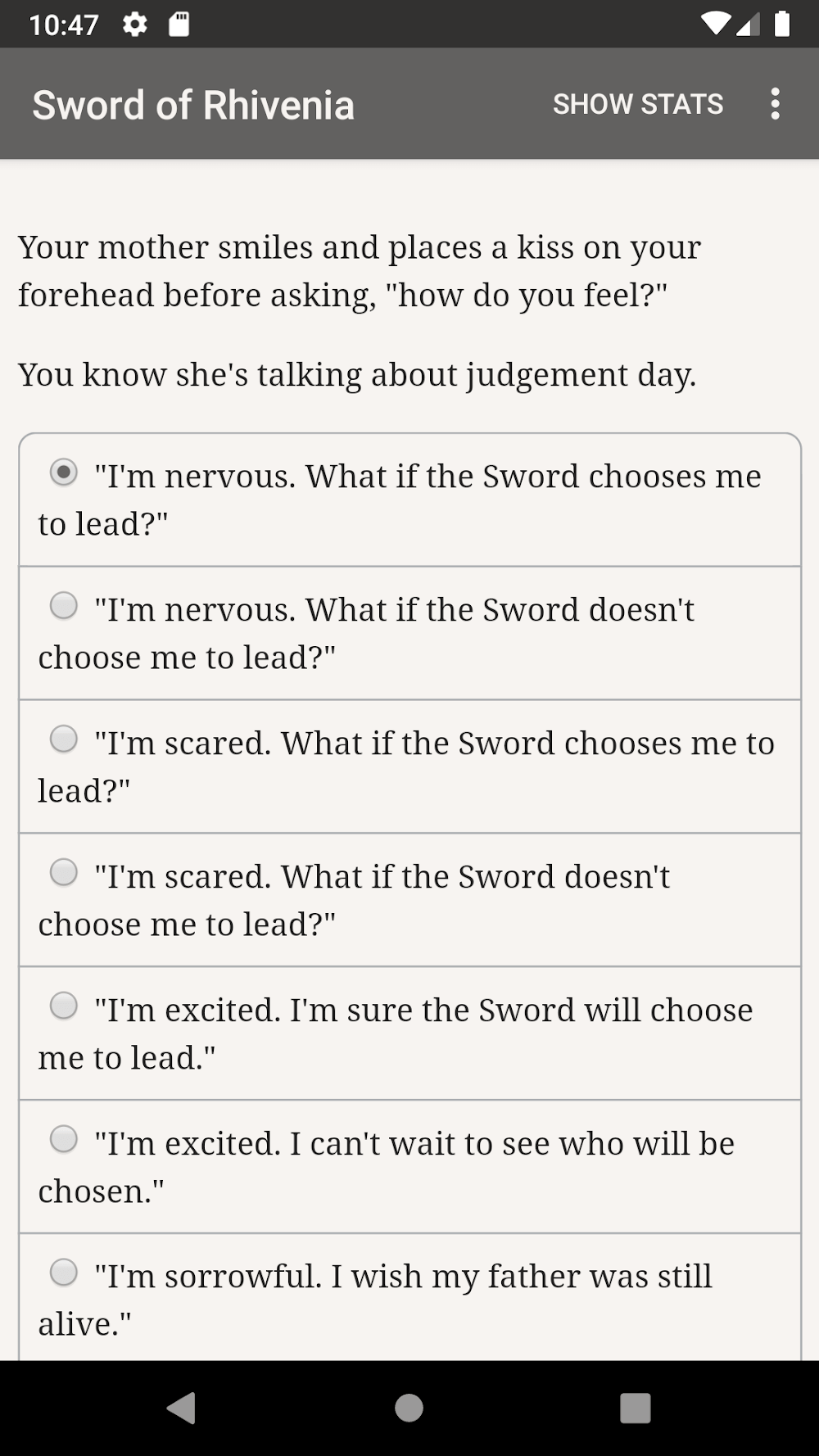
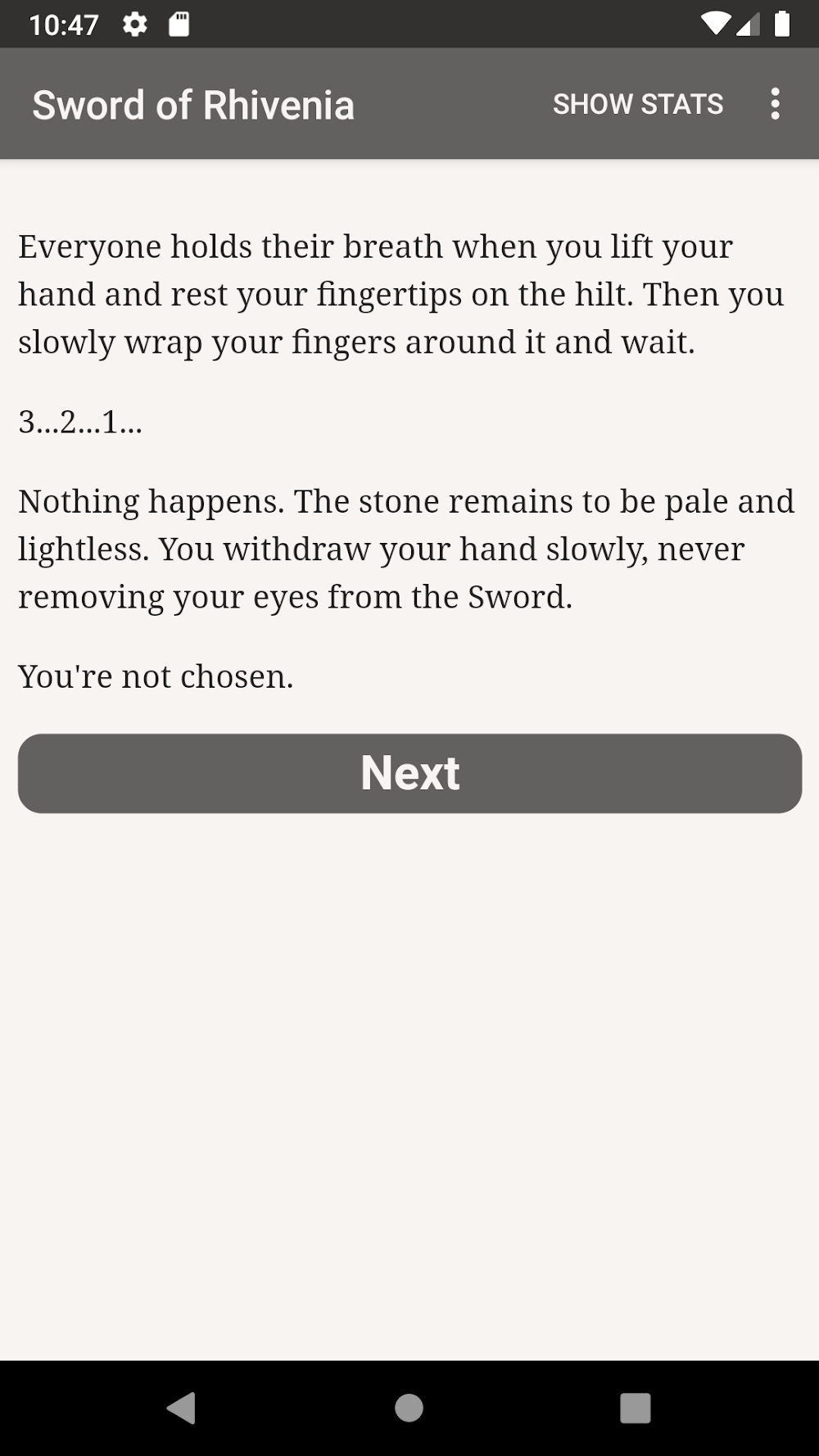
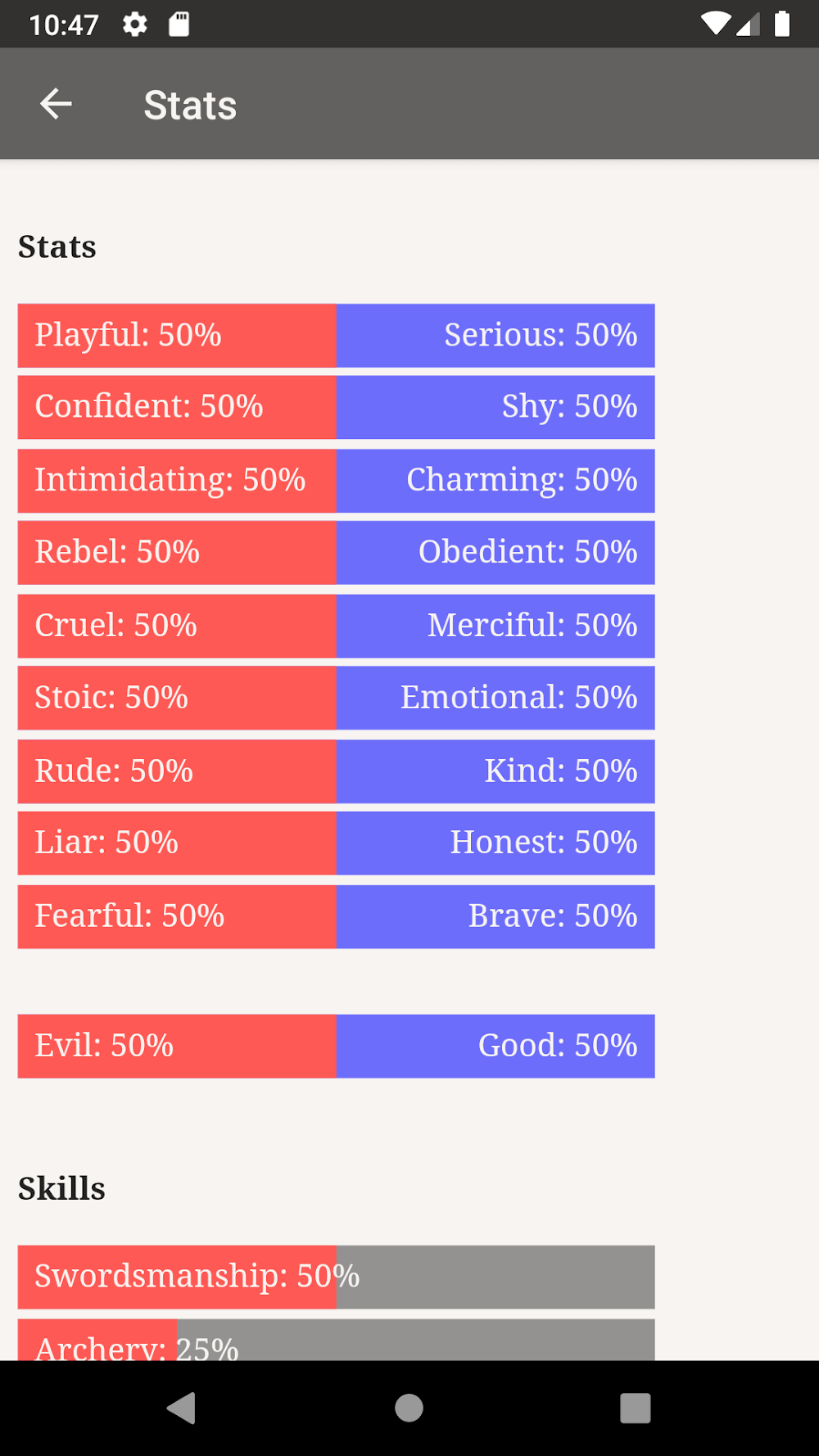
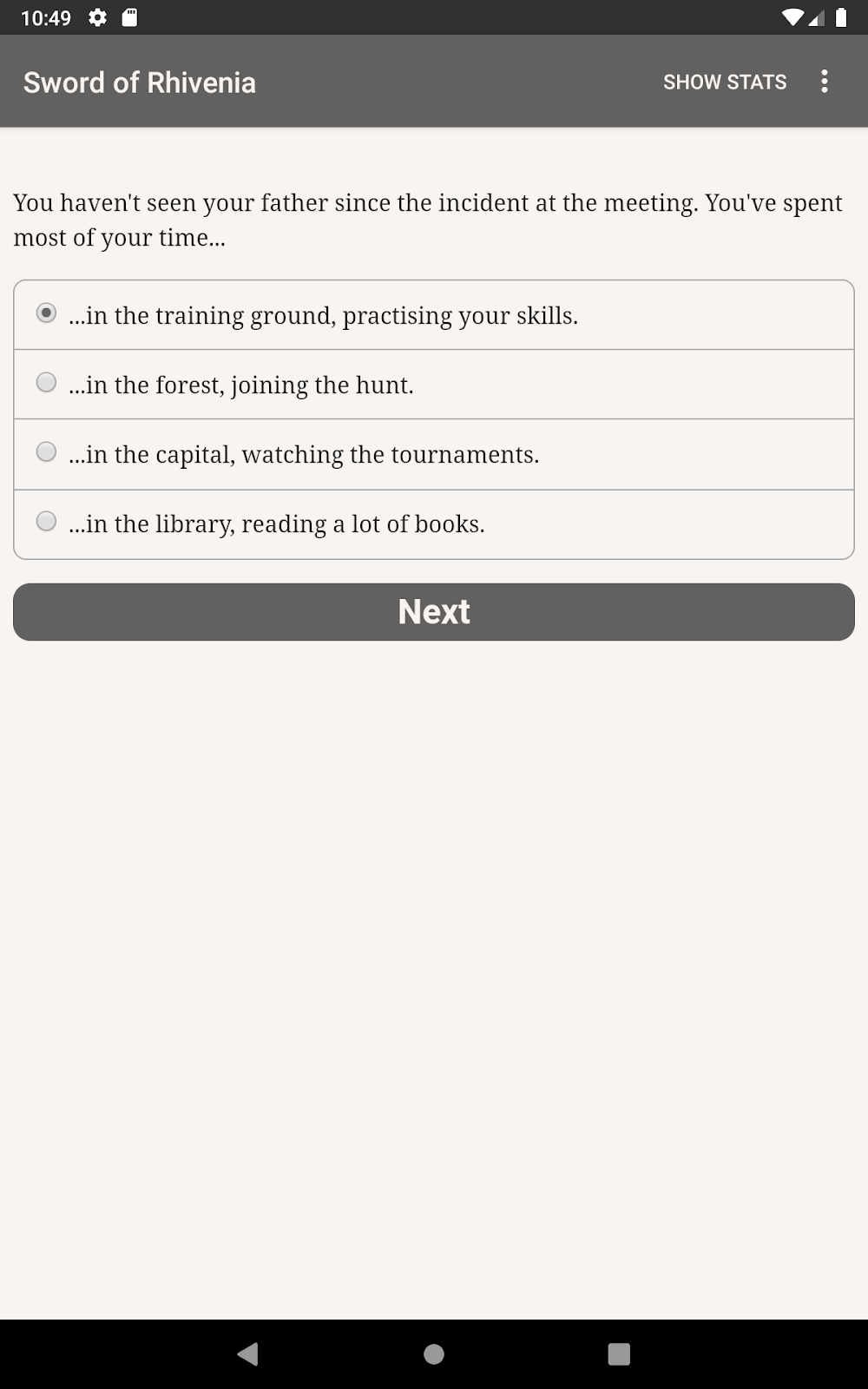
Centered around a fierce royal succession conflict, The Sword of Rhivenia plunges you into a kingdom torn apart over a legendary relic. Bitter resentment brews across the royal bloodline because an enchanted blade alone chooses who takes the throne. As open rebellion erupts, you get to choose whether to plunge headfirst into the turmoil or remain cautiously on the sidelines. Every decision directs the storyline down unique paths while reshaping your protagonist's core attributes. The game's clean, minimalist layout keeps all essential narrative details easily readable, demanding careful tactical reflection whenever you weigh your options.
The Battle for the Throne
The tragic chronicle of three royal brothers unfolds at the heart of The Sword of Rhivenia. Despite each prince fiercely desiring the royal crown, the magical blade singled out only Charles. A prolonged, bloody war inevitably followed, though destiny dictated the final outcome: Prince Charles stood as the sole survivor, eventually rising as an illustrious ruler of Rhivenia. His long era of prosperity flourished until his death, which unleashed fresh chaos across rival factions vying for ultimate authority. Stepping into the shoes of a potential heir, it falls upon you to see whether history repeats this brutal cycle.
Become the Best Successor
Set against an unpredictable backdrop of political intrigue, the gripping narrative immediately hooks your interest. Traveling alongside your protagonist through dynamic story chapters, you will make pivotal decisions that directly mold your character's stats through various events. The boundary between righteousness and villainy remains razor-thin, shifting drastically whether you forge faithful bonds or betray close companions. Choosing between an ordinary existence and ascending to supreme greatness lies entirely in your hands, yet only the contender deemed worthy by the holy blade will ultimately wear the crown.
How to install
- Download the APK file above to your phone.
- Allow “Install unknown apps” when prompted.
- Open the downloaded APK and tap Install.
- If the package includes OBB/XAPK data, follow the bundled instructions.
MOD APKs are modified builds, so Play Protect may show a warning. Install only if you trust the file; use at your own risk.