

Screenshots
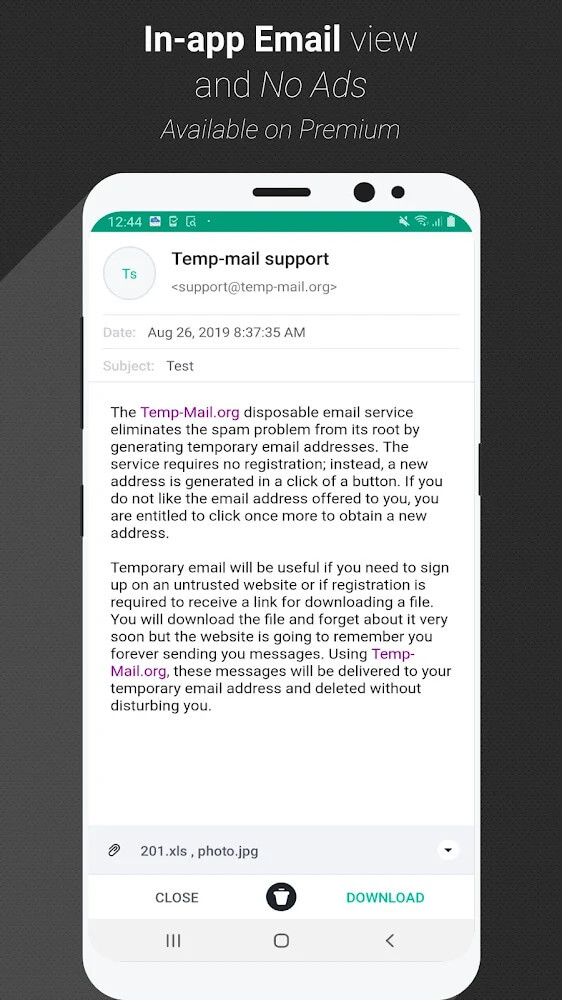
Description
This Temp Mail MOD APK unlocks the premium features of the app, including expanded storage capacity, and removes all ads from the interface. Users can manage disposable email addresses with the full upgraded experience right after installation.
What's Modified in Temp Mail
- Premium Unlocked activates the extended storage capacity found in the upgraded version of the app.
- This modification strips out every advertisement, giving you a clean, uninterrupted experience.
This build is version 4.09, is 17 MB in size, and uses the package name com.tempmail. Because it is a re-signed file, it cannot be installed over a copy downloaded from the official store.
About Temp Mail
Temp Mail lets you receive emails without handing over your personal information. Email is required for countless services, and using your personal address for every sign-up can be inconvenient and risky. The developers of Temp Mail recognized this and built a simple way to create as many disposable addresses as you need. Temp Mail is a straightforward, web-based application. You can generate addresses for tasks you'd rather not tie to your personal inbox, then discard them once you're finished. You can also set time limits on each address, and keeping your email private becomes effortless when a website demands one.
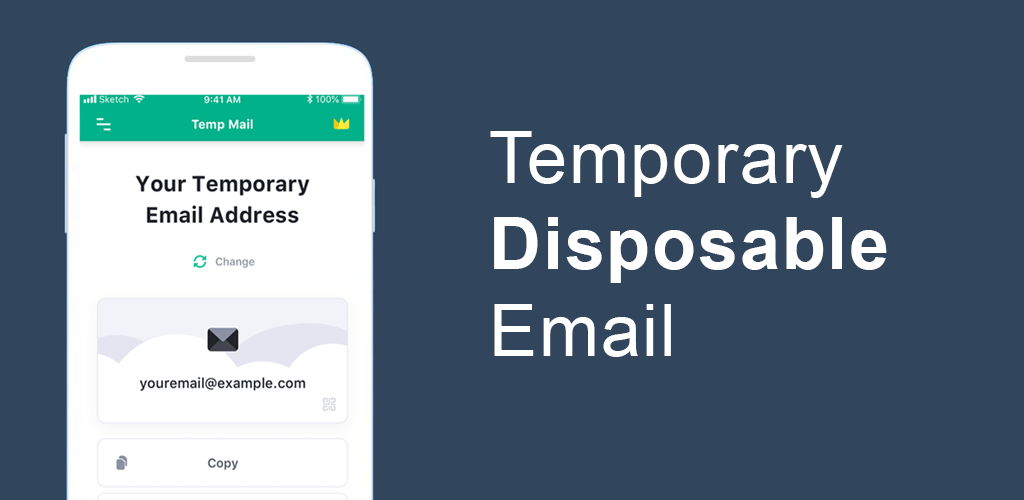
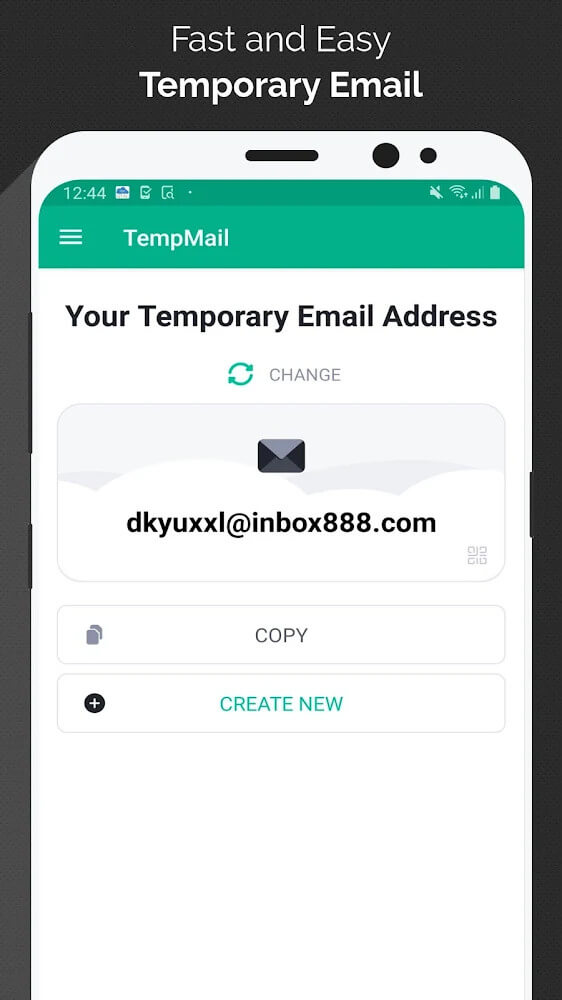
The interface makes it easy to move around the app and reach its core functions. When you open the app, a temporary email address appears on screen, with a button beside it to generate a new one. You can use this address to sign up for services you rarely use or to access content that requires an email for downloads. A copy function lets you grab the address in one tap, and you can also share it by scanning a QR code. These options are designed to make generating an address and putting it to use feel seamless.
The change button is central to the app. Pressing it creates a fresh email address and a new starting point for your next conversation. Before switching, the app shows a confirmation prompt so you don't accidentally delete messages or documents still sitting in your inbox. This gives you a chance to save anything you've received. To improve the overall experience, the app lets you manage your addresses and conversations freely. It will also alert you if you seem to be leaving unread emails behind. Your received messages and files stay in place until you decide to remove them yourself.
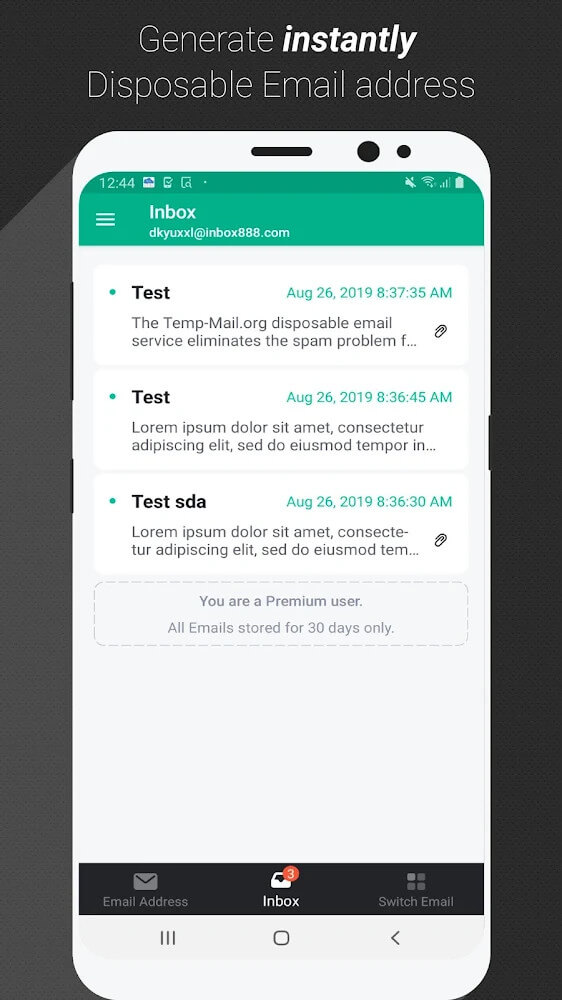
The inbox sits right next to the main screen and is connected to the button that creates new addresses. Every message sent to your temporary address lands here, much like a traditional email account. You can read messages and open any files that were sent to you, and save those files to your device. This comes in handy when your regular email is overwhelmed with spam, since you can still receive emails and attachments through the app and view them directly within it.
You don't need to be fluent in English to use the app, because its interface can be translated into several languages. Like other email apps, the features for creating addresses and reading messages are the ones people use most. A simple layout and multilingual support make the app accessible to users of all experience levels, helping them send and receive email while keeping their privacy intact.
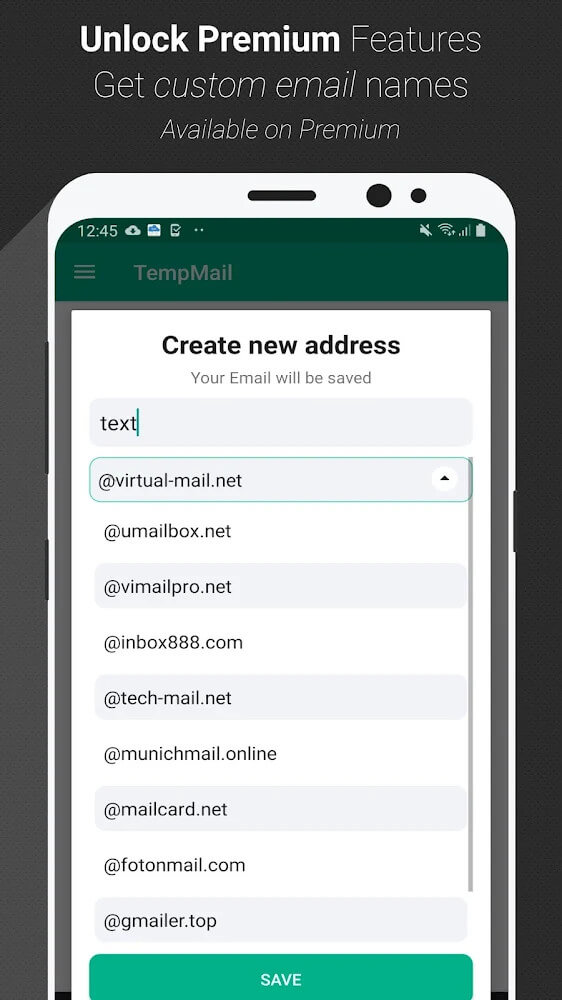
The enhanced version of the app adds extra features for heavy users. Its larger storage allowance lets people keep their temporary email active for longer and use it for less critical tasks. The standard inbox screen is crowded with ads, whereas the premium version removes them entirely, resulting in a cleaner and more pleasant interface. It is built with people who rely on temporary email for their daily activities in mind. These users can opt into the premium features for a fee to manage their messages more efficiently and with less effort.
Key Features
- Generate a temporary email address instantly, with no registration required
- Scan a QR code to acquire an email address
- Inbox tab for receiving messages and many types of files
- Change button to refresh your active email address
- Confirmation prompt to prevent accidental data loss
- Multi-language support across the interface
- Download email attachments
- Generous storage for temporary communications
Related MOD APKs
- Truecaller
- Telegram
- Truecaller
- Psiphon Pro
FAQ
Is Premium unlocked in the Temp Mail MOD APK?
This Temp Mail version 4.09 comes with Premium Unlocked. It works just like the official Privatix Limited release, with every feature available as soon as the installation is complete.
What is the latest version of the Temp Mail MOD APK?
Version 4.09 matches the Privatix Limited release dated August 26, 2026. We do not keep older versions on GameMod.dev. To update, install this file over your existing app; if you encounter a signature conflict error, uninstall the old version first and try again.
Is the Temp Mail MOD APK safe to download?
This Temp Mail 4.09 build from Privatix Limited changes only the Premium Unlocked feature. It has a rating of 3.5 from 210 users. No root access is needed. You may see Play Protect warnings during setup, which you can safely ignore, and for the correct file, always download from this page on GameMod.dev.
Can I use the Temp Mail MOD APK on PC or iPhone?
This Android file will not run on iPhone. To use it on a PC or Mac, install an emulator such as BlueStacks or LDPlayer, then drag the 17M APK into the emulator window to get started.
How to install
- Download the APK file above to your phone.
- Allow “Install unknown apps” when prompted.
- Open the downloaded APK and tap Install.
- If the package includes OBB/XAPK data, follow the bundled instructions.
MOD APKs are modified builds, so Play Protect may show a warning. Install only if you trust the file; use at your own risk.