

Screenshots
Description
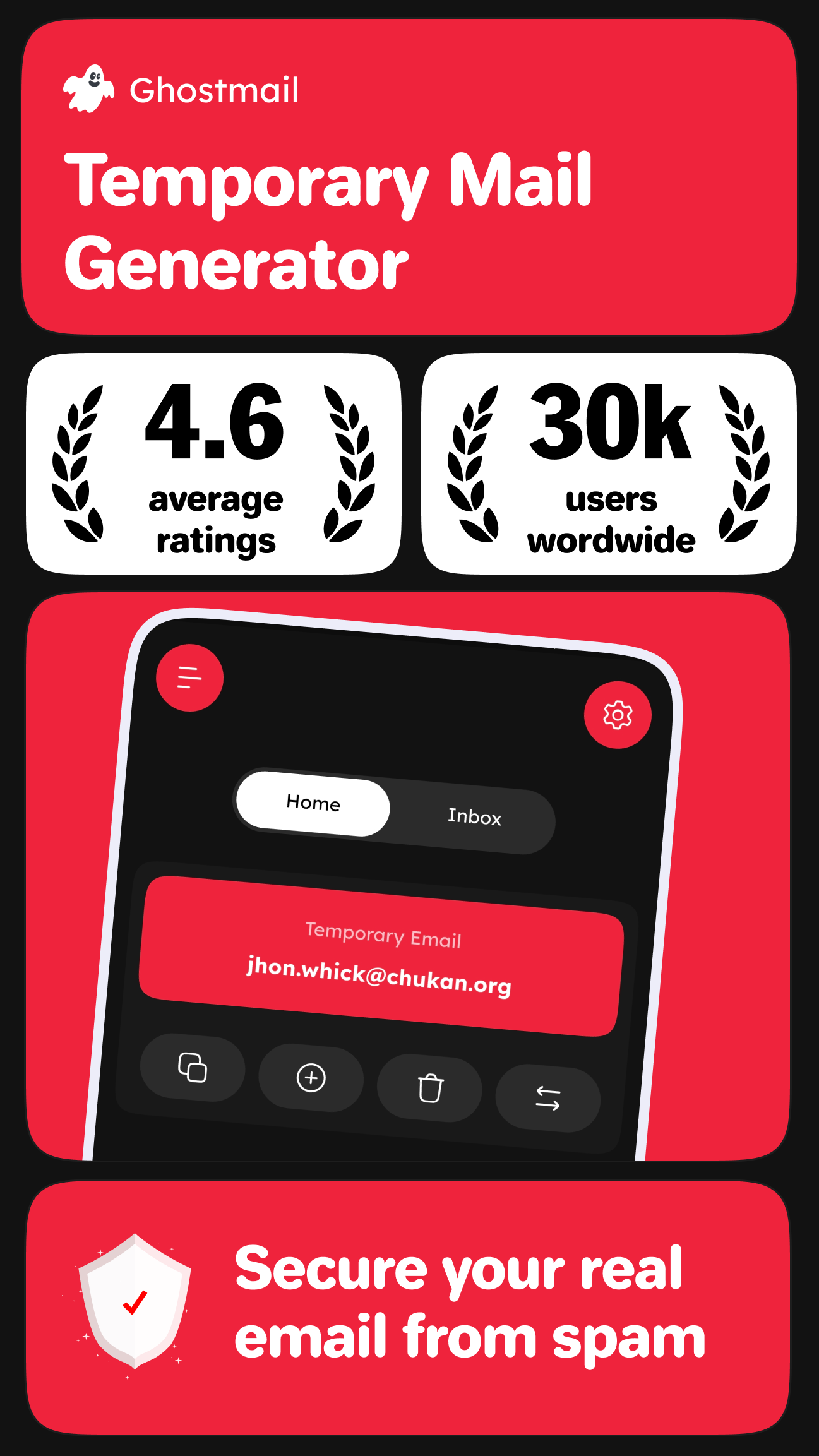
Keep your inbox private with instant disposable emails. Receive messages securely, dodge spam, and stay anonymous with Temp Mail by GhostMail.
This Temp Mail by GhostMail MOD APK comes with Premium Unlocked status, giving you every feature of the app without paying for a subscription. Once installed, the complete set of disposable email management tools is ready to use right away.
What's Modified in Temp Mail by GhostMail
- Unlocks full access to premium features and advanced settings in the app, removing the limits found in the standard version.
Version 1.1.0 of the Temp Mail by GhostMail MOD APK is 14 MB and uses the package name designify.ghost.tempmail. Because it is a re-signed build, it cannot be installed over the official version from the app store.
About Temp Mail by GhostMail
Today's internet users care a great deal about privacy. Many online services ask for an email address before you can use them. Temp Mail by GhostMail lets you use temporary email addresses so your main address stays protected. Its core purpose is to provide disposable email addresses. With them, you can keep spam and junk mail away from your primary inbox and use online services without ever sharing your real address. Temp Mail helps you stay anonymous online and communicate or complete everyday tasks without exposing your main email.
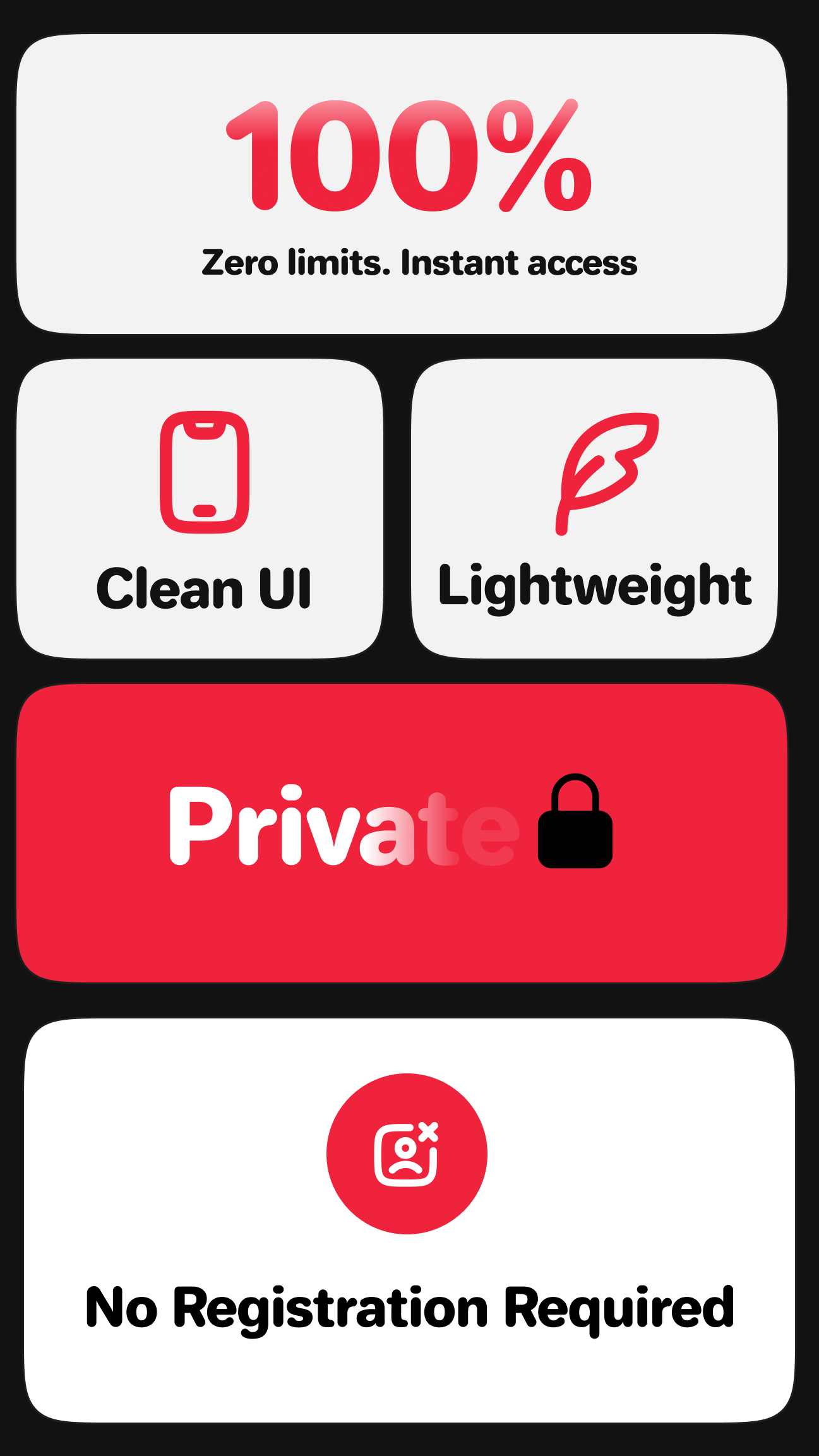
The app generates temporary email addresses instantly. Normally, email providers require plenty of personal details, but here there is no registration, and you never have to share your name or other information. You don't even need an account. Simply interact with the interface to create a new address. These addresses are ready in seconds and are handy for receiving verification codes or links that you need to click to finish a task. They can also receive regular emails over the Simple Mail Transfer Protocol (SMTP). Compared with a traditional email address, they are far quicker to set up and offer many advantages, letting you give an address to websites or apps without dealing with the hassle of a conventional account.
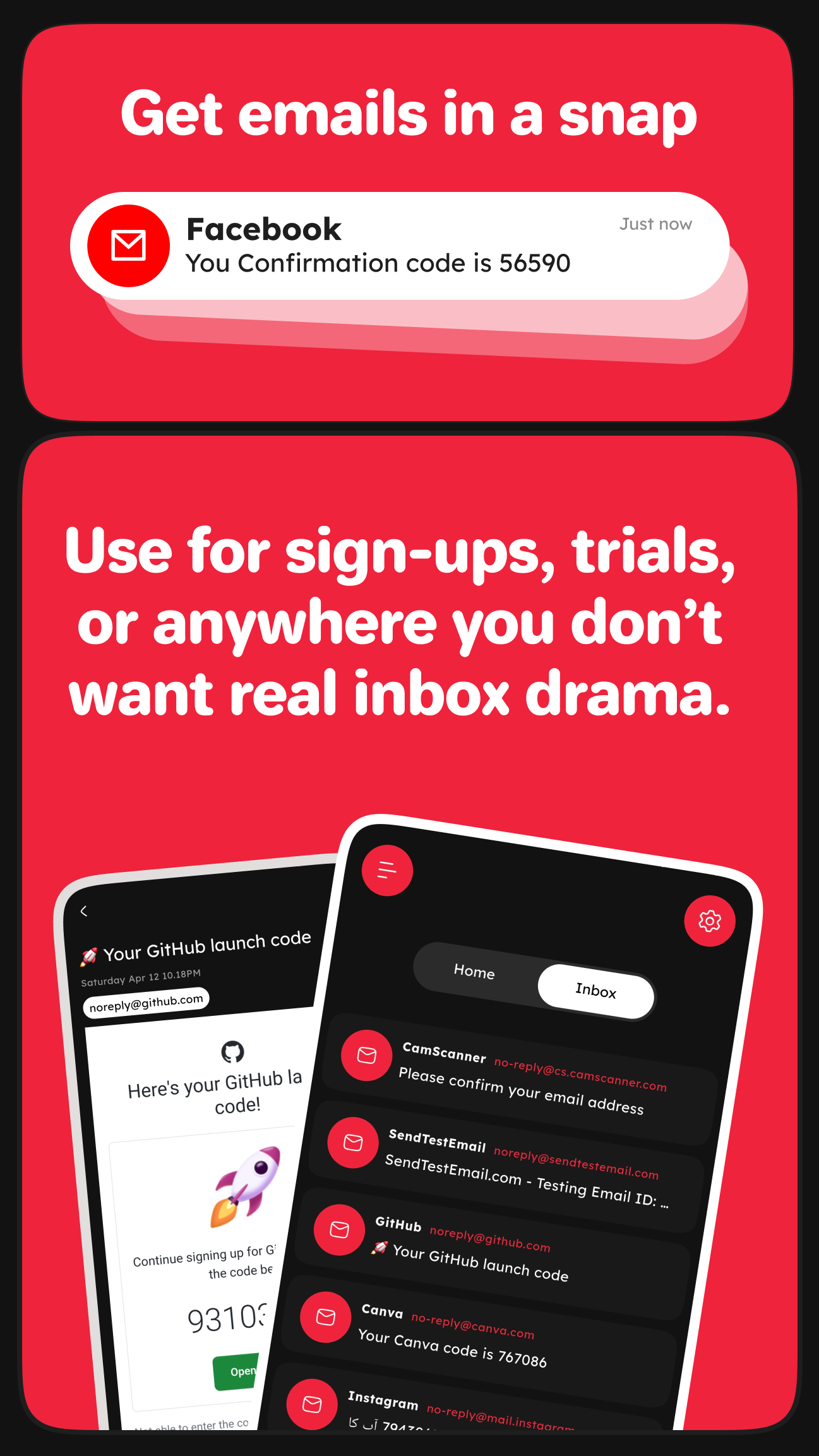
A user-friendly interface makes handling incoming messages simple. Once you generate an address and start using it, the app automatically collects every incoming message into its built-in inbox, where you can review them. From there, you can read, manage, or delete messages, and copy any links or codes they contain for verification. The app can process emails that include HTML code and formatting. It keeps the focus on the message you are reading or managing and periodically clears the local inbox, so the interface stays clean and easy to navigate. The design centers on your messages rather than on learning how the app works, so you don't need any prior experience with disposable email services. Every message is shown and easy to open from the message list.
Auto-delete emails are a key part of the app's security and data health features. As the name implies, emails and inboxes are automatically removed after a set period of time. Once the data is deleted, the temporary email address can no longer be accessed and the entire communication history disappears with it. This automatic deletion is built into the app's privacy design, so messages are never kept for longer than necessary. The same approach keeps the user's digital footprint from building up over time. Because the data is removed on a regular schedule, the app becomes difficult to trace in the long run. Over time, the email addresses used for communication cease to exist, so no messages can be linked back to the services they were used for. Communication history is kept only briefly, and emails are deleted automatically, which helps protect the privacy and security of the user's communications.
Users can make use of many features in the app, depending on what they need. One common use is evaluating software applications and online services. To try out a new app, users often have to sign up first, and the app generates a temporary email address for that purpose. The same address can be used to register for time-limited free trials of online services, which frequently ask for an email address upfront. Free trials often come with reminder messages and follow-up notifications once the trial ends. A temporary address keeps these unwanted emails out of the user's personal inbox. The app makes it easy to create a temporary address and copy it with a single tap, so it can be pasted straight into sign-up forms in a mobile browser. This lets users stay focused on evaluating the app or service they are interested in.
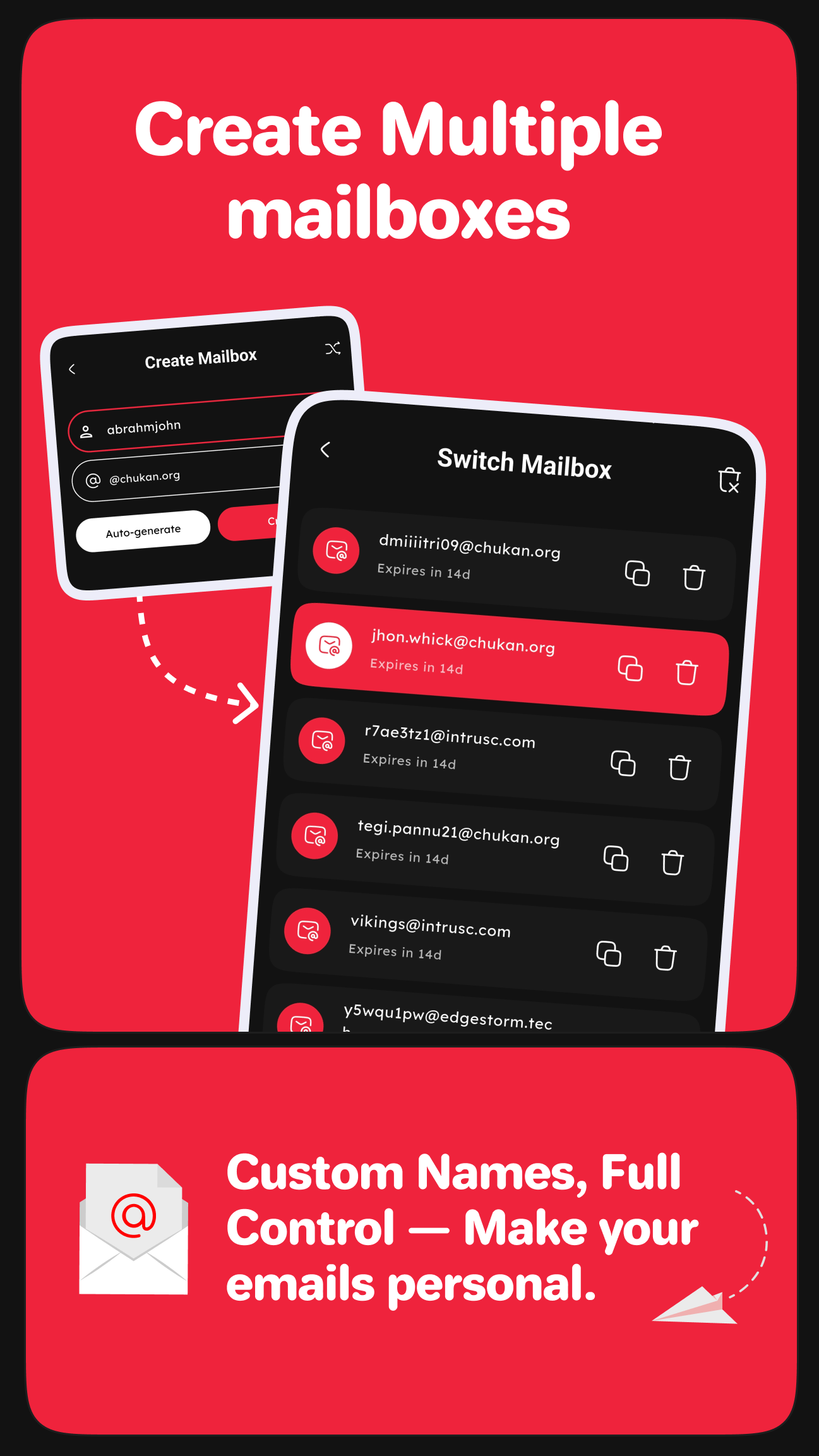
Temp Mail by GhostMail's multiple email support feature is available to users of every skill level. It lets customers manage several temporary email addresses from within the Temp Mail app, a capability few other email apps offer. Each address works independently and only receives messages sent to that specific address. This gives Temp Mail a multi-inbox solution that many competing email apps cannot match. The app is built around helping users handle their short-term communication needs. Recognizing that many people want to cut down on spam and promotional emails, Temp Mail provides a range of tools and features designed for exactly that purpose. This remains the app's core focus: an easy-to-use, quick-loading application that helps users manage their communication and promotional email needs.
Key Features
- Instant Temporary Email Creation
- Spam Protection
- Anonymous and Secure
- Receive Emails Instantly
- Auto-Delete Emails
- User-Friendly Interface
- Easy Copy and Share
- No Registration Required
- Multiple Email Support
Related MOD APKs
- Truecaller
- Telegram
- Truecaller
- Psiphon Pro
FAQ
Is Premium Unlocked in the Temp Mail by GhostMail MOD APK?
Version 1.1.0 of Temp Mail by GhostMail includes Premium Unlocked. It works much like the DESIGNIFY release, and all modifications take effect as soon as the installation is finished.
What is the latest version of the Temp Mail by GhostMail MOD APK?
Version 1.1.0 matches the DESIGNIFY update released on August 26, 2026. We don't host older versions. To update, install this file over your existing app. If you get a signature conflict error, uninstall the previous version before installing this one.
Is the Temp Mail by GhostMail MOD APK safe to download?
This 1.1.0 build of Temp Mail by GhostMail from DESIGNIFY comes with Premium Unlocked. It has a 4.5 rating from 19 reviews. Root access is not required. You may see a Play Protect warning, but always download from this page to make sure you get this specific mod.
Can I use the Temp Mail by GhostMail MOD APK on a PC or iPhone?
Because this is an Android file, it won't run on iPhone. To use the 14 MB file on a computer, install an emulator such as BlueStacks or LDPlayer, then drag the app into the emulator window to start the installation.
How to install
- Download the APK file above to your phone.
- Allow “Install unknown apps” when prompted.
- Open the downloaded APK and tap Install.
- If the package includes OBB/XAPK data, follow the bundled instructions.
MOD APKs are modified builds, so Play Protect may show a warning. Install only if you trust the file; use at your own risk.