
Screenshots

Description
- Home /
- Editor's Choice
SwiftKey Keyboard 9.13.18.4
- Editor's Choice
- Productivity
Microsoft SwiftKey is a smart virtual keyboard that adapts to your unique typing habits, helping you text with greater speed and accuracy. Report Developer SwiftKey Size 69.08 MB Version 9.13.18.4 Requirements 8.0 Mod Info Premium Unlocked
- Telegram
Report App
Screenshots
MOD Info
- Comprehensive Analytics and Crashlytics Disabled
- Native SwiftKey Telemetry Completely Removed
- Optimized Visual Assets and System Resources
- Integrated Select Themes from Mihz Mod
- Disabled Install Referrer Trackers
- Stripped Default .source Tag Names in Java Classes
- Removed Debugging Code
- Cleaned Up Redundant Files
- Bundled with Default English Language Pack
- Architectures: armeabi-v7a, arm64-v8a
Overview
Get the SwiftKey Keyboard MOD APK featuring all premium perks unlocked. Enjoy intelligent word suggestions, an integrated Copilot AI helper, personalized themes, and seamless multilingual input for a quicker, more intuitive typing journey.
Frustrated with constant typing errors and searching for an input tool that adapts to your voice? SwiftKey Mod APK delivers exactly what you need. Built by Microsoft, this intelligent keyboard relies on smart algorithms to boost your typing pace, accuracy, and personal convenience. By using the modified edition available on GameMod.dev, you unlock every premium enhancement at zero cost for a truly fluid workflow.
What Is SwiftKey Mod APK?
SwiftKey stands among the world's most widely used keyboard tools, relied on by countless Android users across the globe. The app quickly memorizes your vocabulary, favorite phrases, casual slang, and preferred emojis. This MOD APK takes your experience further by offering unrestricted access to exclusive themes, deep layout personalization, and Copilot AI integration with no barriers.
Key Features of SwiftKey Mod APK
Experience seamless and enjoyable typing with SwiftKey Mod APK, which offers a suite of premium tools. Here is why this keyboard is a top-tier choice:
AI-Powered Predictions
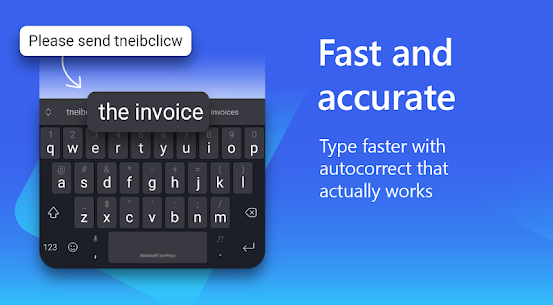
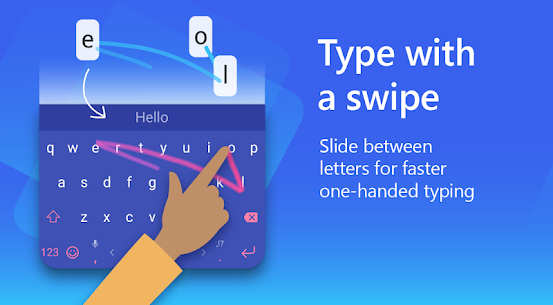
By learning your unique typing patterns, the keyboard anticipates your next words to minimize errors and accelerate your messaging. Whether you prefer tapping or swiping, SwiftKey delivers a precise and fluid experience.
Copilot AI Assistant
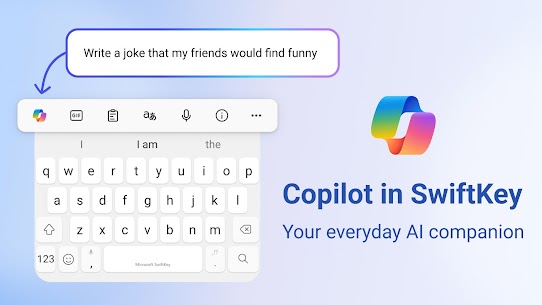
Struggling to find the right words? The built-in Copilot assistant serves as your personal AI editor, helping you refine your tone, correct grammar, and adjust your writing style on the fly.
Rich Emoji, GIF, and Stickers
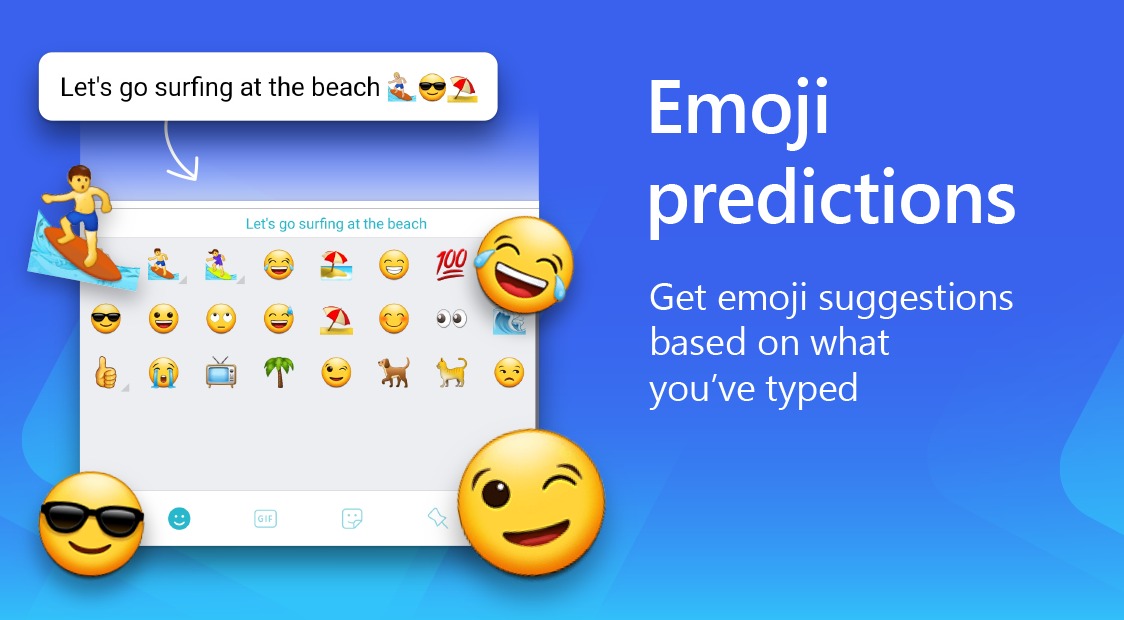
Enhance your chats with a vast collection of stickers, GIFs, and emojis. The smart AI suggests the ideal reaction for any conversation, and you can even create custom AI-generated stickers to show off your personality.
Customizable Themes and Layouts
Personalize your keyboard with a selection of over 100 themes or build your own using your personal photos. You can also resize and rearrange the layout to ensure the most comfortable typing experience for your hands.
Multilingual Typing
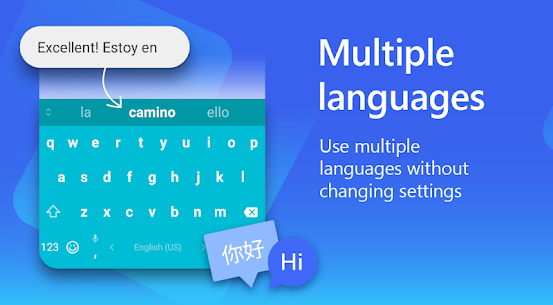
SwiftKey handles over 700 languages, letting you chat in multiple tongues simultaneously without needing to swap keyboards. From major global languages to regional dialects, communicating across borders is simple.
Why Choose SwiftKey Mod APK?
The Mod APK version unlocks the full potential of SwiftKey by removing all limitations. With all premium features enabled, you get complete access to exclusive themes, advanced personalization, and pro tools at no cost, making it the perfect tool for efficient mobile communication.
How to Install SwiftKey Mod APK
Getting started with SwiftKey Mod APK is easy. Simply download the file from GameMod.dev, ensure 'Install from Unknown Sources' is toggled on in your device settings, and complete the installation. Once finished, select SwiftKey as your primary keyboard to start using all the unlocked premium features.
Final Words
For users seeking a faster, smarter, and more tailored typing experience, SwiftKey Mod APK is an essential upgrade. Featuring intelligent AI predictions, a handy Copilot assistant, and extensive customization, it completely elevates how you communicate on your phone. Download it from GameMod.dev today.
Developer's apps
Microsoft SwiftKey Beta 9.13.18.3 SwiftKey 41.38 MB Premium Unlocked
Related apps
Facebook Messenger 583.0.0.29.95 Meta Platforms Inc. 95.95 MB Many Features Omnideck 3.2 Pleiades7Apps 10.09 MB Premium Unlocked Clipboard+ 10.13.11 CodeDAC 4.76 MB Premium Unlocked Oojao Text Editor 3.13.b195 Byte Mobile 13.82 MB Premium Unlocked Eyecon 4.2026.10.13.1239 Eyecon Phone Dialer & Contacts 62.75 MB Premium Unlocked
How to install
- Download the APK file above to your phone.
- Allow “Install unknown apps” when prompted.
- Open the downloaded APK and tap Install.
- If the package includes OBB/XAPK data, follow the bundled instructions.
MOD APKs are modified builds, so Play Protect may show a warning. Install only if you trust the file; use at your own risk.