

Screenshots

Description
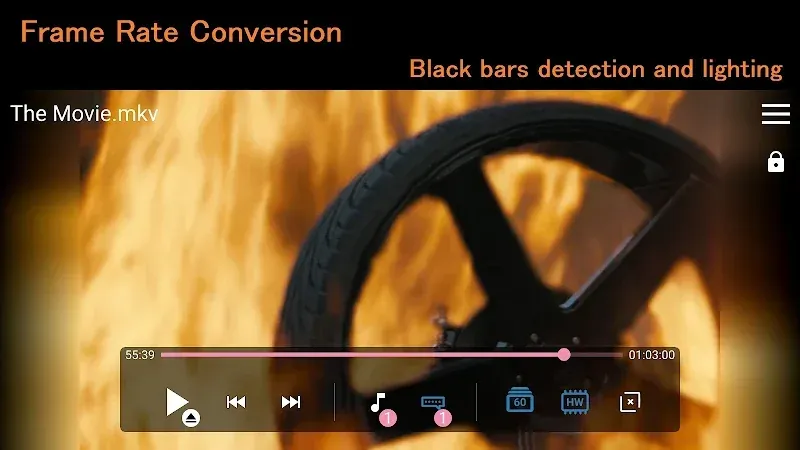
Take your mobile video playback to the next level with SVPlayer MOD APK. Powered by cutting-edge MEMC technology, it seamlessly boosts standard 24FPS clips up to an ultra-fluid 60FPS+ in real time for a true cinema-grade visual experience.
This release delivers a fully Premium Unlocked edition of SVPlayer MOD APK, giving you complete access to its entire lineup of motion interpolation tools. All limitations from the original app have been eliminated, allowing you to take full advantage of its high-frame-rate rendering engine without any roadblocks.
What's Modified in SVPlayer
- Unlocks every premium feature across the app, granting unrestricted access to advanced motion interpolation settings and high-refresh-rate playback controls right out of the box.
Version 1.8.0 comes in at 65 MB with the package identifier com.svpteam.svp; please note that because this package is re-signed, you cannot install it directly over the official Play Store release.
About SVPlayer
This innovative video player bridges the gap between classic video content and modern mobile screens. Today's smartphones frequently feature refresh rates of 90 Hz, 120 Hz, or even 144 Hz, yet standard video releases remain locked at 24, 25, or 30 frames per second. When playing high-speed scenes, displays must render consecutive pictures rapidly, often resulting in distracting motion blur and stuttering judder. SVPlayer solves this by dynamically multiplying video frame rates on the fly, outputting silky-smooth frames that make full use of modern screens for crystal-clear playback.
At the core of this app lies the renowned SmoothVideoProject (SVP) motion engine. Utilizing advanced MEMC (Motion Estimation and Motion Compensation) routines, the software analyzes adjacent frames to map out direction and trajectory. Rather than relying on simple frame blending that causes ghostly artifacts and smearing, SVP uses precise mathematical algorithms to accurately project intermediate frames, delivering a seamless, artifact-free viewing experience even in the fastest action sequences.
What sets this engine apart is its ability to execute every calculation instantaneously in real time. Unlike traditional desktop tools that force users to pre-render and export intermediate video files, SVPlayer takes full advantage of mobile GPU acceleration and hardware decoding directly on your device. This streamlined setup enables high-precision frame rate conversion on the fly with minimal battery and system strain, freeing you from tedious pre-rendering and letting you enjoy boosted videos instantly.
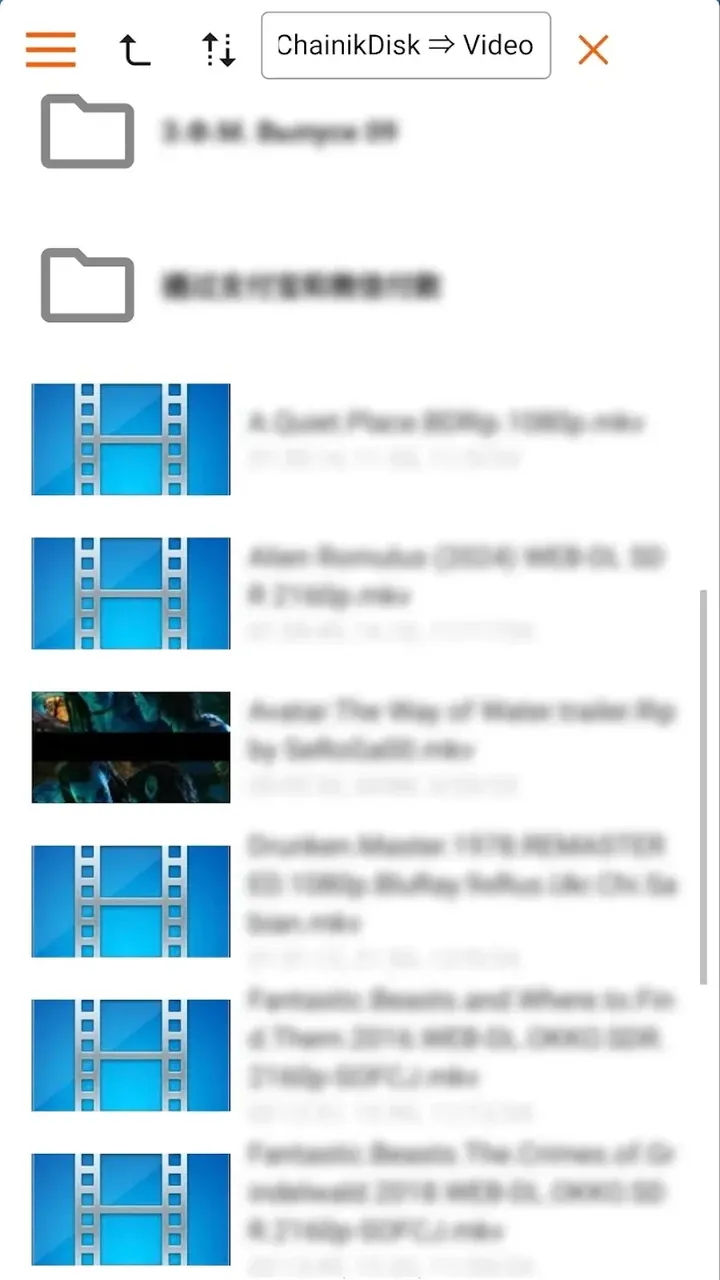
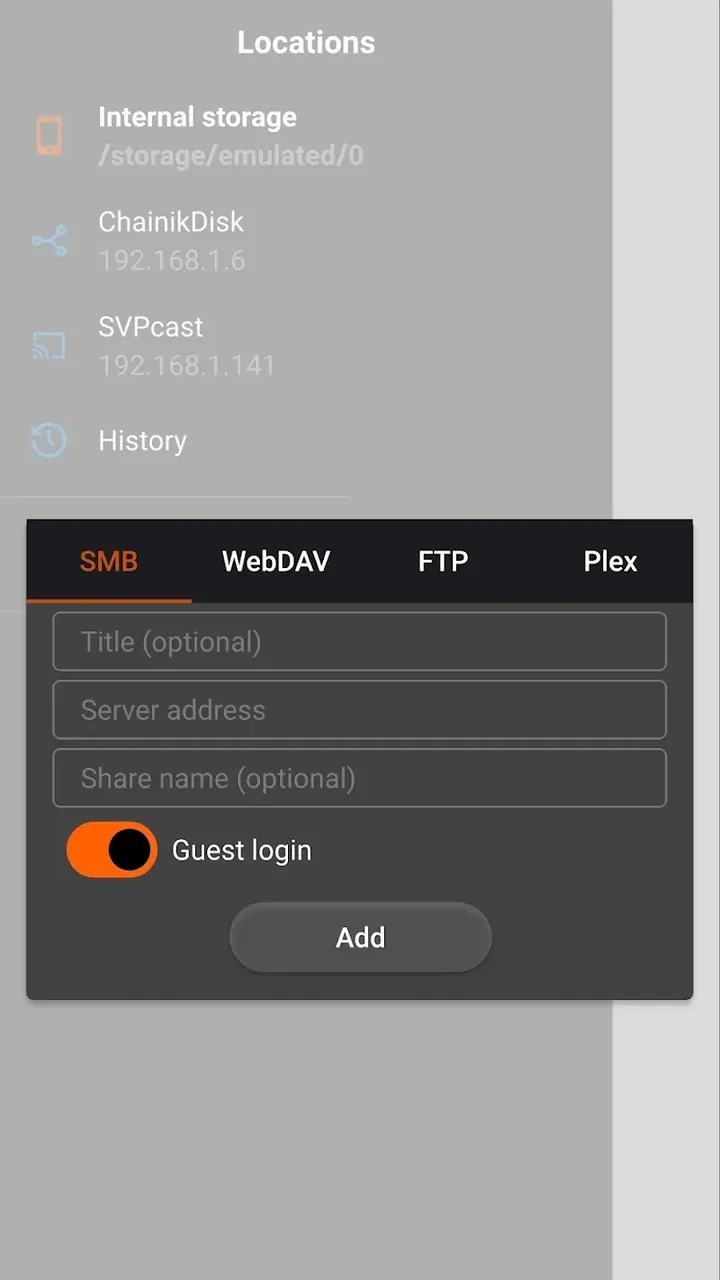
Featuring broad format compatibility, the app lets you play virtually any video file without prior conversion. Build and organize your personal media collection effortlessly, letting SVPlayer automatically boost whatever lower frame rate content you throw at it. Thanks to a built-in file manager, you can easily browse and launch clips stored on internal memory or connected storage without relying on third-party file explorers. For anyone looking to breathe new life into their video library with high-refresh playback, SVPlayer is an essential tool.
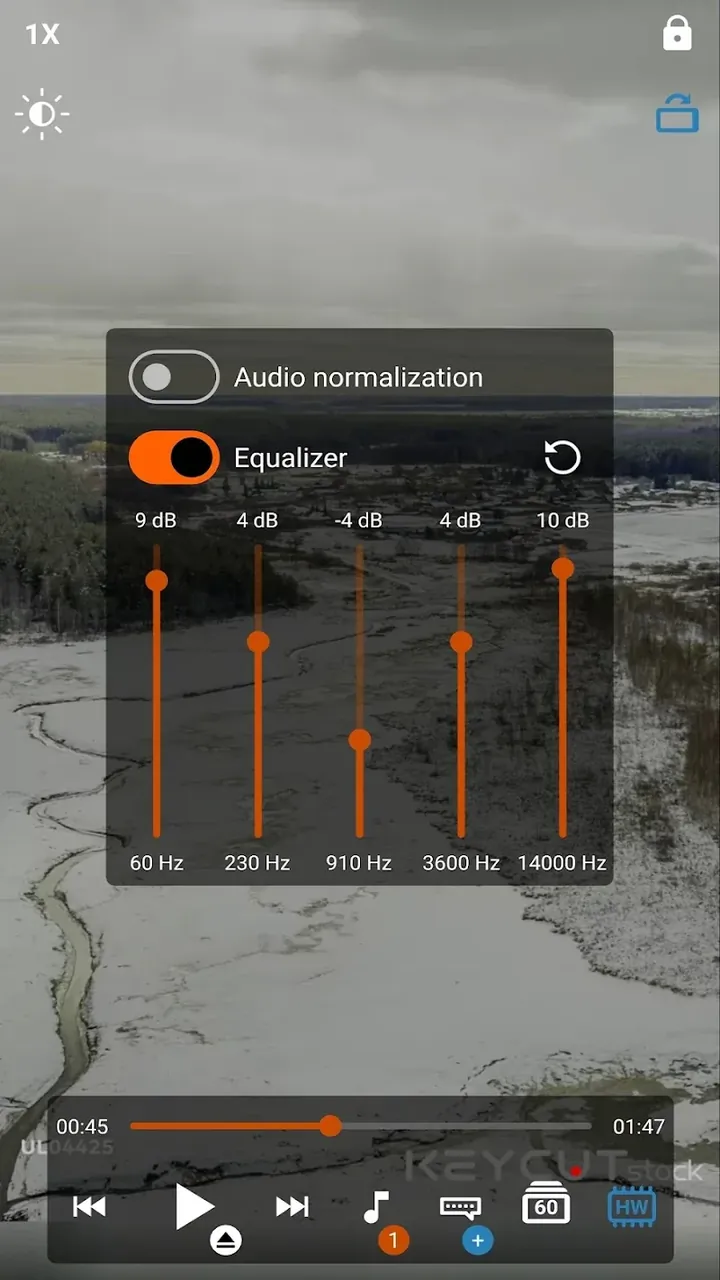
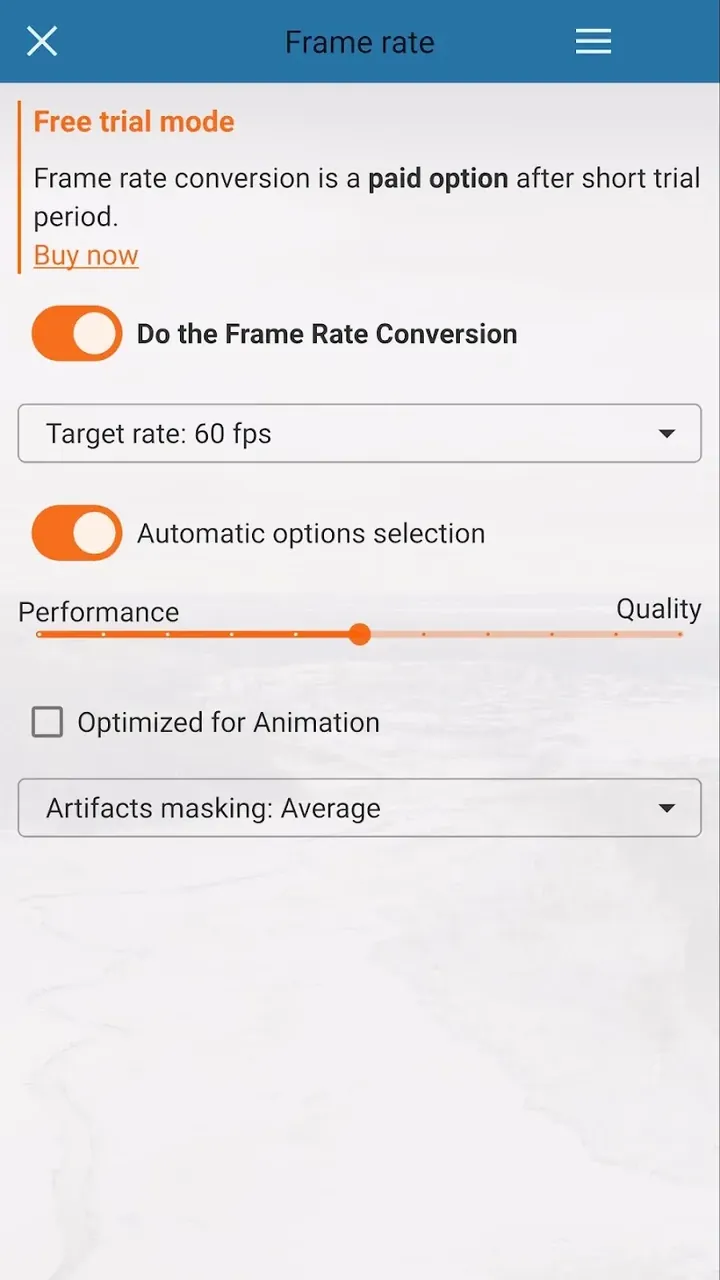
Personalization plays a pivotal role in delivering a superior user experience, which is why the application provides extensive settings to match your viewing taste. Viewers who find artificial smoothing unnatural—frequently described as the “soap opera effect”—can easily tone down the interpolation intensity. On the other hand, activating this process brings noticeable advantages, such as built-in noise and motion blur reduction. To generate smoother playback, the system analyzes motion vectors and predicts absent frames in real time. Thanks to this intelligent frame estimation, rapid action sequences and fast-moving objects look remarkably crisp. A prime example is horizontal camera panning: standard video files often suffer from choppy movement or micro-stutters during wide pans, but by rendering and inserting intermediate frames, the app completely eliminates jitter for a seamless visual flow.
Peak performance is crucial on smartphones and tablets, and this player is carefully engineered to balance powerful output with battery conservation. While breaking through mobile display boundaries, it keeps power drain remarkably low. On Apple devices, dedicated GPU decoding handles heavy rendering tasks to minimize overall CPU strain. Meanwhile, Android users benefit from fine-tuned hardware acceleration capable of processing premium H.264 and H.265 streams across multiple frame rates and custom smoothing presets. The engine extracts maximum potential from your Android chipset, going far beyond basic media playback to transform your device into an elite handheld theater.
Key Features
- Advanced MEMC Technology
- SVP Motion Interpolation Algorithms
- Real-Time 60FPS Conversion
- Universal Format Support
- Hardware Decoding Optimization
- Integrated File Browser
- Granular Interpolation Intensity Control
Related MOD APKs
- CapCut – Video Editor
- CapCut MOD
- YouTube Vanced
- FilmoraGo
FAQ
Is Premium unlocked in SVPlayer MOD APK?
Yes. In this modified SVPlayer (v1.8.0) release, all Premium features are fully unlocked. Every core function behaves identically to the official build developed by SVP Team LLP, with all VIP enhancements immediately active upon setup.
What is the latest version of SVPlayer MOD APK?
The latest available edition is v1.8.0, matching the official update rolled out by SVP Team LLP on August 26, 2026. GameMod.dev hosts only the newest release. Upgrading is effortless—simply download the fresh APK from this page and install it directly over your current build (if a package signature mismatch occurs, please remove the previous version first).
Is SVPlayer MOD APK safe to download?
SVPlayer MOD APK v1.8.0 at GameMod.dev is completely safe, featuring the genuine SVP Team LLP application package modified solely to provide Premium Unlocked. Over 43 members have given it a 4/5 rating, and root privileges are not required. A standard Google Play Protect prompt may show up due to the modified signature, so ensure you always get the clean file straight from GameMod.dev.
Does SVPlayer MOD APK remove the watermark?
Because this edition includes fully unlocked Pro/Premium privileges, you can export videos without any watermarks. Simply navigate to the export menu right after installing to verify your watermark-free outputs.
How to install
- Download the APK file above to your phone.
- Allow “Install unknown apps” when prompted.
- Open the downloaded APK and tap Install.
- If the package includes OBB/XAPK data, follow the bundled instructions.
MOD APKs are modified builds, so Play Protect may show a warning. Install only if you trust the file; use at your own risk.