

Screenshots
Description
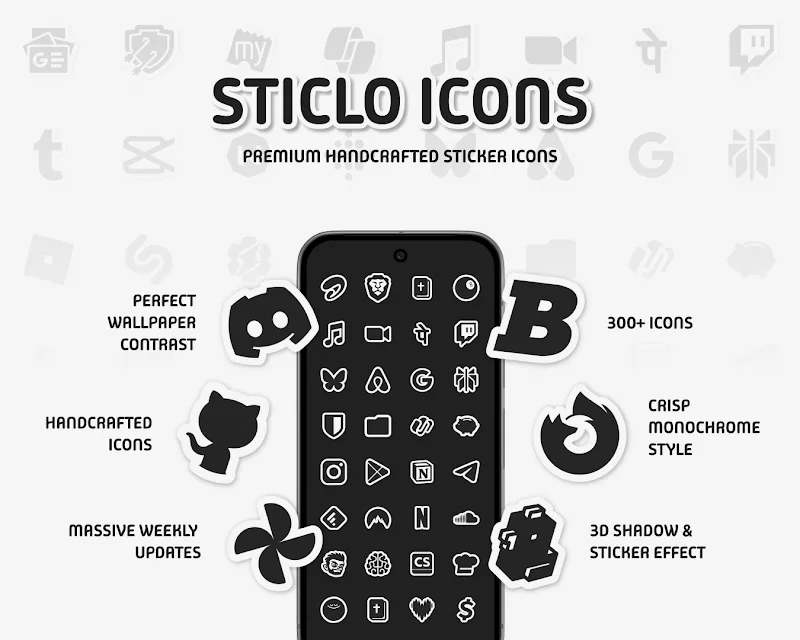
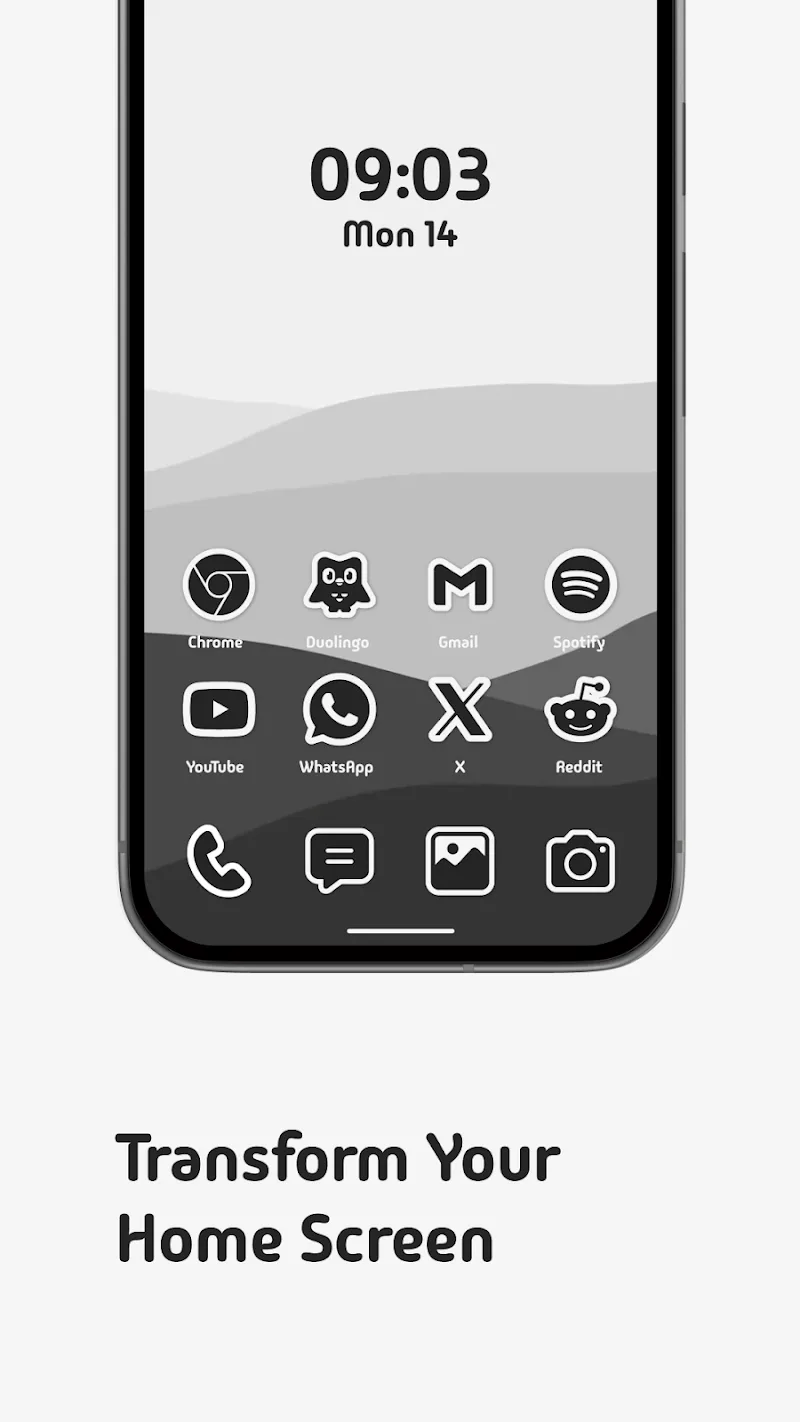
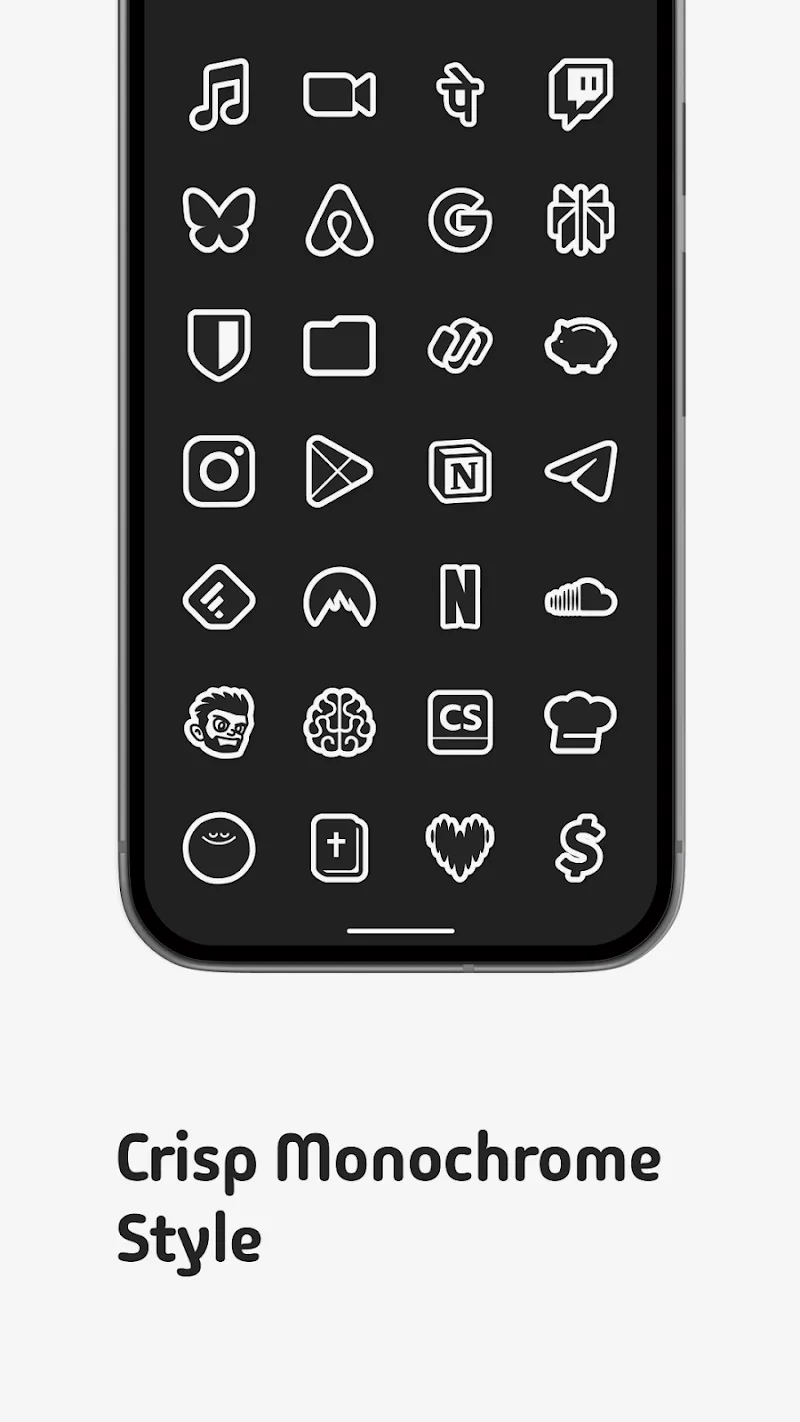
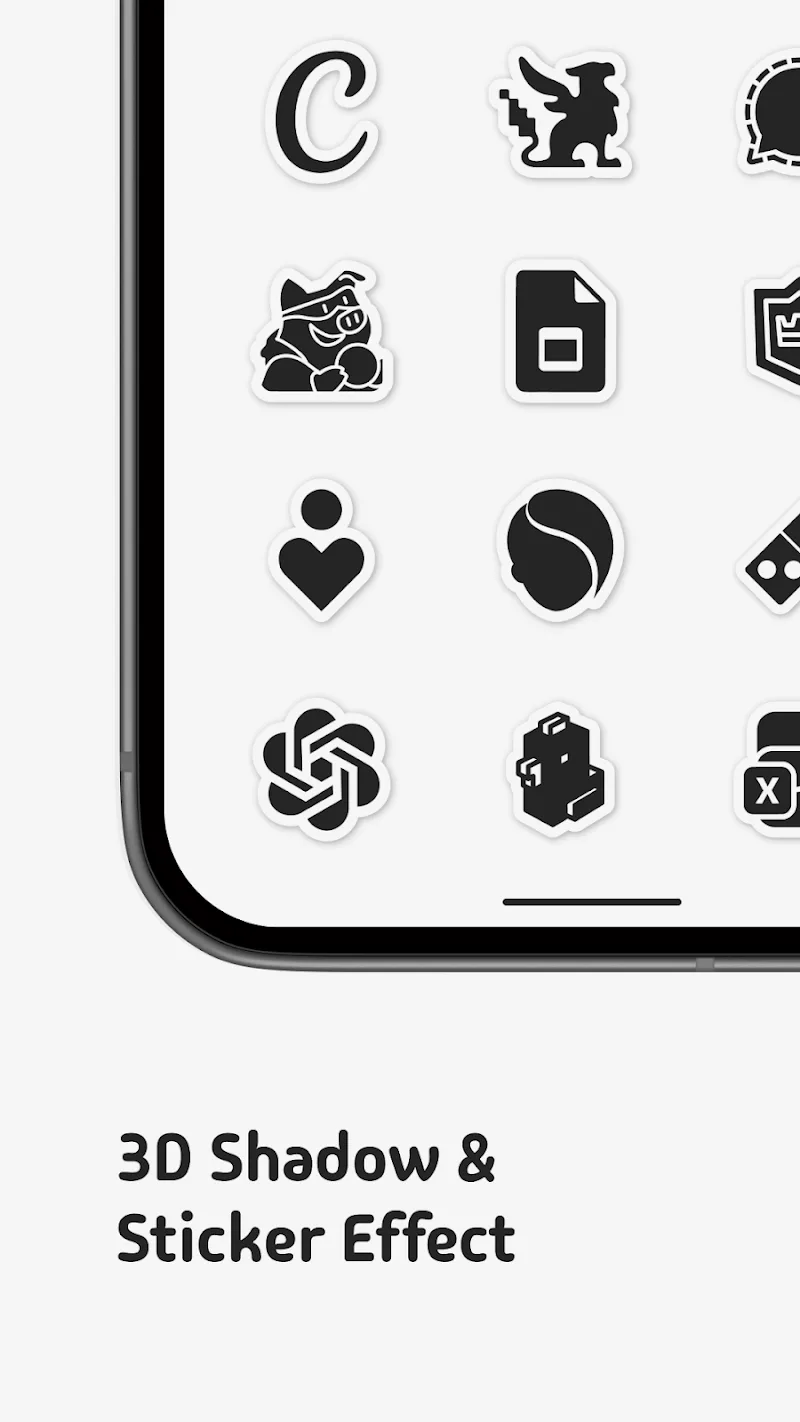
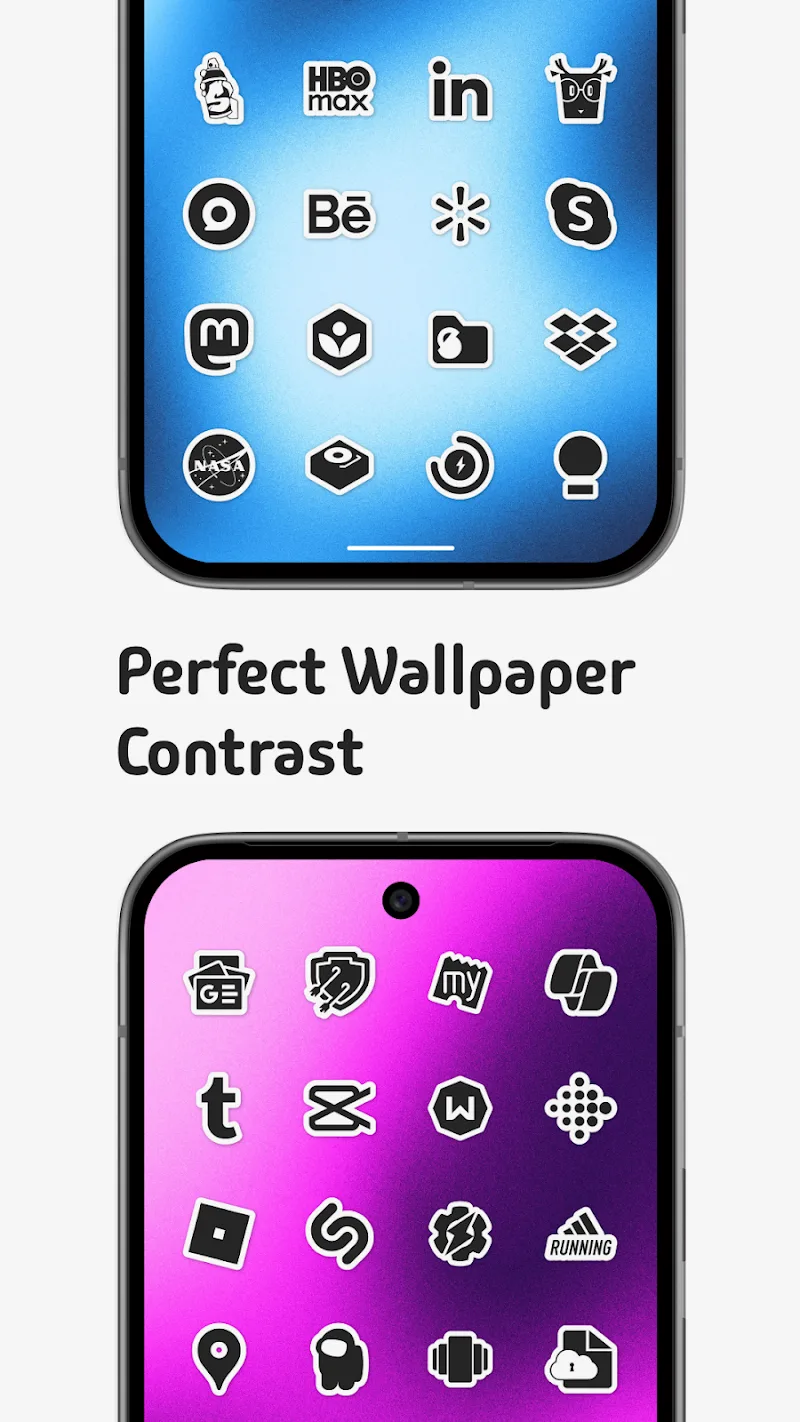
Sticlo Icons is an Android personalization application designed to revamp your home screen using a sleek, minimalist sticker aesthetic. Moving away from vibrant color palettes, it introduces a monochrome concept highlighted by crisp edges, bold white borders, and subtle 3D drop shadows. This distinct visual style ensures your shortcuts pop while maintaining a tidy, unified look across your device.
One of the key highlights of Sticlo Icons is its dynamic icon masking mechanism. Whenever an installed app lacks a dedicated custom icon, the pack automatically overlays a matching monochrome sticker mask, preserving a cohesive feel throughout your entire app drawer so unadapted apps never look out of place.
Key Features of Sticlo Icons
- Offers over 300 meticulously handcrafted icons sporting a monochrome sticker look with pronounced white contours and stylish 3D shadows.
- High-contrast detailing ensures every icon remains crisp and clearly visible across any background wallpaper, delivering a smooth, clutter-free viewing experience.
- Sticlo Icons gives everyone the freedom to submit an unlimited number of icon requests at no extra charge.
- Fresh additions arrive every week through regular updates to keep pace with community requests.
- Fully compatible with popular Android launchers, such as Nova Launcher, Lawnchair, Smart Launcher, Niagara Launcher, Action Launcher, and Apex Launcher.
How to install
- Download the APK file above to your phone.
- Allow “Install unknown apps” when prompted.
- Open the downloaded APK and tap Install.
- If the package includes OBB/XAPK data, follow the bundled instructions.
MOD APKs are modified builds, so Play Protect may show a warning. Install only if you trust the file; use at your own risk.