

Screenshots
Description
Turn your phone into a striking smart display with StandBy Mode Pro MOD APK! Personalize widgets, themes, and animations for a lock screen experience that stands out.
This build of StandBy Mode Pro MOD APK unlocks the app's premium features. You get the full range of customization options and tools that are normally reserved for the paid version.
What's Modified in StandBy Mode Pro
- Premium features are unlocked, so you can use every theme and widget without paying for a subscription.
This release is version 2.0.33.532, 10M in size, with the package name br.com.zetabit.ios_standby. It has been re-signed, so it cannot be installed over an existing store version.
About StandBy Mode Pro
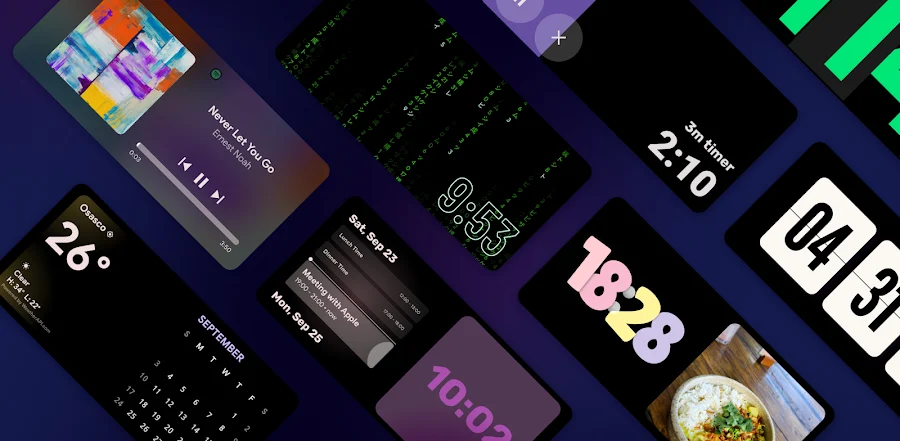
StandBy Mode Pro changes how your phone looks when it is idle. Rather than showing a blank black screen, the app turns your phone into a smart display that offers quick, useful information at a glance. Placed on a desk or charging stand, the device blends into your surroundings and can work alongside your smart home setup, with an interface inspired by home automation gadgets. Throughout the day it keeps you informed, and while your phone charges during quiet periods, it wakes the display to show key details. The clean, polished design goes well beyond a basic lock screen, making idle time genuinely productive while adding a refined touch to your space.
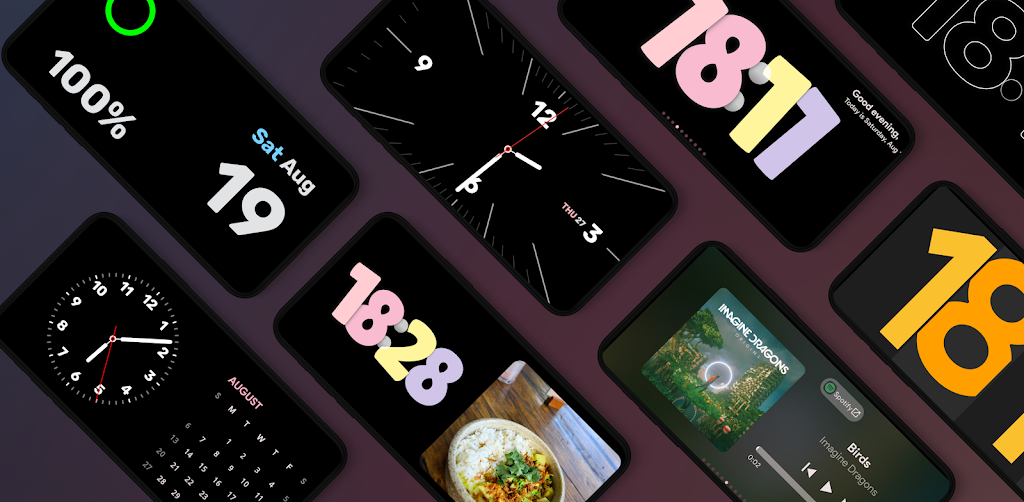
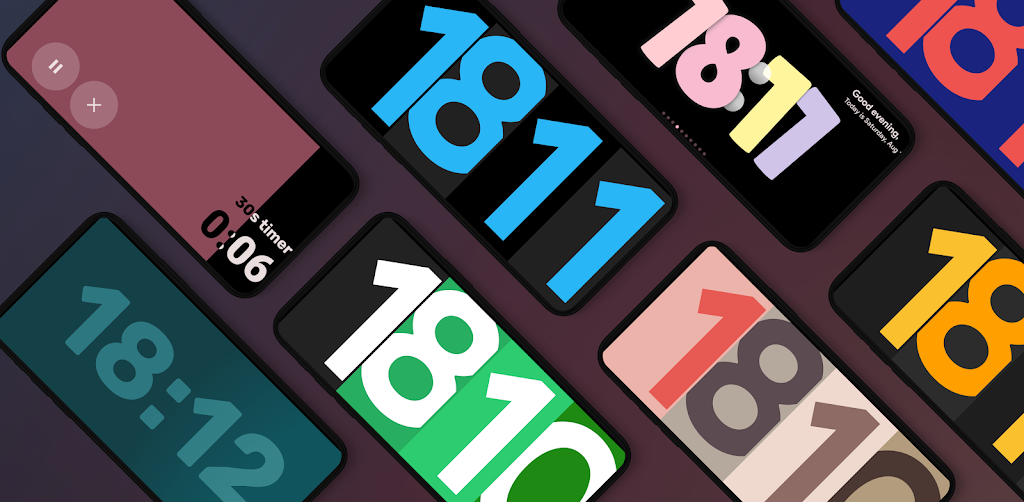
The app includes a wide selection of themes so your phone can serve whatever role you need. Depending on your preference, it can act as a bedside clock, a calendar, or a media controller. Each theme highlights only the most important details, such as the time or notifications, and keeps the rest of the screen uncluttered. Because your phone may double as a personal media hub, the layouts are designed to look sharp and professional. The animations are there to support the phone's function as well as to make the display pleasant to look at.
The heart of the app is its widget system. It supports dynamic widgets that deliver essential information, including weather, calendar, battery, and world clock. You can check the forecast or your schedule without unlocking the phone or navigating the home screen. A dual-widget mode provides a split-screen standby view, letting you display two pieces of information side by side, such as a music player and your task list. You can also edit and update widgets to match the details you want to see with StandBy Mode Pro MOD APK.
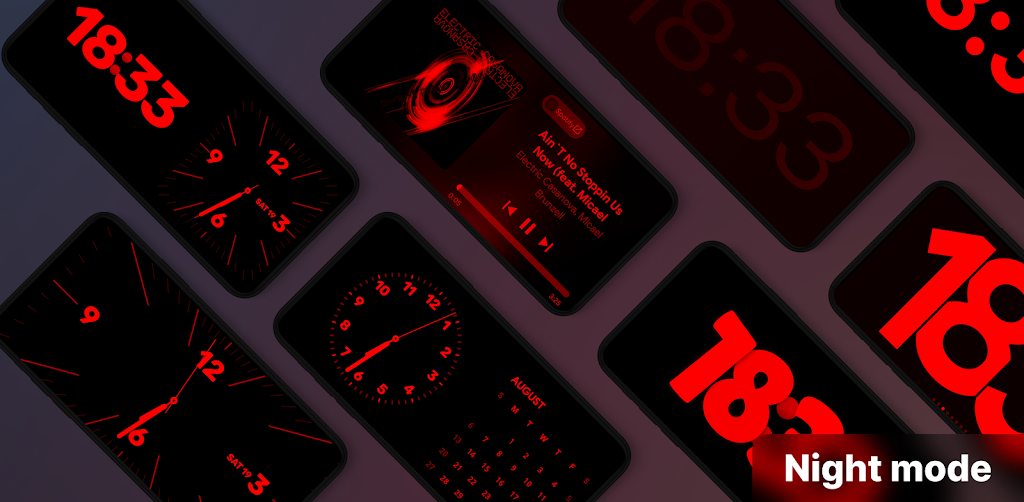
Many people keep their phones on a nightstand, so the app includes an advanced Night Mode. It helps reduce blue light that can interfere with your natural sleep cycle and is easier on your eyes. In this mode the display shifts to warmer tones or deep reds, letting you read the time and other key information without disturbing your vision. Smart detection switches the display into a more comfortable setting in the evening, so you are not dealing with unnecessary glare in a dark room.
Beyond being a handy utility, the app features integrated media controls and Vibes Radio. From your standby screen you can manage playback, browse entertainment and music stations, and more. Album art appears on screen with controls within easy reach, so a single tap is all it takes. The app can also generate smart animated backgrounds based on your music library. With these tools, your phone becomes a fully functional media hub, with quick transitions and a responsive interface that gives it the feel of a dedicated music player and makes it suitable as your main player.
The app strikes a balance between eye-catching visuals and constant information while keeping power consumption low. Efficiency matters here because it helps protect your battery, especially when the display stays on for long stretches. The app automatically switches modes based on how you use it and what time of day it is. In the morning, for example, the display can remind you to set alarms for work. In the evening, it can switch to relaxing tracks and a calmer mode. The goal is to deliver the most functional display possible through a minimalist interface. The interface can adapt instantly to your needs and preferences, changing display modes on the fly. Overall, the app bridges the gap between style and utility. It works as a personal command center for managing your daily life and helps you reach peak productivity during your downtime.
Key features
- Stunning Visual Themes
- Dynamic Widget Integration
- Split-Screen Multitasking
- Advanced Night Mode
- Smart Animations
- Vibes Radio
- Media Control
- Smart Detection Modes
- Low Power Consumption Optimization
Related MOD APKs
- Grok – AI Assistant
- ChatGPT
- CamScanner
- Kling AI
FAQ
Is Premium Unlocked in StandBy Mode Pro MOD APK?
This 2.0.33.532 build of StandBy Mode Pro comes with Premium Unlocked. It works like the Zetabit Tecnologia release, and these features are active as soon as you install the app.
What is the latest version of StandBy Mode Pro MOD APK?
Version 2.0.33.532 matches the Zetabit Tecnologia release from May 27, 2026. We don't keep older versions on GameMod.dev. To update, install this file over your current app. If a signature conflict occurs, uninstall the previous version first.
Is StandBy Mode Pro MOD APK Safe to Download?
This StandBy Mode Pro 2.0.33.532 build from Zetabit Tecnologia includes Premium Unlocked. It has a 3.7 rating from 148 users. Root access is not required. You may see a Play Protect warning during installation, so always download from GameMod.dev.
Can I Use StandBy Mode Pro MOD APK on PC or iPhone?
This Android package cannot be installed on an iPhone. To run the 10M file on a computer, use an emulator such as BlueStacks or LDPlayer. Install your chosen emulator, then drag the app file into it.
How to install
- Download the APK file above to your phone.
- Allow “Install unknown apps” when prompted.
- Open the downloaded APK and tap Install.
- If the package includes OBB/XAPK data, follow the bundled instructions.
MOD APKs are modified builds, so Play Protect may show a warning. Install only if you trust the file; use at your own risk.