

Screenshots
Description
Upgrade your viewing experience! Stream videos, music, and more wirelessly to the big screen with AirScreen MOD APK. It supports AirPlay, Cast, and DLNA, so no cables are needed!
This release of AirScreen MOD APK comes with the premium features fully unlocked. It lifts the limitations of the standard version, giving you unrestricted wireless streaming and receiving on compatible devices.
What's Modified in AirScreen
- Unlocks the premium subscription features, giving you full access to the app's advanced receiving tools and settings.
Version 2.15.1 is 82M in size and uses the package name com.ionitech.airscreen. Because the file is re-signed, it cannot be installed over a copy downloaded from the store.
About AirScreen
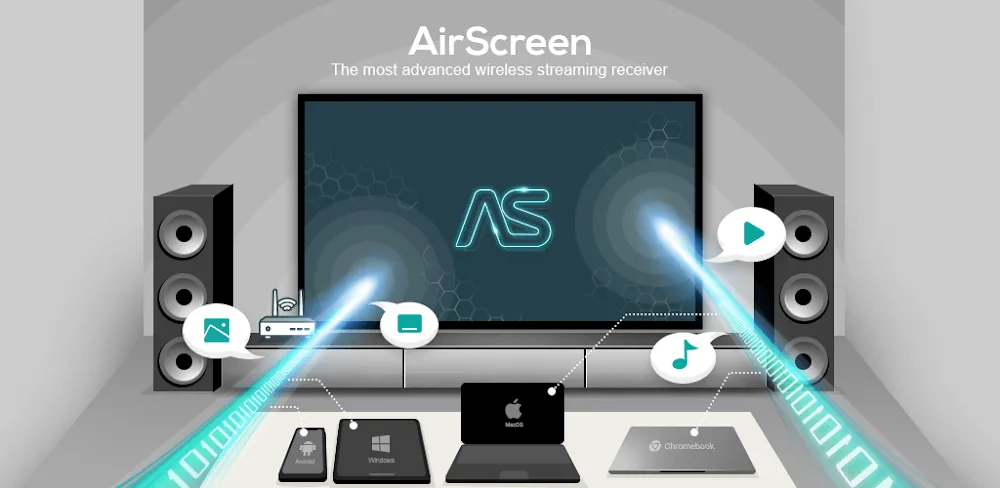
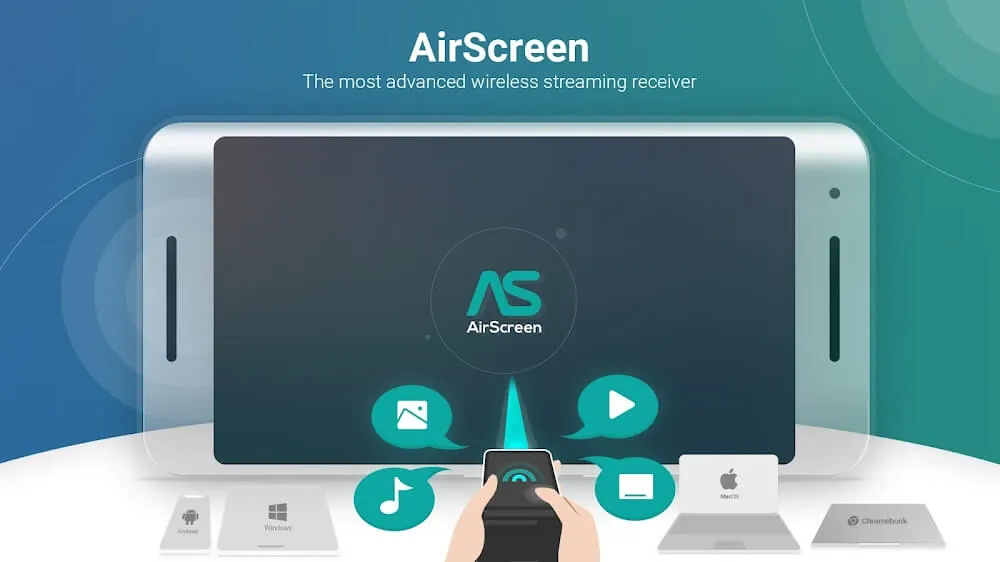
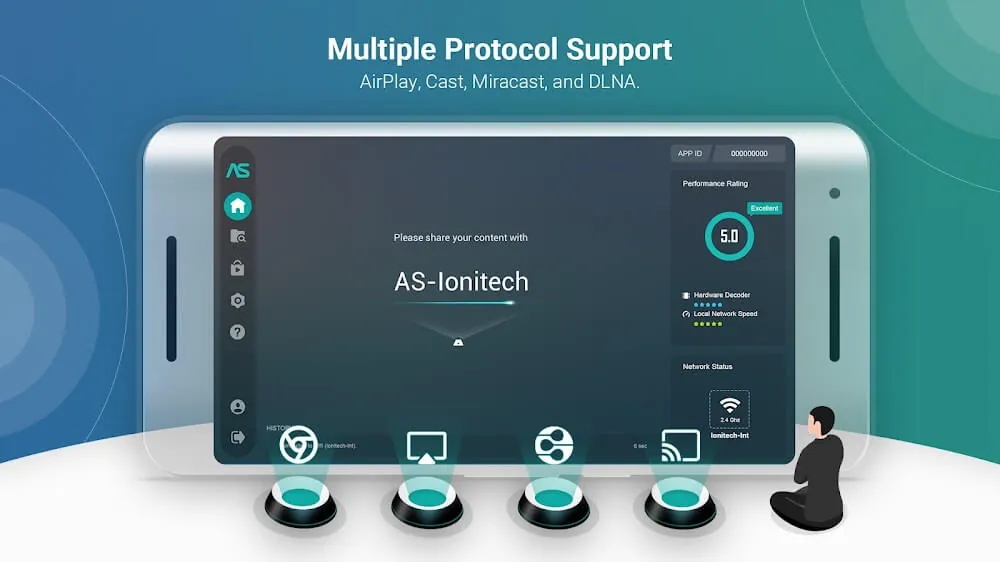
AirScreen is a wireless streaming receiver with several connection methods built in. It supports AirPlay, Google Cast, Miracast, and DLNA. With AirScreen, you get an AirPlay receiver, a Google Cast receiver, a screen casting receiver through Miracast, and a media streaming receiver through DLNA. It removes the need for a physical connection to your media source, offering a software-based solution that lets it act as a receiving device for many different streaming sources.
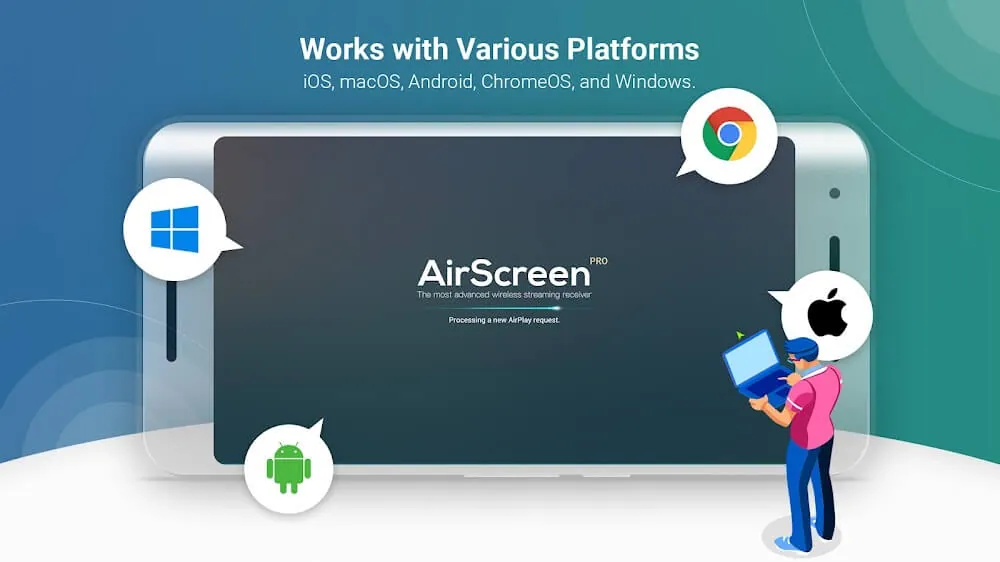
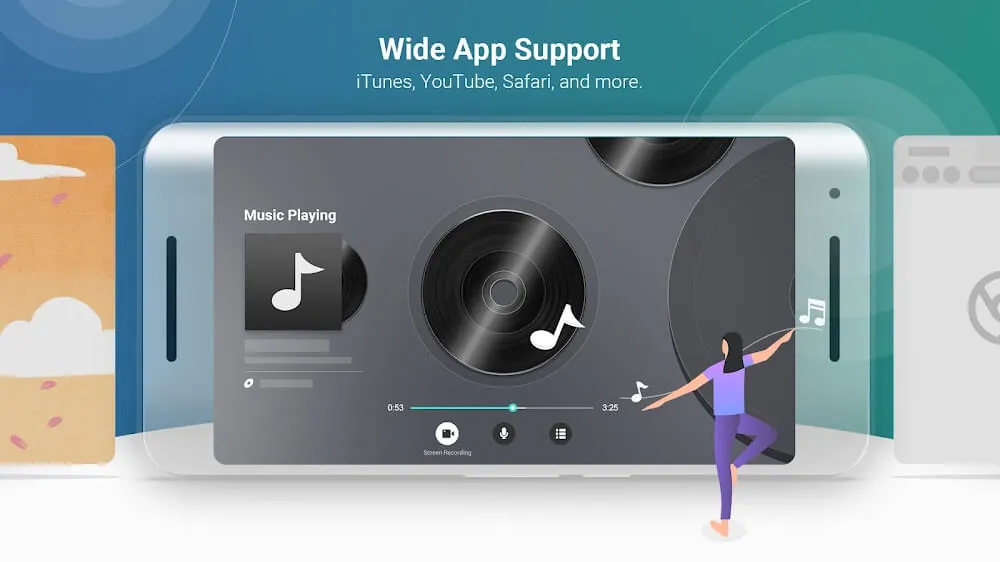
The software is designed to run across multiple operating systems (cross-platform), aiming for a unified experience regardless of hardware. It is available on iOS, macOS, Android, and Windows. Users can share their display over a network; for example, you can mirror your MacBook's screen to an Android TV. It helps remove barriers at work and at home for people using a variety of devices, providing a consistent interface to control and display media on a designated network. You can keep controlling and displaying media even after switching to a different device.
One of the app's strongest points is its visual performance. It can process Ultra-HD content and stream the input content at its native resolution. It handles more than movies, including presentations and more. Latency affects every type of streamed content, so a presentation suffers just as much as an online game. Keeping latency low makes the experience responsive, which is essential for advancing slides or managing a presentation in real time. The app is built to output the highest-fidelity signal the display can handle.
Although one person can use the app on their own, it is built for group interaction. Several devices can connect to the same receiver, which suits classrooms, where multiple students can control a centralized presentation, as well as workplaces. It is also well suited to group gaming sessions, since many users can send content to a single receiver at the same time. Overall, the app is designed for group interaction and shared content presentation.
As a background service, AirScreen can act as an always-on receiver. This lets you perform other tasks on your device while streaming continues. It also lets you stream to any receiver on the network while managing other services and notifications.
Casting or streaming photos, videos, or documents raises questions about data security and privacy. AirScreen addresses these concerns by encrypting all transmitted data, which makes it well suited for casting personal or business-sensitive information.
AirScreen is very easy to use and requires no hardware setup. The app runs on both the sending and receiving devices. The receiving device must be running AirScreen to be discovered on the network, and the sending device can then cast its screen or an app to the receiver. Once the connection is established, data streams and displays on the receiver, making wireless casting simple.
Key features
- AirPlay support
- Google Cast support
- Miracast support
- DLNA support
- Cross-platform compatibility
- 4K Ultra-HD streaming
- Multi-device connectivity
- Background service support
- Encrypted transfers
Related MOD APKs
- ReelShort
- ZEE5
- Character AI
- Story TV – Watch Short Dramas
FAQ
Is Premium unlocked in AirScreen MOD APK?
This AirScreen 2.15.1 build comes with Premium Unlocked. It works much like the Ionitech release, and every feature is ready to use right after you install it.
What is the latest version of AirScreen MOD APK?
Version 2.15.1 is the same as the Ionitech build released on September 1, 2026. We don’t host older versions. To update, install this file over your current app; if you get a signature error, uninstall the old app first.
Is AirScreen MOD APK safe to download?
This AirScreen 2.15.1 build from Ionitech includes Premium Unlocked and holds a 3.7 rating from 135 users. Root is not needed. You may see a Play Protect warning, which you can dismiss, but always download the file from GameMod.dev.
Can I use AirScreen MOD APK on PC or iPhone?
Since this is an Android file, it won’t run on iPhone. To use the 82M APK on a computer, install an emulator such as BlueStacks or LDPlayer, then drag the file into it.
How to install
- Download the APK file above to your phone.
- Allow “Install unknown apps” when prompted.
- Open the downloaded APK and tap Install.
- If the package includes OBB/XAPK data, follow the bundled instructions.
MOD APKs are modified builds, so Play Protect may show a warning. Install only if you trust the file; use at your own risk.