

Screenshots





Description
yuliskovSize
25.15 MBVersion
32.68Requirements
https://play.google.com/store/apps/details?id=org.smarttuby.stableGet it on
Mod Info
Ad-Free/Optimized Report this app
Images
Description
SmartTube (old name SmartTube Next) is an advanced ad free YouTube app for Android TVs and TV boxes. Features: no ads | SponsorBlock | adjustable playback speed | 4k and higher | 60fps | HDR | does not require Google Services | helpful international community.
SmartTube Next Current release features:
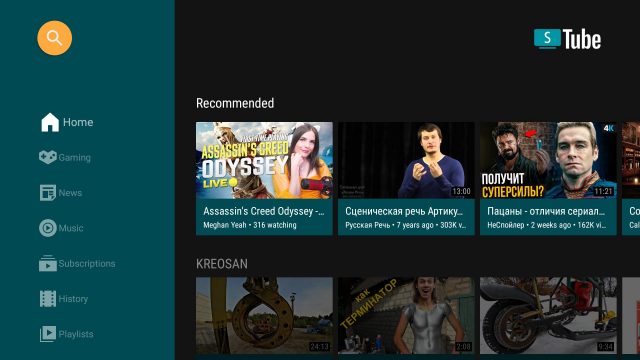
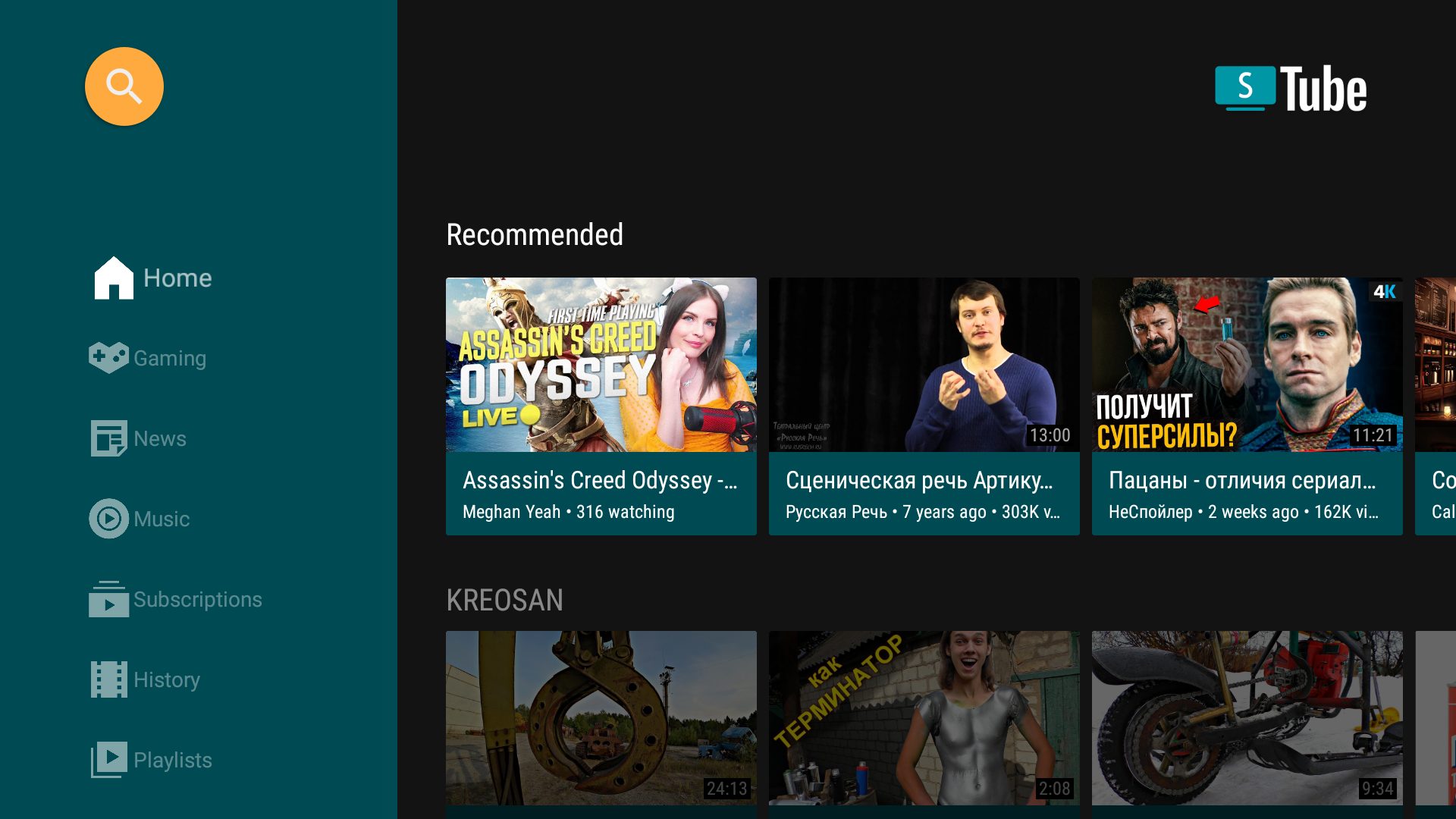
– Browse News, Games, Music
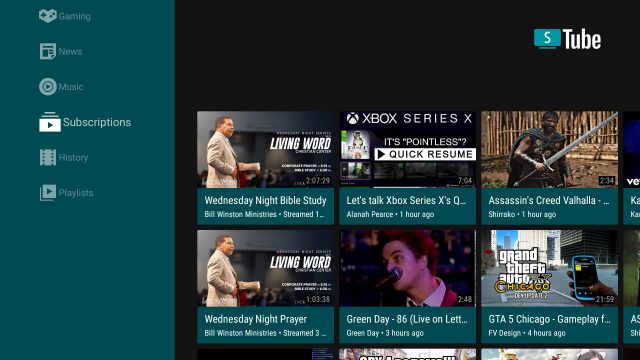
– Browse Subscriptions, History, and Playlists
– Play videos
– Like, Dislike or Subscribe to the video
– Search for videos
– View subscribed channel content
– Change various settings for the video player
– Animated previews for videos
– Android TV channels and search support.
SmartTube Next Features
Adblocking
SmartTubeNext does not show any ad banners, preroll ads, or ad intermissions. It does not just try to prevent them, it is programmed to be completely unable to display any ads, so YouTube cannot slip anything in. This also means you cannot allow ads or whitelist channels. Some YouTube channels include sponsored messages in their videos, these can also be skipped, see SponsorBlock below.
SponsorBlock
SmartTubeNext includes a SponsorBlock integration. From the SponsorBlock website:
SponsorBlock is an open-source crowdsourced browser extension and open API for skipping sponsor segments in YouTube videos. […] the extension automatically skips sponsors it knows about using a privacy preserving query system. It also supports skipping other categories, such as intros, outros and reminders to subscribe [and non-music parts in music videos].
You can select which categories you want to skip in the settings. Unlike the browser add-on, in SmartTubeNext you cannot submit new segments (TVs and TV remotes aren’t great devices for such precise operations).
Casting
To cast videos from your phone (or other devices), you must link that device to your TV. Unlike the original YouTube app, SmartTubeNext does not automatically show up when you are on the same wifi network. How to link your smartphone and TV:
- open SmartTubeNext and go to settings
- go to “link devices” (2nd option)
- open your YouTube app on your phone, go to settings > watch on TV
- Click on connect using TV-code and enter the code from your TV
Picture-in-Picture (PiP)
SmartTubeNext supports playing videos in PiP mode. This needs to be enabled under Settings > General > Background playback > Picture in picture. The video will go into PiP mode when you press home while playing a video, and also when you press back if enabled in Settings > General > Background playback (activation).
Adjust Speed
You can adjust the playback speed by pressing the speed-indicator icon (gauge) in the top row of the player. This is remembered across videos. Some speeds may cause frame drops, this is a known issue.
Voice Search
To enable global voice search, an additional app must be installed alongside SmartTubeNext. This bridge app can intercept the System’s attempts to open the original YouTube app and open SmartTubeNext instead. For this to work, you must uninstall the original YouTube app. We know this sucks, but you can always reinstall it if you change your mind. The bridge app will not show up in your launcher and you cannot launch it directly; it is only used internally by the system’s voice search. On some devices, you need to explicitly say “Youtube” when searching (e.g. say “youtube cute cats” instead of just “cute cats”).
On Amazon Fire TV, to enable voice search support you need to:
- uninstall the original YouTube app (no root required on Amazon FireTV stick)
- download and install the Amazon Bridge SmartTubeNext app: _https://kutt.it/stn_bridge_amazon (e.g. via Downloader for AFTVnews)
On all other Android devices, sadly root is required to enable this:
- root your device (search for a guide for your specific device)
- uninstall the official YouTube app using root (ADB shell pm uninstall com.google.android.youtube.tv)
- download and install the ATV Bridge SmartTubeNext app: _https://kutt.it/stn_bridge_atv (e.g. via Downloader for AFTVnews)
Related apps
Voice Changer – Funny Effects 2.18.23 Blazing App Studio 16.57 MB Premium Unlocked GreenTuber 0.2.0.2 Maxsortube 14.03 MB Premium Unlocked Shortflix 1.4.0 W W Enterprises Inc 33.73 MB Premium Unlocked YouTube Vanced 21.42.243 Vanced Team 122.72 MB Premium Unlocked 9GAG 8.25.1 9GAG 24.62 MB Pro+ UnlockedHow to install
- Download the APK file above to your phone.
- Allow “Install unknown apps” when prompted.
- Open the downloaded APK and tap Install.
- If the package includes OBB/XAPK data, follow the bundled instructions.
MOD APKs are modified builds, so Play Protect may show a warning. Install only if you trust the file; use at your own risk.