

Screenshots
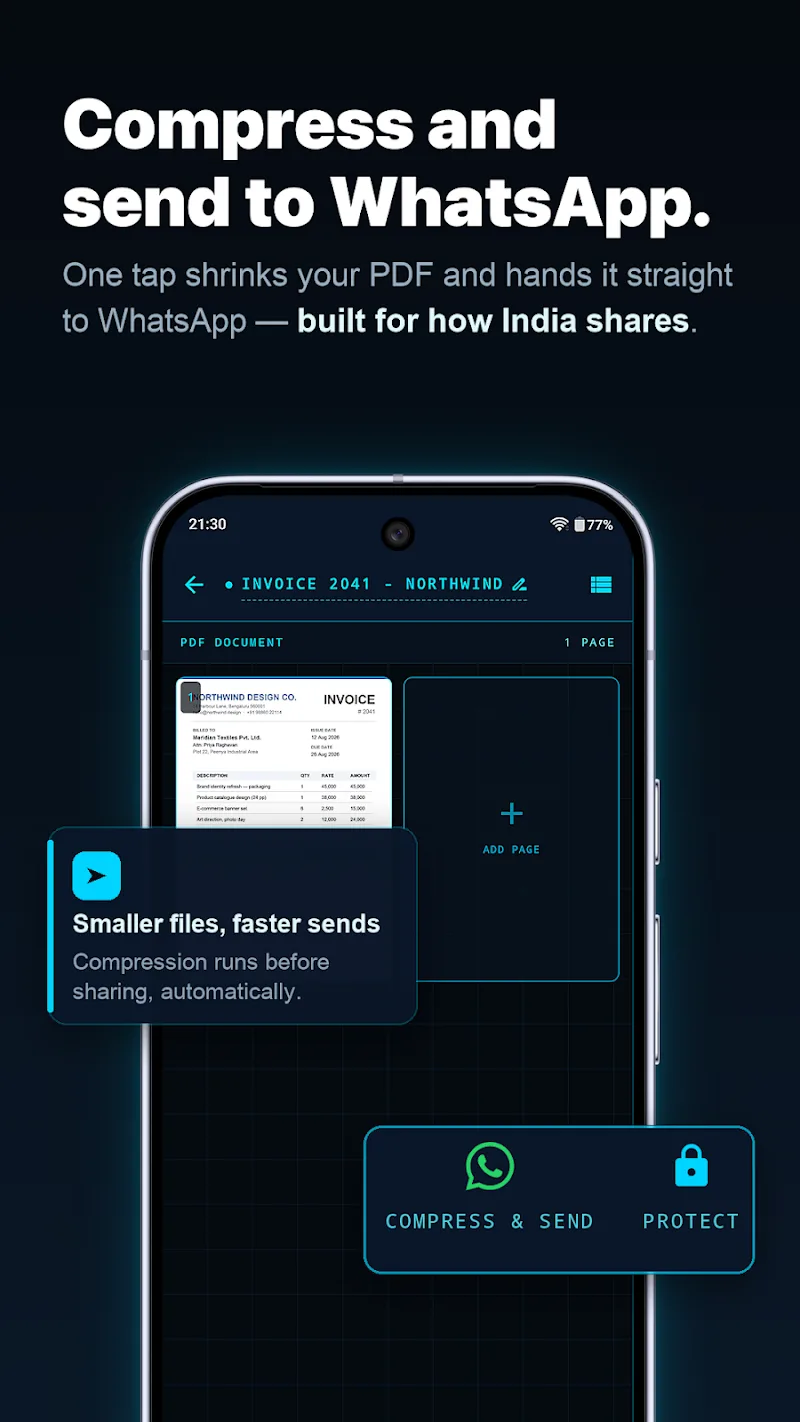
Description
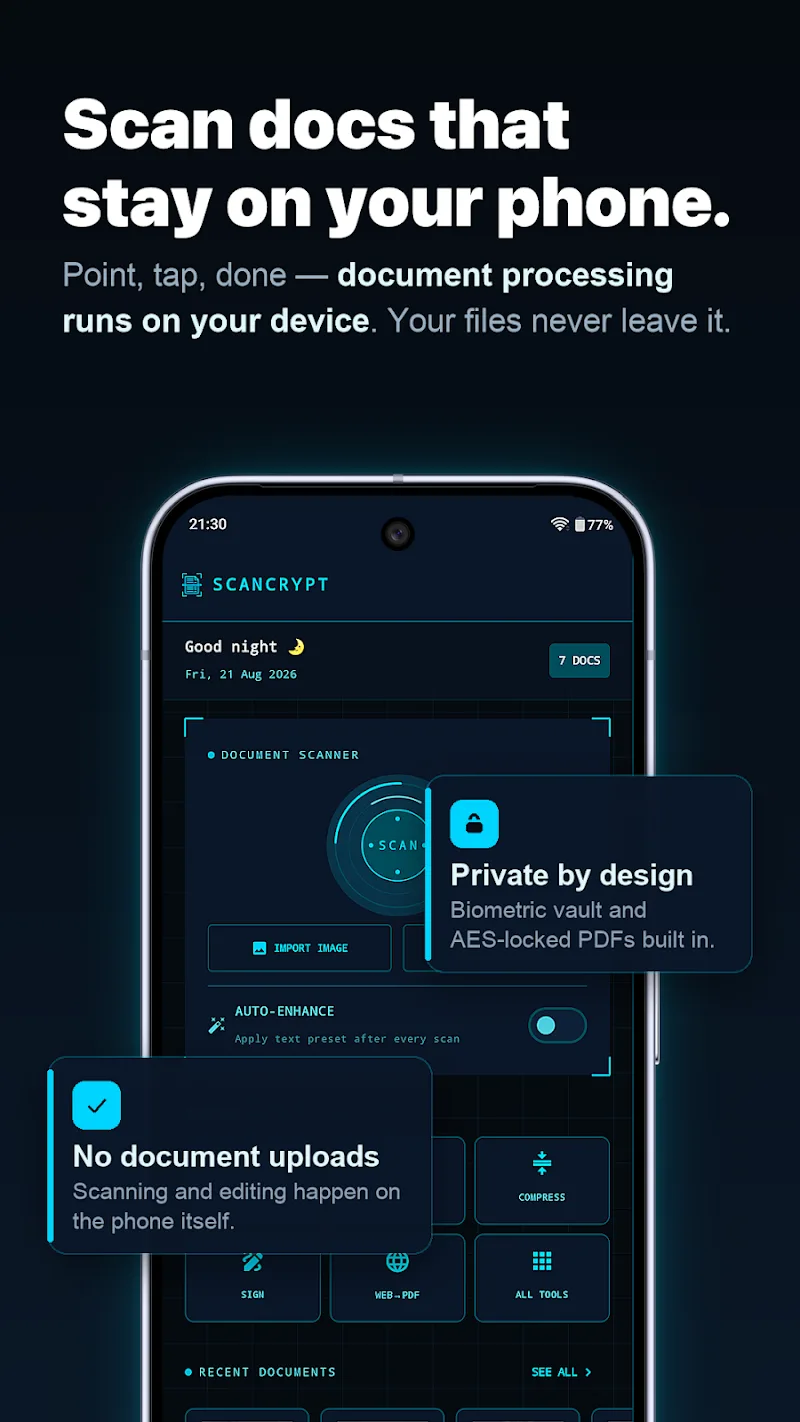
Managing documents has never been easier or safer than with ScanCrypt on your Android phone. This powerful app tackles a real headache for office workers today. PDF files play a vital role in high-stakes work, and this advanced scanner and editor lets you digitize pages, extract text with OCR, or add your signature in seconds. That means you can get your work done without wasting time. Every process runs 100% offline on your device, so your personal information stays fully protected.
Document Scanning Tool and Full Editing Suite
Automatic edge detection delivers crisp scans within seconds. You can also easily add signatures, insert watermarks, or crop pages exactly as you like. This lets you complete any fillable form or important paper without ever touching a computer. Work from anywhere with confidence, knowing your files are never at risk of leaking to the cloud.
- Create scans: Automatic edge detection
- Editing: Add signatures and watermarks
- Security: Biometric-grade AES encryption
Text Extraction and Offline File Optimization
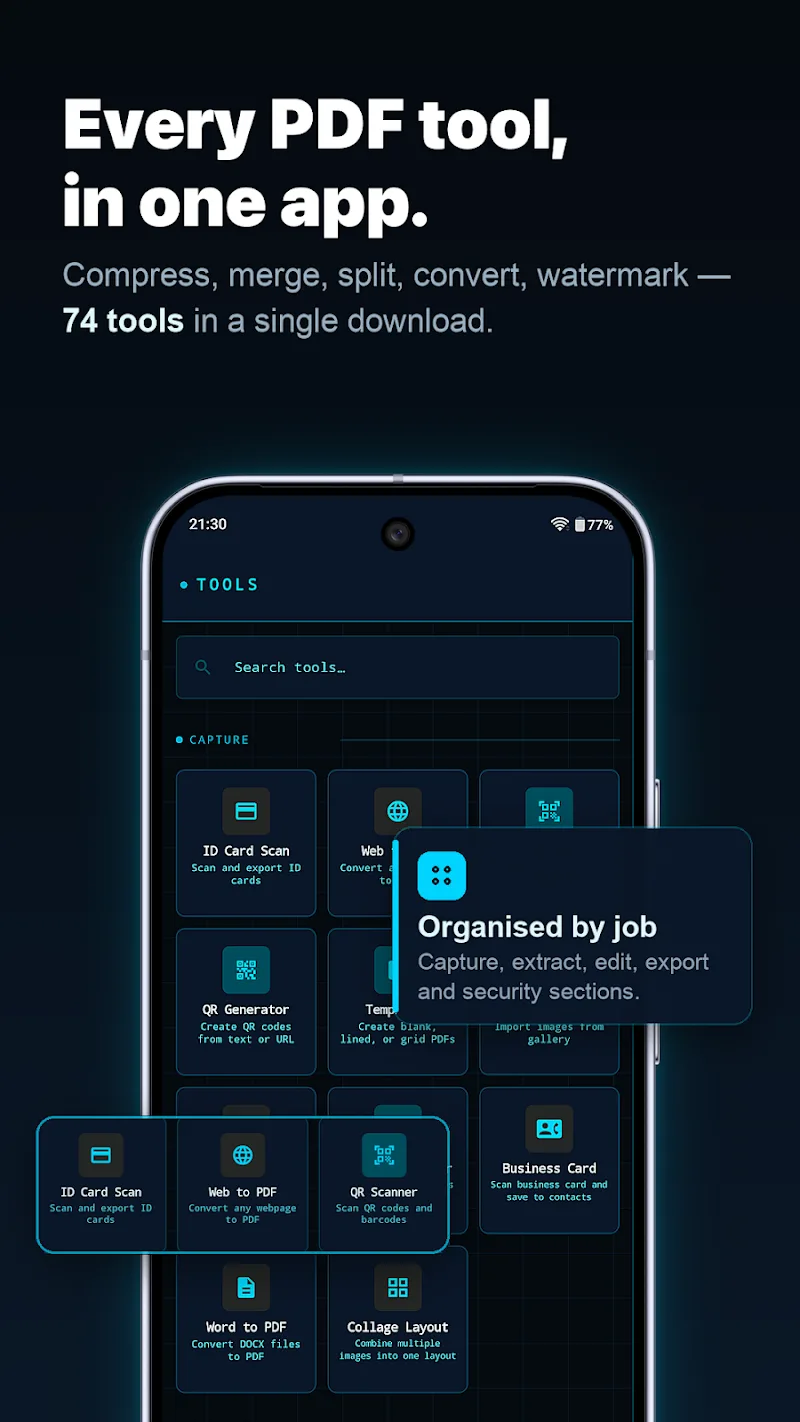
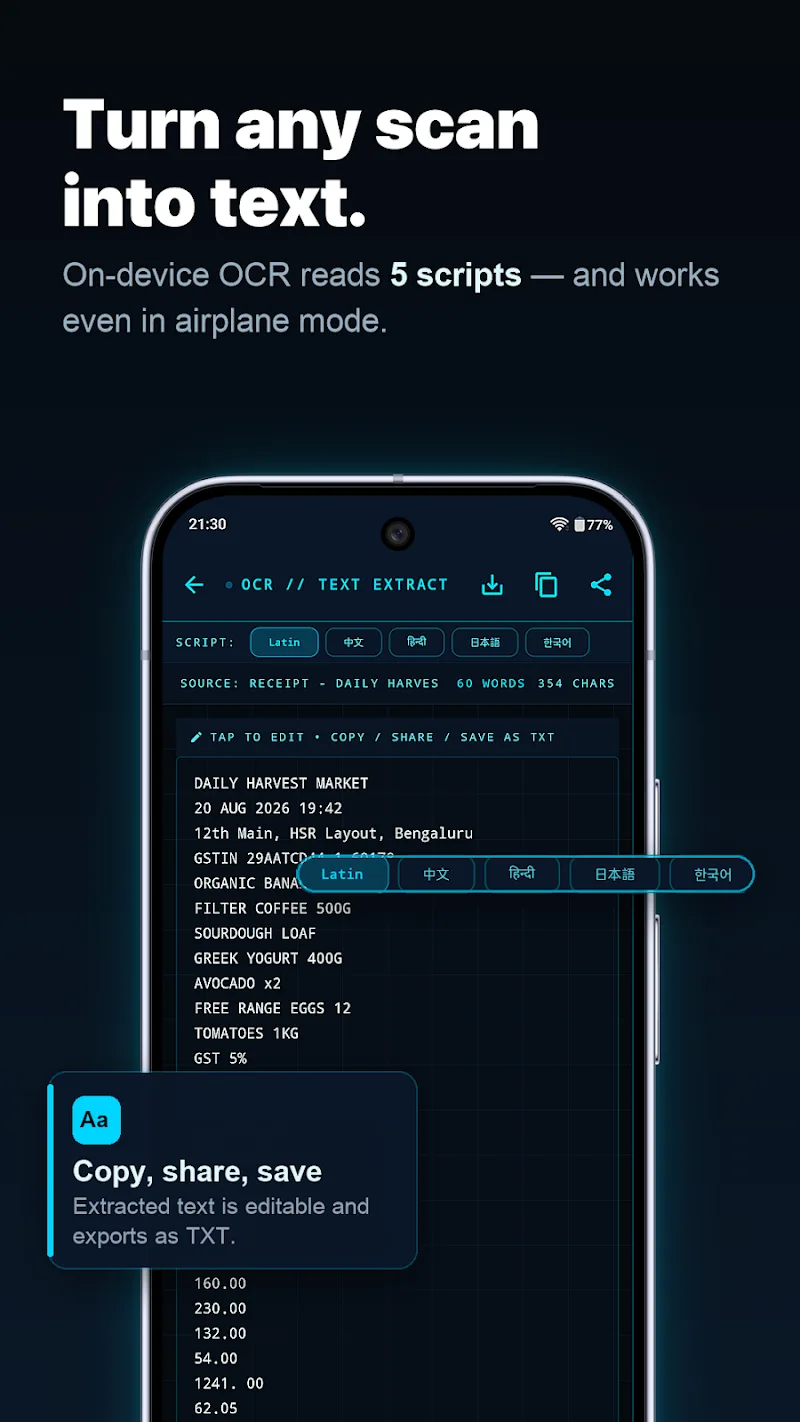
Advanced optical character recognition turns your documents into editable Word, Excel, or HTML files with impressive accuracy. Faster processing helps you stand out to your colleagues. You can compress file sizes, merge multiple pages, or sort documents into smart folders with ease. The one-tap sharing feature also lets you send files through messaging apps in a flash.
- Conversion: Extract OCR to Word
- Storage: Group files into smart folders
- Sharing: One-tap quick file sending
How to install
- Download the APK file above to your phone.
- Allow “Install unknown apps” when prompted.
- Open the downloaded APK and tap Install.
- If the package includes OBB/XAPK data, follow the bundled instructions.
MOD APKs are modified builds, so Play Protect may show a warning. Install only if you trust the file; use at your own risk.