
Screenshots

Description
Skin Editor for Minecraft
An intuitive and practical 3D tool designed to help you craft personalized skins for your beloved game, Minecraft.
Gameplay
Are you bored of standard character designs worn by millions worldwide and craving something fresh? Grab and install this creative utility today to design your very own custom outfits from scratch.
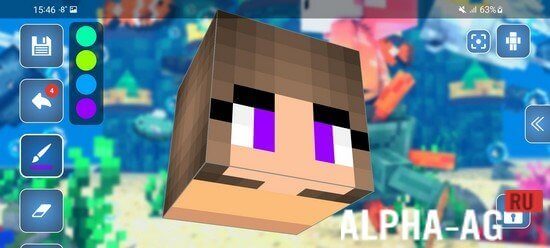
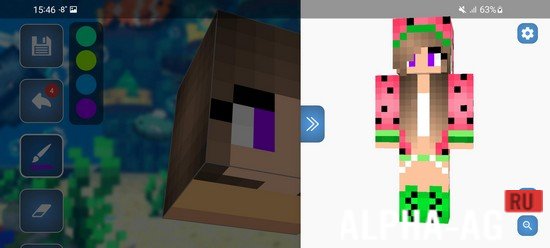
Easily zoom, rotate, and pivot any section of the model with a simple tap. Should you make an error or want to change your mind, you can seamlessly revert your recent steps.
This lets you backtrack effortlessly and polish every single detail until your appearance is just right. Apply texture overlays, modify any body part, and explore a wealth of creative options.
Prefer not to start with a blank canvas? Browse through a massive catalog of existing templates and tweak them to match your personal taste. Export your completed creations and import them straight into your gameplay.
Game features
Within this convenient application, you will discover a vast library boasting over 300,000 unique templates covering countless themes for Minecraft. Furthermore, you can swiftly build your own designs using a complete set of accessible editing tools.
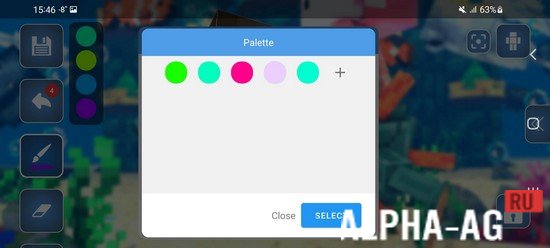
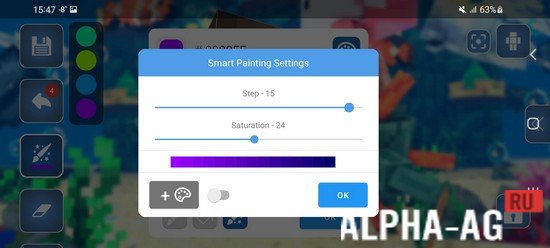
Effortlessly customize any portion of your avatar, utilize intelligent drawing assistance, pick from an expansive color palette, select custom backgrounds from your device, and much more. The software also supports dual skin layers, enabling you to incorporate realistic 3D depth and embossed textures into your work.
1 Jan 12 Additional information:
- Android version required: 6.0 or higher
- Age rating: 3+
- Russian localization: none
- OBB / Cache installation: not required
5.5.0 App version Our rating: 7 out of 10 Similar apps: MOD-MASTER for Roblox Skins for Minecraft PE Automatic Tapping: Auto Clicker My Kitchen: 3D Planner Our YouTube channel
Subscribe to our YouTube channel!
Add a comment
How to install
- Download the APK file above to your phone.
- Allow “Install unknown apps” when prompted.
- Open the downloaded APK and tap Install.
- If the package includes OBB/XAPK data, follow the bundled instructions.
MOD APKs are modified builds, so Play Protect may show a warning. Install only if you trust the file; use at your own risk.