
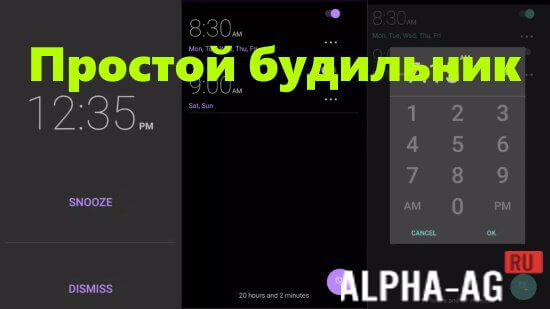
Screenshots
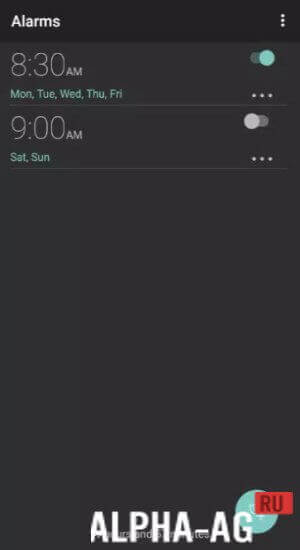
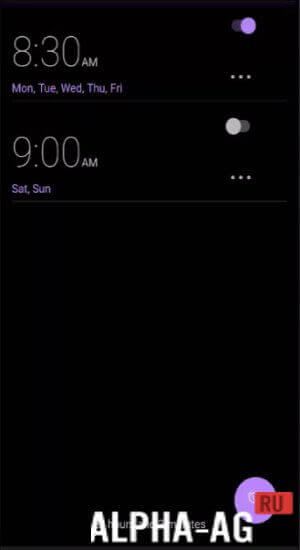

Description
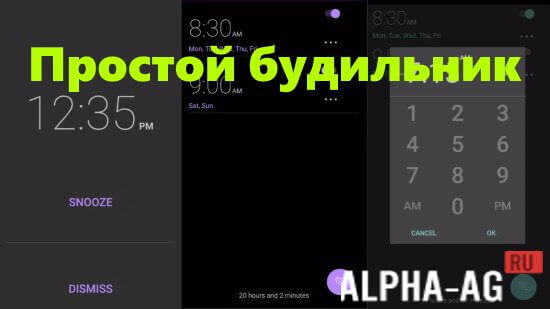
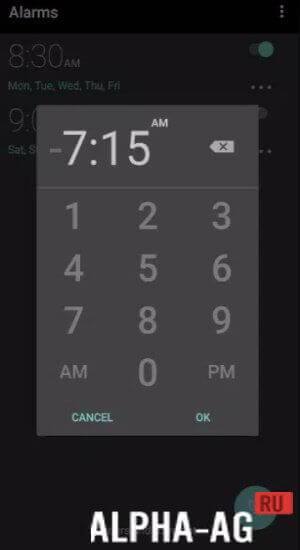
Simple Alarm ClockThis app provides the ability to set multiple alarms with different settings and sounds to choose the optimal wake-up mode for yourself. The app's simple interface and intuitive settings allow you to set an alarm quickly and conveniently.
Features
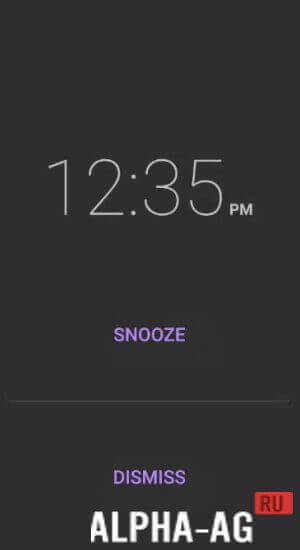
The app allows you to choose any alarm sound from the suggested ones or upload your own. Choosing a quiet wake-up sound so as not to disturb neighbors or loved ones is also possible. For those who fall asleep on the go, there is an alarm snooze feature. In this case, the alarm sound repeats after a certain period of time until the user turns it off.
Simple Alarm Clock has many useful additional features, such as: screen brightness adjustment to protect your eyes, the ability to turn off the alarm for a certain amount of time, choosing the day of the week when the alarm is needed, etc.
In addition, the app has a convenient "sleep mode" feature that allows you to relax before bed and fall asleep faster.
App features
For those who completely dislike alarms, this Simple Alarm Clock offers a unique "surprise alarm" feature. In this amazing mode, the alarm will play a random sound from your own media library to wake you up as gently and pleasantly as possible, without scaring you with its suddenly harsh sound.
Overall, Simple Alarm Clock is a reliable assistant for anyone who wants to start their day with a positive mood and vigor. It is a simple but effective app that can be downloaded to any smartphone and used effortlessly.
With it, you will never oversleep an important meeting or class and will always be ready for new achievements and victories. 0 08 Oct Additional information:- Android version required: 4.1 or later
- Age restrictions: 3+
- Russian localization: present
- Cache installation: not required
Subscribe to our YouTube channel!
Add a commentHow to install
- Download the APK file above to your phone.
- Allow “Install unknown apps” when prompted.
- Open the downloaded APK and tap Install.
- If the package includes OBB/XAPK data, follow the bundled instructions.
MOD APKs are modified builds, so Play Protect may show a warning. Install only if you trust the file; use at your own risk.