
Screenshots
Description
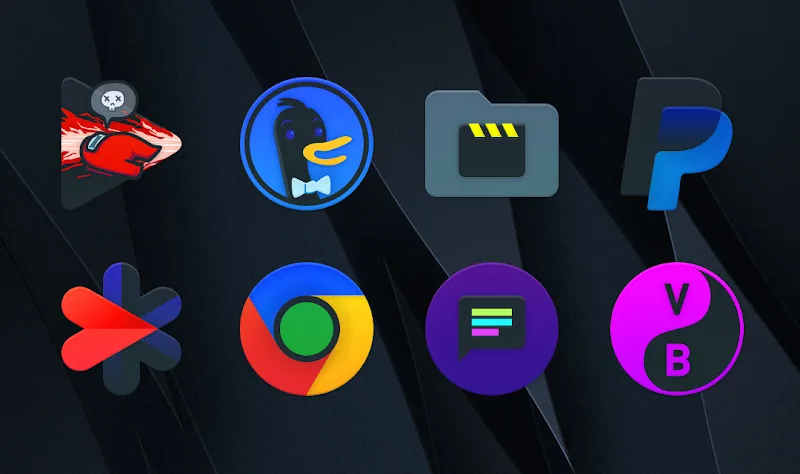
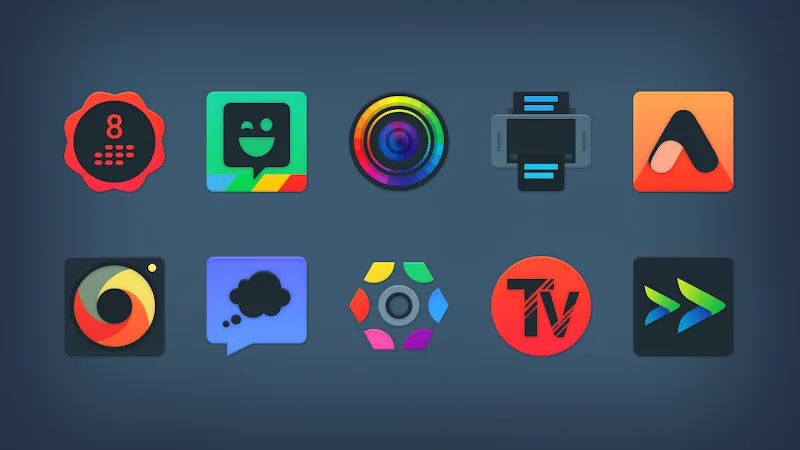
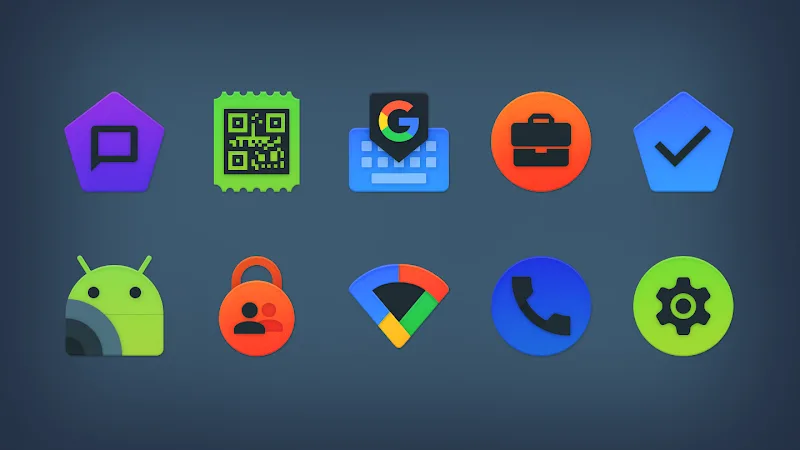
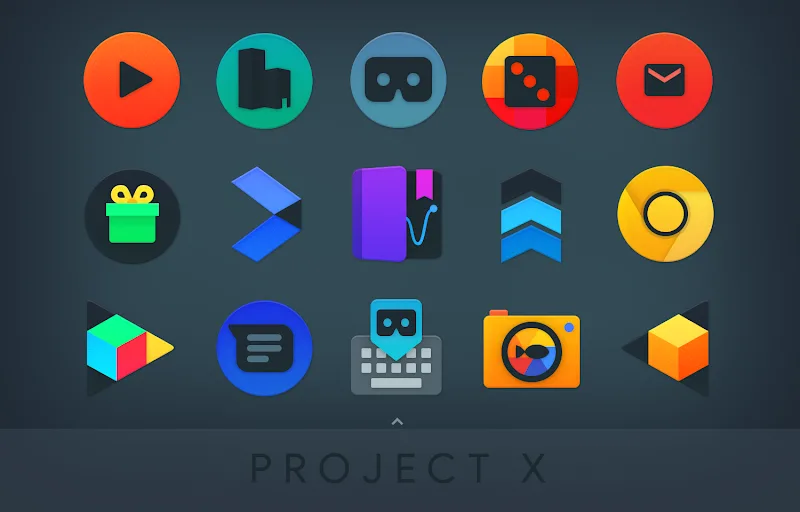
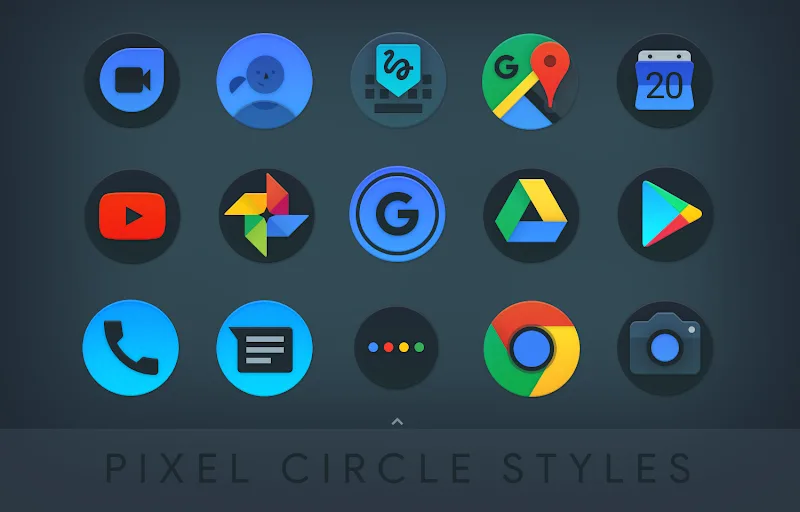
Project X Icon Pack gives your Android home screen a sleek dark Material Design look. Its dark interface helps your phone feel more refined, and it softens the appearance of every app icon. The sharp, modern style delivers a premium feel from the very first glance, so your device looks like a true top-tier handset.
DARK MATERIAL DESIGN AND A MASSIVE ICON LIBRARY
With more than 5500 pixel-perfect dark design icons, your phone gets a striking new appearance. The pack also includes over 400 matching wallpapers and a dynamic calendar feature, so you'll enjoy refreshing your home screen every day. You can adapt system icons to suit each phone brand for a consistently harmonious look. It's an ideal choice for anyone who values detail in design.
- Impressive quantity: Over 5500 icons
- Rich wallpapers: Over 400 designs
- Smart features: Dynamic calendar with changing date
CONVENIENT DASHBOARD AND WIDE SUPPORT
The smart dashboard lets you apply the icons to a wide range of popular launchers in just a few taps. You can search for alternative icons, pull color codes from wallpapers, or submit requests for apps that are missing. Combined with the included Kustom widgets, it opens up endless ways to personalize your home screen. Try it today and transform your phone's interface yourself.
- Easy application: Various launchers
- Flexible customization: Kustom widgets
- Fast request submission: Icon updates
How to install
- Download the APK file above to your phone.
- Allow “Install unknown apps” when prompted.
- Open the downloaded APK and tap Install.
- If the package includes OBB/XAPK data, follow the bundled instructions.
MOD APKs are modified builds, so Play Protect may show a warning. Install only if you trust the file; use at your own risk.