

Screenshots
Description
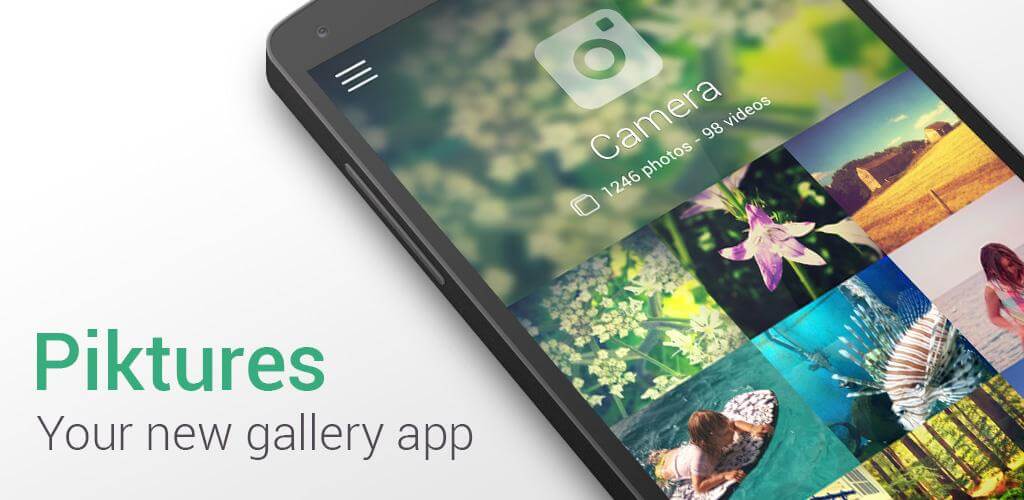
Piktures is a feature-packed gallery and storage app designed to help you organize, browse, and manage all your photos and videos through an elegant, modern interface. It serves as an ideal upgrade for anyone seeking a more capable alternative to their smartphone's default gallery.
Piktures: Gallery, Photos & Videos offers a reliable, stylish hub to keep all your personal media safe and organized. Combining an intuitive interface with powerful media tools, it delivers a fresh way to browse and manage your visual memories. If your built-in gallery feels bland or sluggish, this feature-rich app brings a much more satisfying experience to your everyday use.
Easy to Use for New Users
Navigating through your media is completely effortless thanks to smooth swipe and tap controls. With simple gestures, you can sort files, browse collections, and keep your entire gallery neatly structured in seconds.
Quick and Convenient Organization
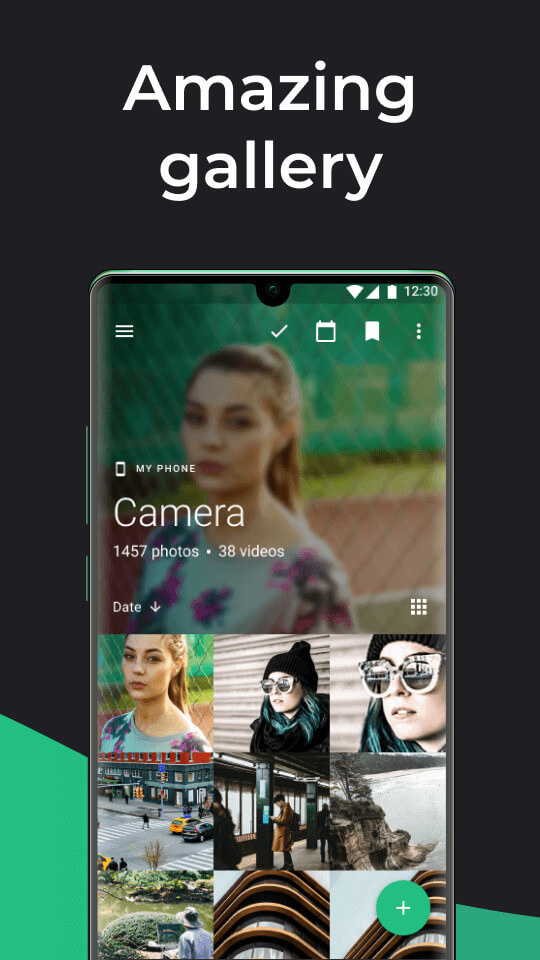
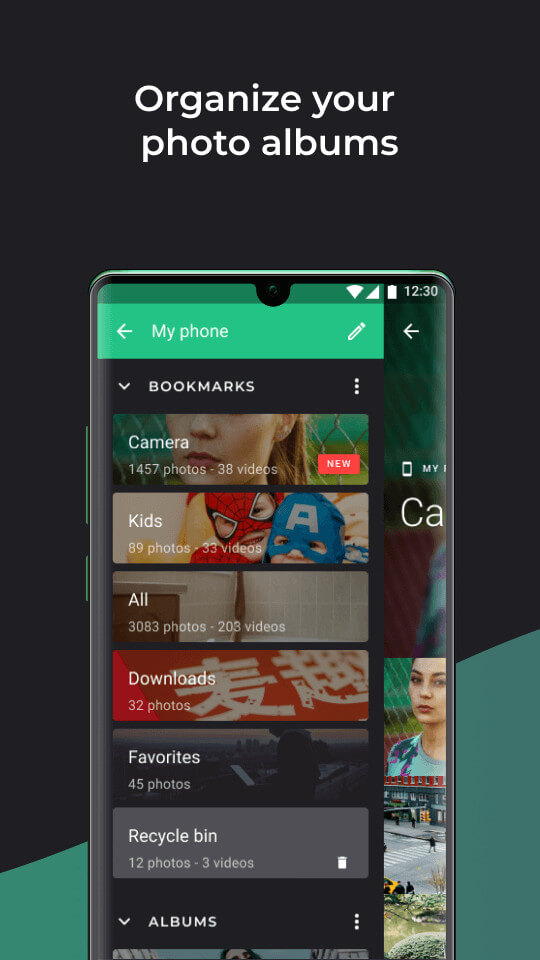
Keeping your library organized with Piktures saves valuable time compared to manually sorting through messy folders. Media files are automatically grouped by date, month, and year. Whenever you want to rearrange albums or create custom folders, intuitive drag-and-drop actions make it a breeze. The app also features a handy quick-camera button, letting you snap new shots and organize them on the fly.
Cloud Storage Integration
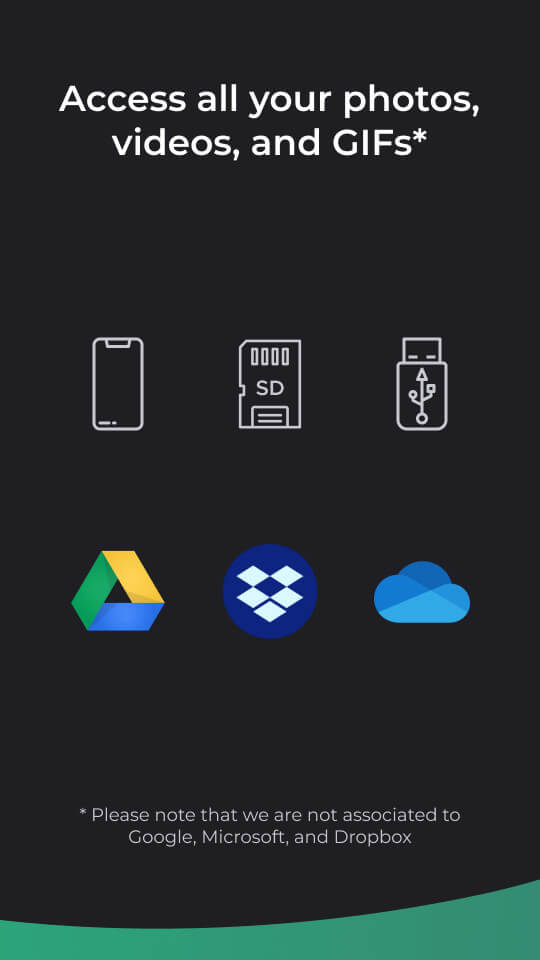
Easily connect and browse files saved across your preferred cloud platforms directly from the app. Whether your photos reside in Google Drive, OneDrive, or other compatible cloud storage services, Piktures lets you explore and manage them seamlessly in one unified interface.
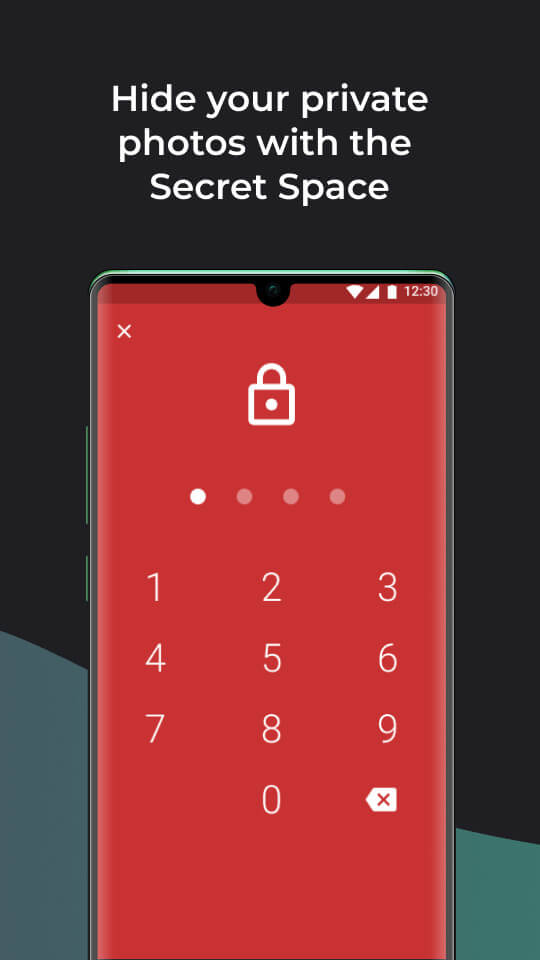
Secure Private Vault
Standard gallery apps rarely offer adequate privacy controls, leaving your sensitive personal media exposed if someone borrows your phone. A private photo collection should always remain protected from prying eyes or accidental leaks.
Piktures includes a dedicated Secure Drive where you can lock away confidential pictures and sensitive videos. Set up a secure PIN code so that hidden items remain completely invisible to anyone else using your phone.
Direct Offline Folder Sharing
With its built-in direct sharing feature, Piktures lets you beam full photo and video folders to nearby devices running the app without consuming any cellular data. You do not need an active internet connection or third-party transfer utilities—files transfer directly and securely between phones.
Built-in QR Code Scanner
The app includes an integrated QR code reader, eliminating the need to install separate scanning apps or open web-based tools. Simply launch the scanner inside Piktures to read codes instantly.
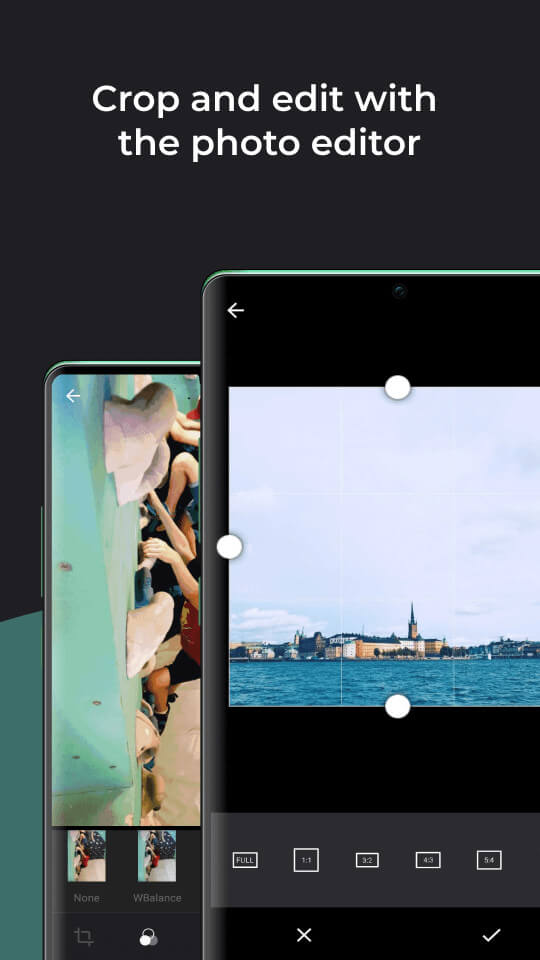
Integrated Photo Editor
Any top-tier gallery needs built-in editing, and Piktures comes loaded with versatile photo tweaking tools. You can crop, resize, adjust exposure and colors, or apply beautiful filters to refine your snapshots without opening an external editor.
USB-OTG Drive Access
Connect external USB storage drives to explore and view stored photos and video albums directly, provided the drive is formatted with the standard FAT-32 file system.
Advanced Media Sharing Options
Share photos effortlessly across social media or messaging platforms with enhanced control. Compress large images before sending to save bandwidth, and strip out private GPS location data beforehand to protect your whereabouts.
Key Features
- Intuitive controls powered by smooth swiping and tapping gestures.
- Clean, smart layout designed for hassle-free media organization.
- Dark mode theme that gives your gallery a sleek look while saving battery at night.
- Seamless integration with leading cloud storage providers.
- Direct access to files stored on external USB drives.
- Secure private vault protected with a personalized PIN.
- Direct, data-free folder transfers to nearby devices.
- Quick-launch shortcuts for instant camera access and QR code scanning.
- Comprehensive Photo Editing Suite
How to install
- Download the APK file above to your phone.
- Allow “Install unknown apps” when prompted.
- Open the downloaded APK and tap Install.
- If the package includes OBB/XAPK data, follow the bundled instructions.
MOD APKs are modified builds, so Play Protect may show a warning. Install only if you trust the file; use at your own risk.