

Screenshots
Description
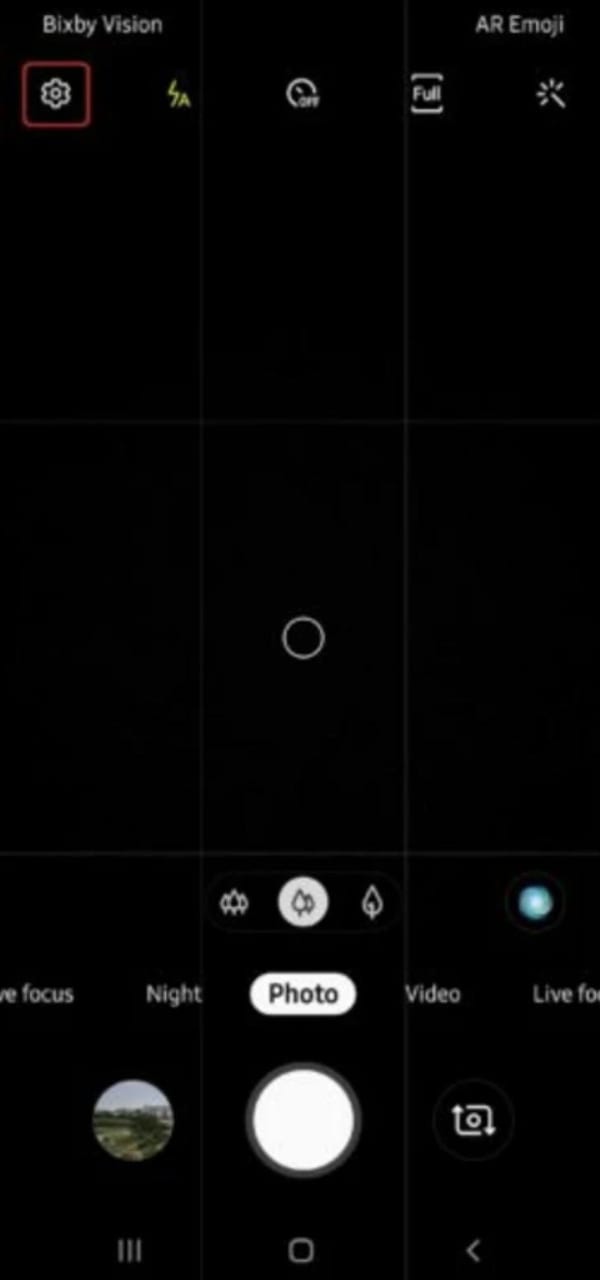
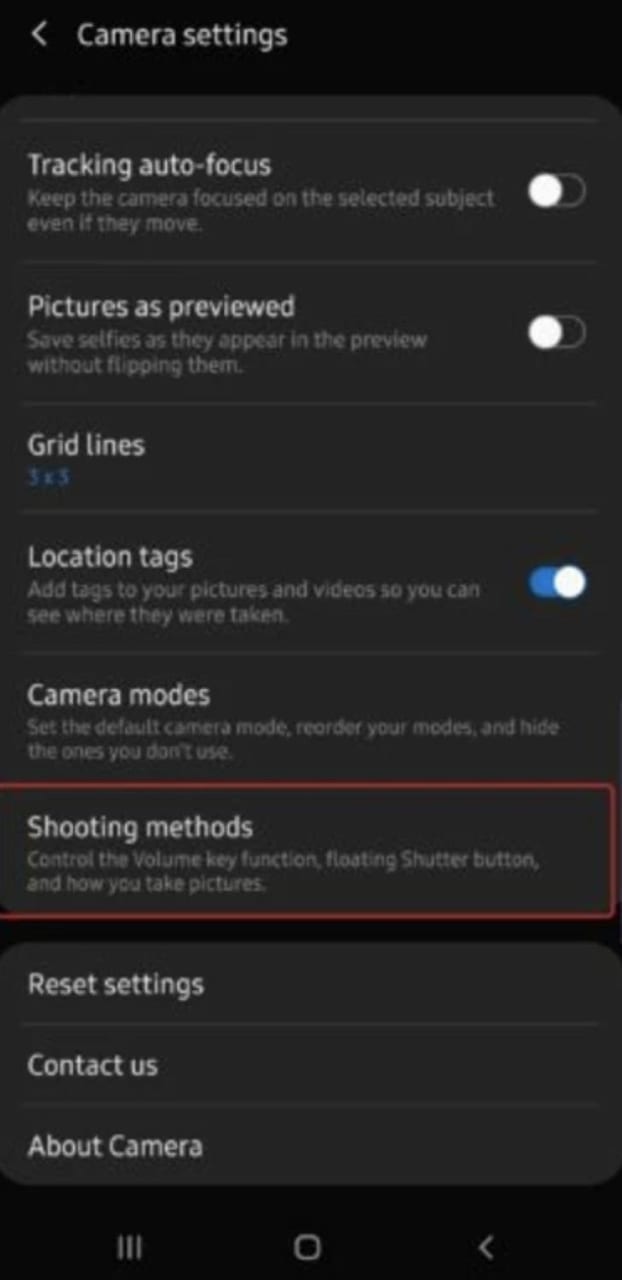
Samsung Camera is a mobile app that lets you take sharp, high-quality photos and videos on your Samsung device.
Developed by Samsung Electronics, Samsung Camera comes pre-installed on all of their Android phones. Its package ID is ‘com.sec.android.app.camera’, and it packs in plenty of features and settings to help you capture striking photos and videos.
A standout feature is Pro mode, which gives you manual control over ISO, shutter speed, white balance and exposure compensation. That level of control lets photographers fine-tune each shot and achieve professional-looking results. The app also offers several preset modes for different situations, such as food photography, night scenes and portraits.
The app can also record 4K video with HDR support. Its slow-motion options reach up to 960 frames per second (fps), which can create dramatic effects when the footage is played back at normal speed.
Samsung Camera includes a range of filters and editing tools, so you can polish your photos without leaving the app. Crop your images, add text or stickers, and adjust brightness, contrast and saturation, among other options.
All in all, Samsung Camera is a powerful tool for anyone who loves taking photos with an Android device. Its advanced manual controls, shooting modes and post-processing tools make capturing beautiful moments easier than ever.
How to install
- Download the APK file above to your phone.
- Allow “Install unknown apps” when prompted.
- Open the downloaded APK and tap Install.
- If the package includes OBB/XAPK data, follow the bundled instructions.
MOD APKs are modified builds, so Play Protect may show a warning. Install only if you trust the file; use at your own risk.