

Screenshots

Description
Create stunning photos and AI videos in seconds. Edit, enhance, animate, and transform your media with powerful AI tools and pro effects.
This build gives you access to every premium feature in the app through its built-in unlock. You can use the professional-grade editing toolkit and advanced AI components without the limitations found in the standard version of the Photo Editor & AI Video MOD APK.
What's Modified in Photo Editor & AI Video
- Unlocks all premium features and professional editing tools within the app.
This build is version 1.0.22, weighs 65 MB, and uses the package name com.eco.photoeditor.videomaker. It is a re-signed file, so it cannot be installed over an existing copy from the official store.
About Photo Editor & AI Video
Photo Editor & AI Video Maker is designed as an all-in-one creative studio for turning ordinary images and video clips into more sophisticated visual projects. It serves both newcomers to digital media and experienced content creators by offering a suite of professional-grade tools. The app is powered by advanced artificial intelligence that helps bring creative ideas to life with minimal manual effort. Its clean, intuitive interface makes it easy to edit photos, generate AI-enhanced visuals, and produce cinematic videos without complex software training. By bringing these tools together in one mobile environment, the app gives you a central place to manage social media posts and personal creative projects.
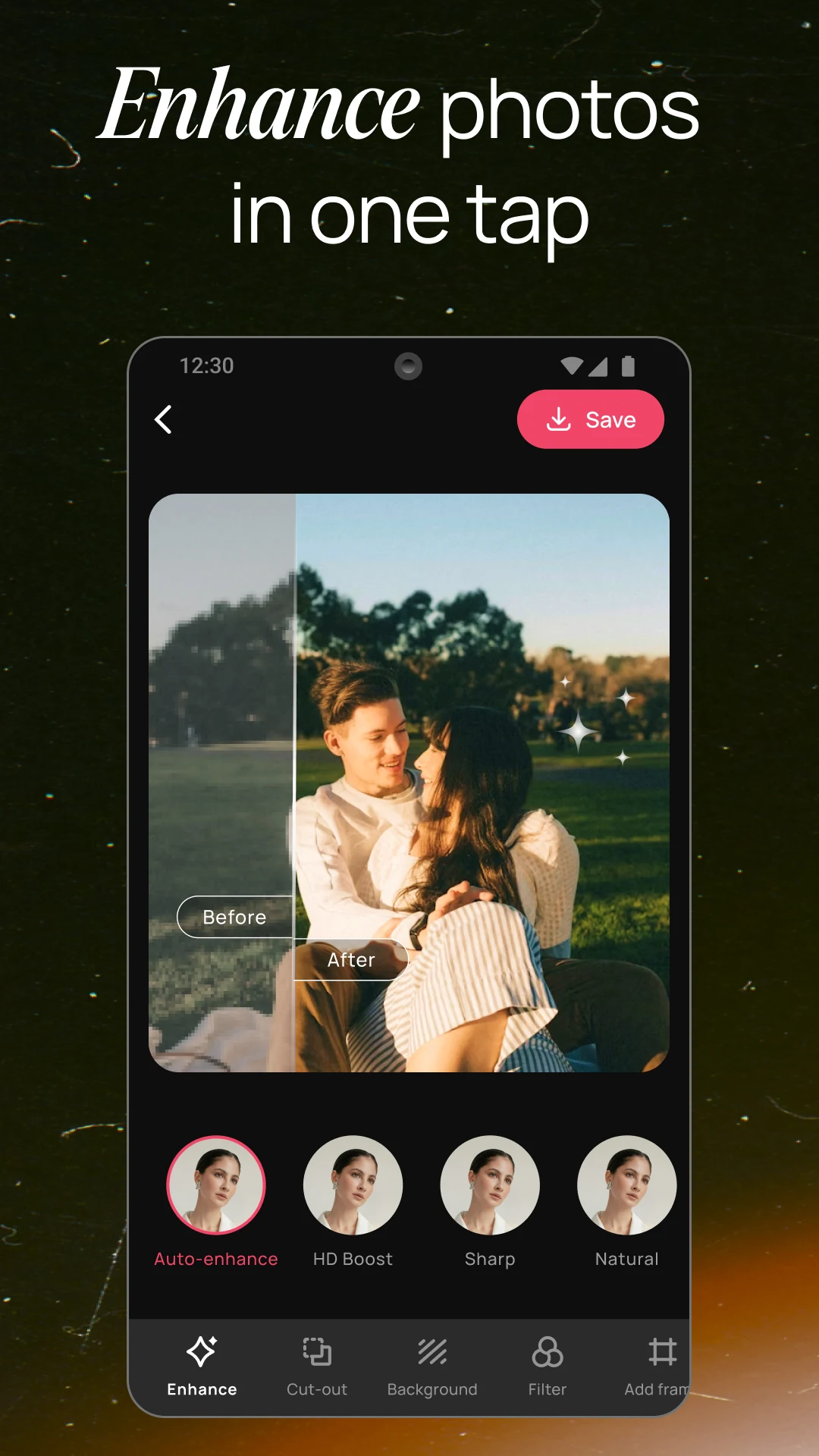
The AI photo editing features focus on instant image enhancement through smart technology. The system automatically improves lighting, color balance, sharpness, and fine detail while working to preserve the natural quality of the original photo. This helps correct common problems such as underexposure or lost detail, turning ordinary shots into more vibrant, eye-catching visuals. Beyond basic correction, the Photo Editor & AI Video MOD APK includes artistic AI filters that can reinterpret images as digital paintings, sketches, cartoons, or a range of cinematic styles. These filters help you create a distinctive look that sets your work apart from standard photography. The app also offers a one-tap portrait enhancement that adjusts clarity and color balance to flatter your subjects in a single step.
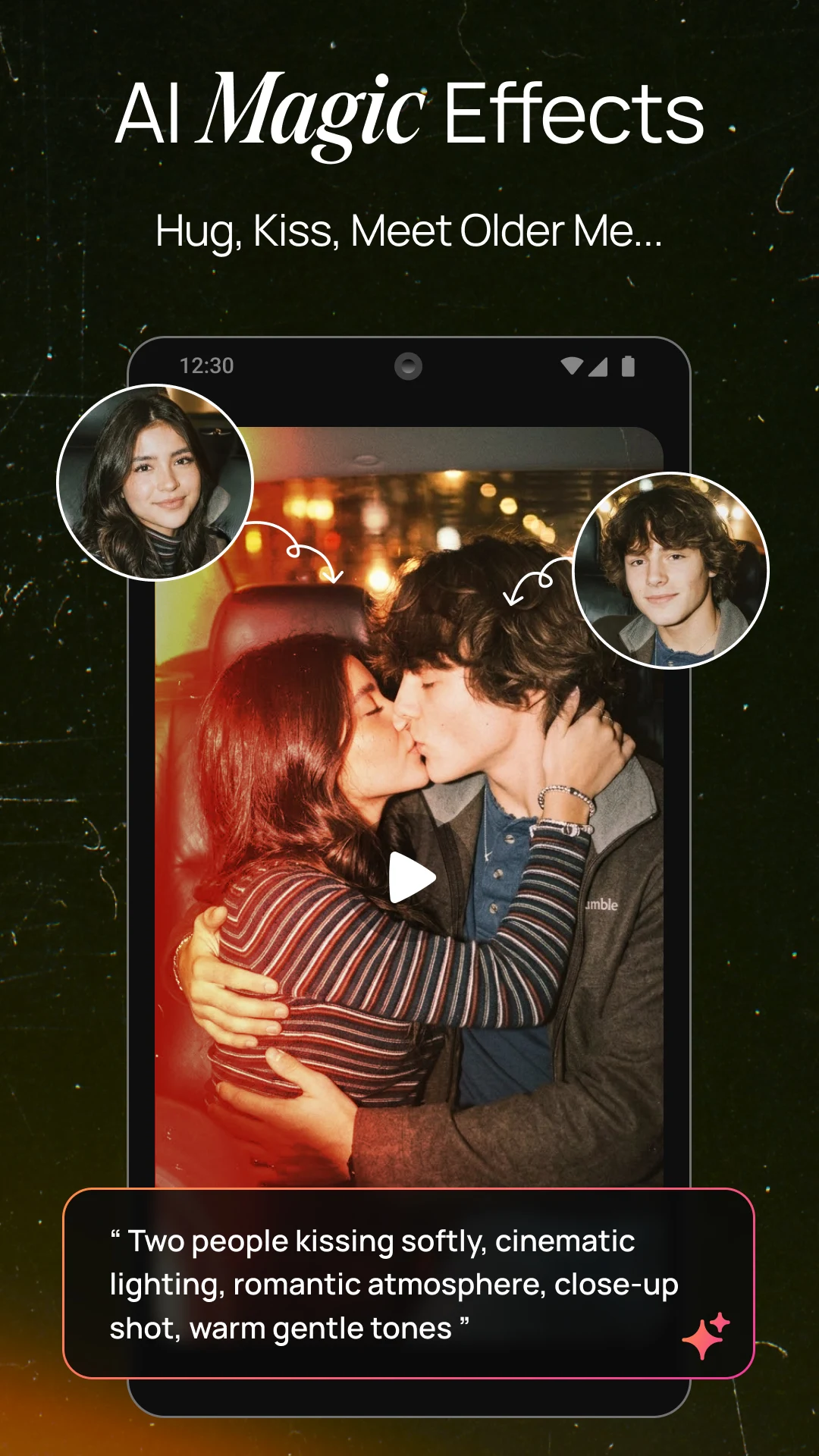
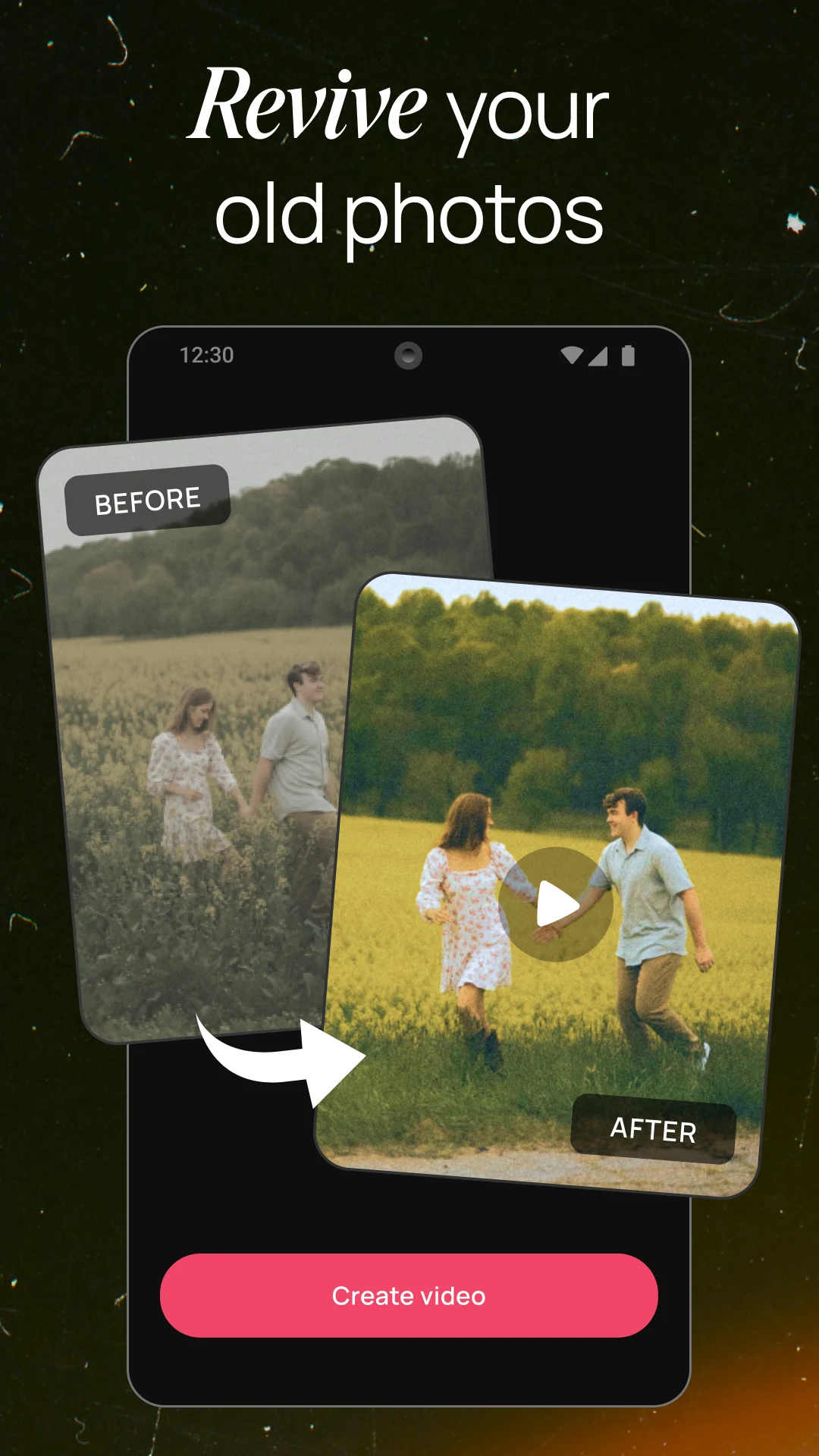
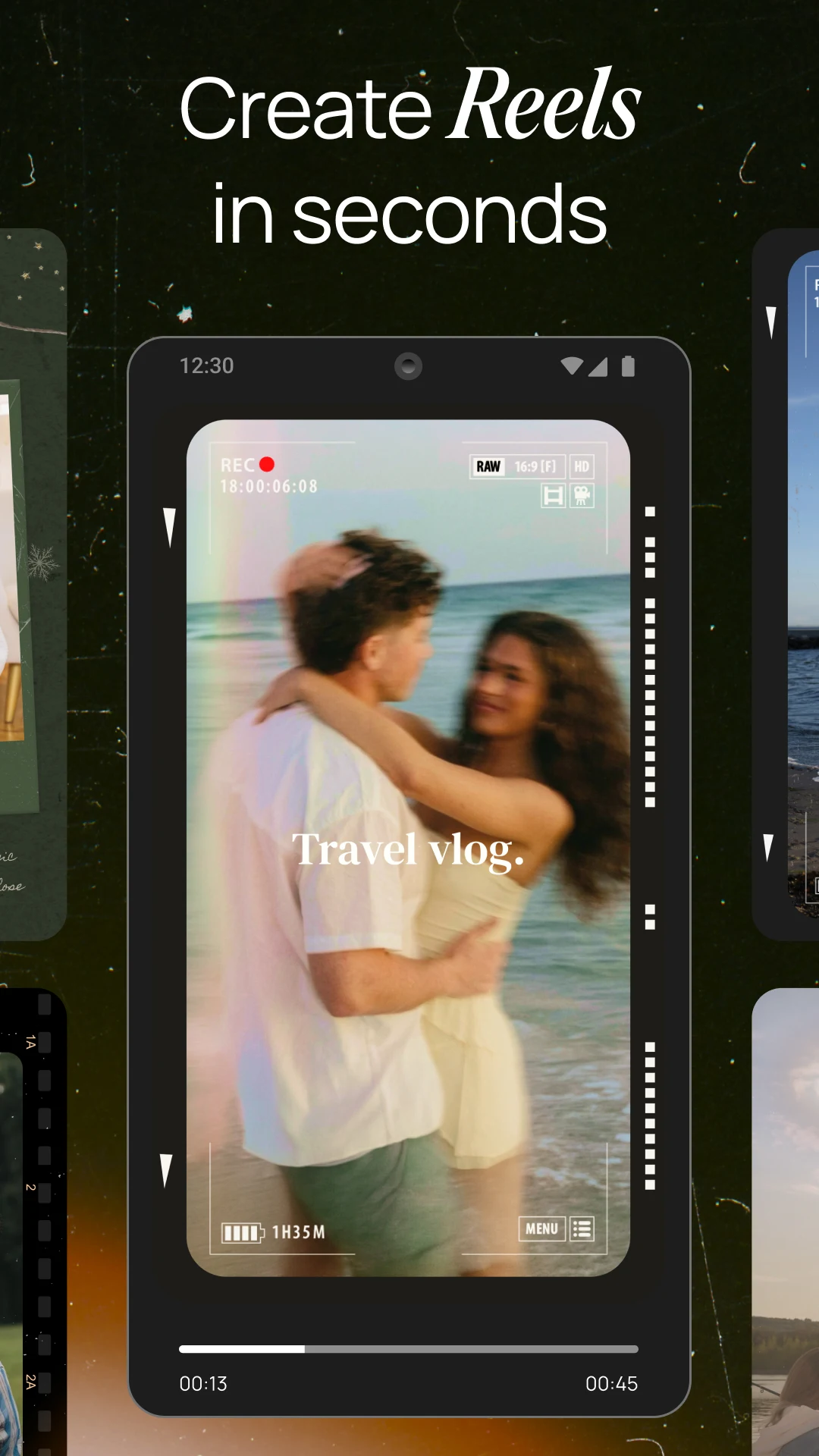
For moving images, the AI video maker and animation tools convert still photos into dynamic video content. AI-driven motion effects, smooth transitions, and cinematic animations are applied across a series of images to create short-form clips well suited to Instagram, TikTok, and YouTube Shorts. The process is quick and efficient, so you can build storytelling sequences without extensive video editing experience. Turning static assets into motion helps creators make more engaging content for their audiences. The included transitions and animations give the final output a polished flow and pacing that is often hard to achieve in mobile editing apps.
A standout feature is the AI-based background removal and replacement tool. Using precision algorithms, it identifies and isolates subjects from their original backgrounds with a single tap. Once the background is removed, you can replace it with custom images, color gradients, or preset creative environments. This is useful for producing professional-quality compositions, such as product photos for online stores or stylized portraits for social media. The AI masking aims to deliver clean edges and a natural blend with the new background, reducing the need for manual touch-ups. The tool is part of the app's broader goal of delivering studio-quality results through automated mobile processing.
The app also comes with a full set of manual editing tools for users who want more precise control over their projects. The toolkit covers basics like cropping and rotating, plus adjustments for brightness, contrast, saturation, and blur. These manual options let you fine-tune every detail to reach a specific look that automated AI may not fully match. For video projects, the software includes music and sound features, so you can add background tracks, sound effects, and audio overlays. Syncing visuals to the beat of a song is also supported, a popular technique for building immersive content. Together, the manual visual controls and solid audio tools make for a well-rounded environment for detailed media production.
Exporting and sharing are handled by a high-resolution export system built for the major social media platforms. Finished photos and videos keep their quality when shared directly to services such as Instagram, TikTok, Facebook, and WhatsApp. Rendering is designed to be quick, so performance stays smooth even with large files or complex AI effects. Output formats are pre-optimized for the technical requirements of different digital services, which streamlines things for creators who post often. From importing a single image to exporting a cinematic video, the app works as a complete creative pipeline for modern mobile users.
Key features
- AI-powered photo enhancement for lighting and detail
- AI video creation from static images
- Advanced manual photo editing toolkit including crop and blur
- One-tap AI background removal and replacement
- Artistic AI filters for digital art and cinematic styles
- Cinematic video transitions and animations
- Background music and sound effect integration
- High-resolution export support for photos and videos
- Social media optimized output formats
- Fast rendering and smooth performance optimization
Related MOD APKs
- Music Player – MP3 player
- Crop, Trim Video Editor
- Photo Video Maker With Music
- Background Changer, Remove BG
FAQ
Is Premium unlocked in Photo Editor & AI Video Maker MOD APK?
This 1.0.22 version of Photo Editor & AI Video Maker comes with Premium Unlocked. It works just like the original Eco Mobile Editor release, with every feature active as soon as installation finishes.
What is the latest version of Photo Editor & AI Video Maker MOD APK?
Version 1.0.22 matches the Eco Mobile Editor build released on April 15, 2026. We don't host older versions here. To update, install this file over your current app; if you get a signature error, uninstall the old app first.
Is Photo Editor & AI Video Maker MOD APK safe to download?
This 1.0.22 Photo Editor & AI Video Maker file from Eco Mobile Editor includes Premium Unlocked. It has a 2.8 rating from 15 users and does not require root. Play Protect may show a warning during install, so always download from this page.
Does Photo Editor & AI Video Maker MOD APK remove the watermark?
This build includes Premium Unlocked. Since Photo Editor & AI Video Maker typically limits watermark removal to paid tiers, check the export screen after installing to confirm.
How to install
- Download the APK file above to your phone.
- Allow “Install unknown apps” when prompted.
- Open the downloaded APK and tap Install.
- If the package includes OBB/XAPK data, follow the bundled instructions.
MOD APKs are modified builds, so Play Protect may show a warning. Install only if you trust the file; use at your own risk.