
Screenshots

Description
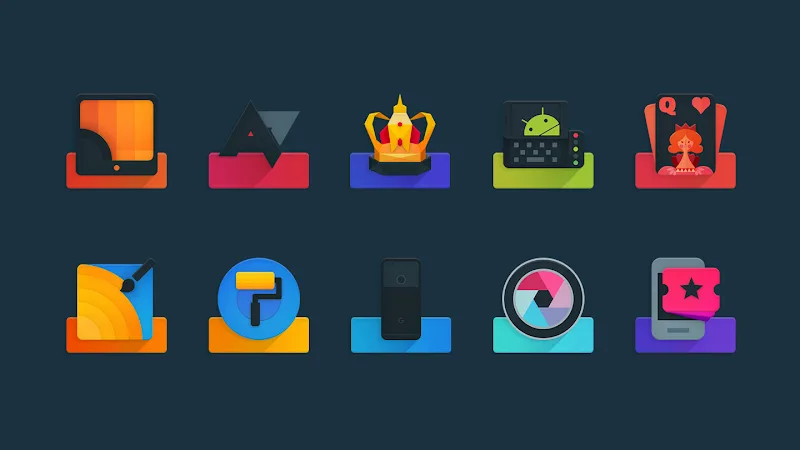
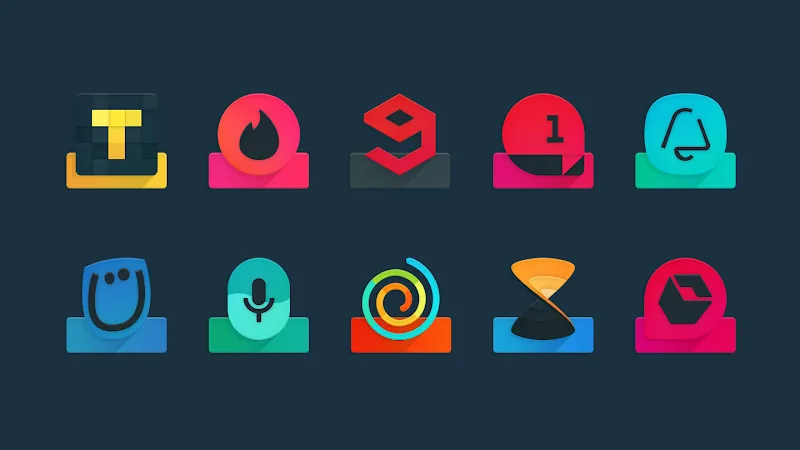
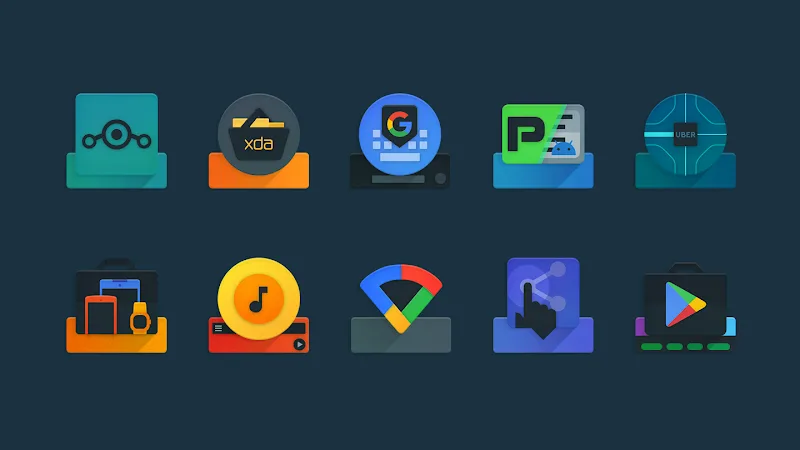
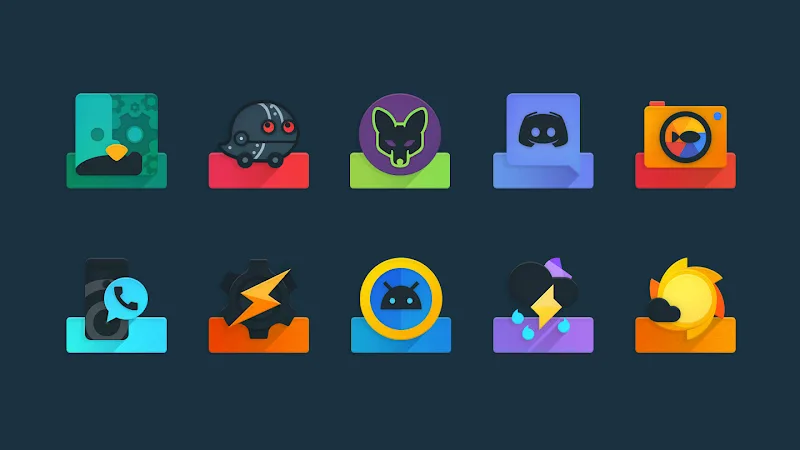
Ombre Icon Pack puts artistic quality first, as its design features colors crafted in a soft ombre style. It is the kind of style where colors gradually fade across shades of the same hue or even shift into another color. The sharp visual experience with a dark multi-layered design style that it unfolds will surely make users feel the meticulousness in every detail. You will easily customize your home screen thanks to a collection of subtle gradient icons combined with a matching wallpaper system. These wallpapers also feature gradients that help everything look more synchronized.
DARK MULTI-LAYERED DESIGN AND METICULOUS STYLE CREATION
Over 4,400 meticulously crafted icons bring impressive depth to every application on the screen. Moreover, the pre-integrated premium color gradients along with a dynamic calendar feature truly make users want to look at their phone screen every day. A diverse set of system icons for various brands helps maintain perfect unity. This will certainly be what many people like most when longing for a luxurious interface.
- Rich quantity: Over 4,400 icons
- Subtle color range: Multi-layered design
- Smart feature: Self-changing dynamic calendar
SMART DASHBOARD AND WIDE SUPPORT
A lightweight dashboard allows you to automatically apply themes to most popular launchers in just one step. Users can freely search for alternative icons, save over 50 included wallpapers, or send requests for missing applications. The combination with HD clock widgets and support for Muzei live wallpapers offers incredible customization potential. Do not hesitate to experience it today to personally elevate your phone’s interface.
- Convenient dashboard: Quick search
- Diverse customization: HD clock widgets
- Wide compatibility: Various launchers
How to install
- Download the APK file above to your phone.
- Allow “Install unknown apps” when prompted.
- Open the downloaded APK and tap Install.
- If the package includes OBB/XAPK data, follow the bundled instructions.
MOD APKs are modified builds, so Play Protect may show a warning. Install only if you trust the file; use at your own risk.