

Screenshots
Description
Get more out of your classes with MyScript Notes! Turn handwriting into text, annotate PDFs, and keep your studies organized with one of the most advanced digital ink apps around.
This MyScript Notes for Students MOD APK unlocks the Full Version of the app, giving you the complete set of digital notebook tools and productivity features that are normally limited in the standard release.
What's Modified in MyScript Notes for Students
- Unlocks the Full Version of the app, giving you access to all premium features and tools.
This build is version 7.3.5, is 82M in size, uses the package name com.myscript.nebo, and is re-signed, so it cannot be installed as an update over a store-bought version.
About MyScript Notes for Students
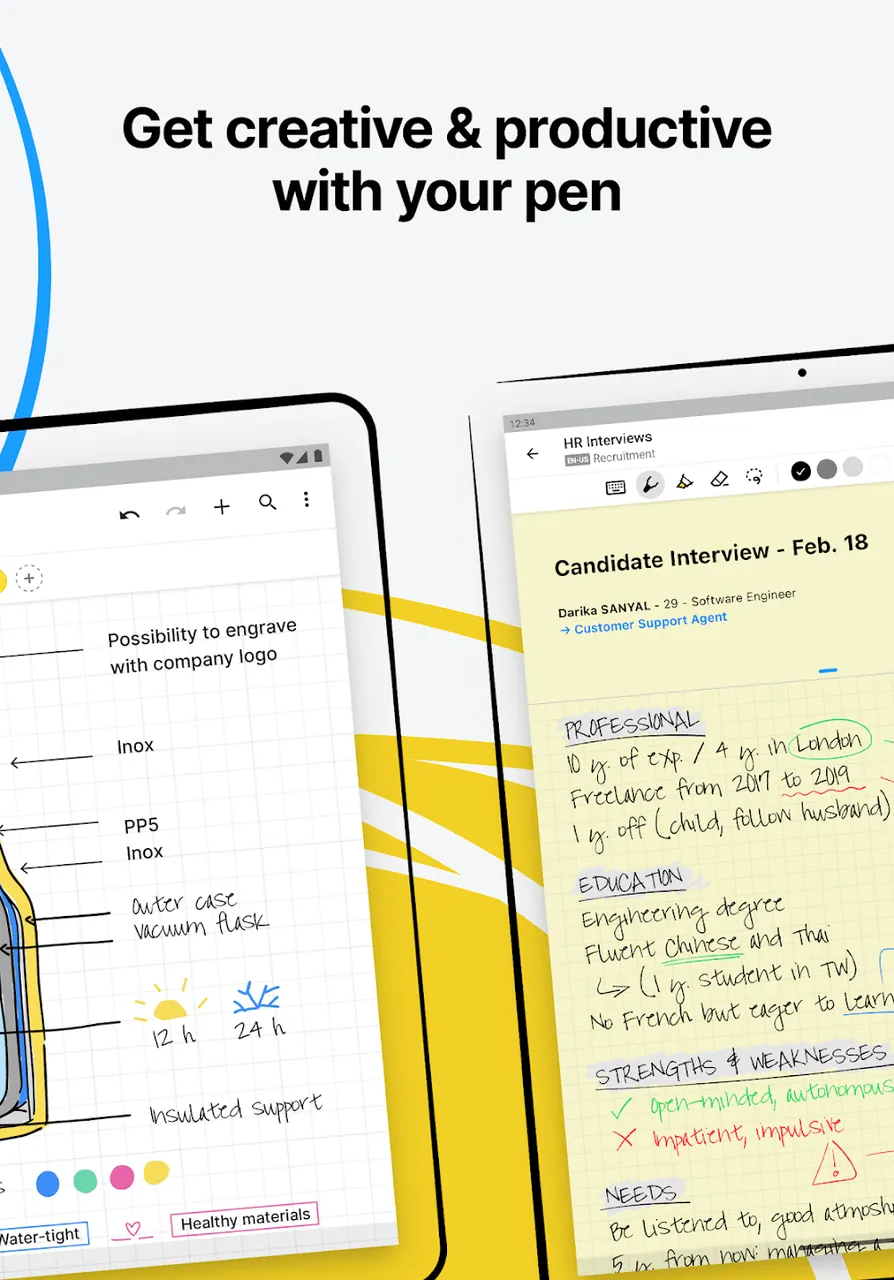
MyScript Notes for Students delivers a digital notebook experience that blends the feel of traditional writing with PaperLab's digital productivity features. Powered by MyScript's engine, it captures every stroke in real time while staying power-efficient and lag-free. You get the convenience of digital tools without giving up the familiar feel of paper. Built around a Write Anywhere philosophy, the app lets students jot down information in whatever way is most convenient. Notes can be sorted into individual subject notebooks, which you can personalize with a range of cover pages and backgrounds to keep your work tidy.
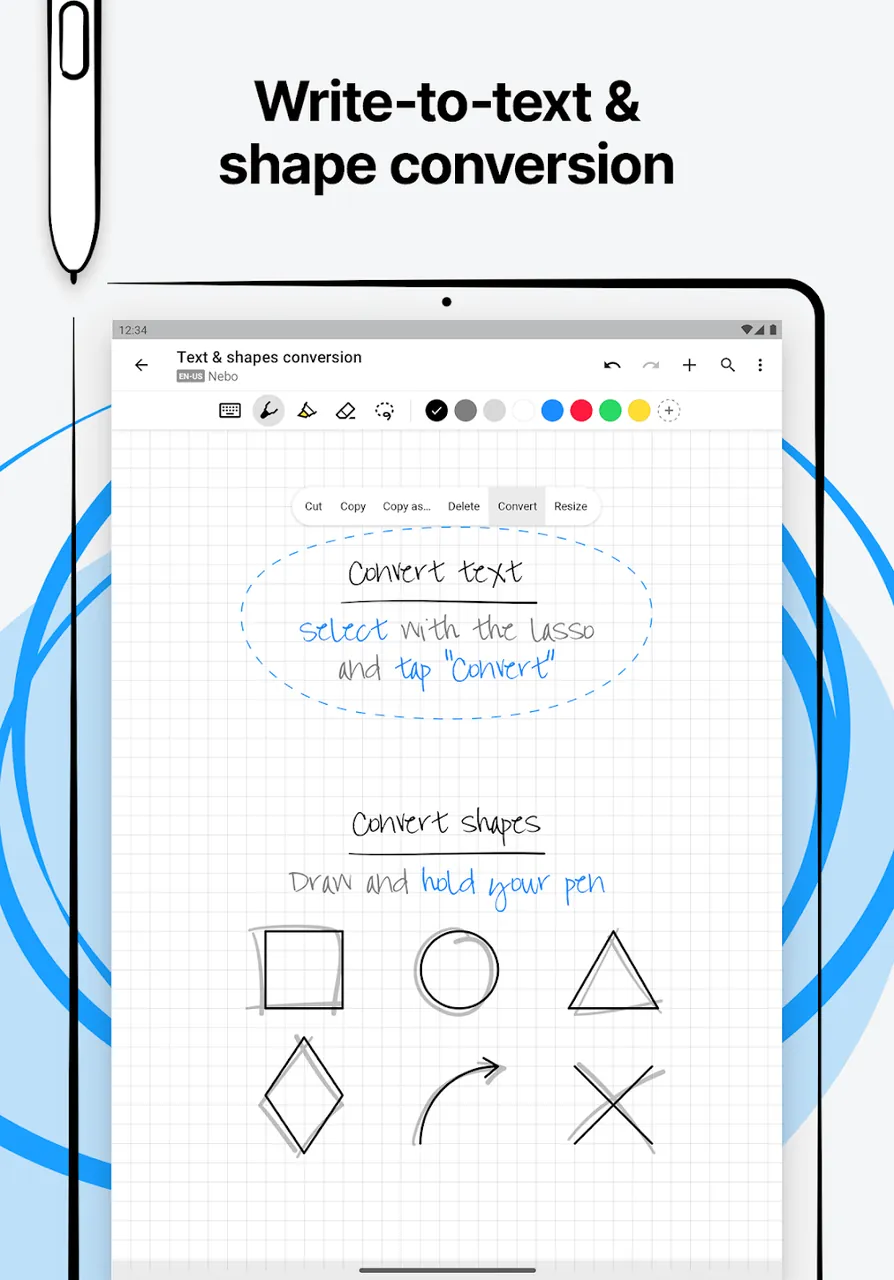
The app uses optical character recognition to turn handwritten notes into typed, searchable text through its Advanced Handwriting-to-Text feature, which it says works instantly. That means you can tidy up lecture notes full of scribbles in no time. You can also edit with gestures: for example, drawing a line through a word erases it. The goal is to keep distractions to a minimum so you can focus on writing and understanding what's being taught, with a simple, clean interface that stays out of your way.
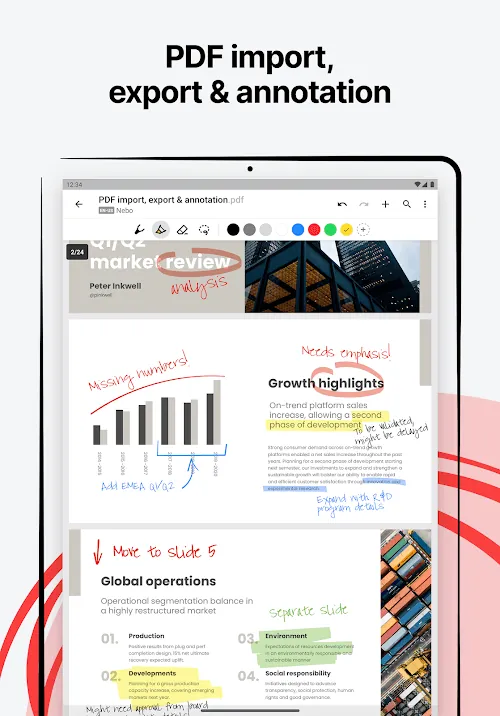
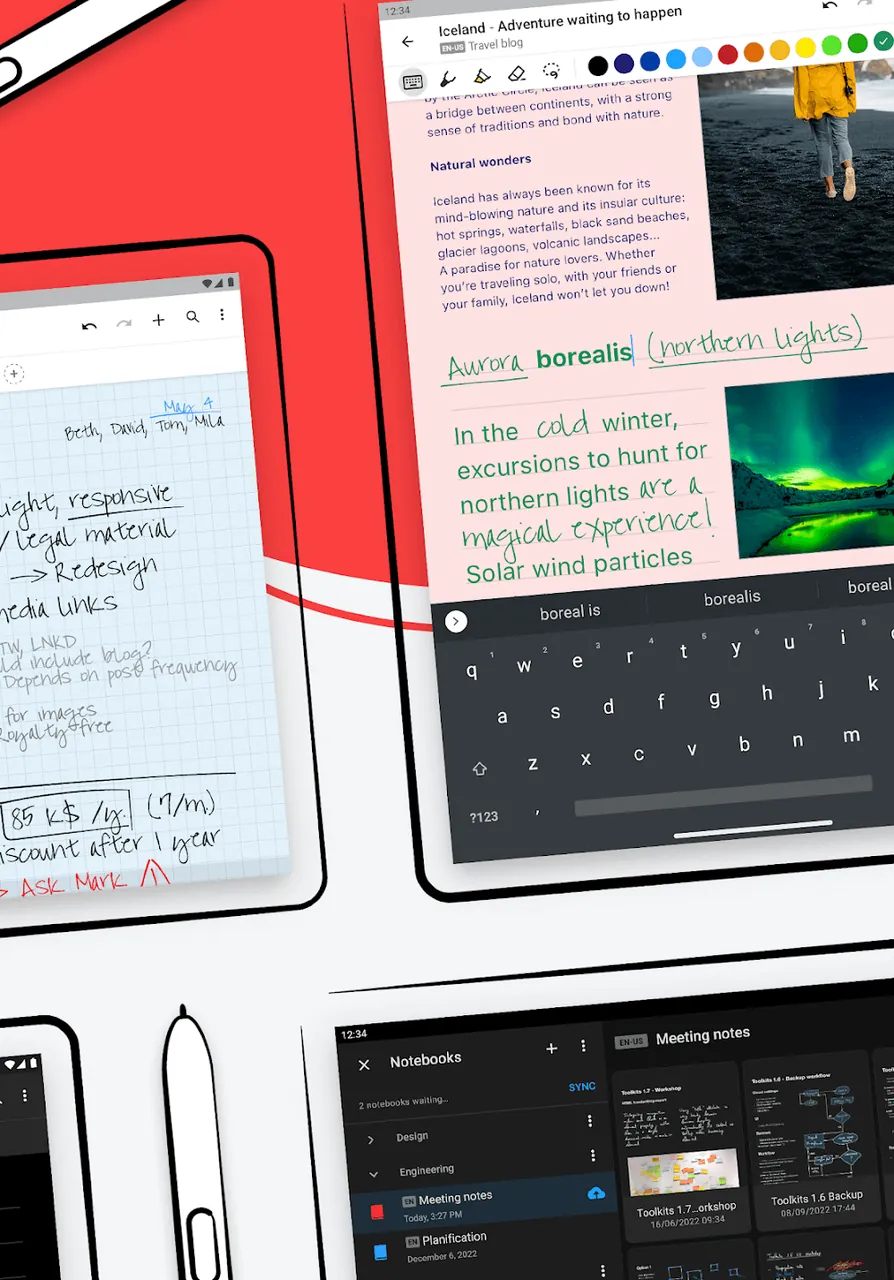
Multi-Modal Input supports both keyboard entry and voice recording, so you can choose the method that suits each situation. During long or complicated presentations, you can record the audio and keep taking manual notes at the same time. The PDF Annotation feature lets you mark up documents directly. Everything you need for exam prep, from annotations and recorded lectures to PDFs of textbook chapters, can be kept in one central place, making it easier to capture and organize information the way that works best for you.
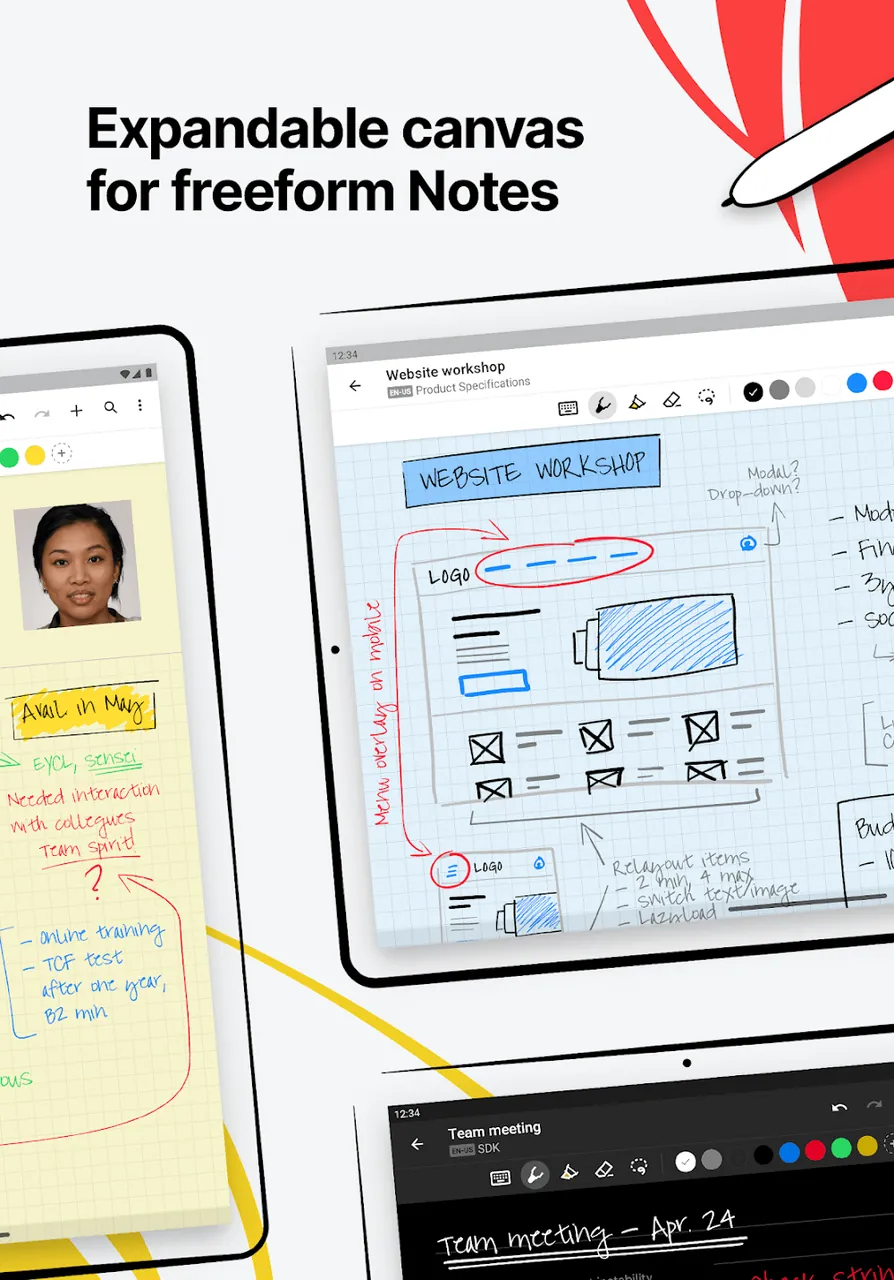
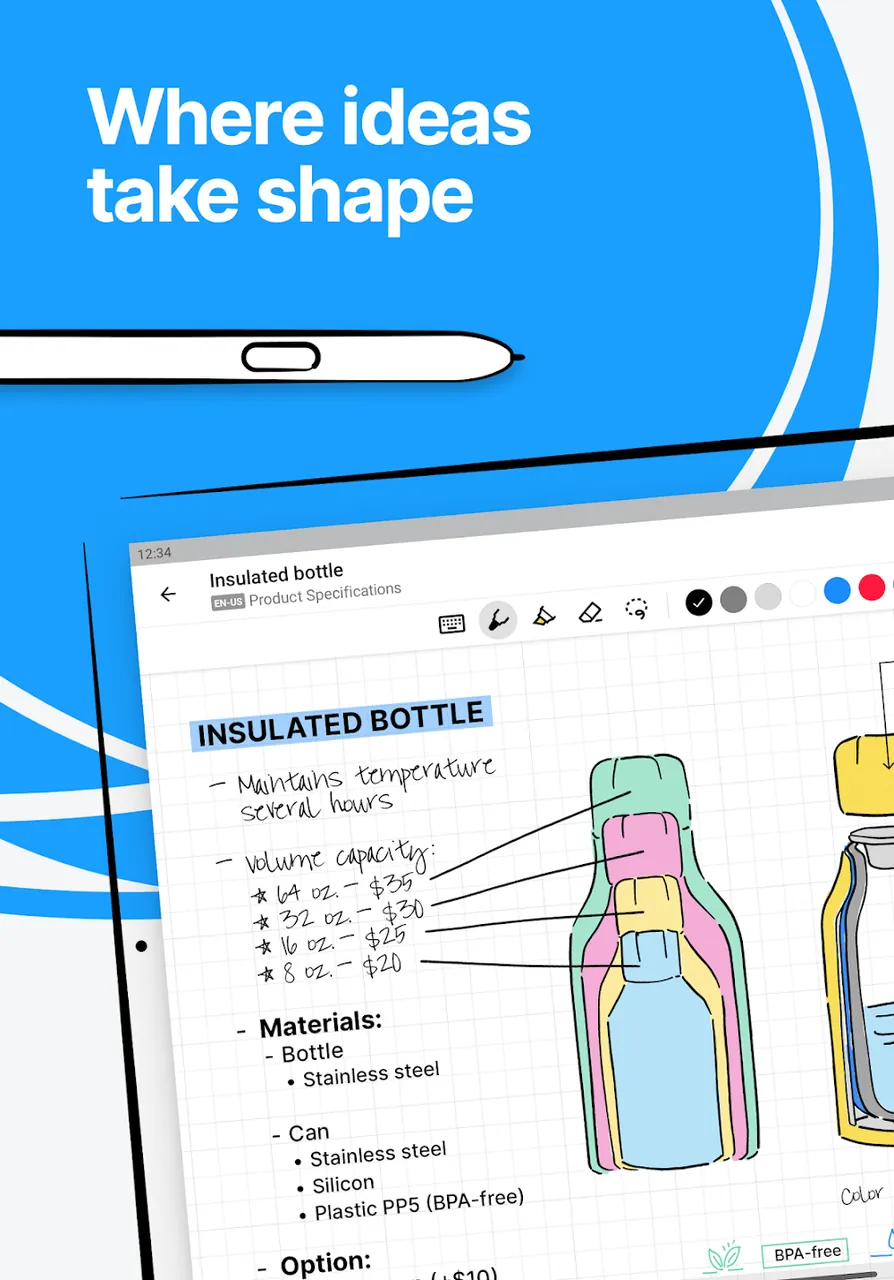
For brainstorming and project planning, which often calls for creative or visual thinking, the app provides an Infinite Canvas. Unlike a traditional page with fixed edges, this limitless workspace gives you room to build mind maps and flowcharts freely. For more structured diagrams, Smart Shape Recognition detects rough sketches of shapes such as circles or triangles and converts them into clean, precise forms. This is especially useful for students preparing diagrams for science project reports or other documents. Because the canvas extends in every direction, you can create very large diagrams without losing track of your idea, and zooming and panning let you focus on any section.
The Convert Flawlessly feature recognizes and converts complex equations and formulas, making it a great fit for STEM students. Not every teacher writes legibly, and some students struggle to read messy notes. With Convert Flawlessly, STEM students can capture material just as their teachers present it, and produce legible notes that others can easily read. The pen supports gesture-based editing that is simple to learn. You can scratch out text to delete it, or split a sentence with a vertical line to make room for a new word or symbol. The app lets you write freely without having to shift your focus to a toolbar.
The software also comes with a strong search engine that can index handwritten content. As a result, even a student with hundreds of pages of handwritten notes can locate specific information simply by searching for keywords. With a single tap, users can reposition and resize content. This comes in handy when building study guides from existing notes. The app keeps your work in sync across several devices, so your academic material is available from anywhere, at any time. MyScript Notes for Students MOD APK is built on the idea that going digital shouldn't mean giving up the benefits of handwriting. It gives students a tool to organize their academic life and prepares them for a digital academic career.
Key Features
- Advanced Handwriting-to-Text OCR
- Interactive Ink Gestures for Erasing and Formatting
- Multi-Modal Input Using Handwriting, Typing, and Voice
- PDF Annotation for Course Materials
- Infinite Canvas for Brainstorming and Diagrams
- Smart Shape Recognition for Geometric Figures
- MyScript Engine for Lag-Free Precision
- Flawless Conversion of Math Equations and Chemical Formulas
- Handwriting Indexing and Search Engine
- Customizable Notebook Covers and Paper Types
Related MOD APKs
- Nebo: Notes & PDF Annotations
- MyScript Math: Solve & Plot
- Grok – AI Assistant
- ChatGPT
FAQ
What does MyScript Notes for Students MOD APK unlock?
In this build of MyScript Notes for Students (7.3.5), the Full Version has been modified. Everything else works just like the official MyScript release, and the changes take effect as soon as you install it.
What is the latest version of MyScript Notes for Students MOD APK?
The current build is v7.3.5, which matches MyScript's release and was last updated on June 11, 2026. We do not keep older versions here. To update, install the new build from this page over the existing one. If Android reports a signature conflict, uninstall the old build first.
Is MyScript Notes for Students MOD APK safe to download?
MyScript Notes for Students MOD APK v7.3.5 on GameMod.dev is the original MyScript app with only the Full Version modified. 120 users have rated it 3.6/5 here. It does not require root. A Play Protect warning during installation is normal, so always download from this page.
Can I use MyScript Notes for Students MOD APK on PC or iPhone?
This is an Android package, so it will not install on iPhone or iPad. On Windows or macOS, you can run the 82M APK in an Android emulator such as BlueStacks or LDPlayer. Install the emulator, then drag the file into it.
How to install
- Download the APK file above to your phone.
- Allow “Install unknown apps” when prompted.
- Open the downloaded APK and tap Install.
- If the package includes OBB/XAPK data, follow the bundled instructions.
MOD APKs are modified builds, so Play Protect may show a warning. Install only if you trust the file; use at your own risk.