

MOD features
- Ads Removed
Screenshots
Description
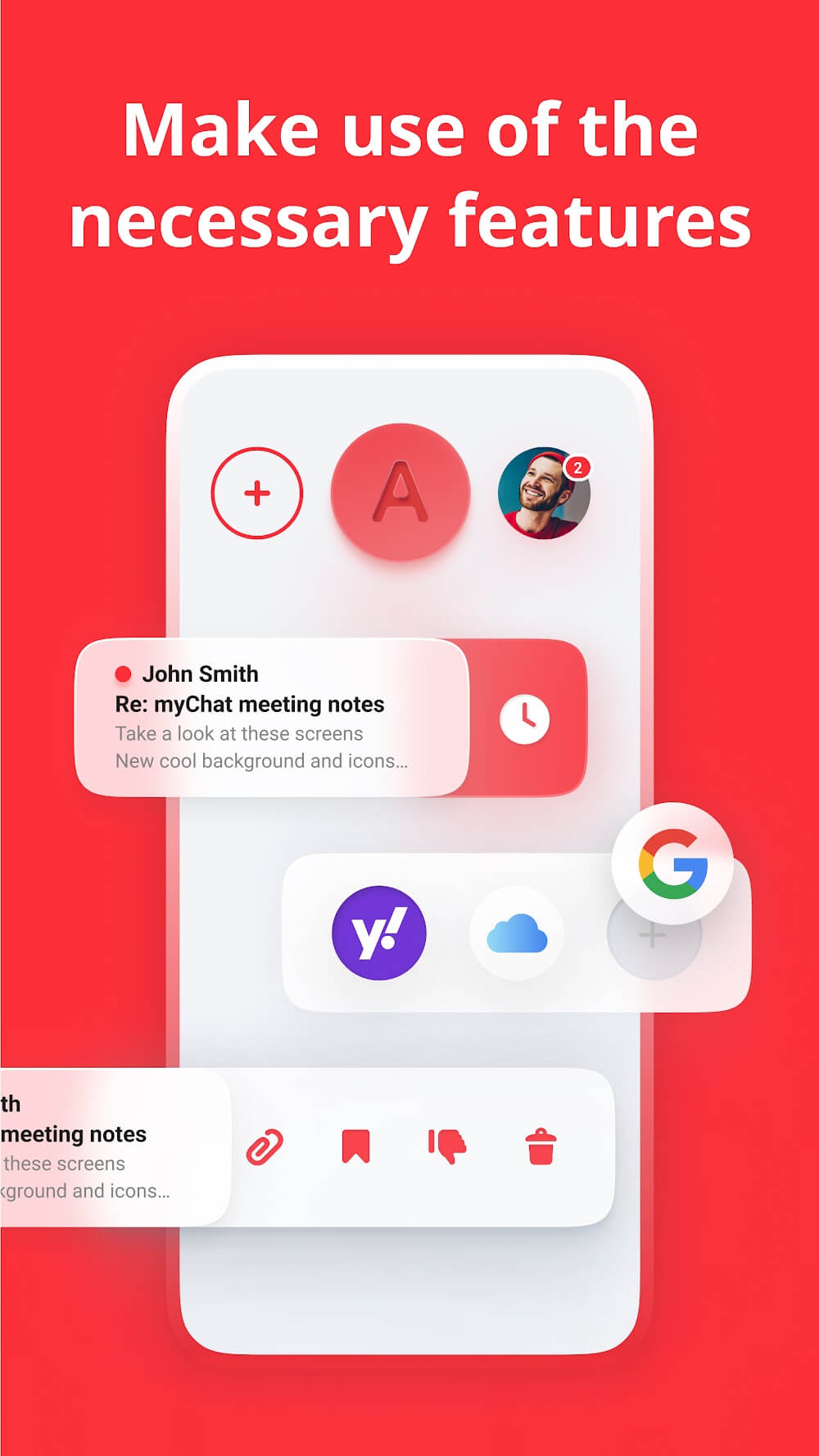
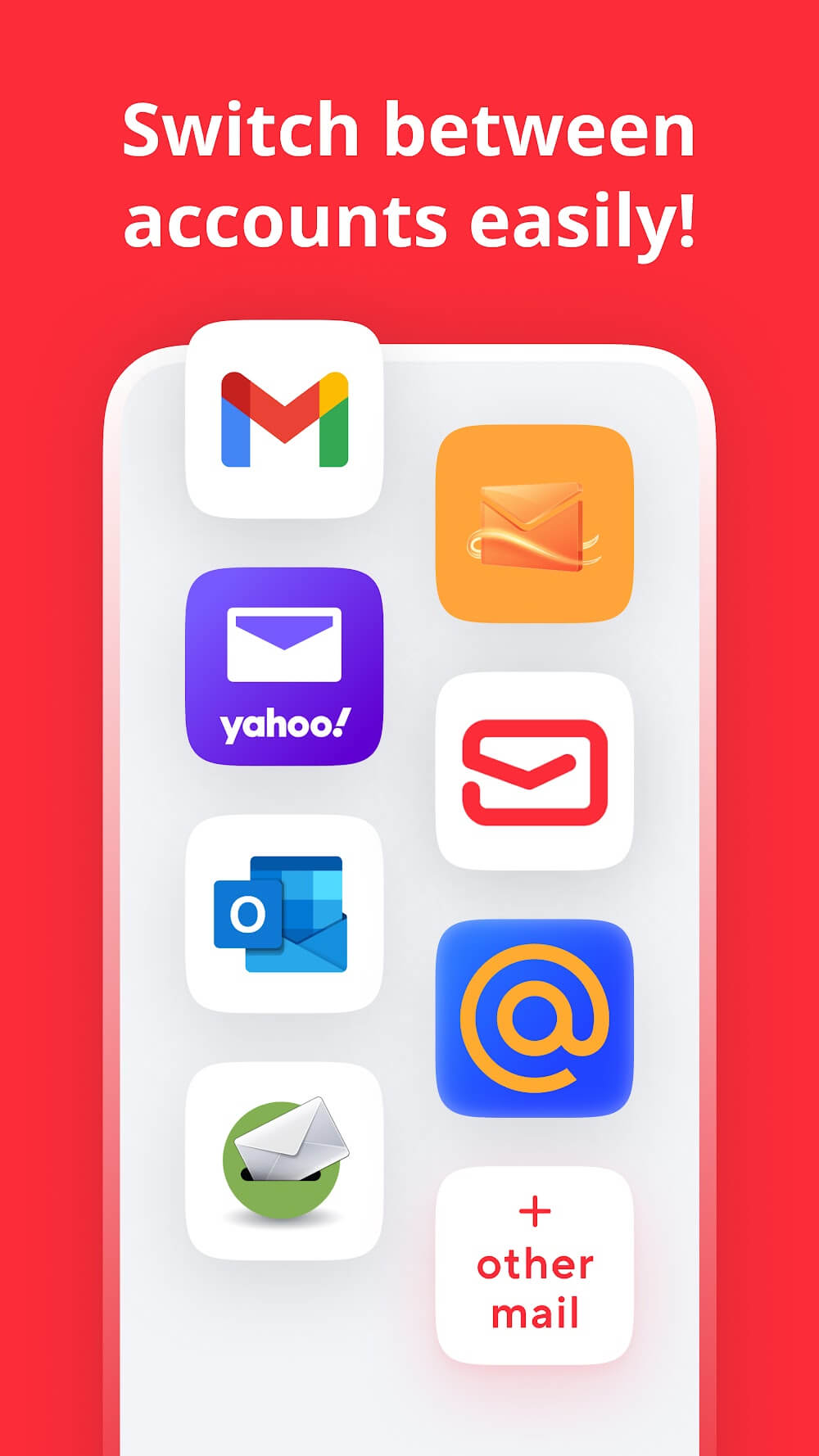
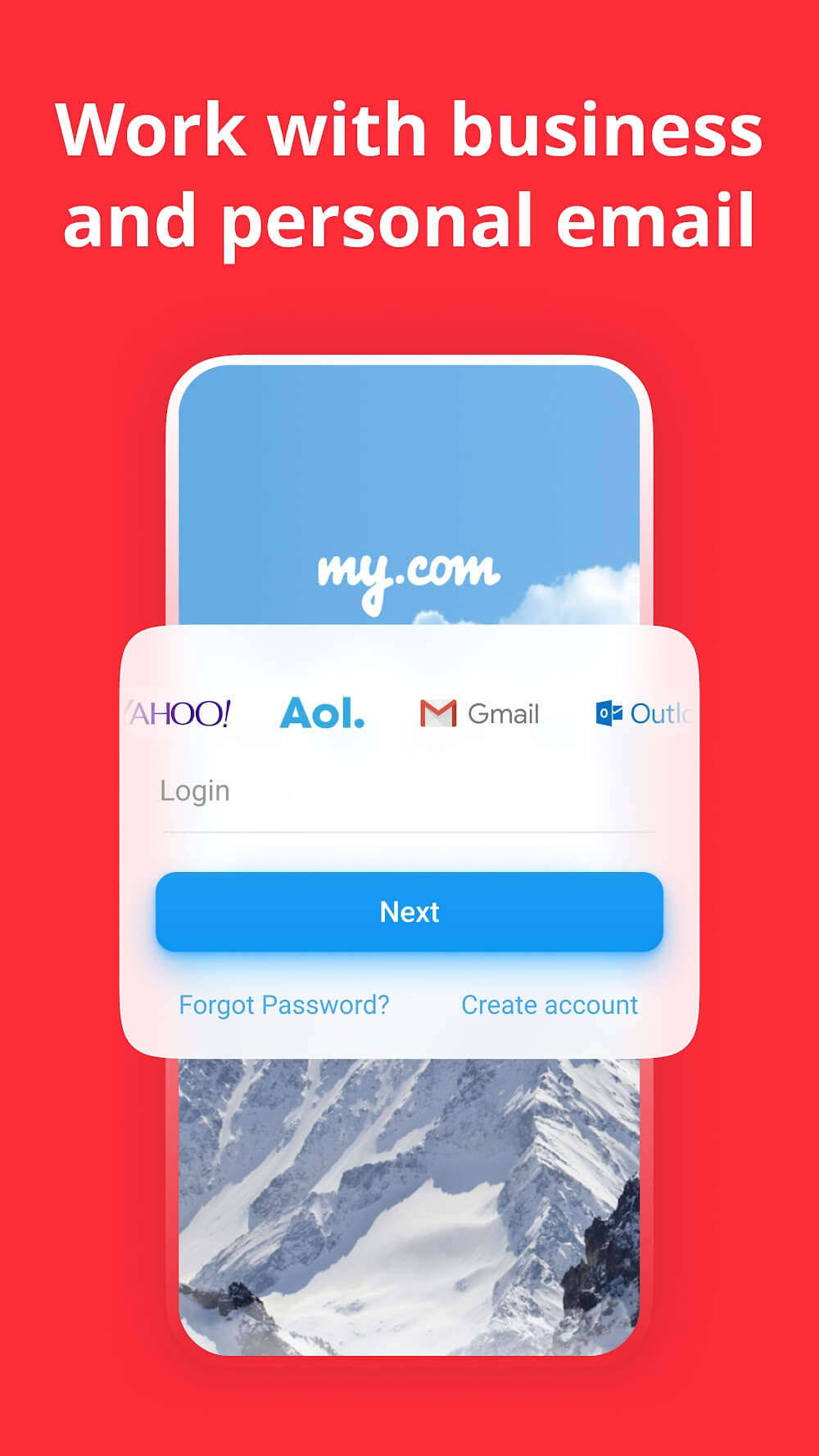
myMail Mod APK lets you manage all of your email accounts from one place. The myMail email client works with all the major email services, including Hotmail, Gmail, Yahoo, Outlook, AOL, iCloud, Live, Exchange, and GMX, as well as any other mailbox that supports IMAP or POP3.
myMail keeps all of your mail organized and securely stored in one spot. It makes communication fast, simple, and well suited to mobile devices. You can upload and view attachments, and the app lets you preview, read, reply to, and forward your messages. Once you enter your email address and password, the mail app is ready to use.
myMail is compatible with the most popular email providers, including Google Mail, Microsoft (Hotmail, MSN Mail, MS Outlook, Office 365, and Live), Yahoo Mail (formerly known as ymail), AOL (Alto), GMX, Mail.com, Apple (iCloud, me.com, mac.com), and more (my.com).
myMail supports most business email servers, including Lotus Notes and Microsoft Exchange, and it automatically sets up IMAP, POP, and SMTP settings for most host domains. It also works with most corporate email servers that offer IMAP and SMTP access.
Key Features
- Get real-time push alerts for your email account, which you can customize to fit your work and daily routine.
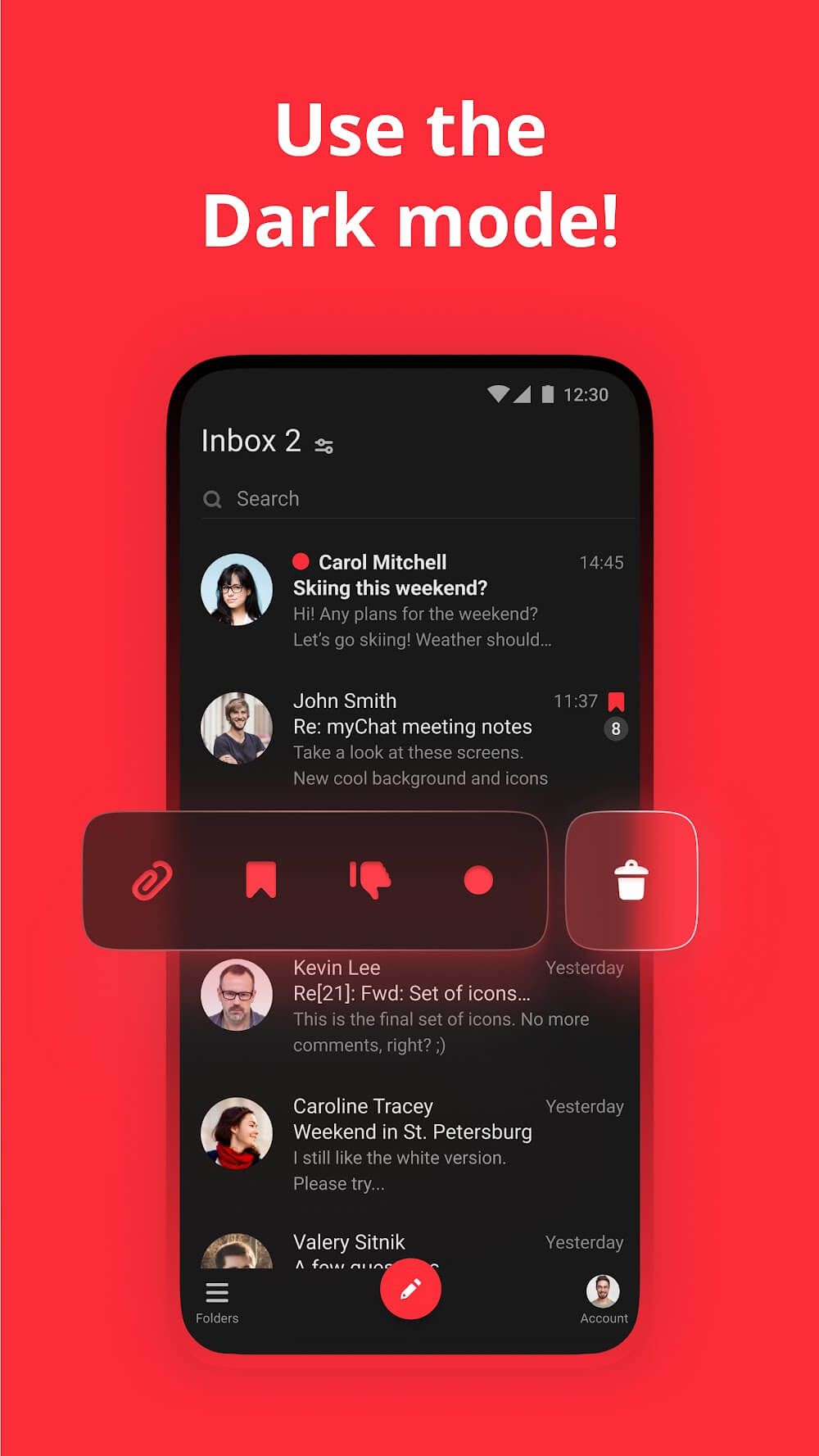
- Move around your inbox easily with menu icons and your contacts' avatars displayed alongside each conversation.
- As you type, search suggestions appear for both your local and server contacts (Gmail, MSN Hotmail, Outlook, and Live).
- Browse to the files you want to attach to emails straight from the mail app.
- Create a distinctive email signature.
- Keep your inbox tidy by marking messages as spam, moving them to another folder, or deleting them.
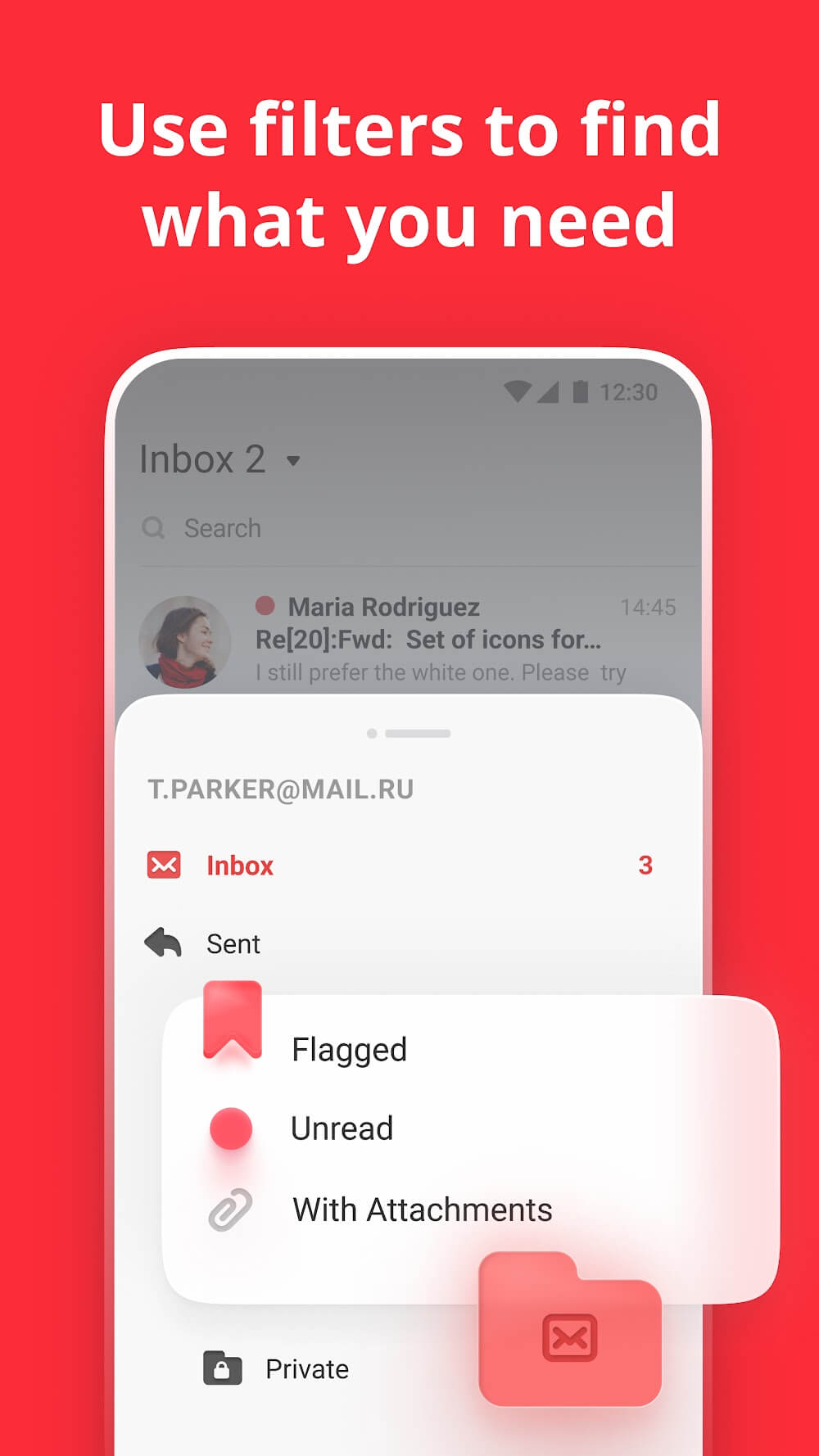
- Filter messages to show only unread, flagged, or messages with attachments.
- A simple, clean layout and design
- ActiveSync protocol support is available.
- View entire email conversations on one screen with email threads. You can also get a short new email address by signing up at MY.COM, which gives you access to several extra perks (and yes, it's free).
- Add, remove, label, and manage folders.
- Sort your messages by criteria such as the sender using filters.
How to install
- Download the APK file above to your phone.
- Allow “Install unknown apps” when prompted.
- Open the downloaded APK and tap Install.
- If the package includes OBB/XAPK data, follow the bundled instructions.
MOD APKs are modified builds, so Play Protect may show a warning. Install only if you trust the file; use at your own risk.