
Screenshots
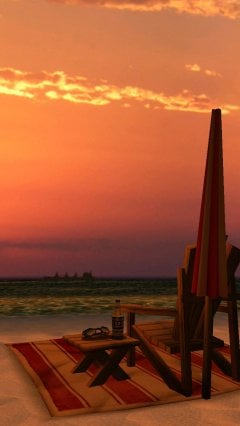
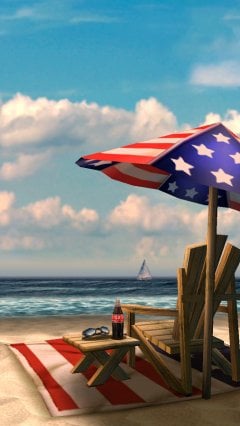
Description
My Beach HD- Updated 2-08-2017, 12:19
- Version 1.7
- Build number 10
- Requirements Android 2.1+
- Genre Live wallpapers
- Price Free


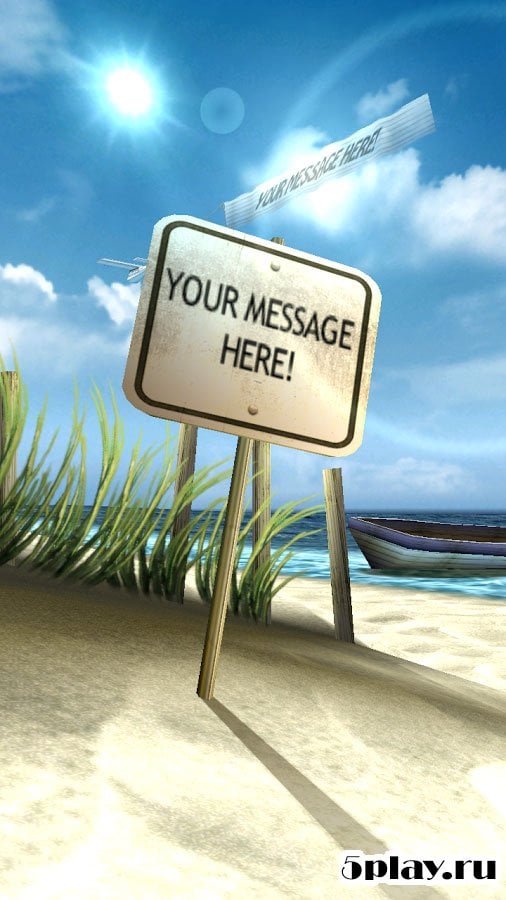
Fresh sea air and an unforgettable scenery will appear on your gadget's screen thanks to thoroughly crafted, detailed graphics with superb 3D effects. The developers continue to modernize their creation. They systematically release additional content to the mobile app market and constantly expand the application's capabilities.
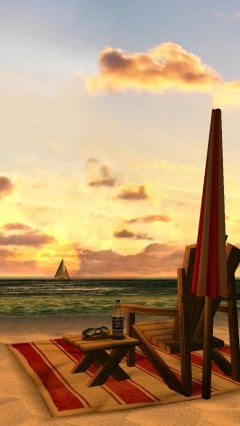
The introduction to My Beach HD of animated 3D seagulls, an amusement park, and a luxurious cruise liner was a pleasant surprise for users. In addition, it became possible to change the colors of the umbrella and beach ball. But that's not all! You can customize the mood of the sea and the weather yourself, switch day to night at will, and add or remove drinks. The user can also place crackling campfires and marine fauna on their mobile device's display, and put on a celebration with colorful fireworks.
And for those who don't really want to spend time tweaking design settings, the app provides a large number of preset backgrounds for every taste, which will adorn the gadget's screen and delight the owner's eye. The technical side of My Beach HDhasn't stood still either. The developers managed to reduce battery consumption while significantly boosting its performance. Can't download? Installing games and apps Installing games with OBB/cache How to take a screenshot How to install APKS
How to install
- Download the APK file above to your phone.
- Allow “Install unknown apps” when prompted.
- Open the downloaded APK and tap Install.
- If the package includes OBB/XAPK data, follow the bundled instructions.
MOD APKs are modified builds, so Play Protect may show a warning. Install only if you trust the file; use at your own risk.