
Screenshots
Description
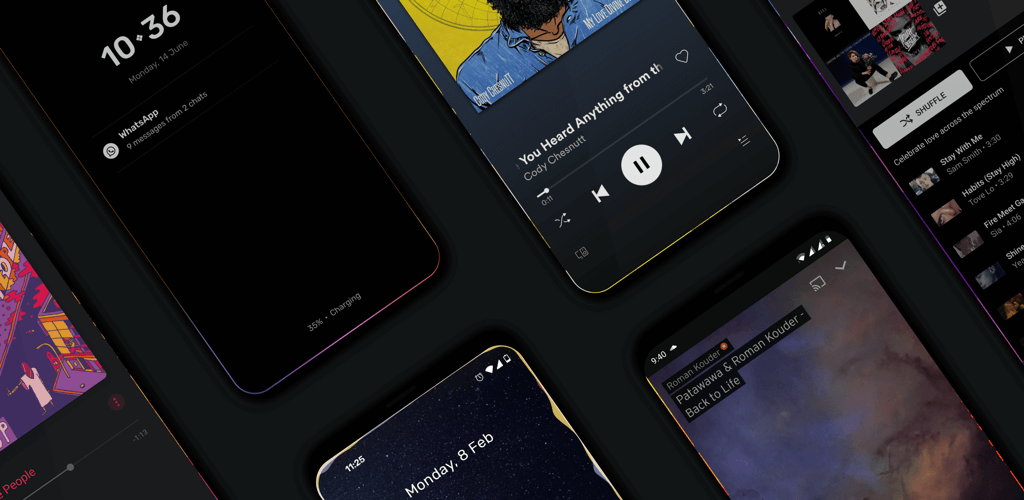
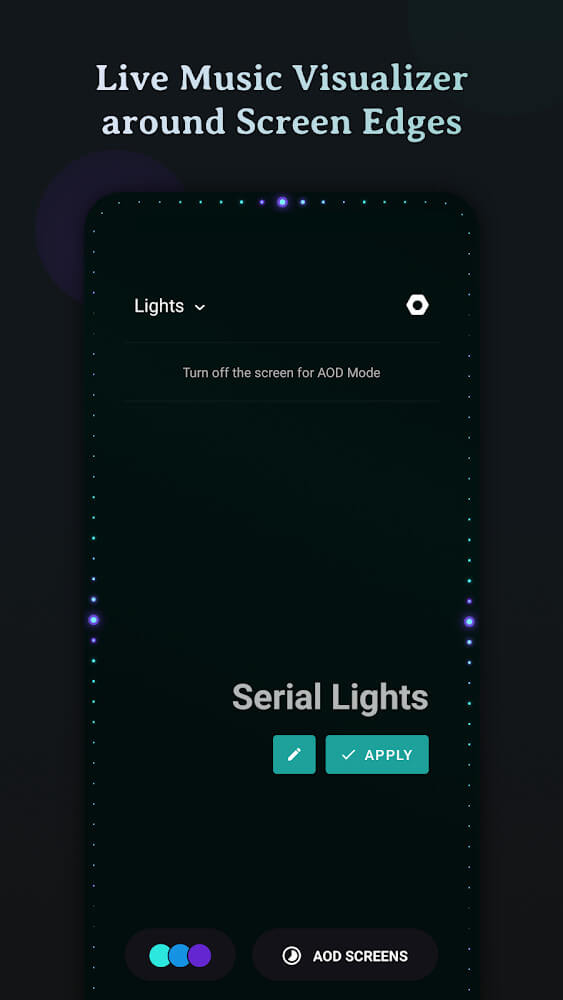
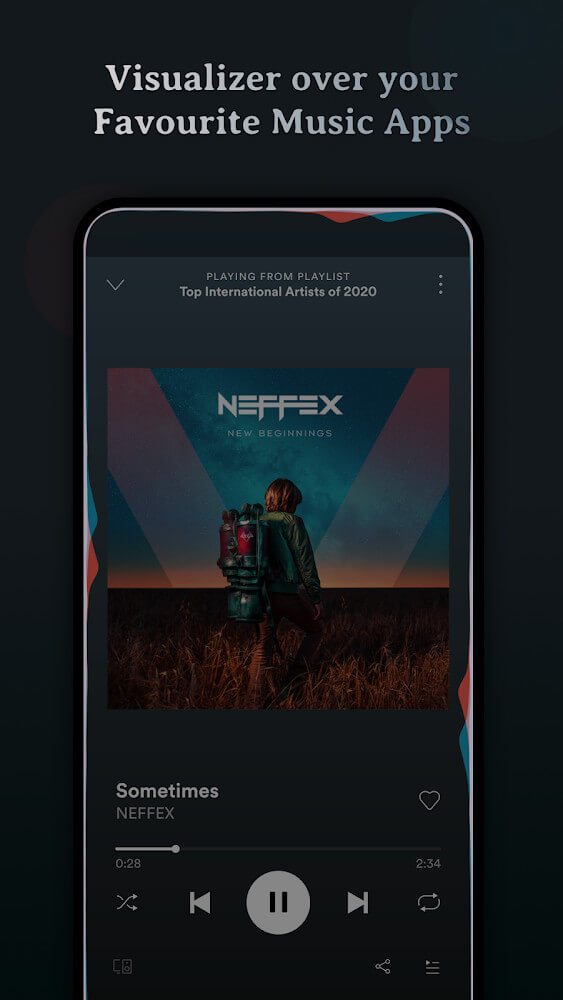
Muviz Edge Mod APK (Always On: Edge Music Lighting) is built for music lovers who want eye-catching lighting effects that stay on screen while the music plays.
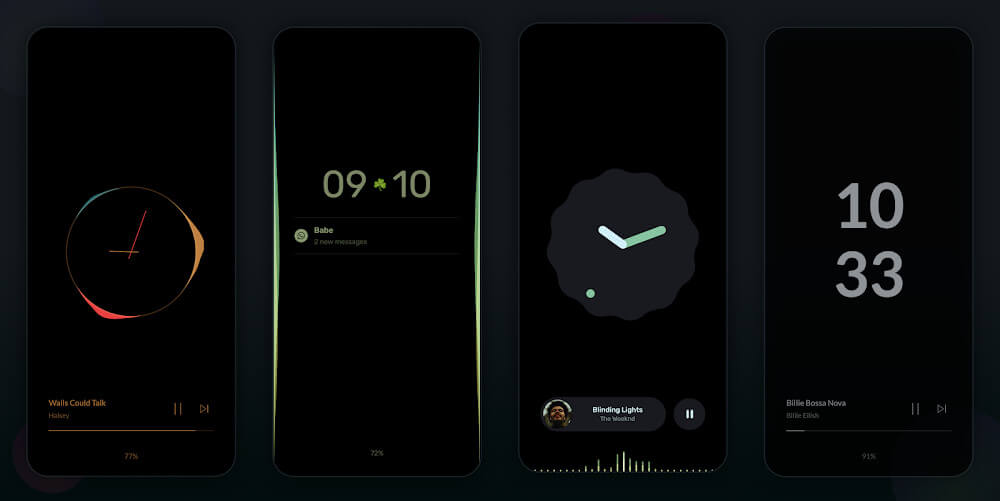
Muviz Edge gives you a wide range of on-screen lighting effects that you can customize to your liking. You can pick from a large palette of colors or let the lights take their colors from album artwork. You can also tweak the preview screen while you listen to music.
NEW DECORATIVE ELEMENTS ADDED
The latest version of Muviz Edge introduces plenty of new elements that fit the upcoming Christmas season. You can easily add snow particles or Christmas-themed icons to the preview screen and build a festive look completely on your own. Festive color effects are also available, so you won't want to miss them.
ADD LIGHT EFFECTS TO YOUR MUSIC WITH EASE
Muviz Edge makes it simple to set up lighting effects that appear on screen whenever you play your favorite tracks. To get started, you'll need to grant a few permissions, such as sound recognition and the ability to apply the lighting over other apps. Once those are in place, you can explore everything the app offers and change your setup whenever you like.
PICK THE COLOR YOU WANT
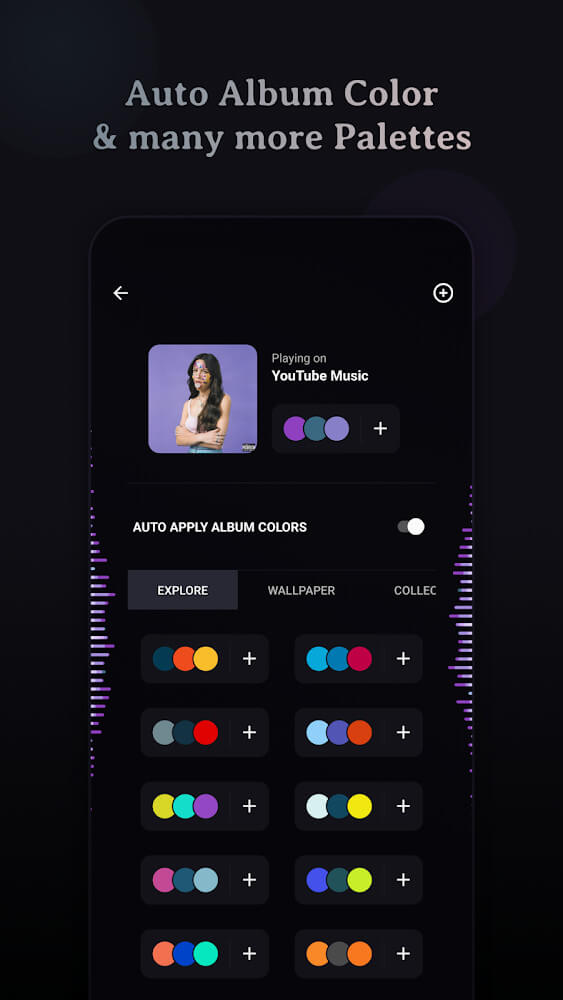
Muviz Edge provides many color palettes, so you can choose whichever shade suits your mood. Colors come in several types, and after you make a selection you'll get a confirmation that the color has been applied, along with any editing options you need.
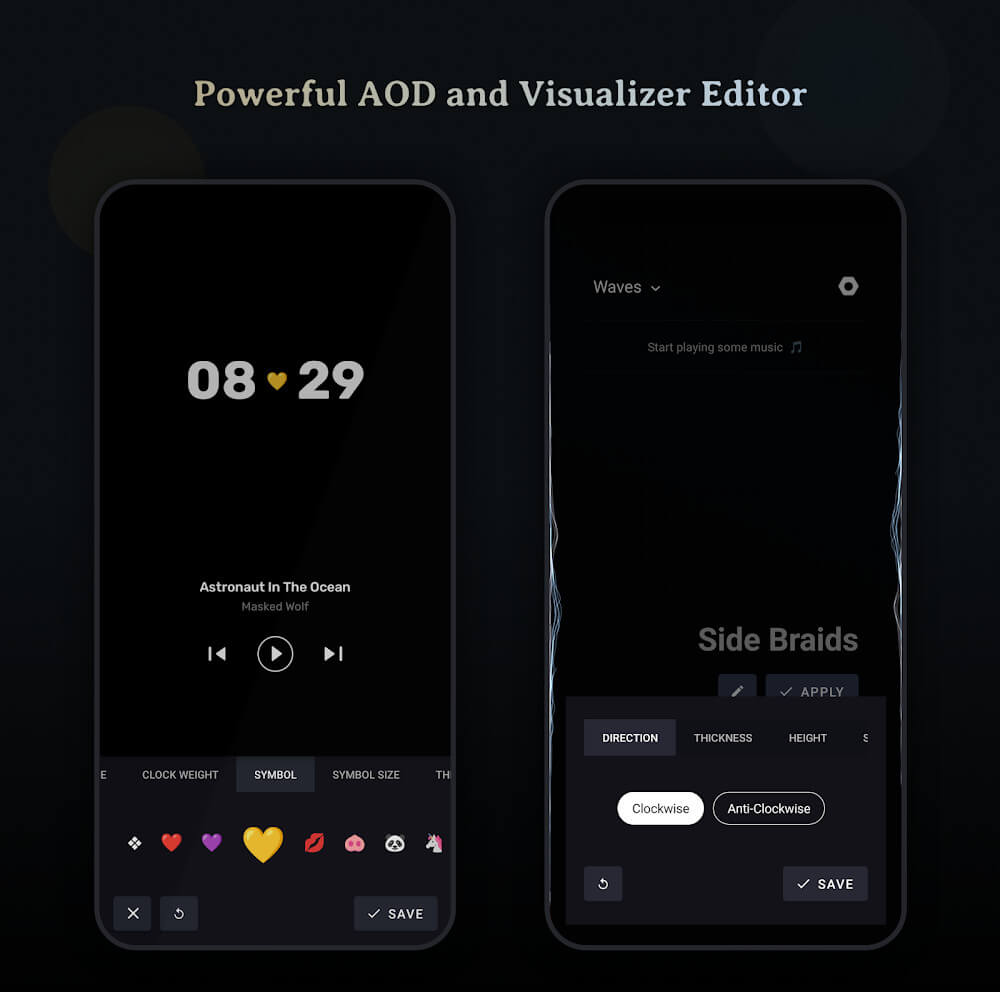
Changing the light color is only the beginning, since Muviz Edge also lets you fine-tune how the effects behave. You can adjust settings such as thickness, spread, length, and speed, among others, by moving the sliders. At the top of the screen, the lines feature controls how the light is displayed, for example in the four corners of the screen or in sync with the sound.
USE YOUR ALBUM COLORS FOR THE DISPLAY LIGHT
One of the best things about Muviz Edge is that you can switch between manually chosen colors and the colors taken from album artwork. If you get tired of changing colors by hand, just grant permission to use album colors. The lights will shift to match the artwork of whatever song is playing, provided the album art is well designed.
CUSTOMIZE THE PREVIEW SCREEN FOR EASY VIEWING
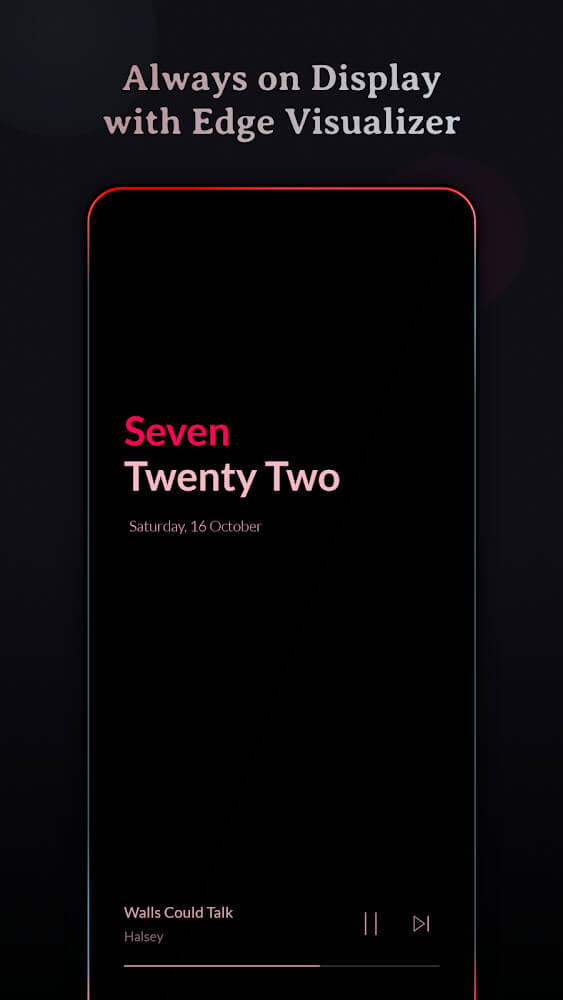
While listening to music, the preview screen shows useful details such as the song title and the time. You can change this screen easily by adding elements like symbols and clocks. Include whatever you want and adjust each element's style until the screen looks just right. This app brings a fresh experience to your device.
Lighting up your device with colorful effects is sure to captivate you because:
- You can easily adjust the behavior and style of these lights with precise controls.
- The wide range of available colors lets you change your experience however you like.
- The app can use album colors for the display light, giving you flexible options that keep things fresh.
- You can build your own preview screen by adding new elements and arranging them the way you prefer.
- Plenty of new symbols and designs are waiting for you in the latest version.
How to install
- Download the APK file above to your phone.
- Allow “Install unknown apps” when prompted.
- Open the downloaded APK and tap Install.
- If the package includes OBB/XAPK data, follow the bundled instructions.
MOD APKs are modified builds, so Play Protect may show a warning. Install only if you trust the file; use at your own risk.