
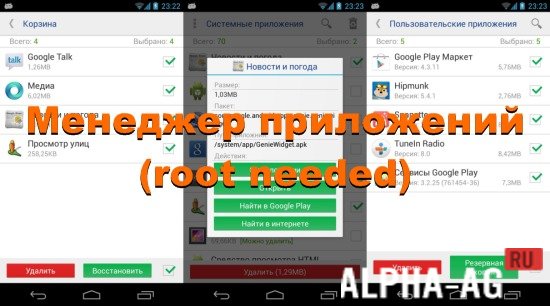
Screenshots

Description
Application Manager (root needed)
A handy utility designed to help you remove any software from your device, though root permissions are necessary.
Functionality
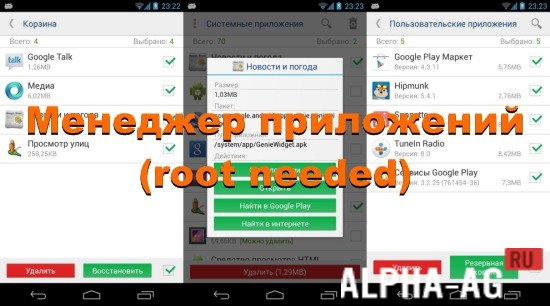
The program offers a clean, straightforward interface that makes navigation effortless. As soon as you open the app, you are greeted with a complete overview of all installed software on your mobile device.
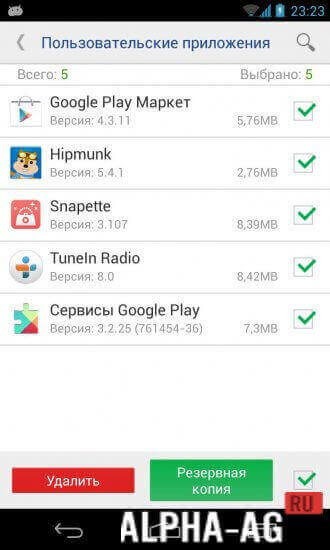
Furthermore, all programs are neatly categorized into two main groups: system packages and user-installed applications.
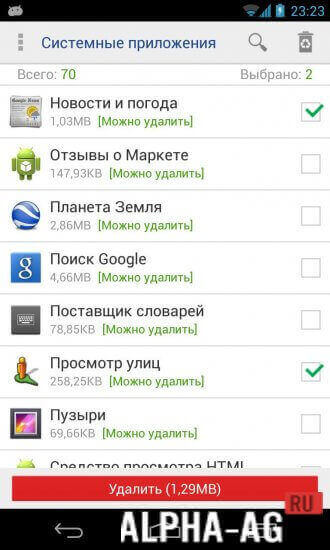
System tools are intelligently sorted according to their importance to your device's stability. Programs that can be safely removed appear near the top, while critical files that should remain untouched to prevent performance issues are placed at the bottom.
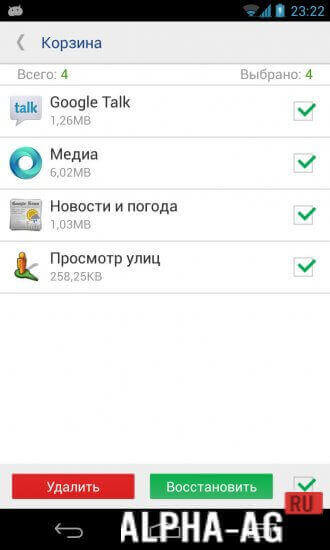
To provide an extra safety net, a built-in backup function lets you easily restore any removed software if unexpected system errors arise.
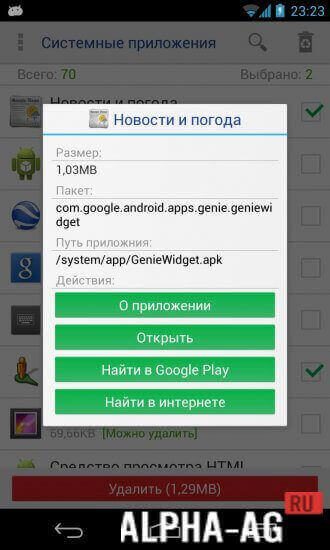
Simply tapping and holding an app for a moment brings up detailed data, including its title, file size, and last modified date.
Key Features
This tool empowers you to swiftly and securely purge unwanted software from your hardware. All built-in system packages are systematically organized into three distinct categories.
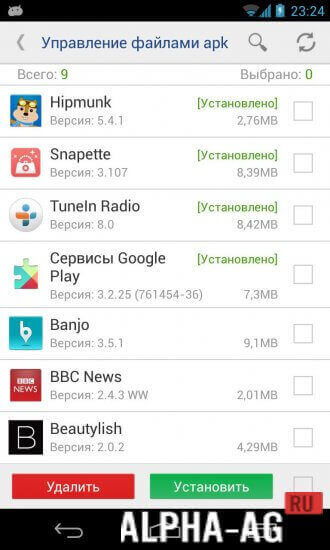
These include safe to delete, recommended to keep, and hazardous to remove. You can also batch-uninstall multiple programs simultaneously or transfer apps to your SD card to reclaim internal storage space.
0 13 Mar Additional information:
- Requires Android version: 5.0 or later
- Age rating: 3+
- Russian localization: available
- OBB/Data installation: not required
7.3 App version Our rating: 8 out of 10 Similar apps: Caller Name Announcer SeTracker2 My Kitchen: 3D Planner Our YouTube channel
Subscribe to our YouTube channel!
Add a comment
How to install
- Download the APK file above to your phone.
- Allow “Install unknown apps” when prompted.
- Open the downloaded APK and tap Install.
- If the package includes OBB/XAPK data, follow the bundled instructions.
MOD APKs are modified builds, so Play Protect may show a warning. Install only if you trust the file; use at your own risk.