
Screenshots

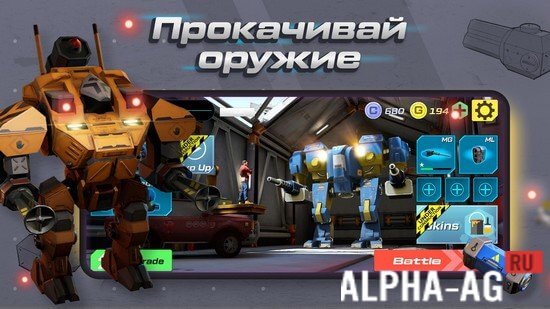

Description
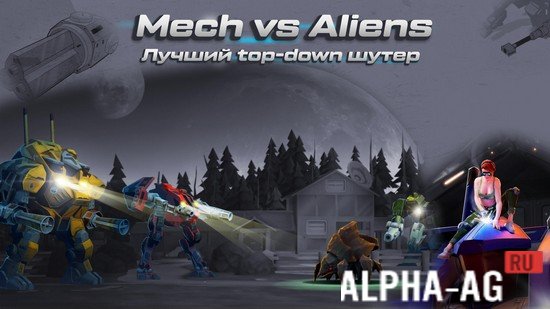
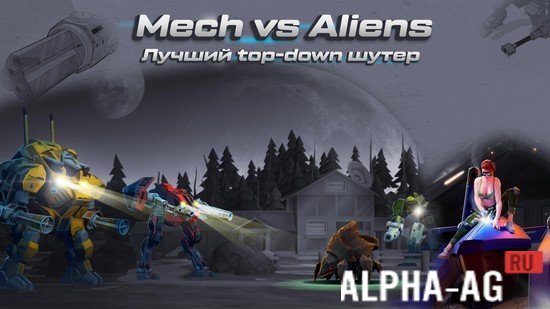
Mech vs Aliens: Shooter | RPG
A fast-paced action shooter blended with RPG mechanics where you take control of a heavy war mech to battle hordes of extraterrestrial beasts.
Gameplay Overview
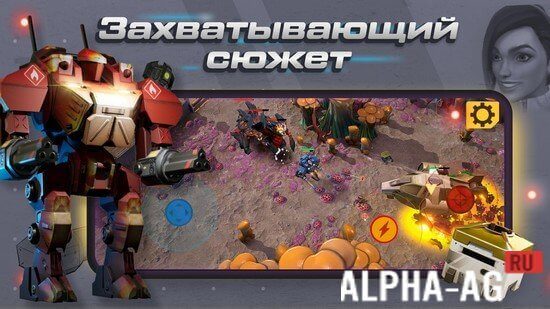
Step into a far-off future where humanity has engineered massive battle robots to explore the far reaches of the galaxy. While searching the cosmos, explorers stumble upon a hospitable exoplanet and launch a colonization effort to escape an ecologically collapsing Earth. However, they soon discover the world is teeming with hostile, giant insect-like creatures ready to wipe out any intruders.
You step into the boots of Frank, an elite mech commander deployed to this alien world to beat back the swarming bugs and safeguard critical colony supplies.
Embark on a variety of intense missions where you safeguard vital agricultural outposts, exterminate insect infestations across sectors, and track down alien hives to eradicate them at the source.
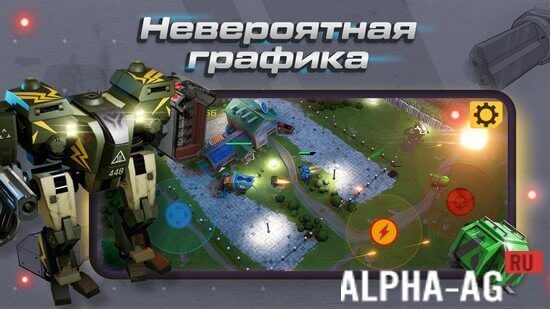
Command your war machine from a dynamic third-person perspective using an on-screen virtual stick alongside intuitive targeting and firing buttons. Finish assignments to earn gold currency and loot crates packed with fresh mech components. Boost your war rig by enhancing its mobility, ballistic firepower, and armor plating.
Key Features
Boasts polished 3D visuals, vibrant battle animations, responsive controls, and deeply addictive shooter mechanics. Pilot up to 12 distinct combat mechs engineered specifically to crush the alien insect threat.
Tackle dozens of action-packed missions across hostile terrain. Wipe out waves of alien monsters to claim lucrative upgrades for your mech's defensive shielding and offensive weaponry. 1 23 Jan Additional Information:
- Android OS Requirement: 5.0 and up
- Age Rating: Everyone 10+
- Russian Language Support: Included
- OBB / Cache: No installation needed
Game Version: 1.2.37 | Offline Play: Yes | GameMod.dev Rating: 8/10 | Related Titles: Saber Force, WizQuest, LastCraft Survival, Zombie Shooter
Follow GameMod.dev Updates
Leave a Comment
How to install
- Download the APK file above to your phone.
- Allow “Install unknown apps” when prompted.
- Open the downloaded APK and tap Install.
- If the package includes OBB/XAPK data, follow the bundled instructions.
MOD APKs are modified builds, so Play Protect may show a warning. Install only if you trust the file; use at your own risk.