
Screenshots

Description
- Home /
- Apps /
- Video Players & Editors
Livestream TV M3U Stream Player IPTV 3.3.1.7
- Video Players & Editors
Stream live television straight from your local M3U playlist or your ISP. Developer: onecode | Size: 8 MB | Version: 3.3.1.7 | OS: Android 4.1 and up | Mod Info: Premium Unlocked
- Telegram
Report App
Screenshots
App Description
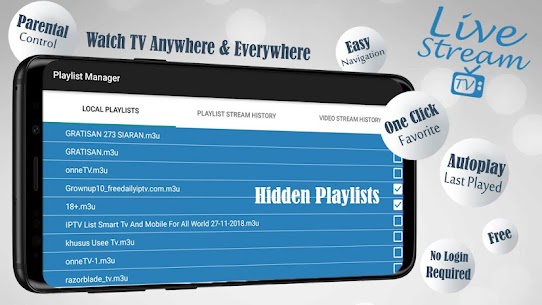
Enjoy live television feeds directly from your local M3U playlist or Internet provider. Built-in Auto Playlist Scan: Effortlessly test every streaming link in your list—operational streams light up green, while offline links turn red. Forget about installing extra tools; Livestream TV – M3U Stream Player IPTV features an integrated IPTV link tester so you can sit back while it manages your channels.
You May Also Like: Tubi – Free Movies & TV Shows [Mod]
Livestream TV – M3U Stream Player delivers a smooth set-top box interface, letting you broadcast live channels to smart TVs, tablets, Android boxes, and phones, complete with automated playlist link validation.
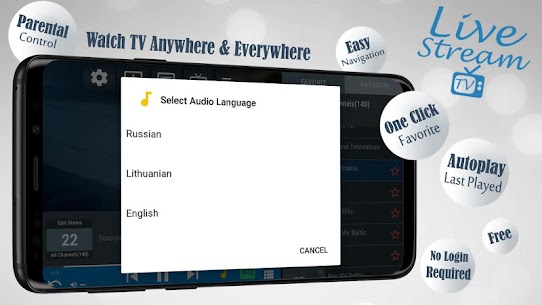
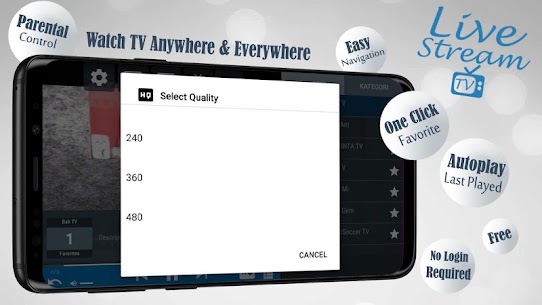
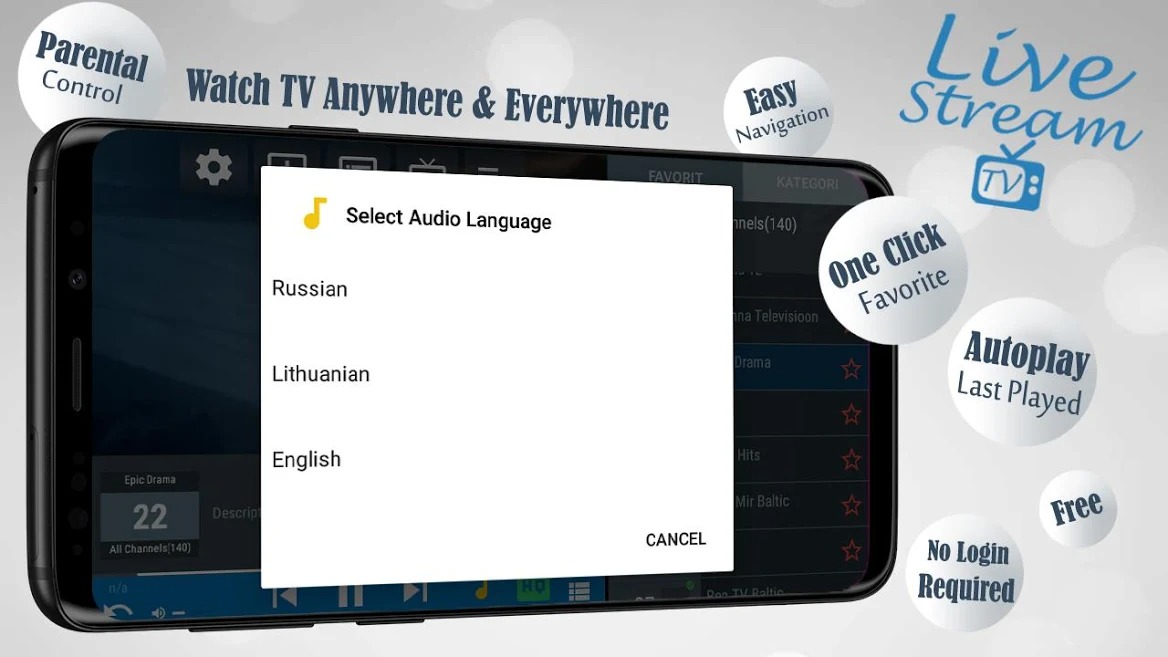
Easily customize your viewing experience with dual-audio support and flexible video quality options. Whether you want to preserve your mobile data or stream smoothly on a slower connection, you can adjust the playback resolution to match your current bandwidth.
Turn your Android device into a modern television receiver. NOTE: THIS APP DOES NOT INCLUDE BUILT-IN PLAYLISTS. It is designed purely as a streamlined, user-friendly player for your own M3U playlists.
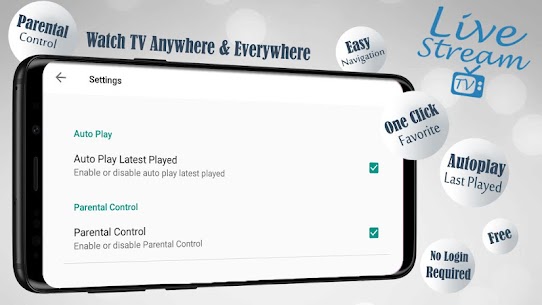
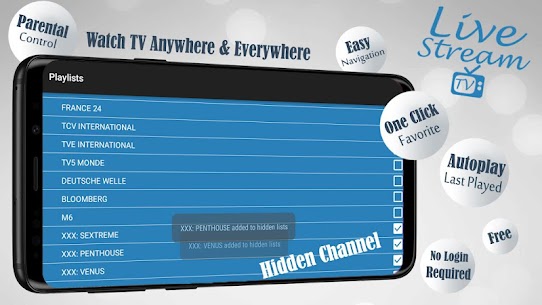
Key Features: ✔ Auto-scan channel links and connectivity for M3U playlists ✔ Choose video resolution (when supported) ✔ Switch audio streams with bilingual track support (when available) ✔ Zero activation codes needed ✔ No account login required ✔ Compatible with local M3U IPTV files ✔ Stream playlists directly from online sources like GitHub or Pastebin ✔ Clean, intuitive playlist navigation ✔ Auto-detects local storage M3U lists ✔ Instantly opens your most recent playlist upon launch ✔ Resumes the last watched channel when starting the app ✔ Polished on-screen menu for effortless browsing ✔ Built-in parental controls to lock sensitive channels or folders ✔ Quick one-tap favorite channel saving ✔ Automatic playlist refresh with offline caching support ✔ Comprehensive EPG compatibility (XMLTV and JTV formats) ✔ Chromecast casting (coming soon)
Premium Features: ✔ No Ads
Important Notice:
GameMod.dev does not provide any IPTV subscriptions, feeds, or channels like Dream TV.
Viewers need to obtain login credentials, server URLs, or M3U playlist links directly from their authorized TV provider.
This app serves solely as an optimized media player; users are responsible for supplying their own streaming links and media content.
Related Apps
VLLO 13.9.14 (vimosoft) 340.13 MB – Premium Unlocked | PowerDirector 16.7.4 (Cyberlink Corp) 252.99 MB – Premium Unlocked | SnapTube 7.69.1.76901001 (Snaptube) 30.31 MB – VIP Unlocked | Crop, Trim Video Editor 1.2.9 (Eco Mobile Editor) 99.43 MB – Premium Unlocked | Tikget – Video Downloader 1.10.0 (Spaple) 41.43 MB – Premium Unlocked
How to install
- Download the APK file above to your phone.
- Allow “Install unknown apps” when prompted.
- Open the downloaded APK and tap Install.
- If the package includes OBB/XAPK data, follow the bundled instructions.
MOD APKs are modified builds, so Play Protect may show a warning. Install only if you trust the file; use at your own risk.