
Screenshots

Description
LG TV RemoteAn official app that turns your mobile device into a universal remote control for Smart TVs from LG.
Gameplay
After installing the app, connect your smartphone and Smart TV to the same Wi-Fi network. Then launch the app and select your TV; of course, it must be turned on at this time. Now enter the code in the app.
It will automatically appear on the TV screen.
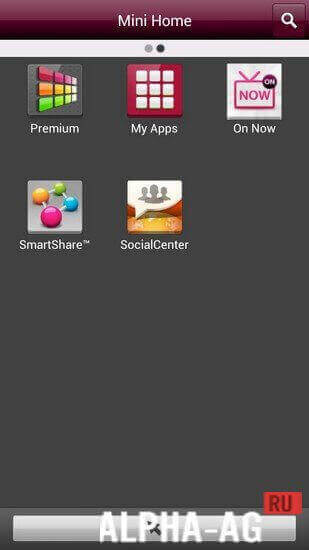
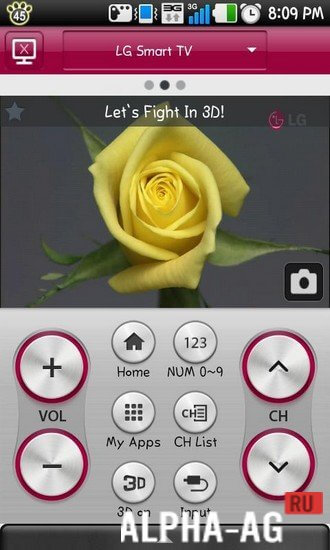
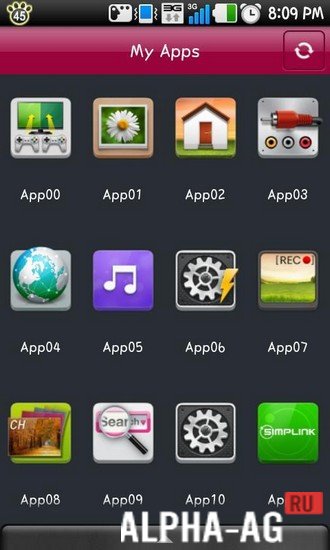
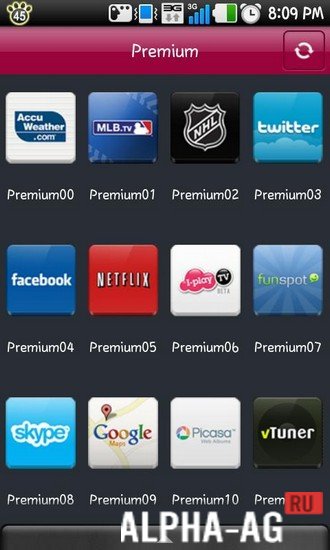
After that, your smartphone will get many features that will help you gain almost complete control over the TV. On the home screen of the app, 10 main buttons will be displayed.The buttons will allow you to switch channels, adjust the volume, view and launch apps installed on the TV, turn on 3D mode, open the Smart menu, bring up the input selection menu, and much more.
You can also take a screenshot of the TV screen.
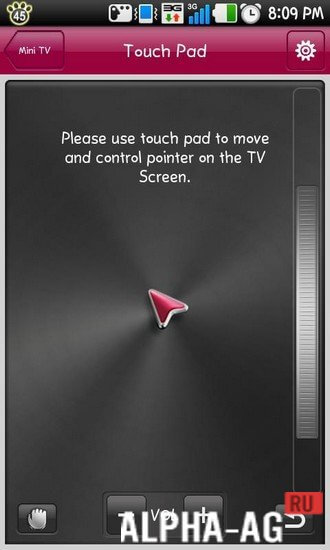
In addition, you can switch to touch control mode, which turns your smartphone into a virtual touchpad, allowing you to control the TV with a cursor like on a laptop.Key Features
Overall, this app is an excellent replacement for a TV remote, and it also adds many useful and convenient features that make controlling your TV even easier. You will be able to easily control the TV.
This can be done using both virtual keys and a cursor via the touchpad. You can also activate the "Second Screen" feature, which allows you to see a mirror of the TV screen on your smartphone and take a screenshot.
0 Jan 26 Additional information:- Android version required: 2.2 or higher
- Age restrictions: None
- Russian localization: Not available
- Cache installation: Not required
Subscribe to our YouTube channel!
Add a commentHow to install
- Download the APK file above to your phone.
- Allow “Install unknown apps” when prompted.
- Open the downloaded APK and tap Install.
- If the package includes OBB/XAPK data, follow the bundled instructions.
MOD APKs are modified builds, so Play Protect may show a warning. Install only if you trust the file; use at your own risk.