
Screenshots

Description
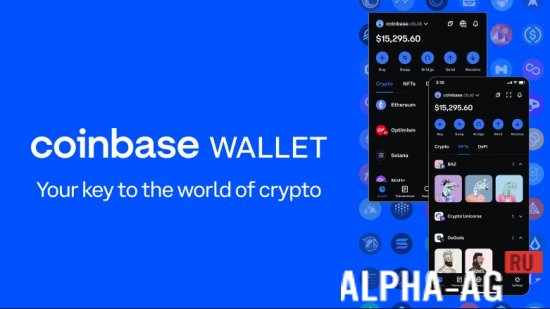
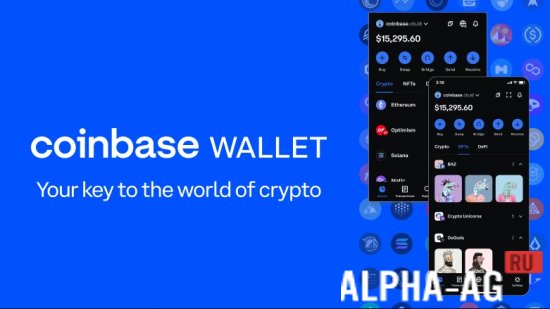
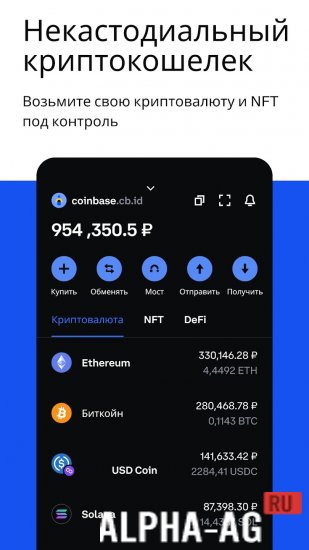
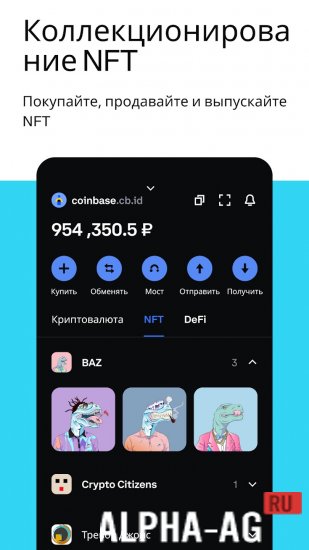
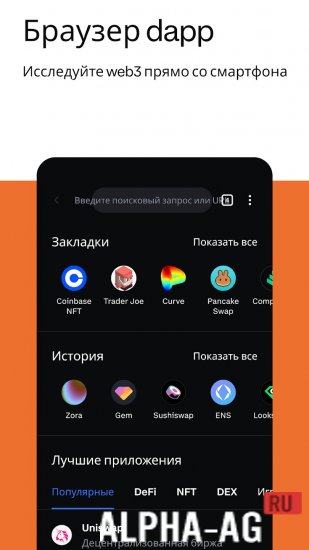
Coinbase Wallet Crypto WalletIt is a reliable tool for those who want to integrate into the Web3 world, where you can easily control your cryptocurrency funds and NFTs.
About the app
With this app, you gain access to a variety of financial opportunities in the DeFi space. You can earn through staking and lending, participate in decentralized autonomous organizations, and exchange traditional currencies for cryptocurrency.
The app provides full control over private keys, making its use secure and confidential.One of the main advantages of the app is its multi-chain support. The app works not only with Ethereum and Solana, but also with other compatible chains such as Avalanche, Polygon, BNB Chain, and Optimism. This allows you to manage your assets across various blockchains from a single interface, simplifying your experience with cryptocurrency.
Key features
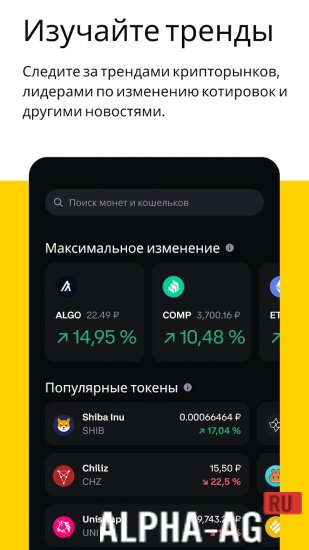
The app offers the opportunity to earn income through the use of decentralized financial tools and by following the latest trends in the cryptocurrency market. You will be able to track price movements and the popularity of various tokens, helping you make more informed investment decisions.
The app provides numerous features for convenient cryptocurrency management. You can easily buy cryptocurrency on one of the most reliable exchanges in the world — Coinbase, transfer funds between different wallets and exchanges, as well as send and receive cryptocurrency payments worldwide.
The built-in bridge feature allows you to transfer cryptocurrency between different blockchains, simplifying work with various tokens and assets. 0 Jan 29 Additional information:- Android version required: 6.0 or later
- Age rating: 3+
- Russian localization: present
- Cache installation: not required
Subscribe to our YouTube channel!
Add a commentHow to install
- Download the APK file above to your phone.
- Allow “Install unknown apps” when prompted.
- Open the downloaded APK and tap Install.
- If the package includes OBB/XAPK data, follow the bundled instructions.
MOD APKs are modified builds, so Play Protect may show a warning. Install only if you trust the file; use at your own risk.