
Screenshots
Description
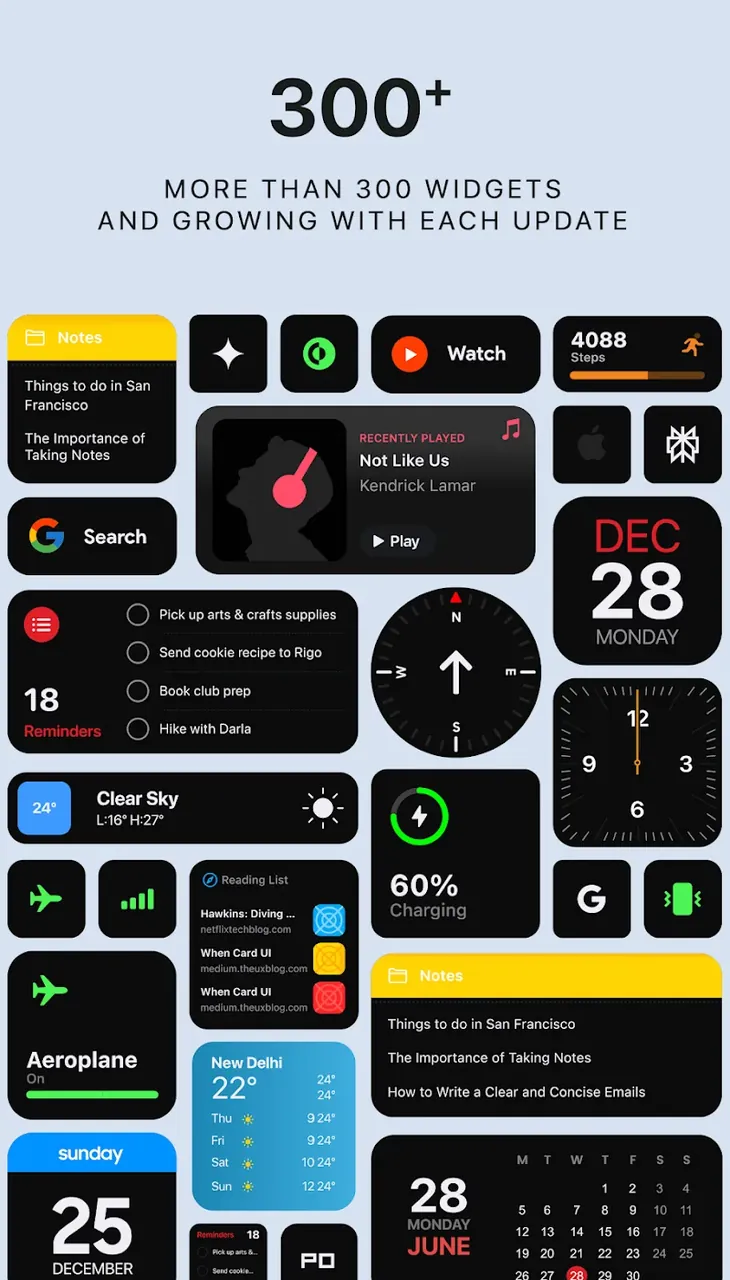
Give your phone a makeover with iWidgets Pro MOD APK! Explore a huge collection of premium, handcrafted widgets and one-tap setups for a fresh, stylish home screen.
This version unlocks the full version of the app, giving you access to all premium features and content. With iWidgets Pro MOD APK, you can instantly reach the complete library of handcrafted designs and productivity tools that are normally restricted. It is a modified build created to deliver the entire professional-grade customization suite in one package.
What's Modified in iWidgets Pro
- Unlocks the full version of the app, giving access to all premium widget designs and features.
Version 1.1.001 is 15 MB and uses the package name com.jndapp.i.widgets.pack. Because it is a re-signed build, it cannot be installed over an existing version from the Play Store.
About iWidgets Pro
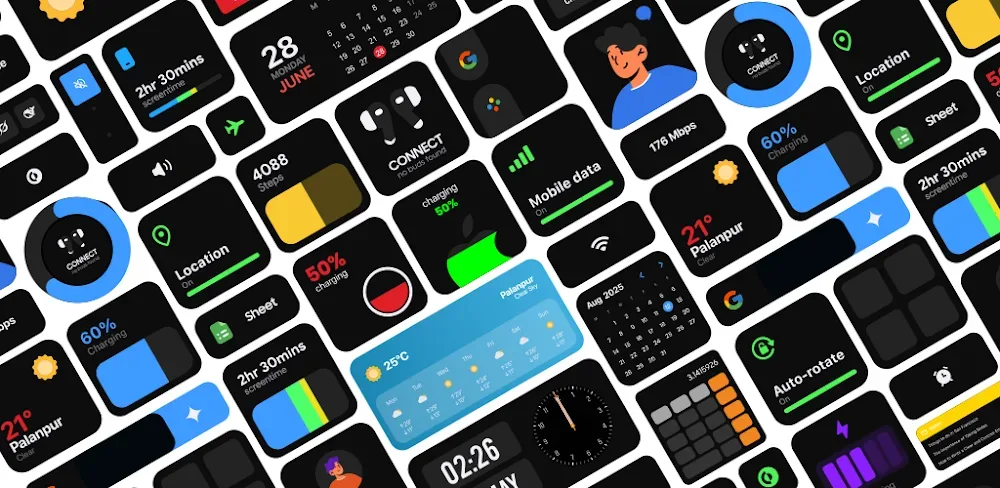
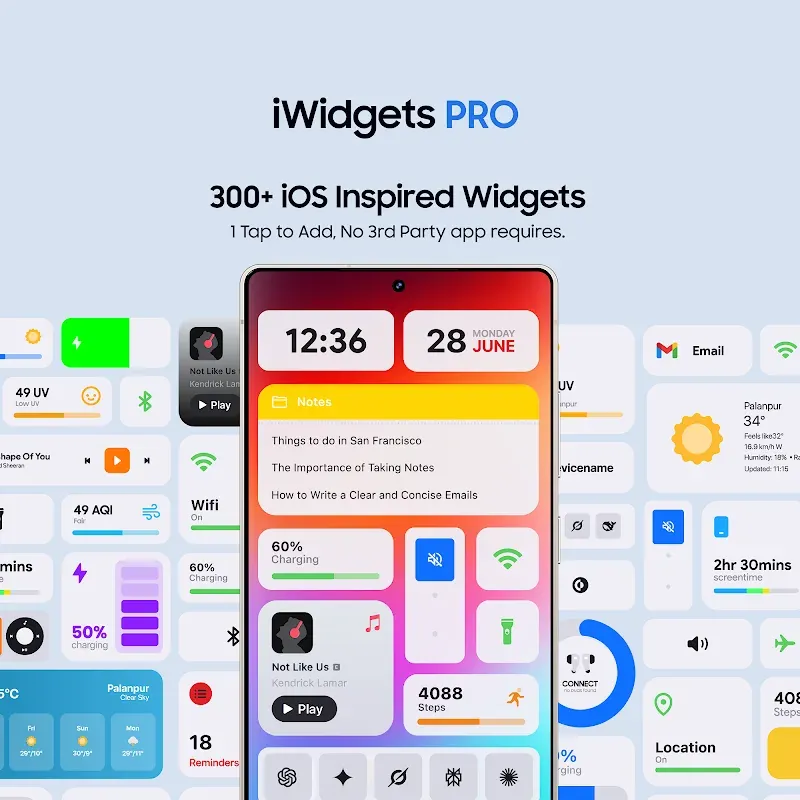
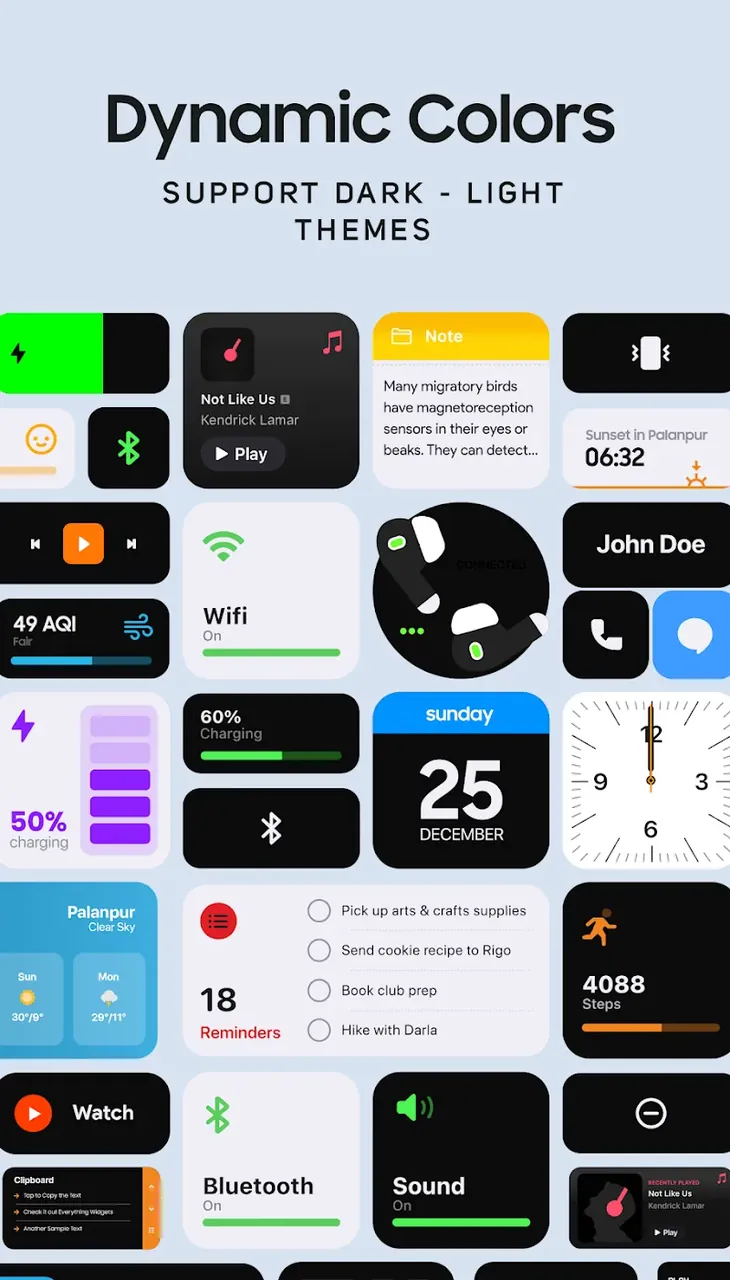
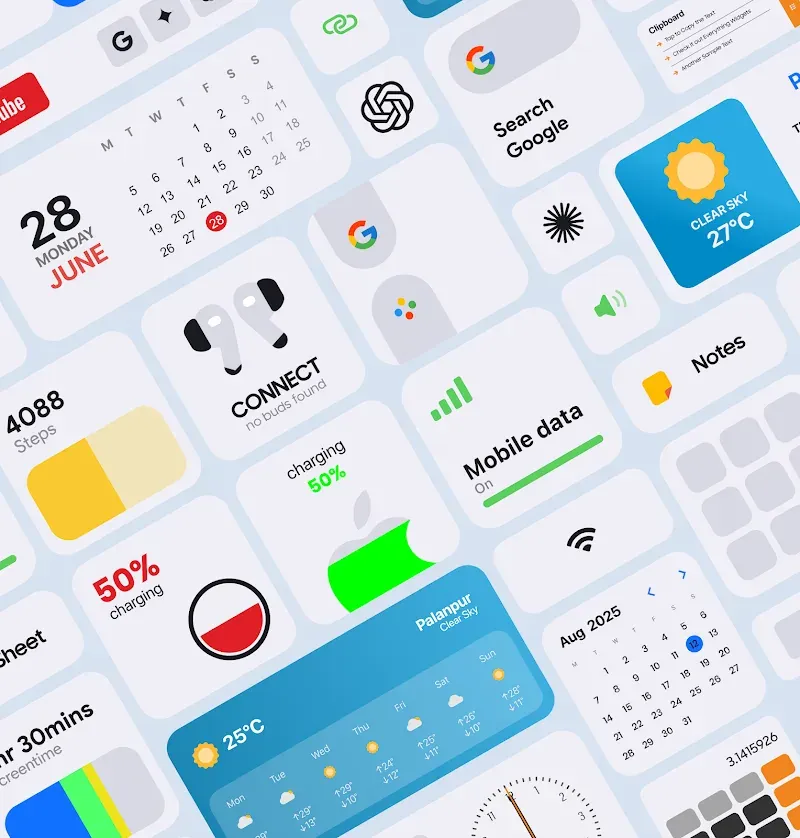
iWidgets Pro lets you customize the interface of your Android device beyond the usual limits. The app combines a variety of visual elements and interactive tools so you can build a digital space that suits your style. At its core is the Massive Premium Library, which offers hundreds of professionally crafted design elements made for high-definition displays. The library is updated regularly to include the latest UI design trends. Options range from simple, minimalist looks to more complex layouts focused on productivity. You can also pick elements by function, such as different digital clock faces, weather displays, or tools for tracking your daily productivity. iWidgets Pro MOD APK helps you move beyond your device's default settings and customize it in countless ways.
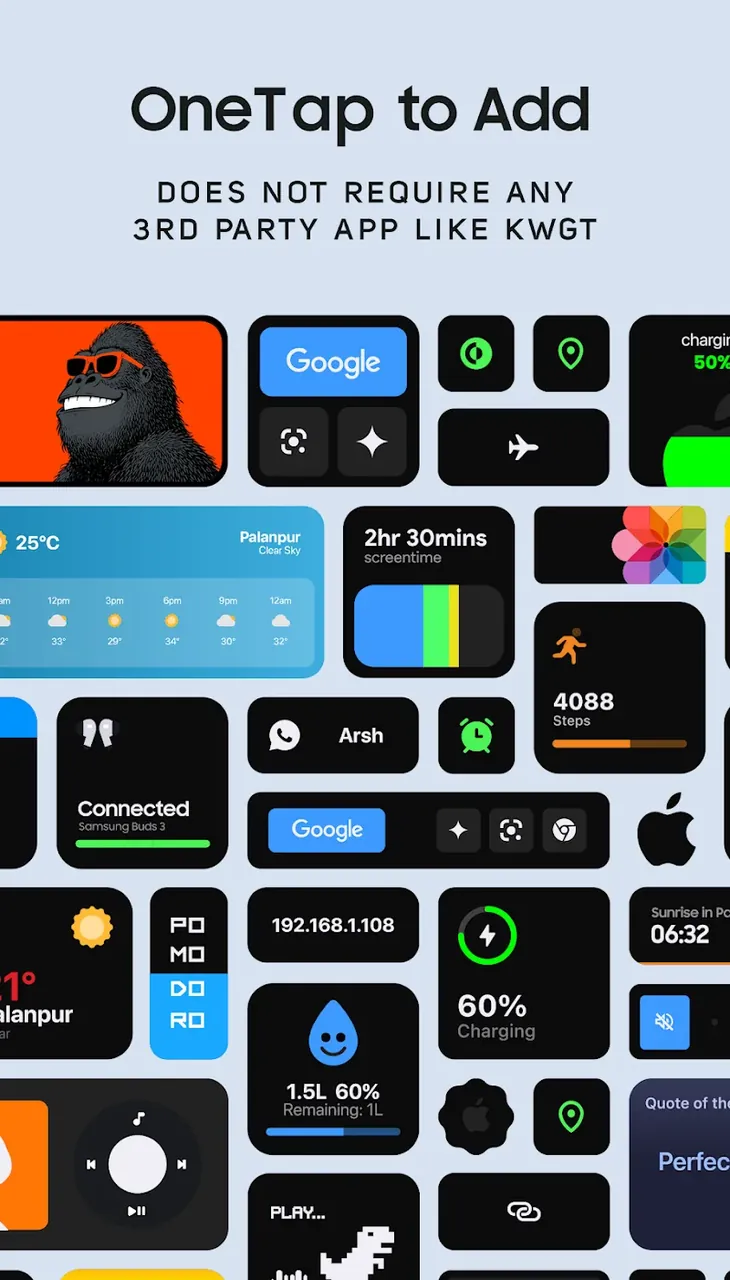
The software follows a Zero Dependency Architecture, which means it runs as a standalone utility and needs no third-party launchers, custom ROMs, or extra plugins. This design helps save system resources and storage space. It also reduces the number of background processes needed for widgets, which can extend battery life. Thanks to Native System Integration, the app syncs closely with your device's internal systems, improving overall performance and lowering the risk of crashes or lag. The interface is also designed to resemble the software provided by your device manufacturer, making the experience feel more familiar.
The app is built around a user-friendly approach to setup and navigation, so anyone can tailor it to their liking regardless of technical skill. The Seamless One-Tap Setup uses an improved installation engine to apply your chosen skins to the home screen instantly. This removes the need for complicated configuration, hoops to jump through, or lengthy external tutorials. When you open the app, the latest skins are shown in a trending feed. Designs are sorted into categories by style and function. Lifestyle widgets include habit, task, and to-do list skins, as well as skins that adapt the home screen to different wallpapers and system colors. Other categories offer skins for customizing the look of apps such as WhatsApp, Telegram, and Google Chrome. For every skin, an intelligent scaling engine fits it precisely to the home screen grid, giving a polished, professional result without manual adjustment or pixel-by-pixel alignment.
Smart Sync enables your widgets to showcase live system data, offering genuine practical utility. By leveraging this feature, your home screen becomes a comprehensive hub where you can track calendar appointments, battery status, daily activity goals, local weather, and current time at a glance. This allows you to transform your device into a sophisticated command center. Every widget component is crafted with meticulous attention to detail, ensuring that even the finest text and icons remain crisp on high-resolution displays. Smart Sync continuously refreshes your device information, ensuring you always have access to reliable data. This design philosophy balances aesthetics and utility, letting you oversee vital information without constantly switching between apps or digging through system settings.
To accommodate the wide variety of Android hardware, this app includes Perfect Responsive Fit. This technology allows every widget to scale smoothly across different screen dimensions and resolutions, making it fully compatible with everything from compact smartphones to large tablets. The software maintains the visual quality and aspect ratio of your design, regardless of the grid layout or display specs. You won't have to worry about widgets appearing pixelated, blurry, or stretched when resized. Thanks to high-definition assets, your interface remains sharp across all pixel densities. Coupled with a robust design library and Perfect Responsive Fit, iWidgets PRO Mod APK empowers you to fully personalize your mobile interface to match your personal style.
Key features
- Extensive Premium Library
- Diverse clock faces
- Real-time weather reports
- Built-in productivity trackers
- Simple one-tap configuration
- Seamless native system integration
- Lightweight zero-dependency architecture
- Perfect Responsive Fit technology
- Curated feed of trending styles
- Advanced Smart Sync functionality
- Calendar and event monitoring
- Battery health and usage insights
- Daily step count tracker
Related MOD APKs
- Glass Widgets Pro
- One UI Widgets
- Everything Widgets
- Depth Live Wallpaper
FAQ
What does iWidgets Pro MOD APK unlock?
This version of iWidgets Pro (1.1.001) comes with the Full Version unlocked. All other features remain identical to the official JustNewDesigns release, and the premium enhancements are active immediately upon installation.
What is the latest version of iWidgets Pro MOD APK?
The current release is v1.1.001, which mirrors the latest JustNewDesigns version as of June 23, 2026. We only provide the most recent build here. To update, simply install the new file over your current version; should you encounter a signature conflict, please remove the previous installation first.
Is iWidgets Pro MOD APK safe to download?
The iWidgets Pro MOD APK v1.1.001 hosted on GameMod.dev is the authentic JustNewDesigns application with only the Full Version unlocked. It has a 4/5 rating from 4 users and requires no root access. A Play Protect notification might appear during installation, so ensure you always download from our verified page.
Can I use iWidgets Pro MOD APK on PC or iPhone?
This is an Android-exclusive package and is not compatible with iOS devices like iPhones or iPads. If you wish to use it on Windows or macOS, you can run the 15 MB APK file using an Android emulator such as BlueStacks or LDPlayer—simply set up the emulator and drag the file into the window.
How to install
- Download the APK file above to your phone.
- Allow “Install unknown apps” when prompted.
- Open the downloaded APK and tap Install.
- If the package includes OBB/XAPK data, follow the bundled instructions.
MOD APKs are modified builds, so Play Protect may show a warning. Install only if you trust the file; use at your own risk.