

Screenshots
Description
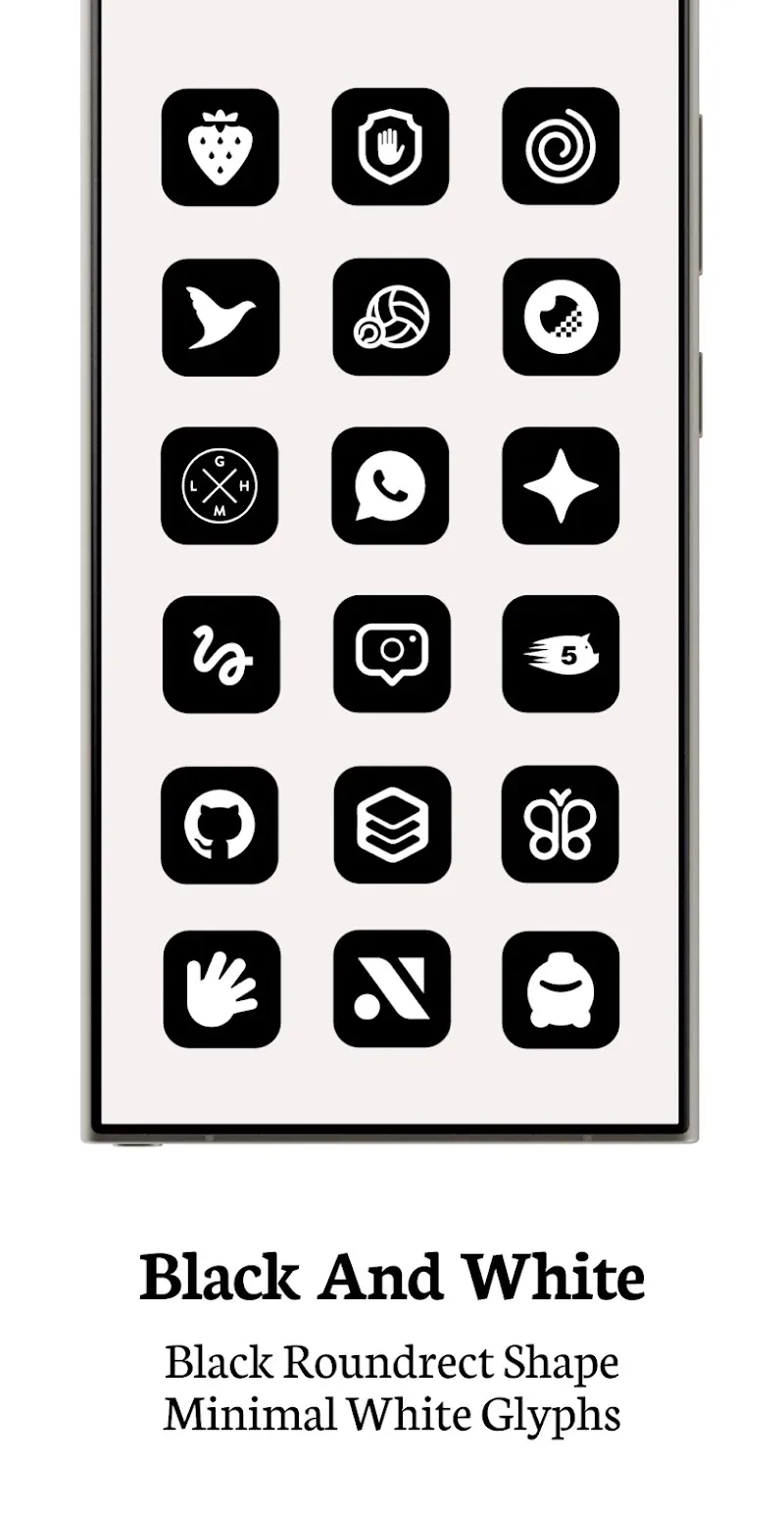
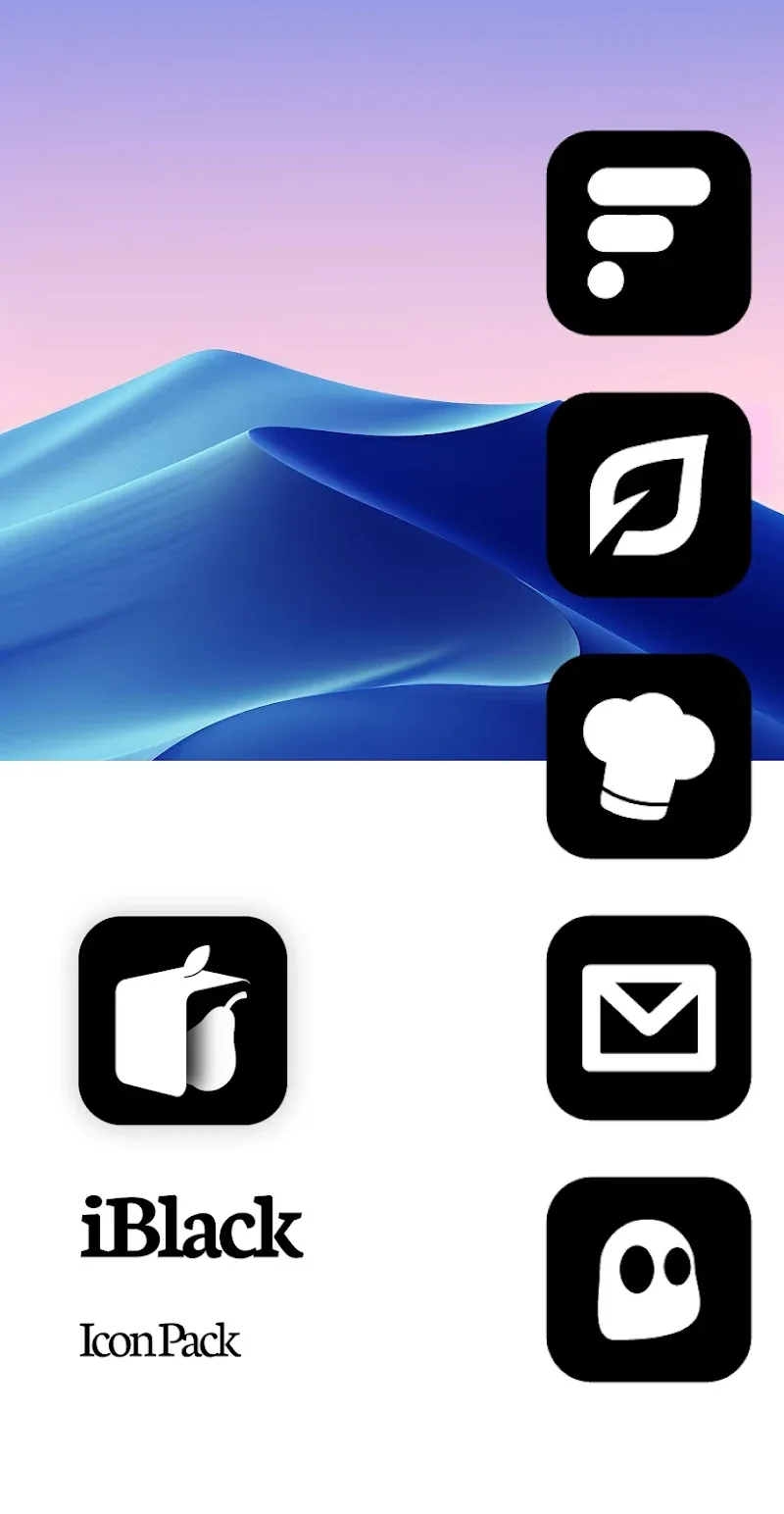
Want to give your Android phone the look of a sleek iPhone? iBlack OS Icon Pack makes it easy. Pairing black circular icons with iOS-inspired wallpapers, it delivers a polished, modern, and highly cohesive interface.
iBlack OS Icon Pack is an Android app that lets you reshape your home screen to resemble iOS. Built around black circular icons and iOS-style wallpapers, it gives your device a stylish, minimalist, and refined appearance much like an iPhone. Beyond visual changes, iBlack OS offers a smooth experience with flexible features, from icon synchronization to wallpaper customization, so every app blends neatly into the iOS aesthetic.
Key Features of iBlack OS Icon Pack
iBlack OS Icon Pack gives you a robust set of tools to personalize your device:
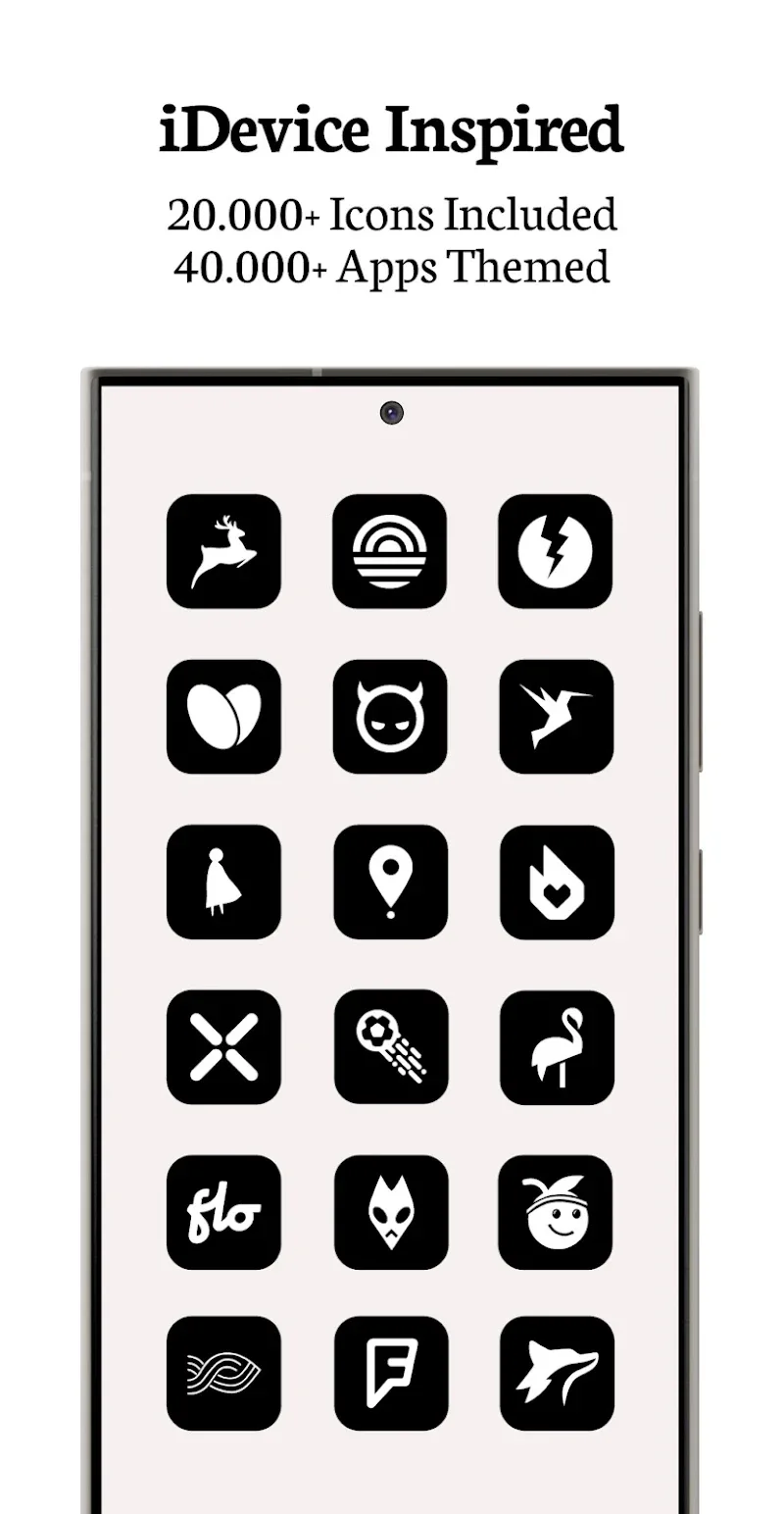
- Over 25,000 iBlack icons: Every icon is thoughtfully crafted to stay consistent and work with a wide range of apps.
- Over 45,000 themed apps: Compatible with most popular apps, keeping your interface uniform and harmonious.
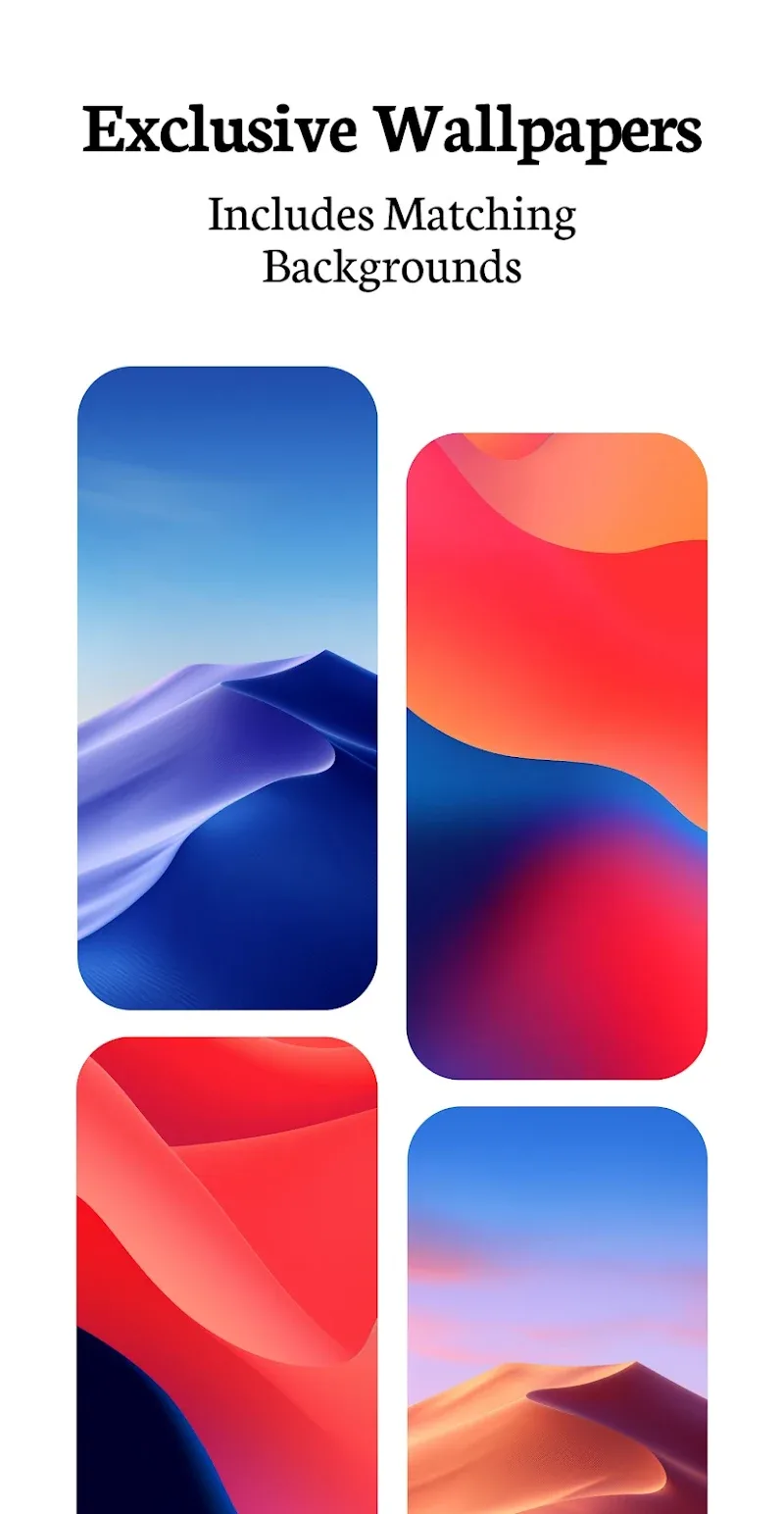
- Exclusive iDevice-inspired wallpapers: Brings an authentic iPhone-style feel to your Android phone.
- User-friendly dashboard: Browse, search, and apply icons with ease.
- Icon and wallpaper masking for unthemed apps: Keeps every icon in a unified style.
- Regular updates: New icons are added continuously to keep your interface fresh.
Supported Apps
iBlack OS Icon Pack isn't restricted to a handful of popular apps; it covers nearly every type of Android application. From core system apps such as Settings, Messages, and Contacts to widely used Google services like Gmail, Drive, and YouTube, each icon follows the iBlack theme.
The app also works with the OEM apps preinstalled on your phone, along with social media apps such as Facebook, Instagram, TikTok, and Messenger. Media, entertainment, and gaming apps are included too, so your entire phone interface stays unified and consistent.
Why Choose iBlack OS Icon Pack?
With iBlack OS Icon Pack, your Android phone becomes modern, elegant, and fully personalized. Converting your Android interface to iOS gives your device an iPhone look while delivering a refined, professional feel.
Regular updates keep the icons fresh and on-trend. The ability to customize icons, wallpapers, and other settings also lets you build a phone interface that matches your personal taste while keeping everything synchronized and cohesive.
How to install
- Download the APK file above to your phone.
- Allow “Install unknown apps” when prompted.
- Open the downloaded APK and tap Install.
- If the package includes OBB/XAPK data, follow the bundled instructions.
MOD APKs are modified builds, so Play Protect may show a warning. Install only if you trust the file; use at your own risk.