
Screenshots



Description
+HOME LauncherMore than 1000 unique skins will be your companions, each one cute, stylish and more appealing than ever before. Make your smartphone unique by customizing it to your taste with simple controls that will feel as light as a feather even to a smartphone beginner!
About the app
With this updated and refined launcher, you can easily change wallpapers, icons and clock widgets with a single motion! This app comes from Japan and has earned the trust of users around the world thanks to its reliability and security.
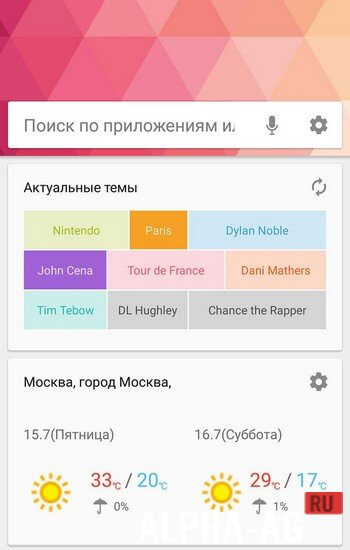
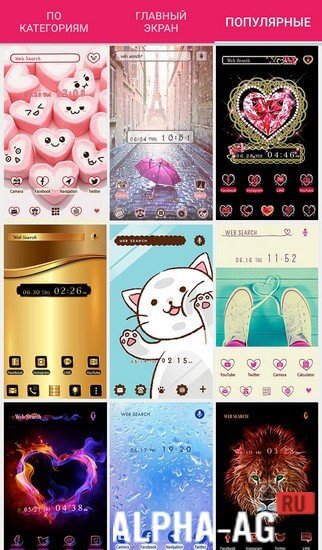
Tired of the ordinary? Fill your smartphone with a multitude of cool, cute and stylish designs from a list of more than 1000 themes!With this app your smartphone will be more convenient and efficient, thanks to a handy menu page with frequently used apps: camera, calendar, map, alarm, gallery and many others!
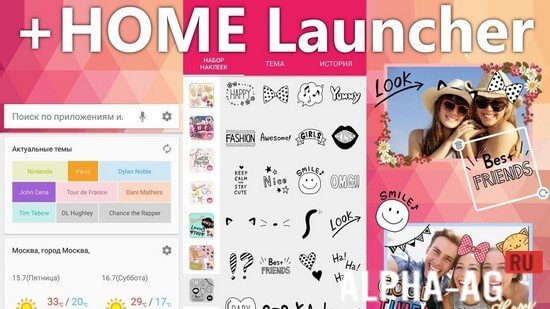
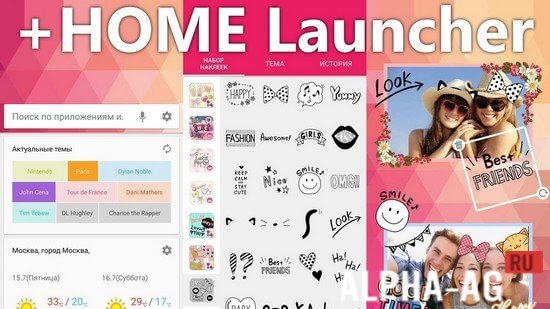
But that's not all! The most exciting part is still ahead - create your own design with the "frame" and "sticker" features and place them anywhere on the home screen to give your smartphone a unique look!Key features
Create folders in the app drawer - organize your apps the way that suits you! Rearrange apps within a folder - full control over the structure and order of your apps! Dock page - quick and convenient access to the important functions of your smartphone! Change the number of icons displayed - optimize the use of screen space!
And of course, a new skin for the search screen - even searching on your smartphone will become an exciting adventure! +HOME Launcher is not just a launcher, but a new world of possibilities, stylish design and ease of use waiting for you! Unlock your phone's potential with ease and enjoy complete freedom to personalize your smartphone to your unique style!
0 23 Nov Additional information:- Required Android version: 5.0 or later
- Age rating: 3+
- Russian localization: available
- Cache installation: not required
Subscribe to our YouTube channel!
Leave a commentHow to install
- Download the APK file above to your phone.
- Allow “Install unknown apps” when prompted.
- Open the downloaded APK and tap Install.
- If the package includes OBB/XAPK data, follow the bundled instructions.
MOD APKs are modified builds, so Play Protect may show a warning. Install only if you trust the file; use at your own risk.