

Screenshots
Description
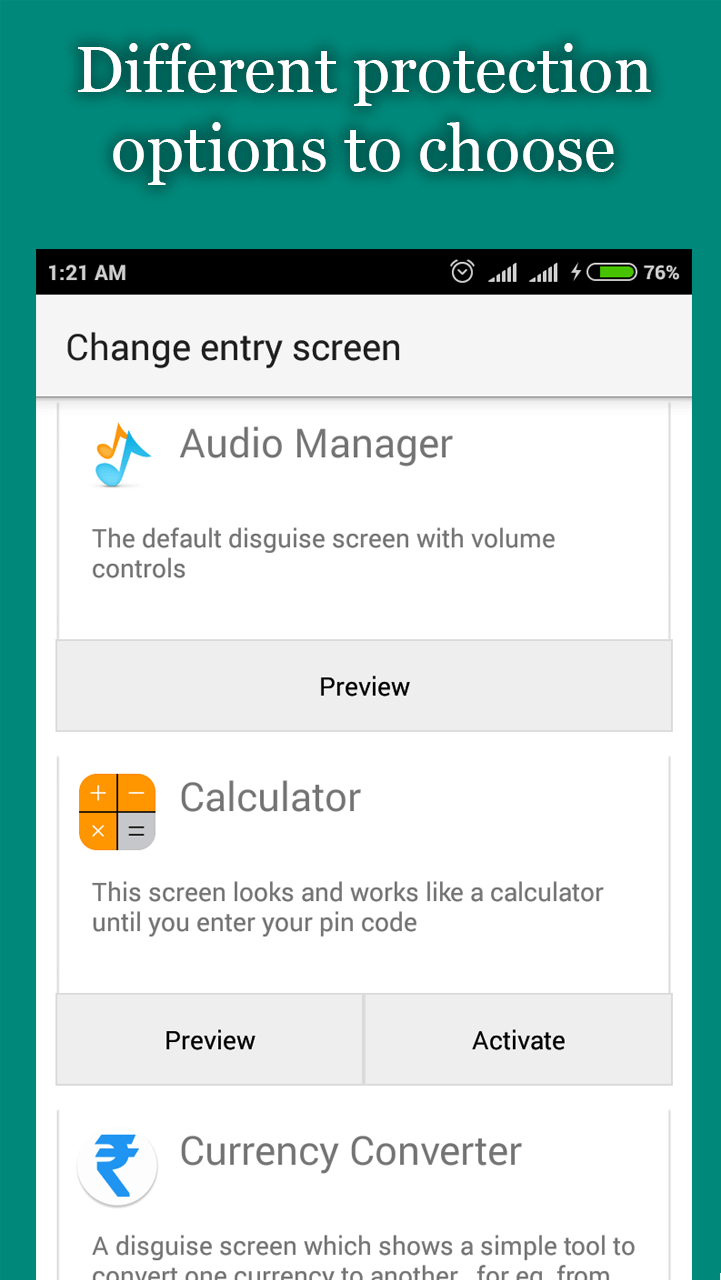
Hide Photos, Videos and App Loc allows users to effortlessly conceal confidential personal data in just a few taps. Notably, the main control dashboard features an ingenious camouflage mode, making it virtually undetectable and providing an ideal security layer alongside reliable backups.
Discreet and Secure Concealment
Safeguarding private data is an essential security step for smartphone users who want to prevent unauthorized snooping on their devices.
- Clever Disguise: The tool effortlessly masks itself as an innocuous utility, ensuring it stays completely off the radar of prying eyes.
- Advanced Stealth: It vanishes entirely from your recent apps overview and removes its launcher icon, effectively shutting out unauthorized access attempts.
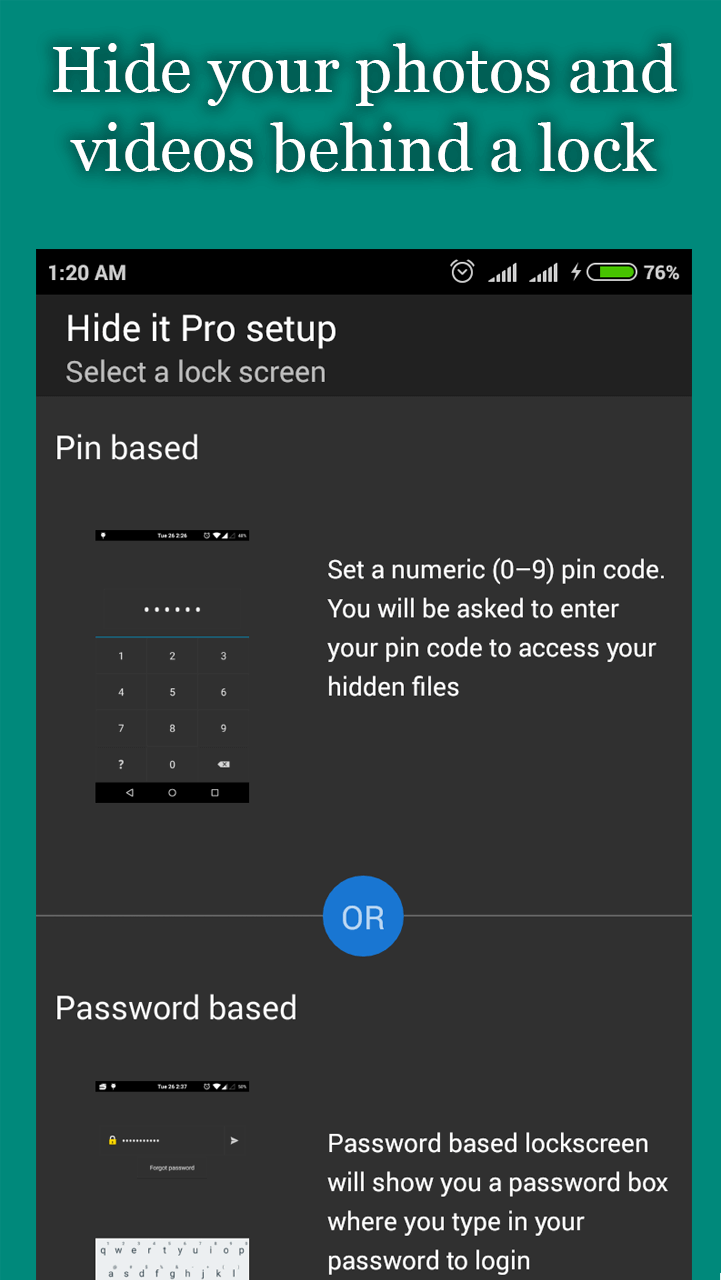
- Multi-Layered Security: Shield your private vault with robust authentication choices, ranging from traditional PINs and passcodes to biometric fingerprint unlocking.
Comprehensive Privacy Features
As you explore the app, you will unlock even more powerful capabilities beyond simply locking away pictures and video clips.
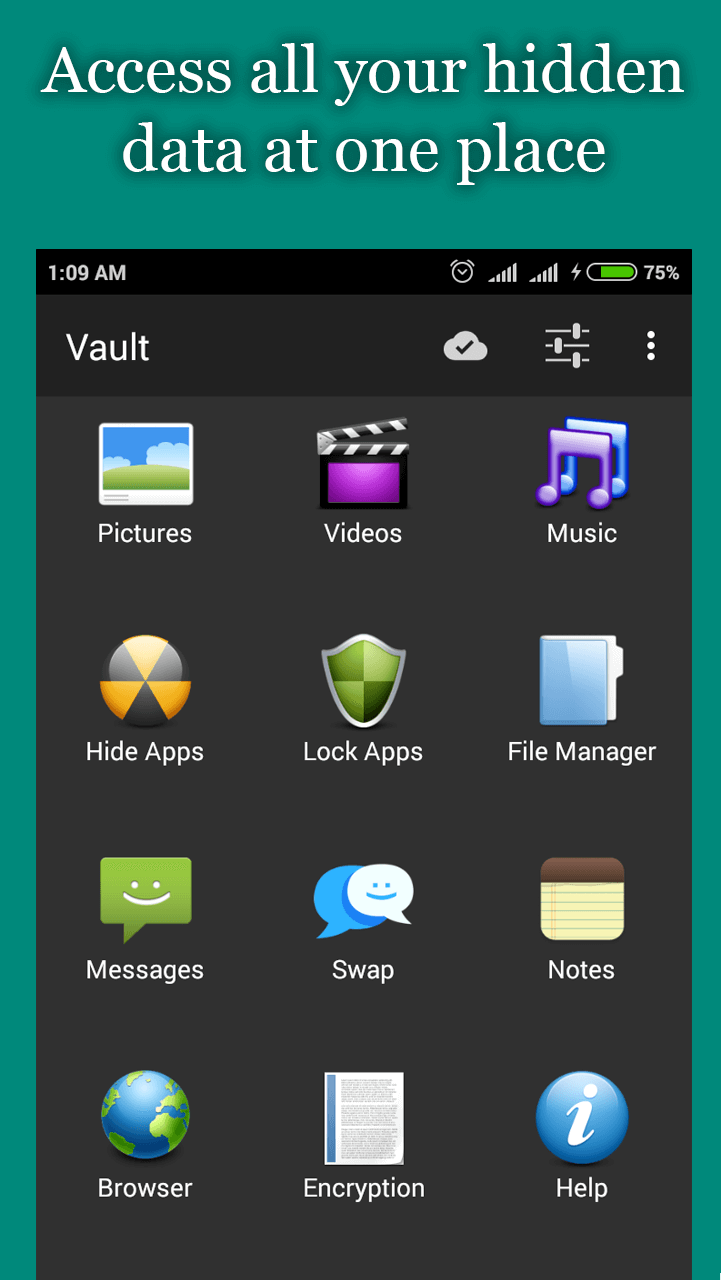
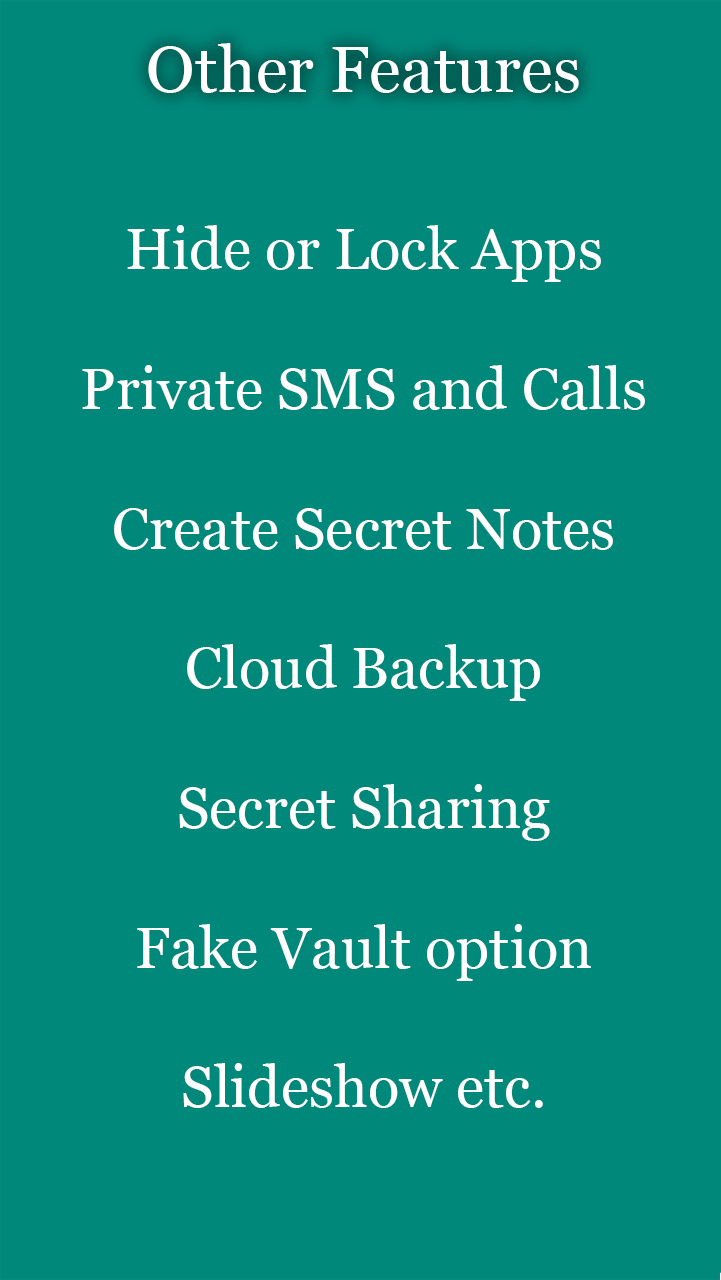
- All-in-One Vault: Far more than a standard media locker, it also conceals apps, text messages, and call logs to keep your entire digital footprint shielded.
- Emergency Evasion: If someone manages to snoop around, the app reveals an unsuspecting decoy screen that discourages intruders from digging any deeper.
- Free Cloud Backup: Safeguard your locked content with protected cloud storage, keeping your private files fully intact when transferring between devices.
How to install
- Download the APK file above to your phone.
- Allow “Install unknown apps” when prompted.
- Open the downloaded APK and tap Install.
- If the package includes OBB/XAPK data, follow the bundled instructions.
MOD APKs are modified builds, so Play Protect may show a warning. Install only if you trust the file; use at your own risk.