
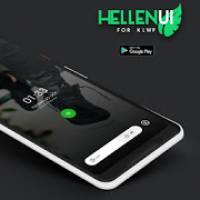
Screenshots
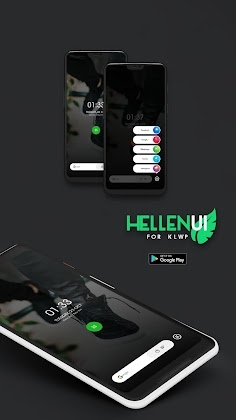
Description
Hellen UI for KLWP Mod APK
Please note that this is not a standalone app; it requires Kustom Live Wallpaper Maker Pro to function properly.
Kustom (KLWP) PRO
A launcher compatible with KLWP (Nova Launcher is strongly recommended).
How to Install:
Download Hellen UI for KLWP from GameMod.dev
Open the KLWP app, tap the top-left menu icon, and choose the Load Preset option
Select the Hellen UI theme to load it into KLWP
Tap the Save button located in the top-right corner
Setup Guide:
Apply the following configuration in Nova Launcher:
Choose a single home screen
Enable wallpaper scrolling
Disable the dock and conceal the status bar
Fully compatible with any screen dimension.
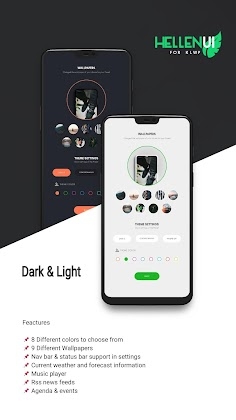
Navigation bar support configurable via settings
Offers 8 distinct color schemes
Dynamically extracts accent colors from your wallpaper
Includes 9 unique wallpapers
Real-time weather reports along with future forecasts
Integrated RSS news feed updates
Calendar events overview
Built-in music player controls
If you encounter any problems, please reach out for support before leaving a low rating.
How to install
- Download the APK file above to your phone.
- Allow “Install unknown apps” when prompted.
- Open the downloaded APK and tap Install.
- If the package includes OBB/XAPK data, follow the bundled instructions.
MOD APKs are modified builds, so Play Protect may show a warning. Install only if you trust the file; use at your own risk.