
Screenshots
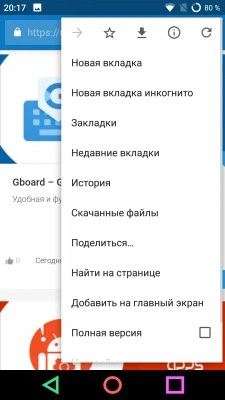
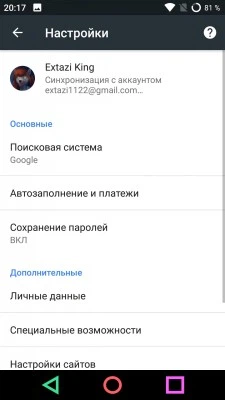


Description
Download Google Chrome for free. It is a convenient, fast, and secure browser built specifically for Android. Chrome gives you personalized news, quick links to your favorite sites, content downloads, and built-in Google Search and Google Translate, along with many other useful features.
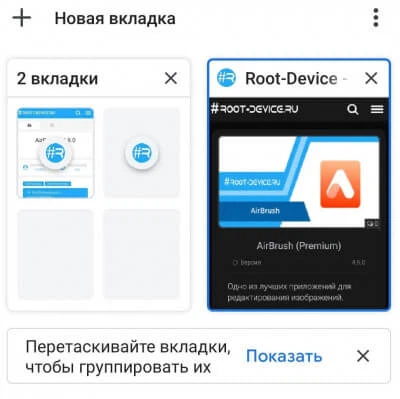
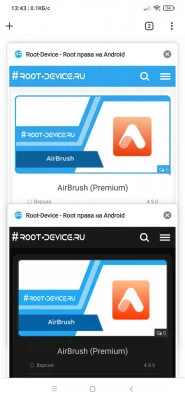
How to Turn Off Tab Grouping
- Open Google Chrome.
- Type chrome://flags into the browser's address bar.
- Search for #enable-tab-grid-layout and set the mode to Enabled Without auto.
- Search for #temporary-unexpire-flags-m97 and set the mode to Enabled.
- Search for #temporary-unexpire-flags-m98 and set the mode to Enabled.
- Search for #enable-tab-surface and set the mode to Disabled.
- Search for #enable-tab-groups and set the mode to Disabled.
- Search for #enable-tab-groups-continuation and set the mode to Disabled.
- Tap Relaunch to restart Chrome.
- Check the result.
Follow News: You will get an email notification whenever the news is updated. Subscribe Subscribed: 0
Screenshots
8 14 22
Information
Version 121.0.6167.47 OS (Min) Android 8.0+ Language Russian Developer Google LLC Status Free Root Not required Tags Powerful, Fast, Faster, Functions, Feature-rich, Stable
How to install
- Download the APK file above to your phone.
- Allow “Install unknown apps” when prompted.
- Open the downloaded APK and tap Install.
- If the package includes OBB/XAPK data, follow the bundled instructions.
MOD APKs are modified builds, so Play Protect may show a warning. Install only if you trust the file; use at your own risk.