
Screenshots

Description
Match Puzzle
What makes Match Puzzle stand out is its vast collection of several hundred clever brainteasers built entirely around classic matchsticks. Your goal is simply to rearrange, add, or take away sticks to form new geometric figures and solve each challenge.
Game Modes
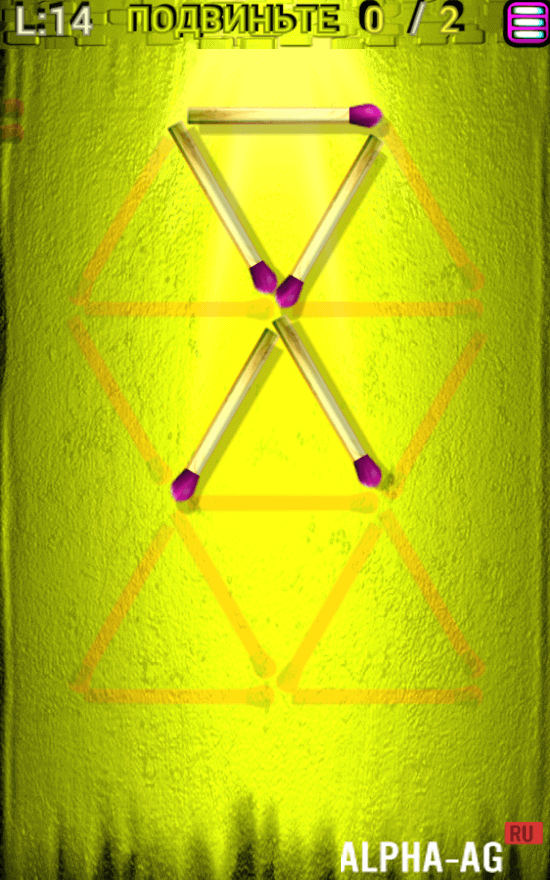
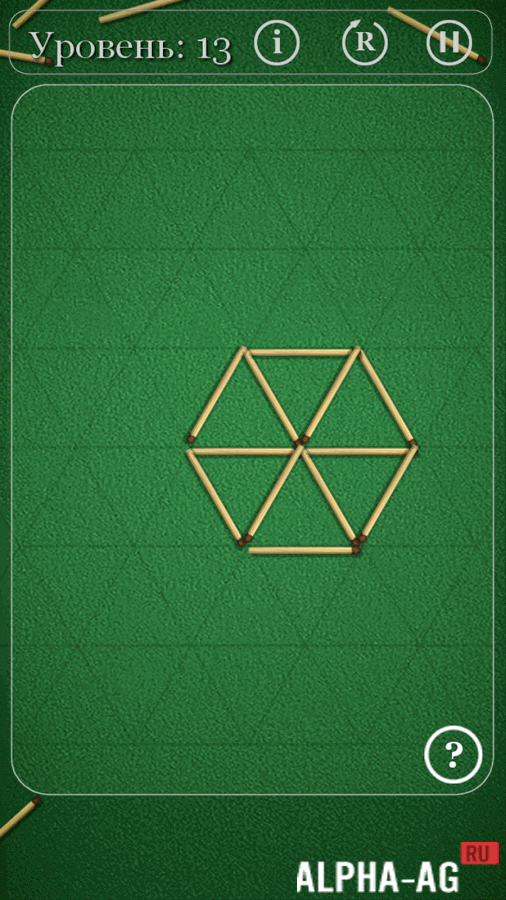
- Shape Puzzles. This mode tests your spatial skills by having you alter different geometric outlines. A typical puzzle might challenge you to take away two matches so that the remaining shape becomes a neat triangle.
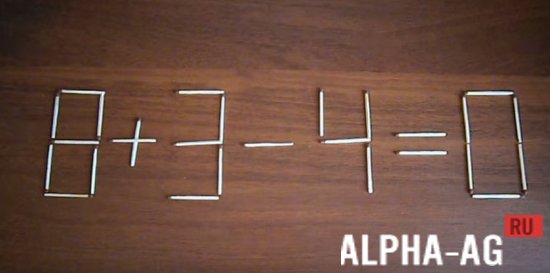
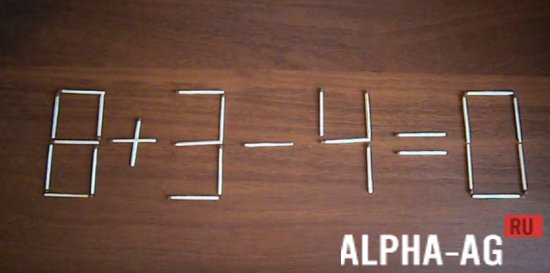
- Number Puzzles. Here, you will work on balancing math problems and numerical equations. For instance, shifting just one matchstick can turn a broken math statement into a correct equality.
Helpful hints are readily available whenever you find yourself stuck, no matter which category you play.
With more than 300 unique stages ready to test your intellect, you are in for hours of brain-training fun!
Visuals and Controls
The game features a clean, minimalist visual style free from flashy special effects, distractions, or heavy rendering, while remaining crisp and smooth rather than pixelated.
Throughout your playthrough, you will mainly focus on the playing board, which features an eye-friendly textured green backdrop with square or diamond grid layouts.
The matchstick designs look authentic and understated, keeping your complete focus on solving the puzzles.
Handling the matches feels completely natural on modern smartphone and tablet displays. Navigating interfaces and moving pieces requires nothing more than simple taps—just touch a stick and drop it into its new slot to conquer each stage.
Additional Information:
- Requires Android: 7.0 and up
- Content Rating: Rated for 3+
- Russian Language: Supported
- OBB / Data File: Not required
Game Version: 3.0.123 | Offline Mode | GameMod.dev Rating: 8/10 | Related Titles: House Paint, Brain Games, Mahjong, Pirate Treasures
Follow GameMod.dev for updates!
Leave a Comment
How to install
- Download the APK file above to your phone.
- Allow “Install unknown apps” when prompted.
- Open the downloaded APK and tap Install.
- If the package includes OBB/XAPK data, follow the bundled instructions.
MOD APKs are modified builds, so Play Protect may show a warning. Install only if you trust the file; use at your own risk.