
Screenshots
Description
Give your Android home screen a fresh glass-inspired look with the GlassiOS Icon Pack. Enjoy clean, modern icons inspired by iOS and Liquid Glass.
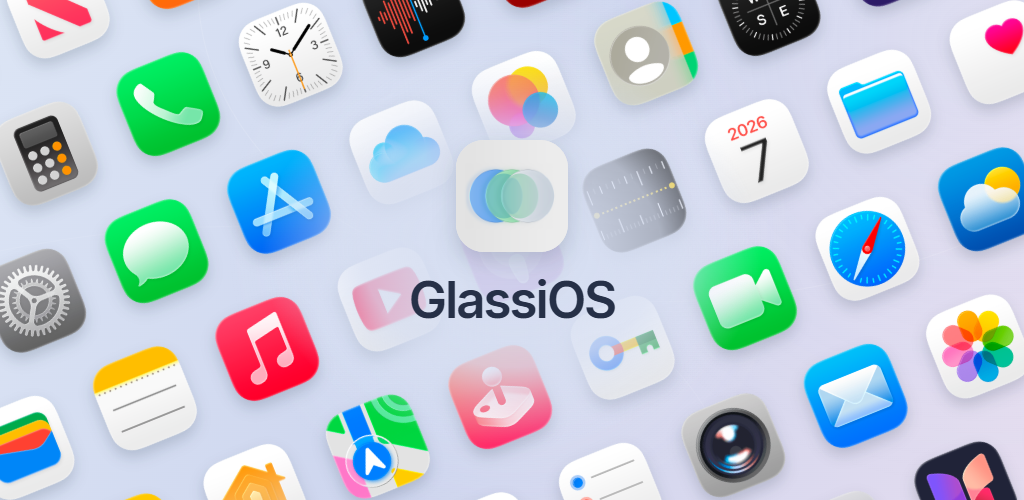
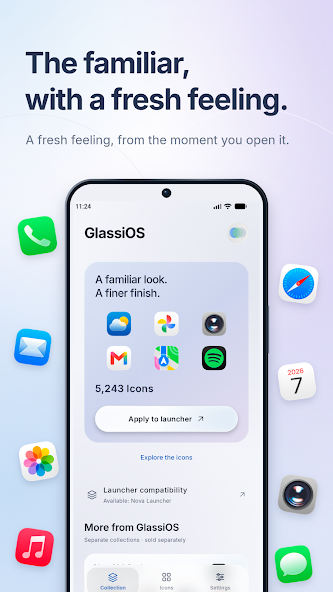
Refresh the style of your Android home screen with the GlassiOS Icon Pack. Drawing inspiration from the UI of iOS 27 and Liquid Glass, GlassiOS delivers a beautiful, modern icon set. You get a smooth, clean, and contemporary interface while keeping your current launcher, so your Android phone doesn't need to become a full iOS theme.
You check your home screen many times a day. With GlassiOS, you can update the look of your app icons for a home screen that feels more personal.
If you want to personalize your home screen and other parts of your Android with an iOS-style look, a sleek glass design, or a minimalist layout, GlassiOS makes it easy.
GlassiOS comes with a range of features. Its iOS-inspired design gives your home screen a clean appearance, while the Liquid Glass style brings home screen icons a modern, contemporary feel. Together, these features create a clean and elegant home screen. You can take control of your layout by replacing default app icons, giving your home screen and other parts of your Android a sleek, up-to-date look.
Designed for Android
GlassiOS is a standalone Android icon pack. It doesn't change your Android OS and is neither an iOS launcher nor a complete iOS theme.
Launcher-Friendly Customization
Customize supported apps and create a unified home screen experience by using GlassiOS with compatible Android launchers.
Consistent Visual Experience
Apply a unified look to the apps you use most for a more organized and visually balanced home screen.
Minimalist Setups
For a clean, minimalist home screen, pair GlassiOS with simple wallpapers, minimal widgets, and uncluttered layouts.
Easy Personalization
Change the appearance of supported app icons to suit your taste while leaving the core functions of your Android device untouched.
Personalize Your Home Screen!
GlassiOS Icon Pack is made by and for users who want more control over the look of their device. Unlike packs that may alter the inner workings of your phone, GlassiOS focuses entirely on making your home screen look stunning.
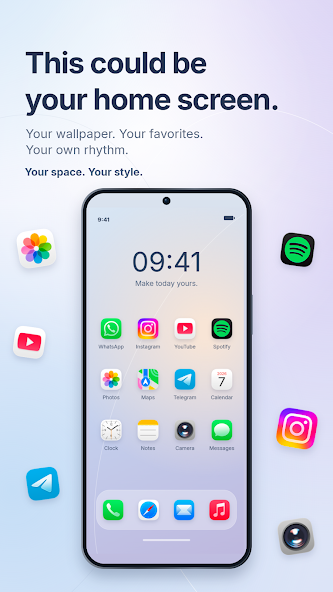
Build a home screen setup that is clean, simple, and intentional. With GlassiOS, you can add a set of stylish, modern, and sleek icons to your device. Pair GlassiOS with your favorite wallpapers and arrange your apps exactly how you like. The possibilities with GlassiOS are endless!
The GlassiOS style works well with many types of layouts and home screens. Use GlassiOS with monochrome setups, dark or bright wallpapers, and modern, sleek widgets. Whether you want a subtle refresh or a complete new look for your device, GlassiOS can deliver it!
Inspired by Modern Design
Drawing on modern design principles and mobile interface trends, GlassiOS gives you an experience similar to today's most contemporary packs and interfaces, while remaining fully independent.
How to install
- Download the APK file above to your phone.
- Allow “Install unknown apps” when prompted.
- Open the downloaded APK and tap Install.
- If the package includes OBB/XAPK data, follow the bundled instructions.
MOD APKs are modified builds, so Play Protect may show a warning. Install only if you trust the file; use at your own risk.