

Screenshots


Description
Game Booster X Free: Game Play Optimizer
An intuitive, handy utility designed to help Android users fine-tune their device and enhance system performance with just one tap.
Overview
Running multiple apps simultaneously often leads to significant slowdowns on Android phones and tablets.
If you want to eliminate frame drops and stuttering so you can fully immerse yourself in your favorite titles, this optimization tool is an essential pick.
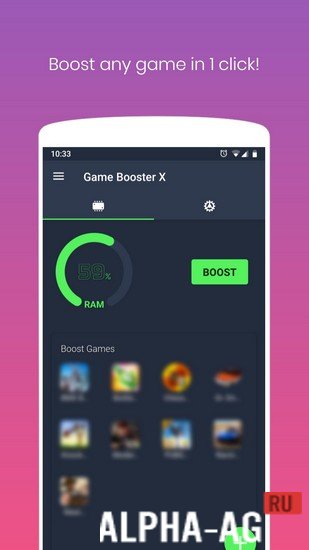
It empowers you to unleash maximum hardware speed and streamline mobile gaming performance. Simply open the app, and it will immediately optimize your system for smoother gameplay.
Take advantage of the automated boosting function, which actively monitors memory usage and triggers speed enhancements whenever RAM consumption hits your designated limit.
You have full control over the threshold, letting you configure automatic cleaning at 70%, 75%, 80%, 85%, 90%, or any custom point you prefer.
As soon as available memory falls past your selected limit, the tool springs into action to clear resources and accelerate your device.
Key Features
This efficient optimization tool lets you tune your phone in a single tap, maximizing hardware power and delivering a noticeably smoother, responsive gaming session.
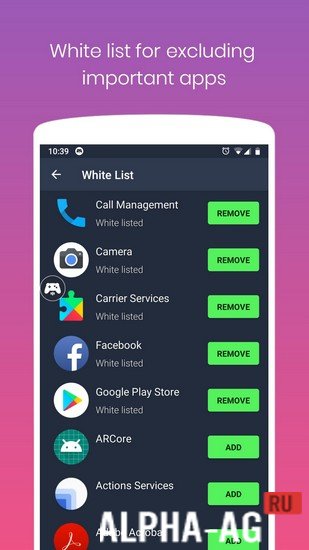
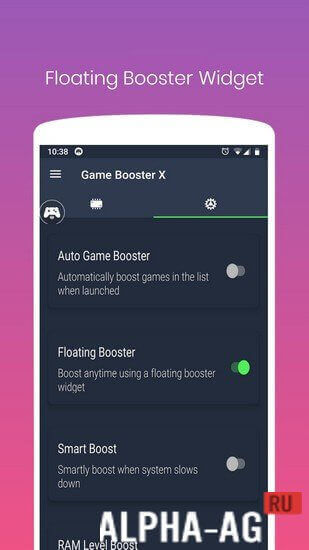
Enjoy a handy floating widget that lets you clear RAM and speed up your device on the fly without closing your active game. You can also build a custom launch list to ensure your top games and apps get automatically boosted every time they open.
0 02 Apr Additional Information:
- Requires Android: 5.0 and up
- Content Rating: 3+
- Russian Language Support: No
- OBB / Cache: Not needed
Version: 4.0.15 GameMod.dev Rating: 8/10 Related Apps: Root Booster, Yoosee, Caller Name Announcer, Volume Booster Goodev
Follow our updates!
Leave a Comment
How to install
- Download the APK file above to your phone.
- Allow “Install unknown apps” when prompted.
- Open the downloaded APK and tap Install.
- If the package includes OBB/XAPK data, follow the bundled instructions.
MOD APKs are modified builds, so Play Protect may show a warning. Install only if you trust the file; use at your own risk.