

Screenshots

Description
MOD Download 0
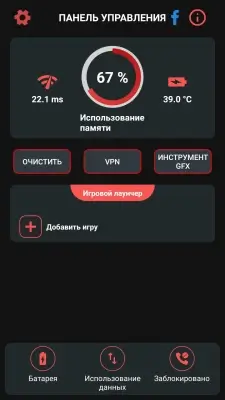
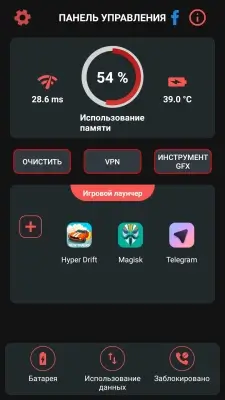
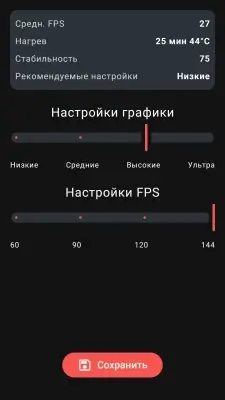
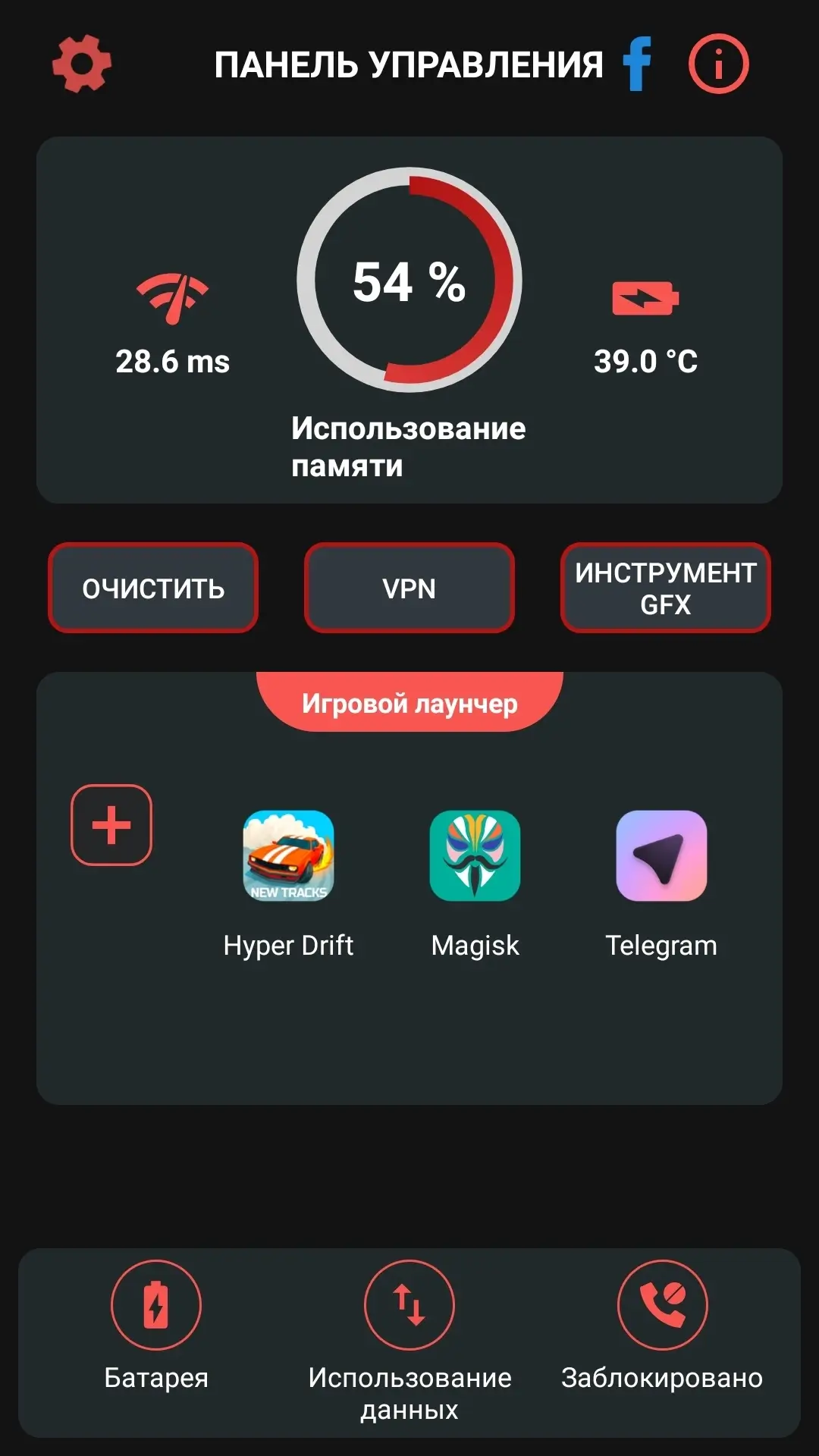
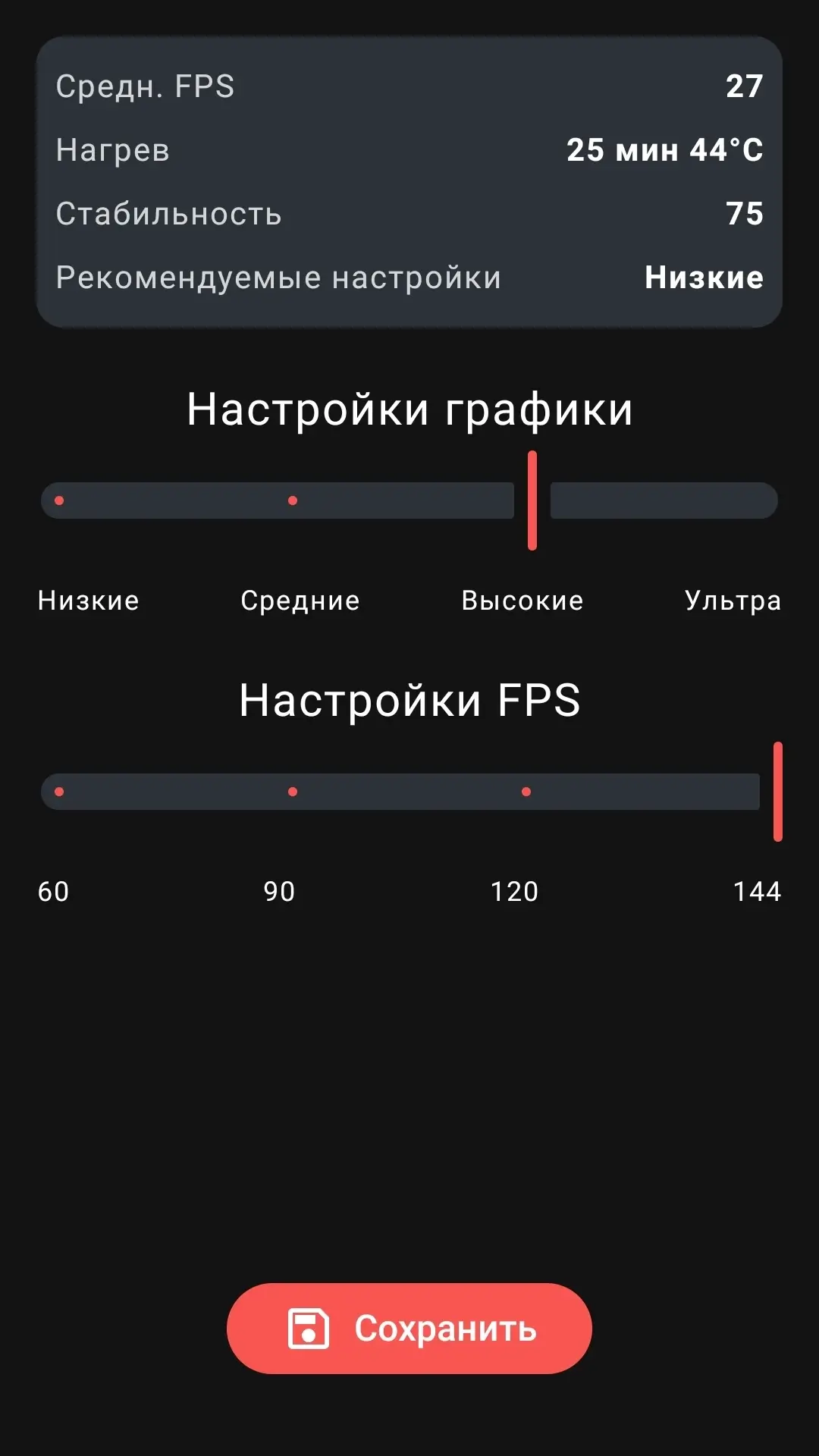
Game Booster Fire (VIP) - An all-in-one solution for optimizing gameplay on Android devices. The app speeds up the system, terminates unnecessary background processes, and combines launcher, booster, and anti-lag functions. Game Booster Fire analyzes graphics, automatically selecting settings for maximum FPS, as well as tracking memory usage, battery temperature, and network latency.
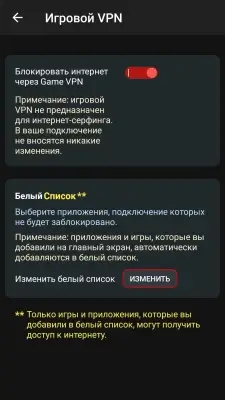
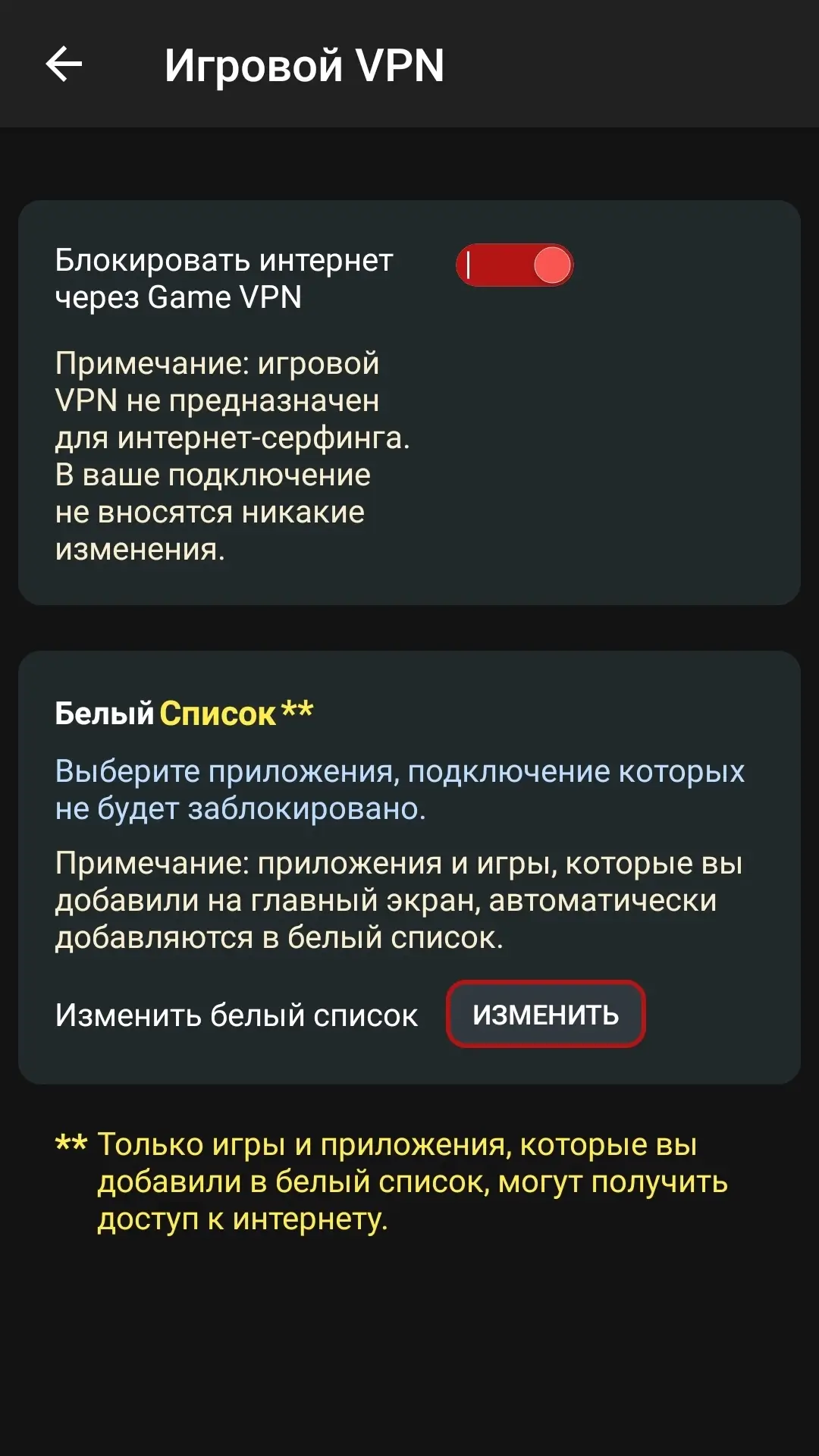
The VPN service is used solely to block other apps from accessing the Internet. The app does not maintain user logs and does not transmit any data to a VPN server (there is no connection to a real VPN server).
App Features:
- Automatic game acceleration;
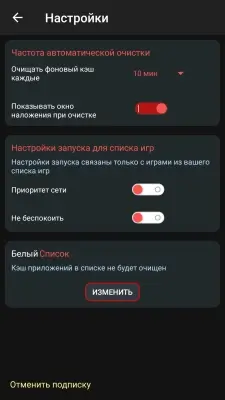
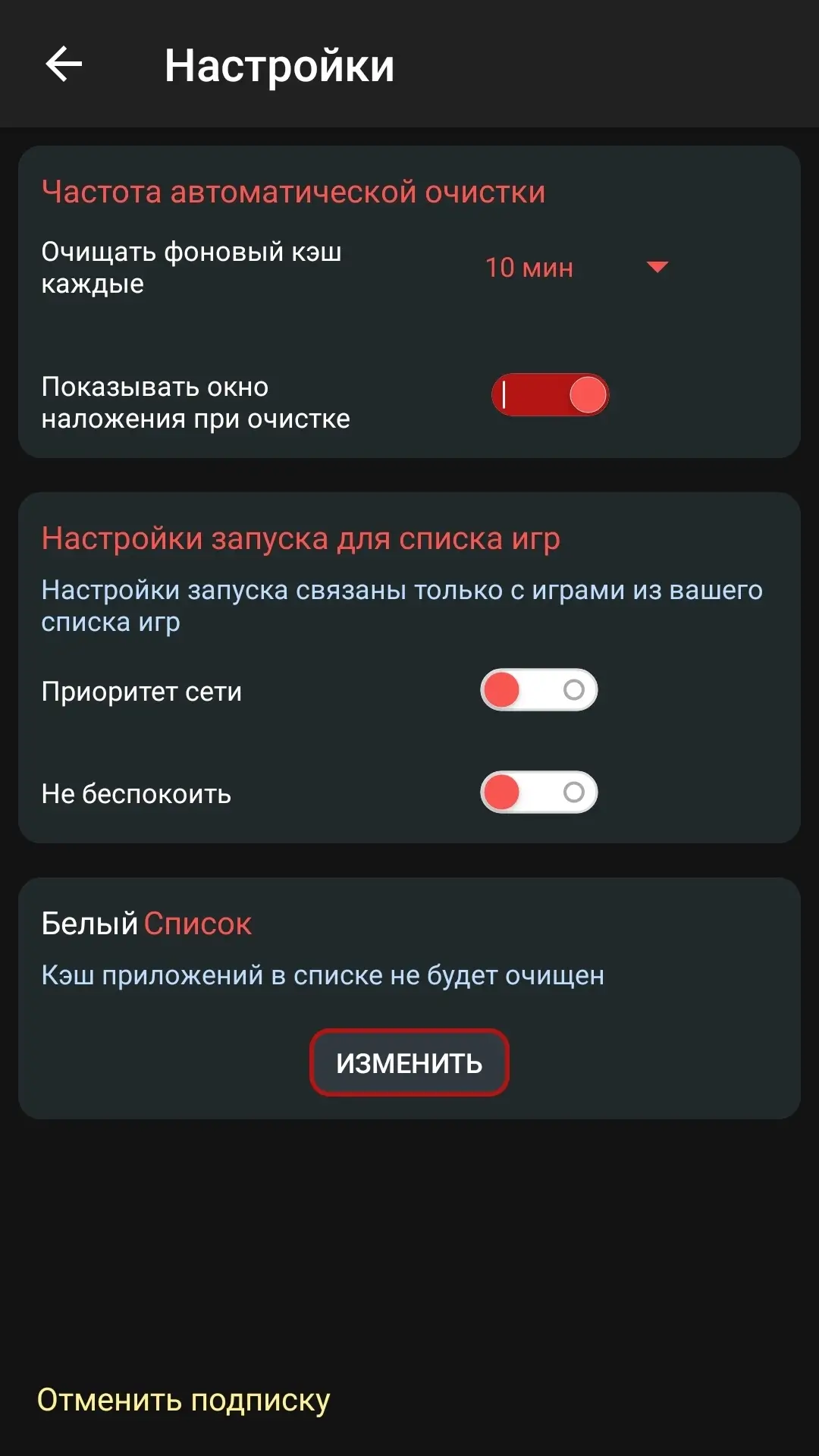
- Closing background apps;
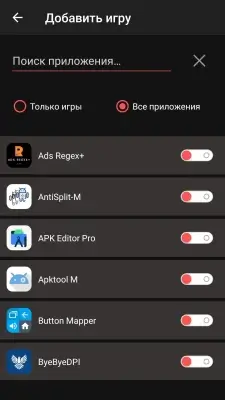
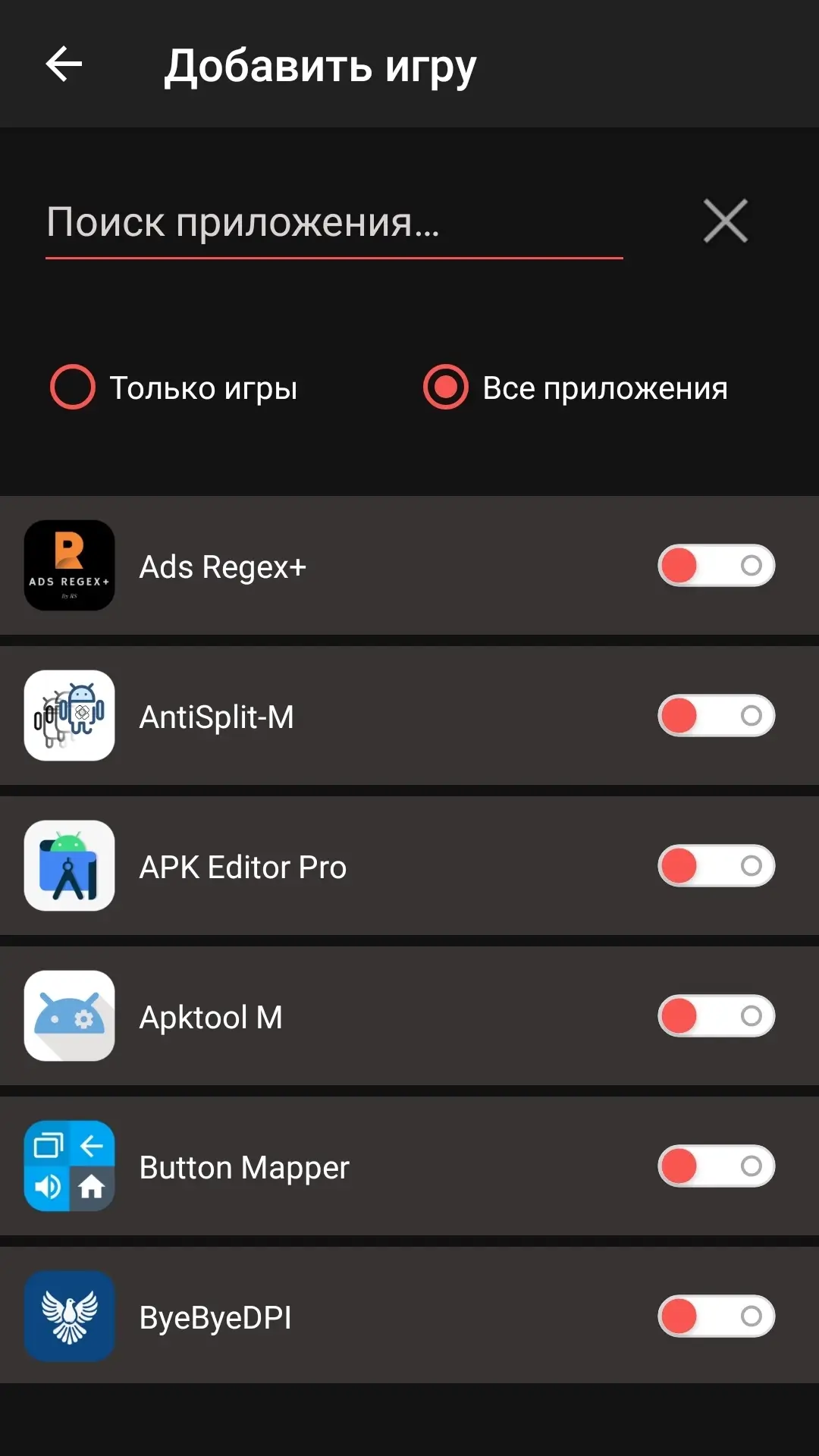
- Universal launcher for all games;
- VPN mode to block other apps from accessing the internet;
- Graphics optimization for better FPS;
- Detailed device monitoring;
- Improving network stability.
- VIP Unlocked;
- License check disabled;
- Original signature changed.
Screenshots
2 5 7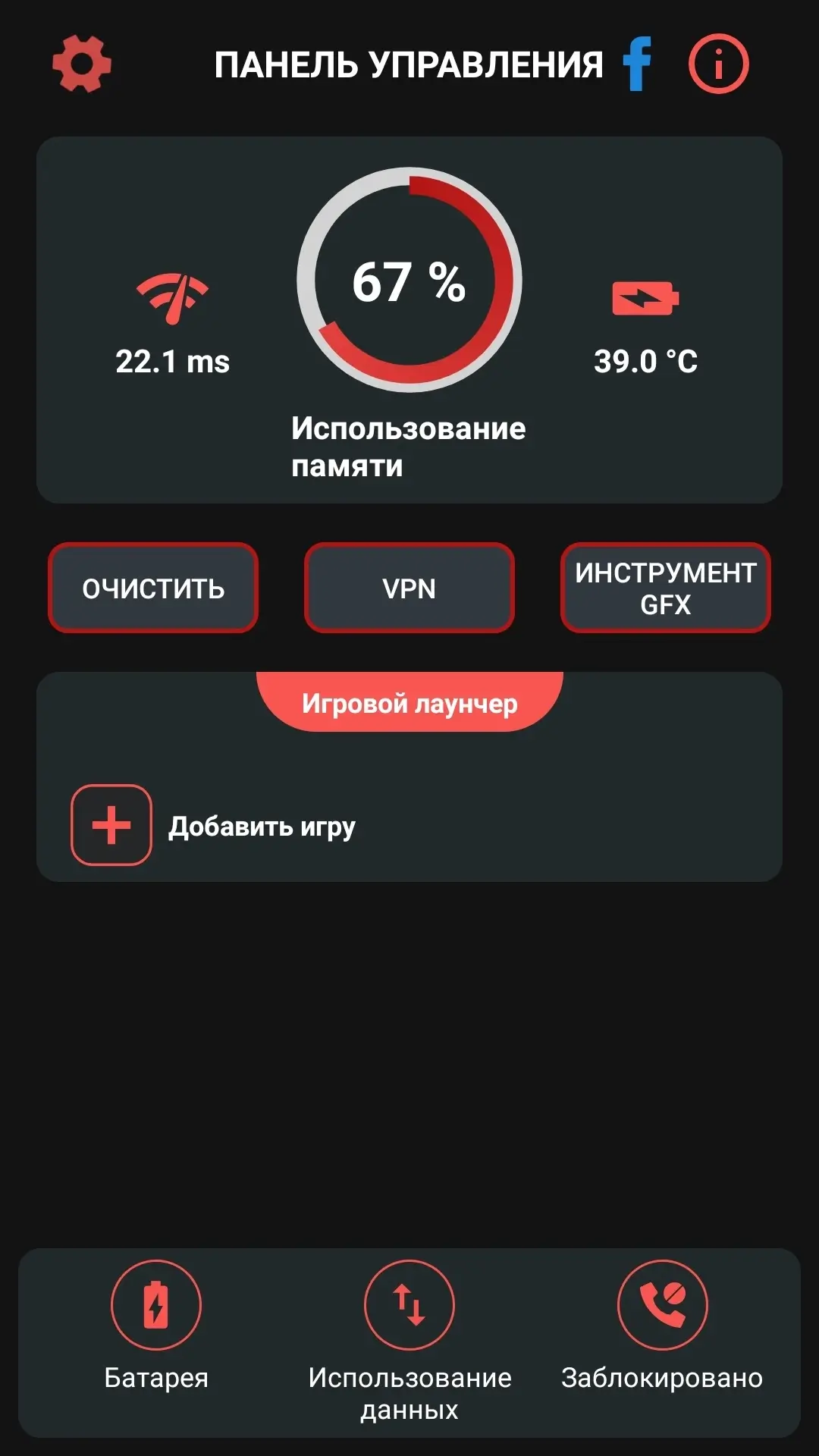
Information
Version 242 OS(MIN) Android 10.0+ Language Russian Developer TOLAN Status Modified Root Not required Tags Game optimization, System boost, Closing background processes, Game launcher, FPS improvement, Device monitoring, Temperature controlHow to install
- Download the APK file above to your phone.
- Allow “Install unknown apps” when prompted.
- Open the downloaded APK and tap Install.
- If the package includes OBB/XAPK data, follow the bundled instructions.
MOD APKs are modified builds, so Play Protect may show a warning. Install only if you trust the file; use at your own risk.