

Screenshots
Description
Gallery is a smart photo library that helps you organize and store your pictures. Enjoy your photos and videos in HD quality right inside the app.
These days, snapping pictures and recording videos has become a habit, and before you know it your phone is running short on storage. Gallery: Photo Album Organizer is the easiest way to manage, edit, and share your digital memories, neatly arranged into beautiful albums. Gallery also shows extra details for each photo or video, such as where and when it was taken.
Clean and Simple Interface
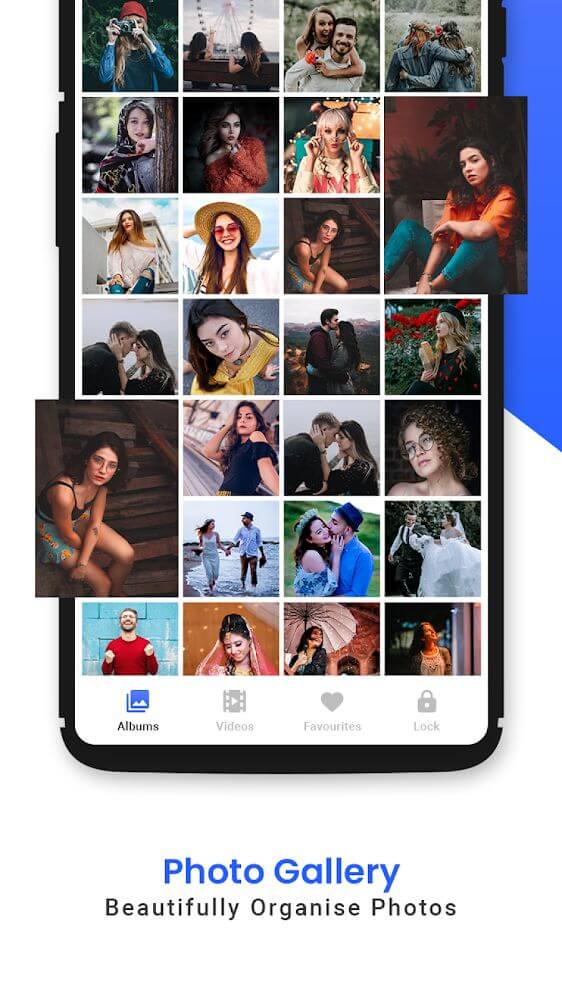
Once you record or capture something, all your images and videos appear in Gallery automatically. The app features a tidy, attractive design with content split into images and videos, a plain background, and short text so nothing feels cluttered. Simple taps and swipes make it easy for anyone to get started.
Smart Image Organization
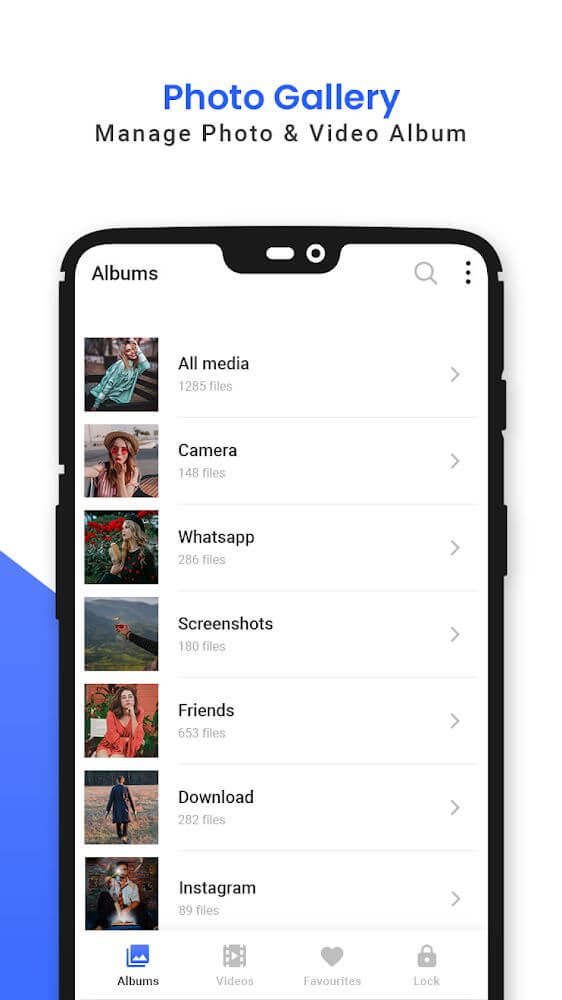
Gallery works to keep your device running as smoothly as possible for the best experience. It supports all common photo and video formats as well as GIFs. Your photos are sorted neatly by folder, tag, and date so you can find them quickly. You'll also see automatically generated folders for content from websites and social networks, such as images saved from Facebook or Instagram.
You can also arrange your photos and videos however you like by creating custom folders with your own names and adding the pictures you want to each one. This makes sorting faster, and you can view your content by different criteria.
The Most Effective Photo Management App
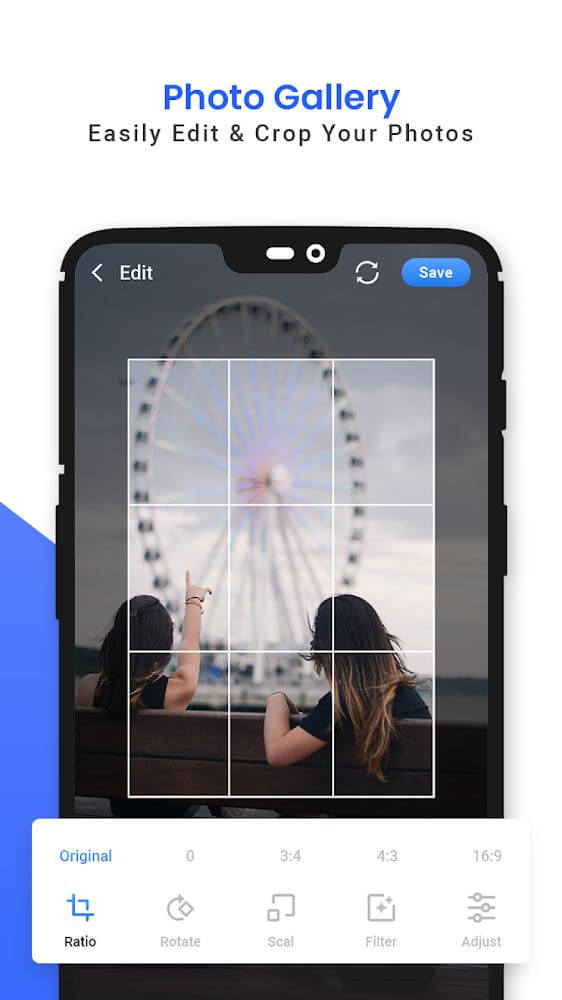
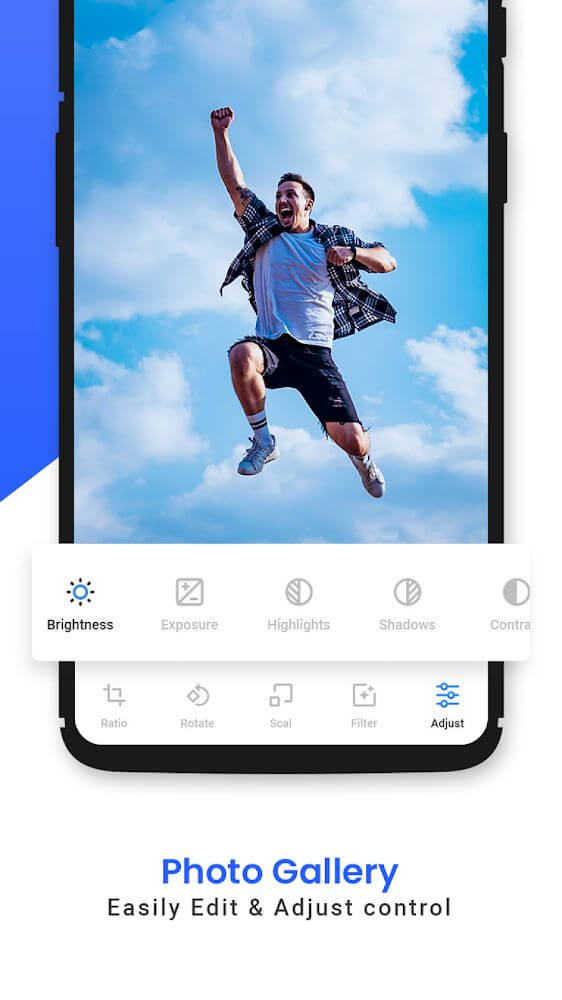
Gallery is a private photo saver for Android with plenty of useful features, including changing the app theme color using one of three built-in themes, and even picking a secondary color. It supports nearly every image and video format so you can view your files whenever it suits you. You can preview photos in HD quality and play them as slideshows. It also encrypts your private photos and videos and groups them into suitable folders for easy management.
Secret Photo Gallery App
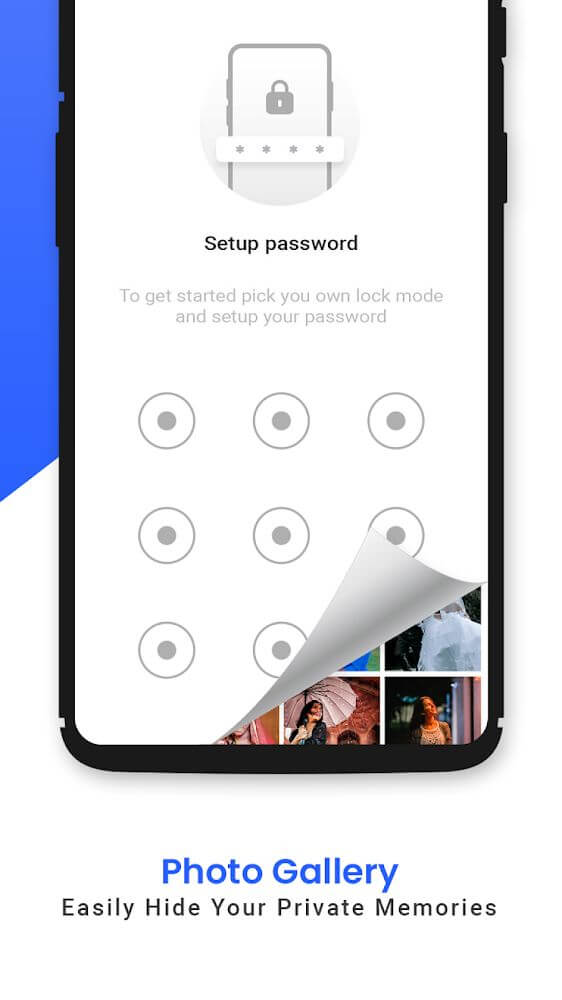
This handy gallery app lets you manage secret albums. You can use it as a discreet alternative for organizing and hiding your videos or photos. It lets you keep private or sensitive pictures safe from prying eyes.
View and Share Photos or Videos on Social Networks
Gallery is a beautiful image viewer and powerful photo manager, the best alternative to your standard Android gallery. View images and videos individually or as a random slideshow, or browse them in timeline order, from the newest to the oldest and back again,…
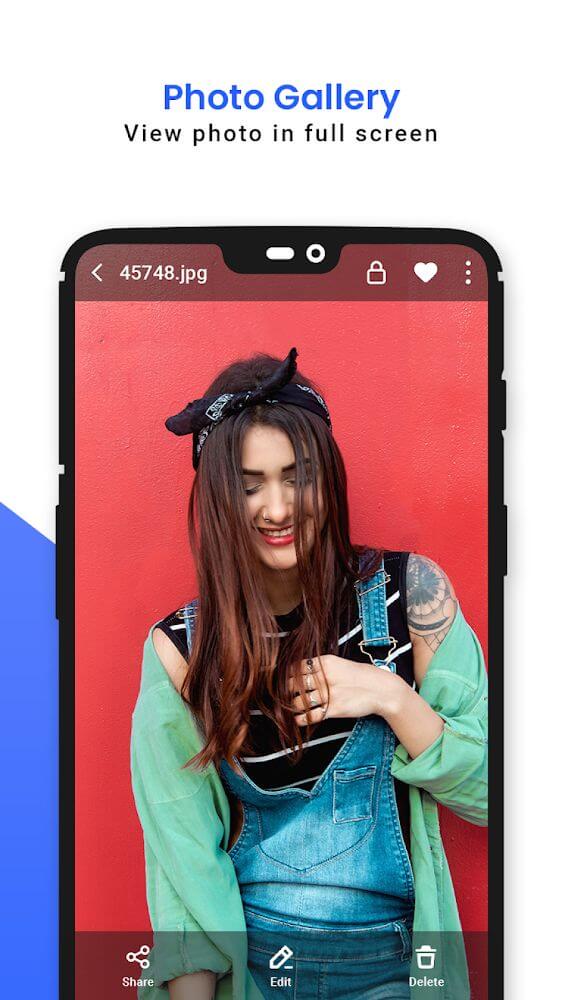
Images and videos in the app can be shared to social networks with a single tap. You can also easily send them by email or via Bluetooth to friends and family. For any image, just tap its icon to see details such as location, date, file name, or file type.
Key Features
- A powerful photo manager and viewer that stores your photos and videos as a full alternative to your standard gallery app, with a large library to keep your images protected.
- A secret photo album with PIN protection keeps your important pictures hidden and out of others' reach. The secret gallery acts as a private photo and video vault for preserving your memories.
- Preview HD photos and play slideshows effortlessly. The app encrypts your private photos and videos and sorts them into different types of folders.
- The photo and video viewer handles the heavy lifting with many unique features that help you organize by date, location, or file name for quick searching.
- Share photos and videos to social networks individually, as a slideshow, or as a timeline,… or send them to friends by email or Bluetooth.
How to install
- Download the APK file above to your phone.
- Allow “Install unknown apps” when prompted.
- Open the downloaded APK and tap Install.
- If the package includes OBB/XAPK data, follow the bundled instructions.
MOD APKs are modified builds, so Play Protect may show a warning. Install only if you trust the file; use at your own risk.