

Screenshots


Description
FS VideoBoxIn this case, you can use the handy application FS VideoBox. It allows you to find any video as quickly and easily as possible from anywhere you have internet access.
First launch
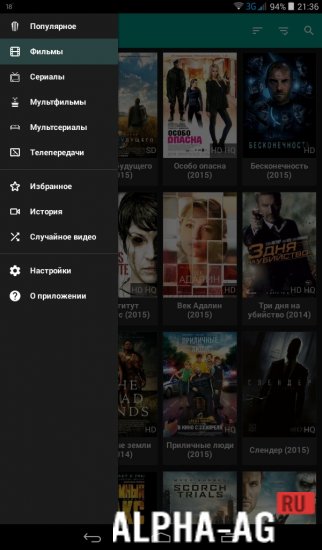
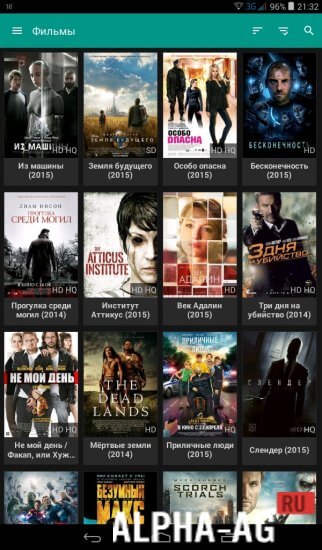
When the application launches, you will find an interactive menu on the left side of the screen that allows you to manage the selection. You can choose from a wide variety of genres, such as cartoons, TV shows, TV series, movies, and much more.
In addition, a "Favorites" folder is provided, where you can add movies that you plan to watch in the future. Another useful addition is the "History" function, which will come in handy for people who forgot which movie they watched last.
The only downside can be considered the lack of ability to resume video playback from the moment or episode that was watched last time.
We can only hope that they will fix this inconvenience soon. By the way, you can also watch a random video if you can't decide on what you'd like to watch at the moment.Features
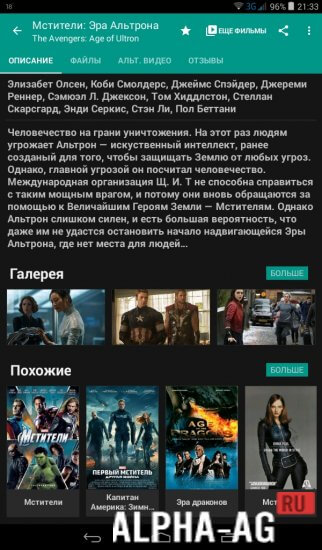
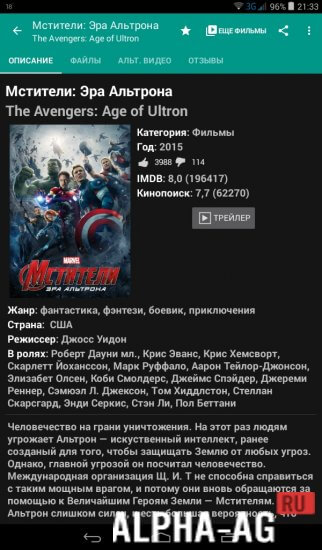
Each movie features additional settings.
When you open it, several additional buttons will appear, such as "Reviews", "Description", and "Files". It is important to clarify that the last button allows you to choose quality options and voice acting. 0 Jun 30 Additional information:- Android version required: 3.0 or higher
- Russian localization: present
Subscribe to our YouTube channel!
Add commentHow to install
- Download the APK file above to your phone.
- Allow “Install unknown apps” when prompted.
- Open the downloaded APK and tap Install.
- If the package includes OBB/XAPK data, follow the bundled instructions.
MOD APKs are modified builds, so Play Protect may show a warning. Install only if you trust the file; use at your own risk.