
Screenshots
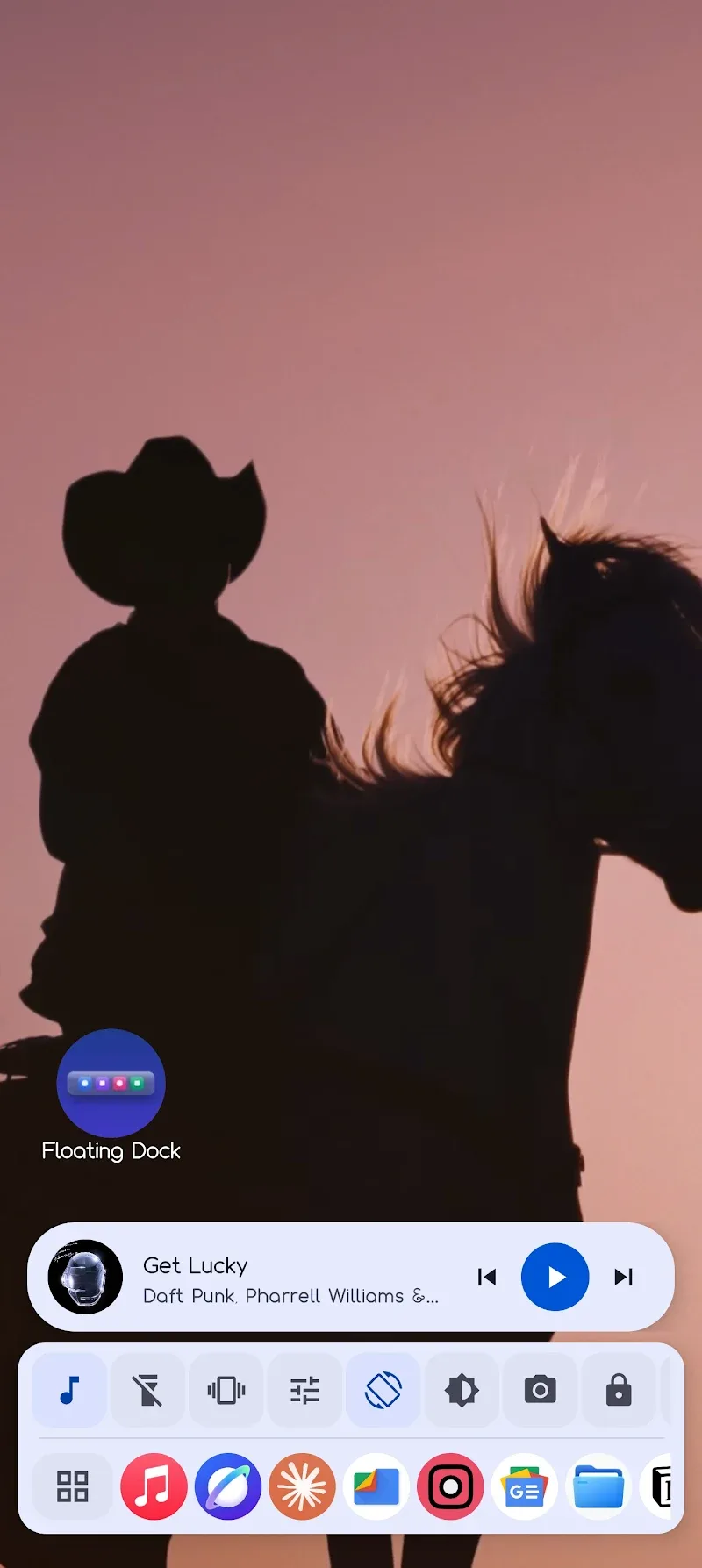
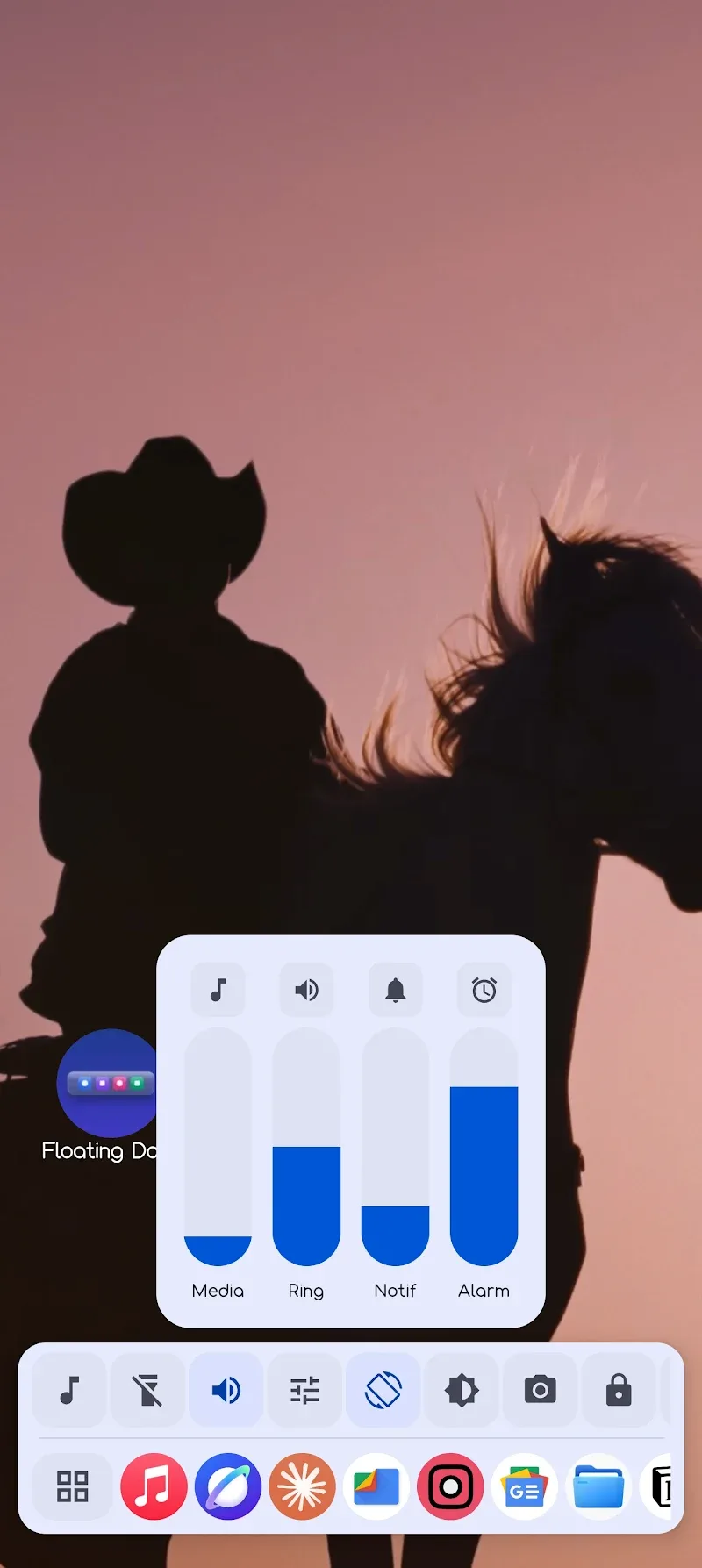
Description
Having a streamlined, smooth Android interface that makes every touch count has long been the goal of mobile tech enthusiasts. Among the many customization apps out there, Floating Dock is one of the most inventive and complete options for upgrading your daily phone experience. It changes how you interact with your device, letting you take full control with just a few simple swipe gestures.
SMART NAVIGATION AT YOUR FINGERTIPS
Your everyday phone use gets a major upgrade with the taskbar-based navigation system. Thanks to its intelligent adaptive behavior, the app knows when to stay out of sight so it never gets in the way of your entertainment. Forget repeating the same swipes or hunting for apps manually; everything is now within easy reach.
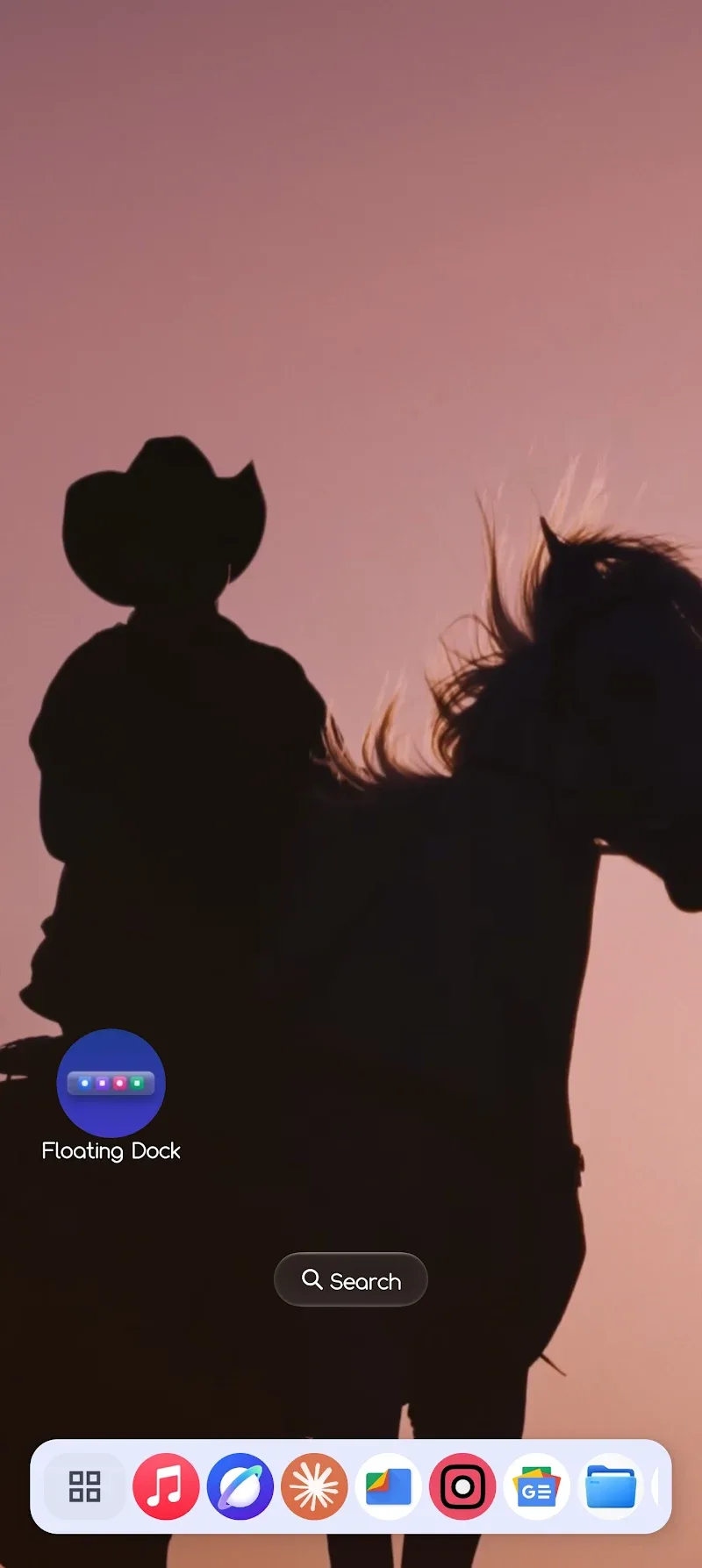
- Flexible taskbar: Includes a dock that shows battery level, date and time, plus a gesture activation button you can customize.
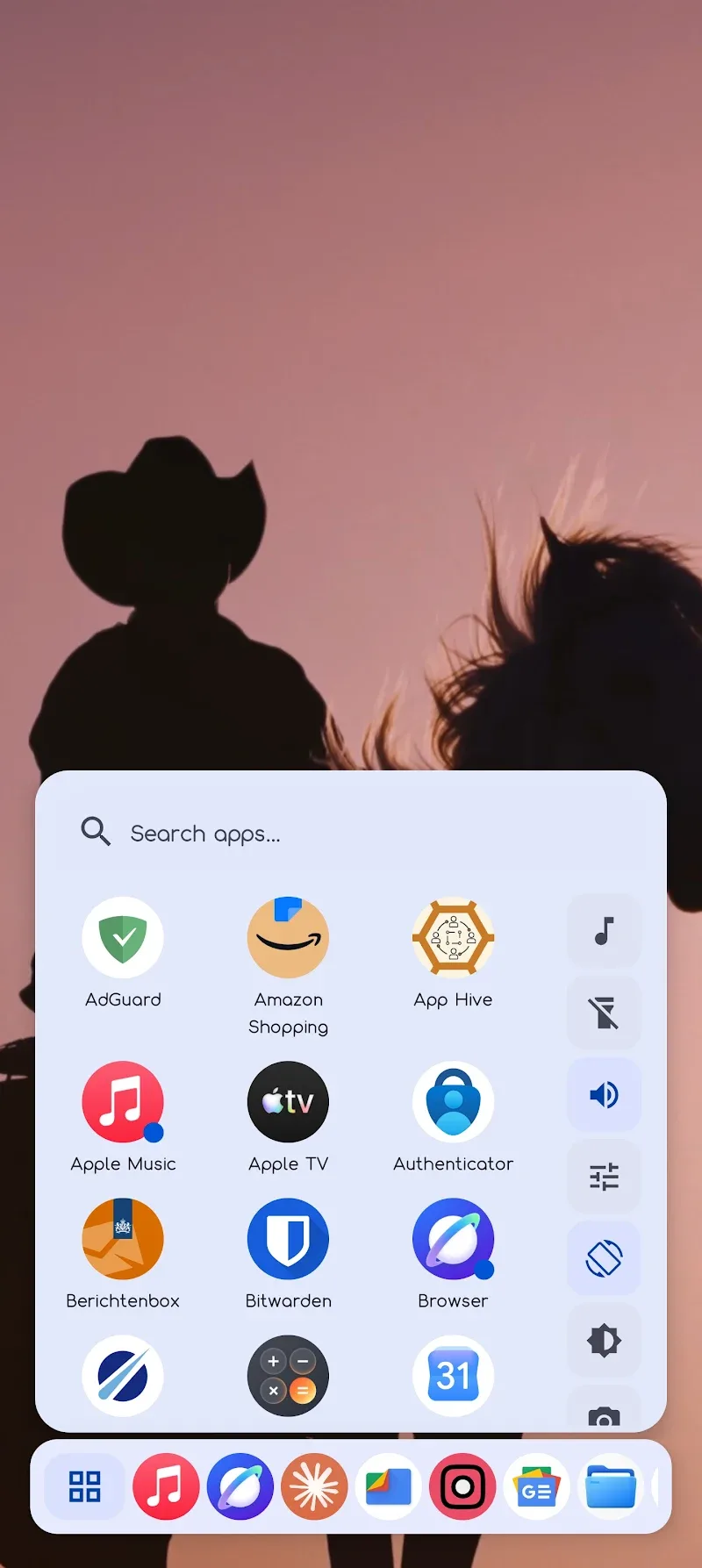
- Floating app menu: A full-screen swipe search panel where you can press and hold to pin or unpin apps in seconds.
- Auto-hide & Privacy: Hides automatically while gaming, in landscape mode, and when the screen is locked, with no data collected along the way.
POWERFUL MULTITASKING & MAXIMUM PERSONALIZATION
Floating Dock goes well beyond simple app switching, offering full management tools that help you get more done. It opens up plenty of room for creativity, so you can shape an interface that truly matches your style. Combining handy control utilities with deep theme options, it changes the way you use your phone from the ground up.
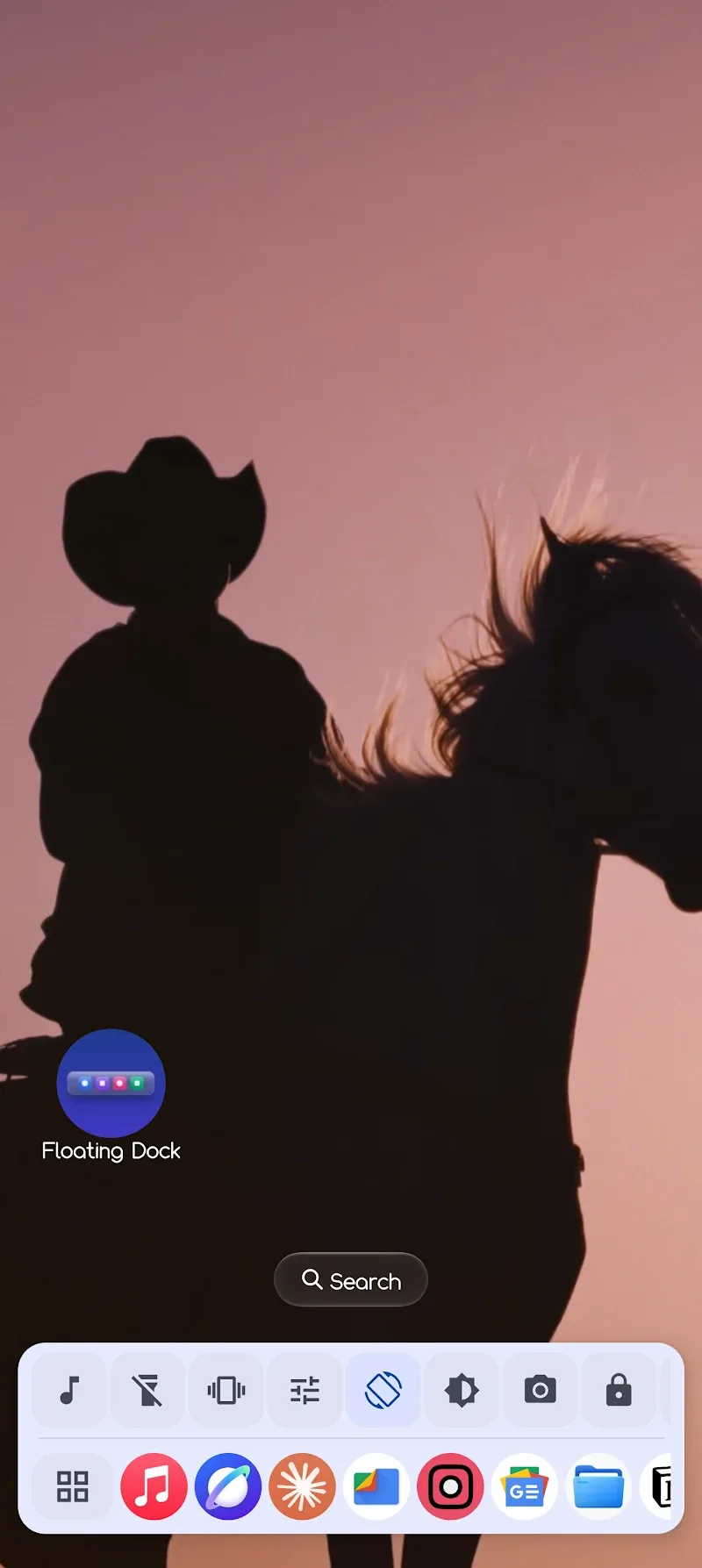
- Quick control panel: Swipe to reach the music player, adjust volume and brightness, and switch connectivity settings on the fly.
- Smart Clipboard: Organize content across four tabs (Notes, To-Do, Clips, Favorites) and edit everything right where you need it.
- Design & Settings: Matches Material You colors, features a frosted glass effect, and keeps everything manageable through a clean four-tab settings layout.
How to install
- Download the APK file above to your phone.
- Allow “Install unknown apps” when prompted.
- Open the downloaded APK and tap Install.
- If the package includes OBB/XAPK data, follow the bundled instructions.
MOD APKs are modified builds, so Play Protect may show a warning. Install only if you trust the file; use at your own risk.