

Screenshots
Description
Effortless Note-taking: Annotate PDFs, Design Custom Notebooks, Memos & Digital Planners
Flexcil Notes MOD APK unlocks every premium capability of the app, giving you unrestricted access to pro-grade document editing, markup tools, and advanced planners without spending a dime. Experience the ultimate all-in-one environment for managing digital notebooks and complex PDF files seamlessly on GameMod.dev.
What's Modified in Flexcil Notes
- Premium Unlocked: Enjoy full access to advanced editing tools and pro features without any paid subscription or in-app purchase.
This release comes as version 1.4.4.7 with an installation size of 179.81 MB (package name com.flexcil.flexcilnote). Please note that because this package uses a custom signature, it cannot be installed directly over the standard Google Play release.
About Flexcil Notes
Flexcil Notes is a versatile Android productivity application engineered for reading, annotating PDFs, and organizing personal notes. From comprehensive study planners and project binders to everyday memos, this tool streamlines document workflows for students, researchers, and working professionals alike. Instead of juggling scattered papers, Flexcil Notes MOD APK delivers an infinitely customizable digital canvas where you can write, sketch, summarize, and structure ideas precisely your way.
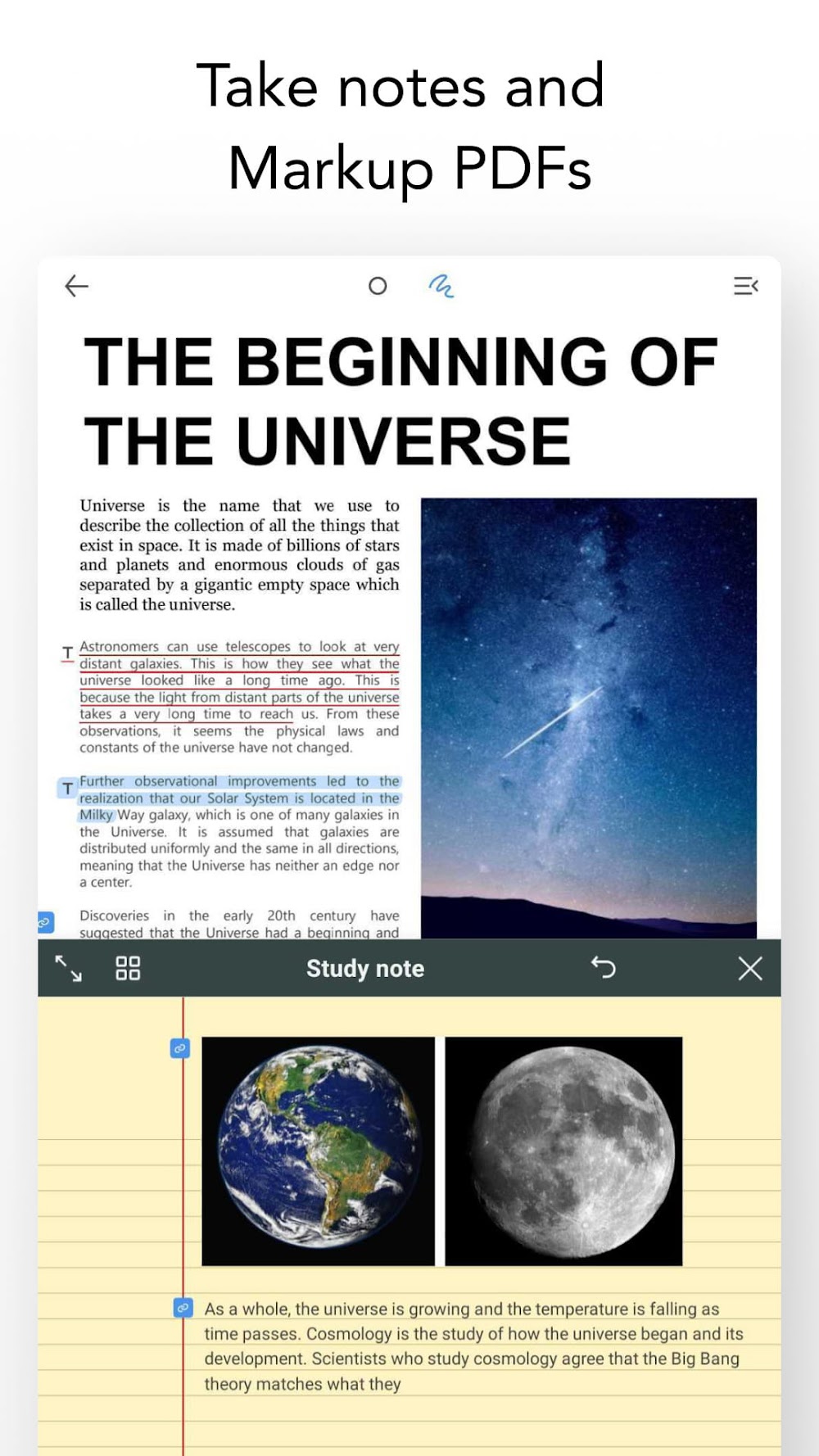
Pen Gesture mode transforms the way you engage with text and documents. Rather than tapping through nested menus to highlight or underline passages, intuitive gestures let you select words, circle paragraphs, or instantly clip excerpts and graphics straight into your open notebook. This smart gesture system eliminates tedious copy-pasting, offering a fluid bridge between the document reader and your scratchpad. Annotating long-form PDFs, clipping reference diagrams, and condensing extensive study materials into neat summaries has never been smoother.
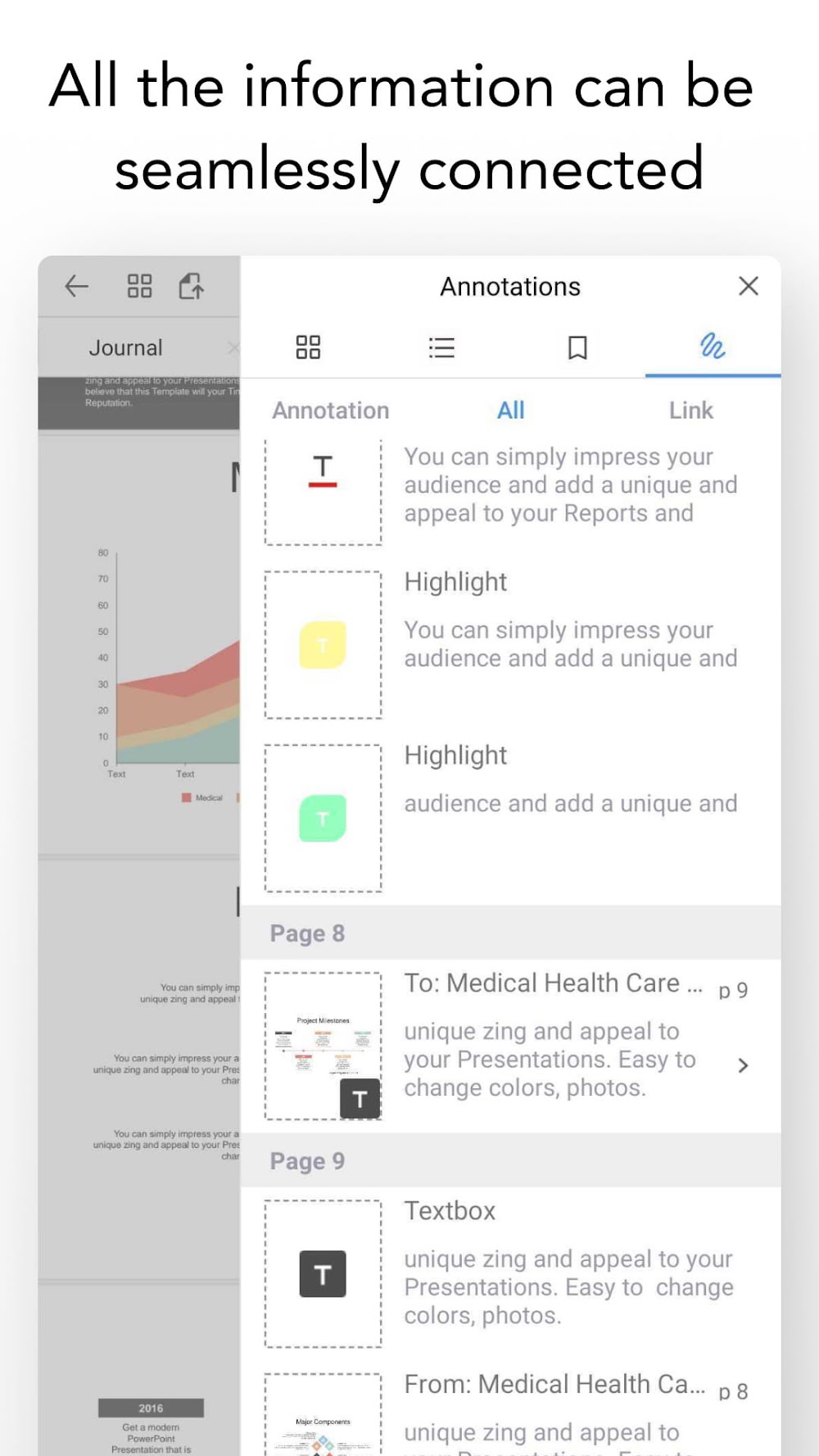
Every note snippet automatically remembers its origin through dynamic reference links. Whenever you paste captured text or an image into your study guide, tapping it immediately brings you back to the exact page and paragraph in the source PDF. This smart referencing cuts out the frustration of wondering where a quote came from, making it invaluable for drafting research papers, managing revision notes, and tracking complex multi-source projects with ease.
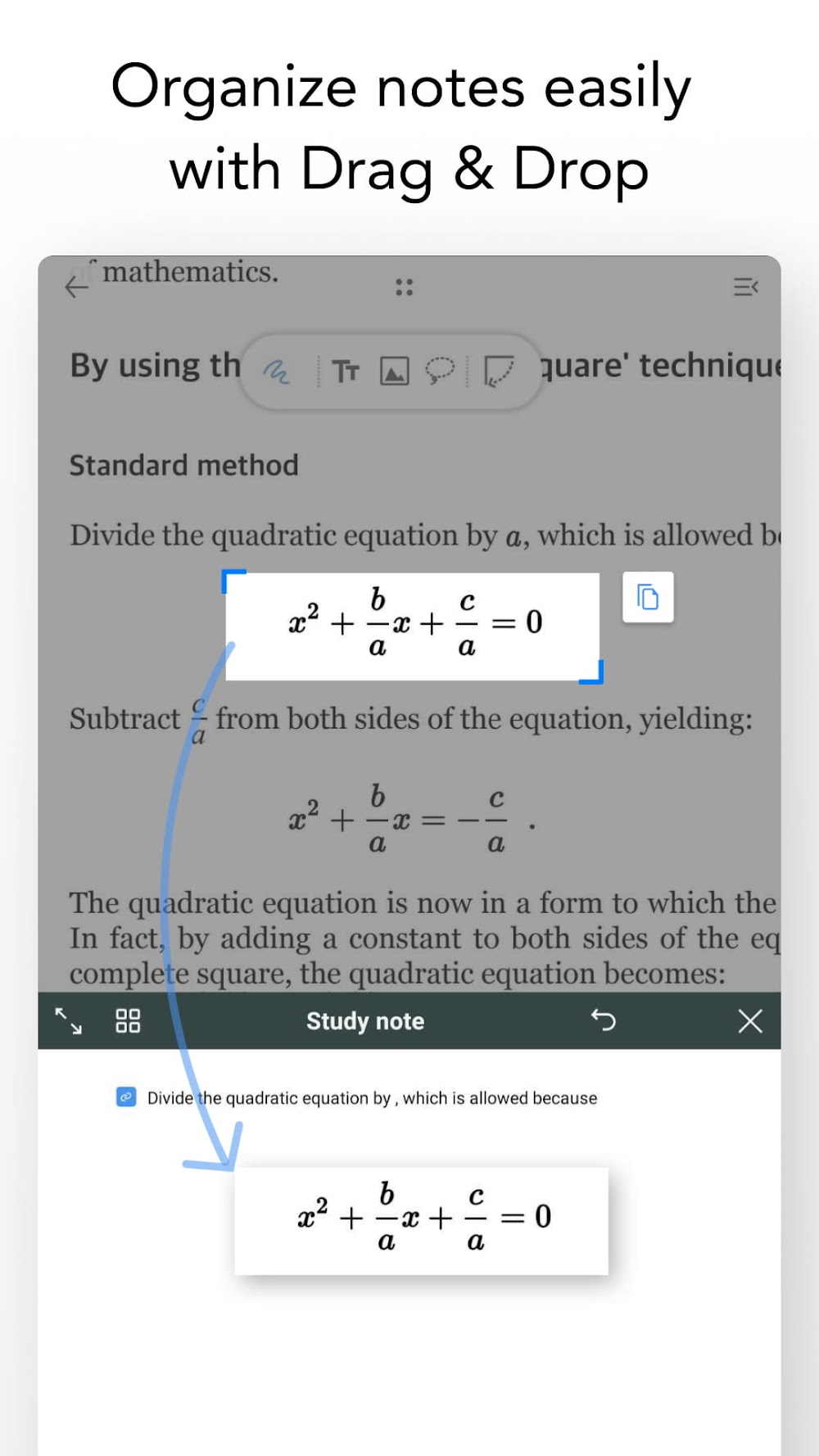
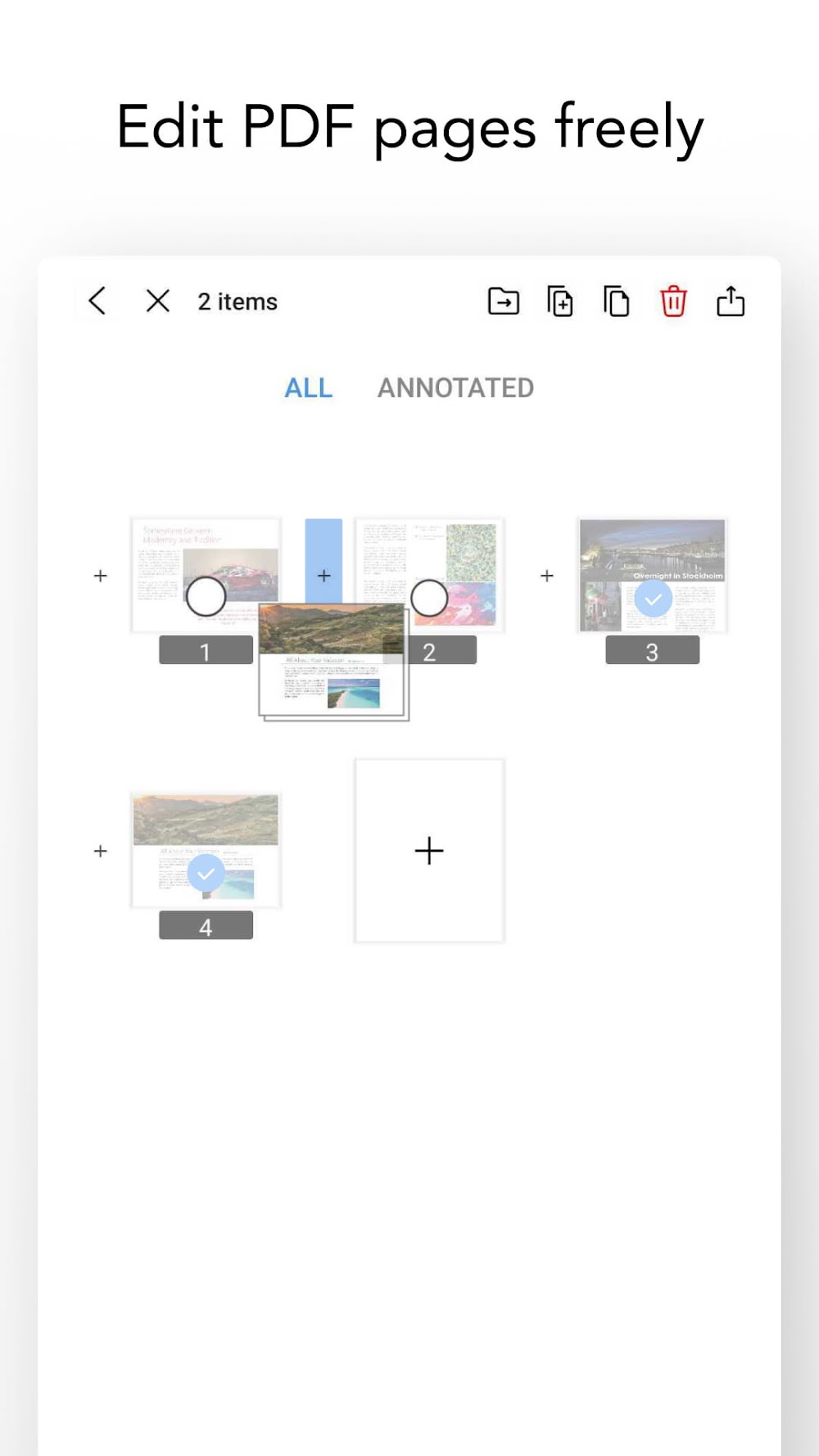
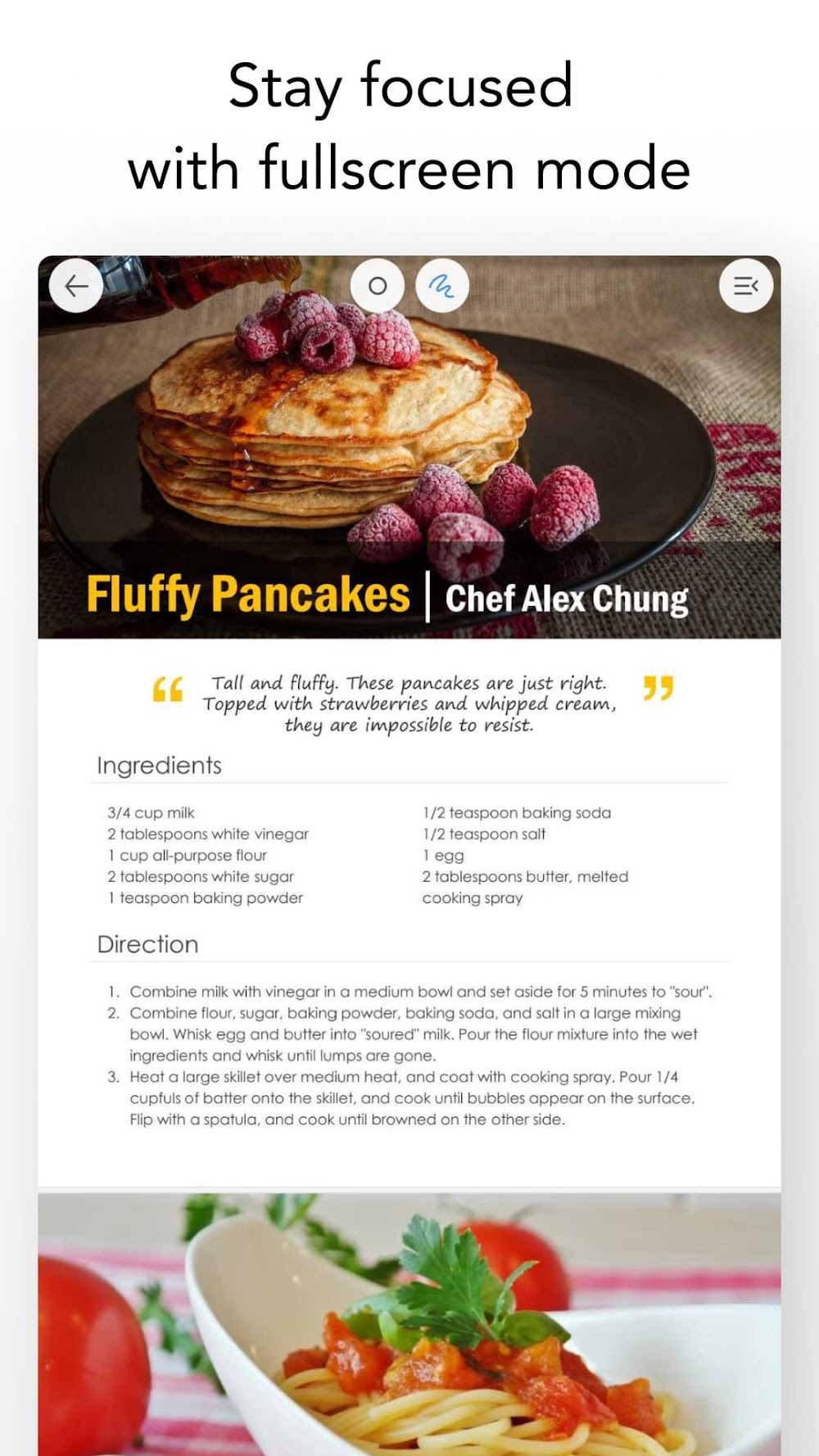
Work with multiple documents simultaneously thanks to flexible split-screen and viewing capabilities. Flexcil Notes enables side-by-side note-taking alongside full PDF reading, complete with multi-page displays, seamless vertical scrolling, full-screen focus modes, and custom page reordering. With drag-and-drop support, you can effortlessly pull illustrations and paragraphs across split windows, reading and synthesizing diverse materials concurrently.
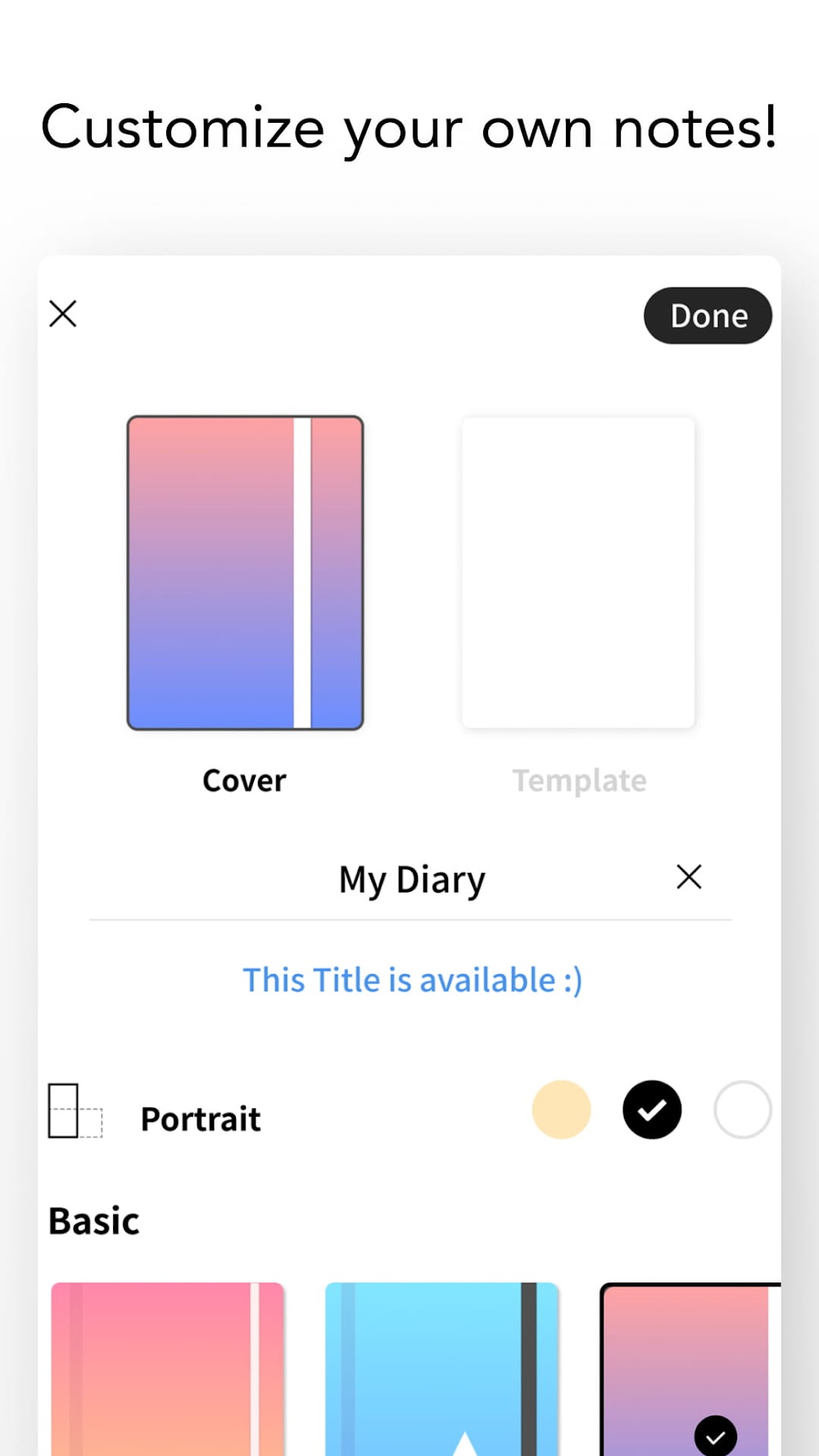
Unleash your creativity with an extensive suite of digital planner templates and personal notebook designs. Choose from a rich gallery of stylish covers and flexible layouts tailored for academics, writers, designers, and organizers. Fine-tune pen styles and handwriting tools to suit your aesthetic, or enhance your notes with integrated voice recordings to sync auditory explanations directly alongside your written outlines for a truly multi-sensory study experience.
Engineered with diverse hardware in mind, this app delivers an optimized experience across modern Android devices—shining brightest on Samsung phones and tablets equipped with the Samsung S-Pen. By tapping directly into the S-Pen button and Air Actions, it grants intuitive, context-sensitive controls for navigating pages and marking up documents. Built-in palm rejection effectively ignores accidental touches from resting hands or stray fingers, ensuring precise and uninterrupted handwriting. Beyond pen support, it connects smoothly with leading productivity and collaboration tools—such as Notion, Zoom, Google Meet, and Google Classroom—as well as popular cloud storage platforms including Google Drive, Dropbox, Box, and personal NAS setups. With robust PDF compatibility for digital textbooks, lecture slides, and ebooks, the app serves as an all-in-one hub tailored for digital study sessions and paperless file management.
Key Features
- Smooth vector handwriting engine
- Gesture tools for effortless underlining and highlighting
- Smart linking from reference sources straight to your notes
- Dual-window split view for reading and writing side by side
- Audio recording with synced playback linked to your notes
- Dedicated support for Samsung S-Pen gestures and button actions
- Collection of digital planner layouts and custom notebook covers
- Flexible vertical scroll with a 4-page viewing mode
- Convenient drag-and-drop support for text snippets and photos
- Direct cloud sync with Box, Dropbox, and Google Drive
Related MOD APKs
- Grok – AI Assistant
- ChatGPT
- CamScanner
- Kling AI
FAQ
Is Premium unlocked in Flexcil Notes MOD APK?
Yes, this Flexcil Notes 1.4.4.7 release comes with Premium Unlocked right out of the box. You get all the advanced tools found in the official Flexcil Inc. release, ready to use as soon as you complete the setup on GameMod.dev.
What is the latest version of Flexcil Notes MOD APK?
The current build is 1.4.4.7, corresponding to the official Flexcil Inc. update released on August 19, 2026. GameMod.dev always hosts the newest working release, so older files are replaced. You can install this APK directly over your current build to update; if an installation signature conflict occurs, simply uninstall the existing version first and reinstall.
Is Flexcil Notes MOD APK safe to download?
Provided by Flexcil Inc., this 1.4.4.7 package with Premium Unlocked is completely clean and operates without root privileges. It currently holds a 3.8-star score from 84 user ratings. If Google Play Protect shows a false-positive warning during setup, you can safely bypass it knowing files on GameMod.dev are thoroughly checked.
Can I use Flexcil Notes MOD APK on PC or iPhone?
Because this is a dedicated Android package, it cannot run natively on iOS devices like the iPhone. If you want to run this 179.81 MB package on a Windows PC or Mac, simply launch an Android emulator such as LDPlayer or BlueStacks and load the APK file inside.
How to install
- Download the APK file above to your phone.
- Allow “Install unknown apps” when prompted.
- Open the downloaded APK and tap Install.
- If the package includes OBB/XAPK data, follow the bundled instructions.
MOD APKs are modified builds, so Play Protect may show a warning. Install only if you trust the file; use at your own risk.