
Screenshots

Description
- Payment
KaratSize
6 MBVersion
1.3Requirements
4.3Get it on
Report this app
Images
Description
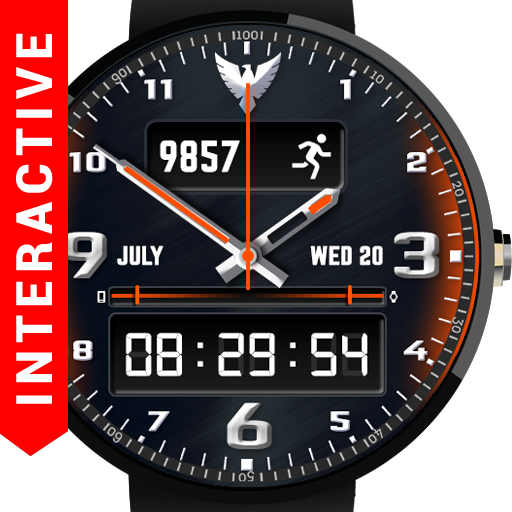
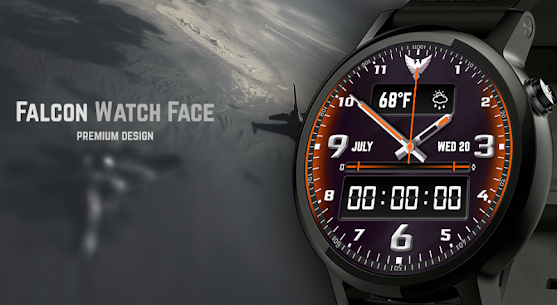
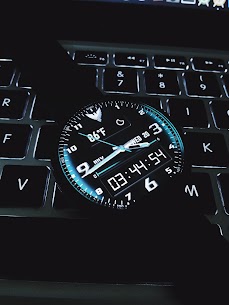
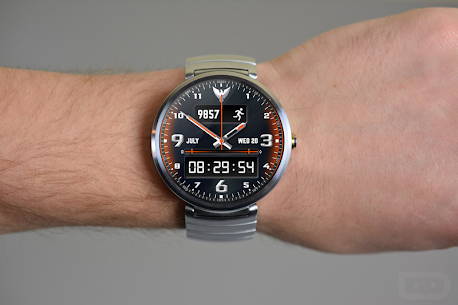
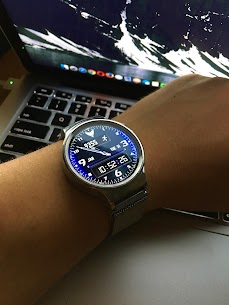
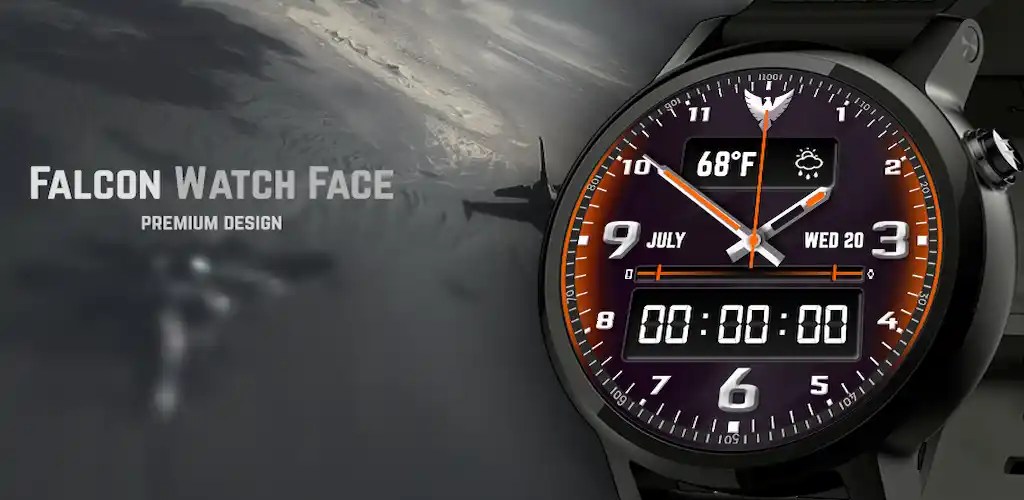
Falcon Watch Face is a modern and interactive watch face for Android Wear devices. Falcon Watch Face brings to your watch an unforgettable look with its modern and sharp design while keeping in mind the true intention of smartwatches. Every detail is a representation of the professional design.
IMPORTANT: For Weather to update – GPS and/or Internet/Wi-Fi should be turned ON on your handheld device! Works perfectly with Location in battery saving mode!
COMPATIBLE WITH:
Falcon – perfectly works on all Android Wear devices, get the fast and smooth experience with our watch faces.
– All Android Wear devices: Moto 360 ( moto360 ), Moto 360 2015 ( 42mm, 46mm ), LG Watch Urbane ( low ), Huawei Watch, LG G Watch R ( lower ), LG G Watch W100 ( low ), Sony Smartwatch 3 ( sw3 ), Asus ZenWatch ( zen watch 1 & 2 ), Samsung Gear Live
– Round and Square smartwatches
– Not compatible with Samsung Gear (not Android OS)
Features of Falcon:
★ Date
★ Time
★ Day of the Week
★ Month
★ Choose your design colors
★ Interactive mode: tap the watch face logo to change the colors randomly
★ Digital time
★ Analog time
★ Watch battery
★ Mobile battery
★ Weather
★ Step count
★ Stopwatch
★ Ambient mode
★ Mobile handheld companion app for customization
★ Preview screen while changing styles/colors on a mobile device
Customize your Falcon:
★ Choose any color you want with a color picker that perfectly matches your style on a mobile device
★ Choose between 12 / 24-hour mode
★ Use a stopwatch to track your short term actions
★ Step count gives you daily total steps count!
★ Pick your Weather unit: C / F
★ Determine weather refresh periodicity
★ Turn On/Of Interactivity
★ Show/Hide digital watch
The interactivity of watch face added:
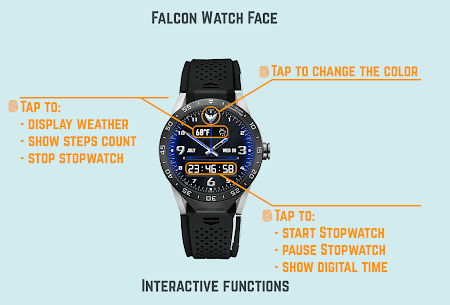
★ Tap the Falcon logo on the watch face to change the colors randomly!
★ Tap the weather or steps to change them
★ Tap the digital clock to change it to a stopwatch
Step count:
★Steps will be automatically synced over some time, if steps are lost after connecting to your phone, don’t worry, they will be synchronized after a while. Steps work through HISTORY_API.★
★SUPPORT:
Please, if you have trouble with the app in sort of any kind, send us an email before submitting a bad review. We would solve the issue instantly 24/7.
Our e-mail: [email protected] ★
INSTALLATION
How do I install the watch face on Android Wear 1. ?
Automatically will be installed from your phone when your watch gets paired, sometimes it needs a little longer time, please be patient.
And If it doesn’t, follow steps:
1. After installing open Android Wear App –> Settings –> and run ‘Re-sync app’ from the Android Wear app, wait at least 10 minutes.
2. Long press your watch and choose Falcon as your watch face, or select the watch face using the Android Wear app.
3. And if it doesn’t show up again please restart your phone and watch, then pair again.
How do I install the watch face on Android Wear 2.0?
1. Install the companion app from Google Play Store on your phone.
2. Turn WiFi, open Google Play Wear Store on your watch, scroll down, you will see watchfaces that need to be installed, then install.
#watchface #androidwear #falcon #android #watch #face #moto360 #moto
Related apps
Smart Launcher 6 6.6 build 024 Smart Launcher Team 21.69 MB Pro Unlocked BIG Launcher 6.2.2 BIG Launcher 10.92 MB Full Version Burnout 3: Takedown 0.2.1 Criterion Games 7.3 GB Full Game Ciclo Circle Icon Pack 245.0 OSheden Design 117.11 MB Full Version Saga Material You Icons 1.7 LKN9X 51.63 MB Full VersionHow to install
- Download the APK file above to your phone.
- Allow “Install unknown apps” when prompted.
- Open the downloaded APK and tap Install.
- If the package includes OBB/XAPK data, follow the bundled instructions.
MOD APKs are modified builds, so Play Protect may show a warning. Install only if you trust the file; use at your own risk.