
Screenshots

Description
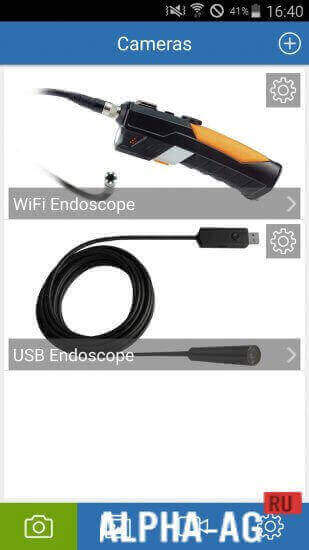
Endoscope - cameraWith this app you can connect an endoscope camera or any other device, such as a borescope camera or USB camera, to your smartphone.
Gameplay
To start using this app, you need to connect the endoscope camera to your device.
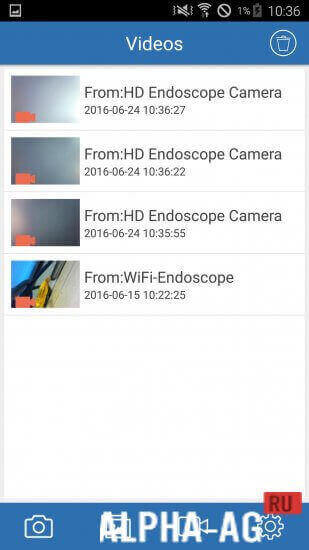
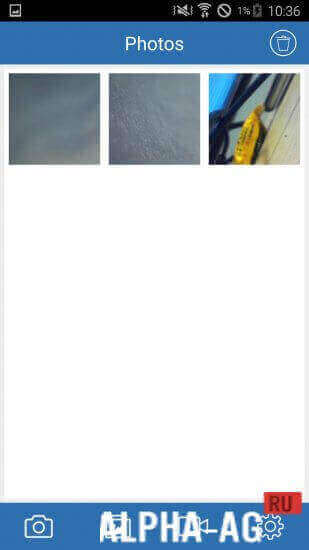
Now open the app and tap on the camera icon, then press OK to see everything the camera sees. Now you will have the ability to record video or simply take a photo.To view all the videos or photos you took, you need to return to the main menu and go to the gallery, where everything you captured will be saved. If you no longer need the photos or video recordings you took, you can simply delete them from the gallery with a single tap.
Do all of this before using the camera for an endoscopic examination. You can also connect a sewer inspection camera to see what has clogged your drain; you might even be able to unclog it yourself so you don't need to call a plumber.
Key Features
With this program, you can connect an endoscope camera, sewer camera, borescope camera, and other devices that use an external camera to your mobile device.
You will be able to record video or take photos to see what is inside.On our website you can download the Endoscope app for Android for free.
0 06 May Additional information:- Android version required: 4.4 or higher
- Age restrictions: 3+
- Russian localization: none
- OBB installation: not required
Subscribe to our YouTube channel!
Add commentHow to install
- Download the APK file above to your phone.
- Allow “Install unknown apps” when prompted.
- Open the downloaded APK and tap Install.
- If the package includes OBB/XAPK data, follow the bundled instructions.
MOD APKs are modified builds, so Play Protect may show a warning. Install only if you trust the file; use at your own risk.