
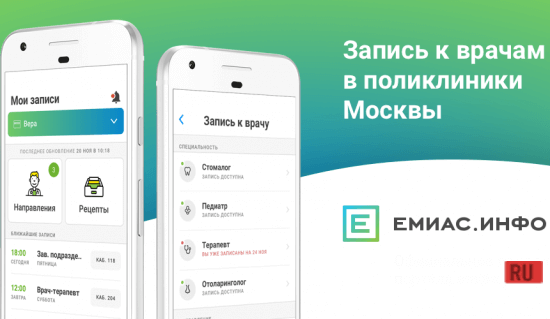
Screenshots
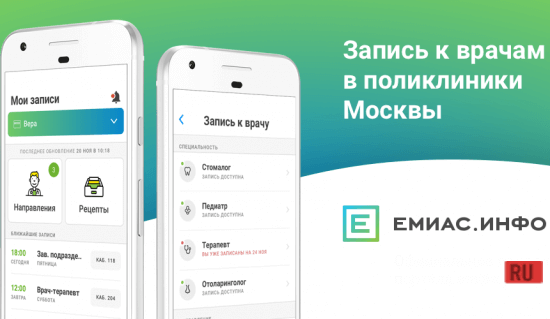

Description
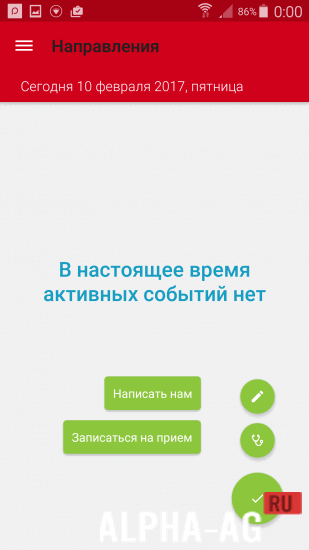
EMIAS.INFOOfficial app, which allows you to easily make an appointment with any doctor in Moscow city hospitals.
Gameplay
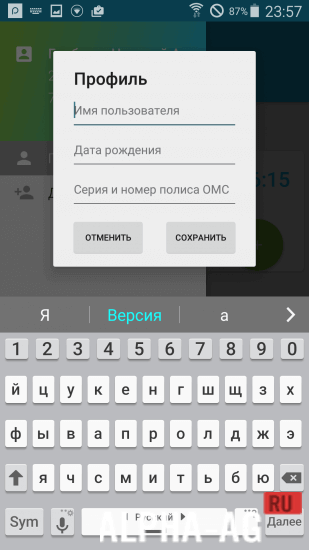
When you launch the app for the first time, you will need to select the clinic where you will be served, and then attach your valid CHI (compulsory health insurance) policy to it. Remember that you can change the clinic where you are served no more than once a year, with one exception if you change your place of residence.
Attaching your policy to a specific clinic will mean that your medical card will be opened at the clinic.Your residential address will also be confirmed so that you can call a doctor to your home. Doctor appointments will be made in the EMIAS information system, where you must select the doctor you need, the procedure, date, and time of the appointment.
If for any reason you cannot make it to the doctor's appointment at the scheduled time, you will need to cancel your appointment in advance via this app or by calling the clinic's reception desk.Key Features
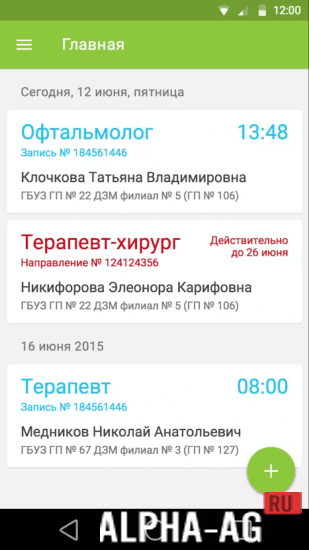
In this app, you can book an appointment, including by referral, with any doctor in Moscow at any convenient time. At the same time, you will automatically receive reminders about your doctor's appointment. In this app, you can view your clinic visit history. You can also view prescriptions issued by your attending physician.
You can only use this service if you have a valid CHI policy. If you make an appointment with a doctor and miss it more than five times without canceling your visit in advance, the availability of services will be restricted for you and provided only upon your personal appearance at the clinic's reception desk.
On our website you can download the EMIAS.INFO app for Android for free.
0 Jul 12 Additional information:- Requires Android version: 6.0 or higher
- Age restrictions: 3+
- Russian localization: present
- Cache installation: not required
Subscribe to our YouTube channel!
Add a commentHow to install
- Download the APK file above to your phone.
- Allow “Install unknown apps” when prompted.
- Open the downloaded APK and tap Install.
- If the package includes OBB/XAPK data, follow the bundled instructions.
MOD APKs are modified builds, so Play Protect may show a warning. Install only if you trust the file; use at your own risk.