

MOD features
full version
Screenshots
Description
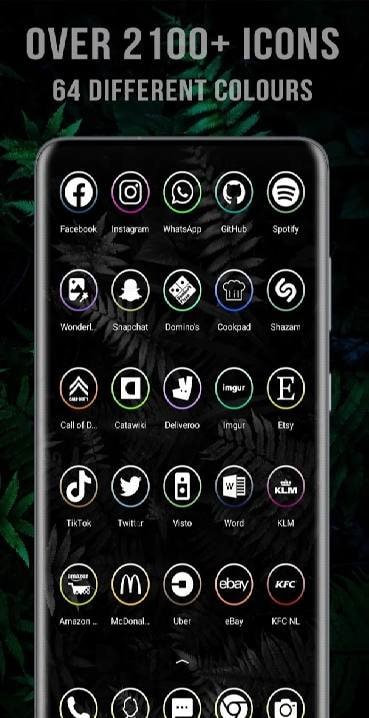
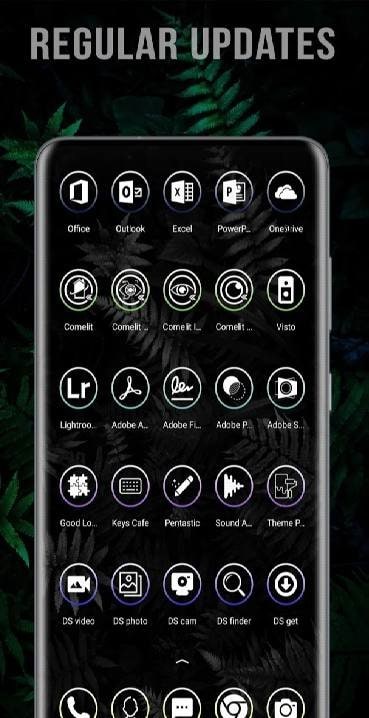
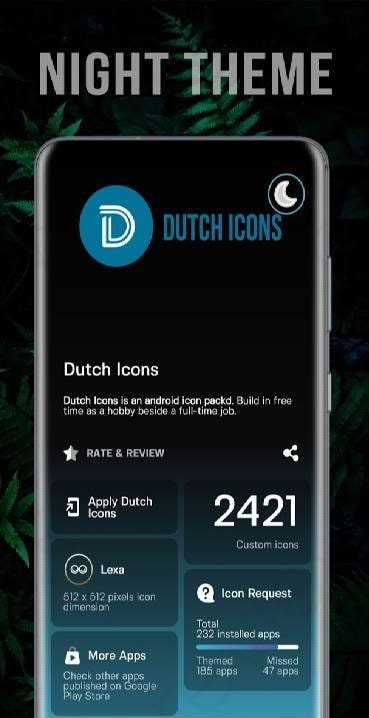
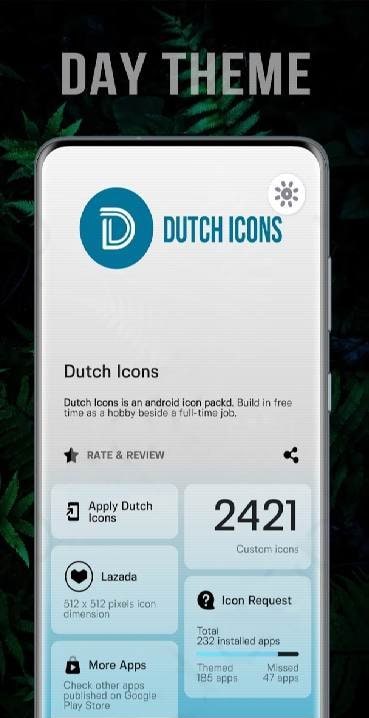
Dutch Icons - a personalization project that will please fans of replacing icons with new ones, radically different from the previous ones. They have access to more than 2000 items, as well as a spectrum of colors for them. The elements are round and have a minimalist design. Which will look very advantageous on dark and black backgrounds. Convenient installation, support for a large number of launchers, regular updates to the assortment, as well as a rather original design concept make the application worth the attention of fans of always having an unusual stylistic solution on the screen of their gadget.
How to install
- Download the APK file above to your phone.
- Allow “Install unknown apps” when prompted.
- Open the downloaded APK and tap Install.
- If the package includes OBB/XAPK data, follow the bundled instructions.
MOD APKs are modified builds, so Play Protect may show a warning. Install only if you trust the file; use at your own risk.