

Screenshots


Description
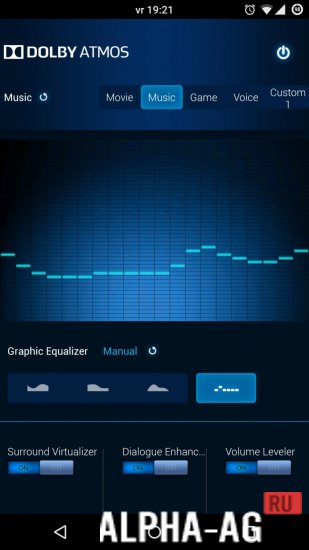
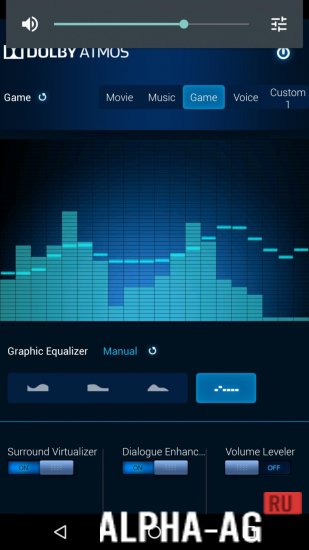
Dolby AtmosThis handy application allows you to make global sound changes, which affects the performance of all programs and games. Among other things, this utility works great alongside other audio enhancers.
Characteristics
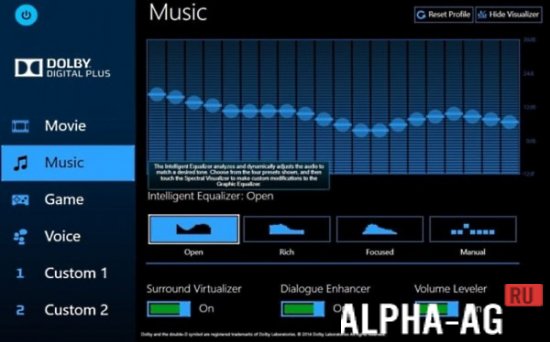
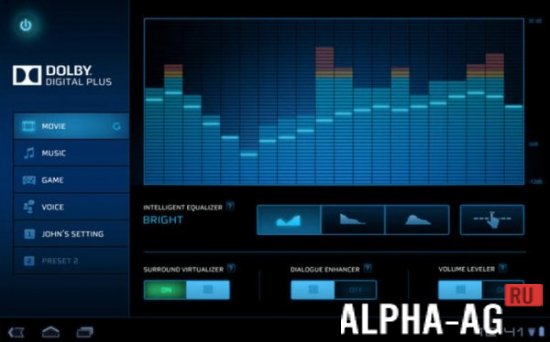
With the help of this useful app, your smartphone will start outputting pseudo-3D sound, achieved through the Surround Virtualizer feature. In addition, speech intelligibility is significantly enhanced, handled by the Dialogue Enhancer feature.
Moreover, this program performs volume normalization, which is also very important. It is also worth noting that this program features a specific installation process.
You need to install the zip via recovery. If you ever want to uninstall the program, you will need to boot into recovery again and flash the uninstallation file.
Features
Notably, this application does not work on all Android devices. To use it, you need to have a smartphone running Android version 4.3 or higher.
As can be seen from the above, such a program indeed provides quite a few advantages regarding mobile device sound.
Were it not for the slightly confusing installation process, it could be called the ideal solution for all modern phones.On our website you can download the Dolby Atmos app for Android for free.
0 Apr 04 Additional information:- Android version required: 6.0 or higher + ROOT rights
- Age restrictions: none
- Russian localization: present
- Cache installation: not required
How to install Dolby Atmos
Root rights and TWRP installed are required for installation! Rename the archive to update.zip, enter recovery mode via TWRP, and install. Don't forget to make a backup!
Similar apps: Sound Booster LBE Security Master File Manager Pro Miracast Our YouTube channelSubscribe to our YouTube channel!
Add commentHow to install
- Download the APK file above to your phone.
- Allow “Install unknown apps” when prompted.
- Open the downloaded APK and tap Install.
- If the package includes OBB/XAPK data, follow the bundled instructions.
MOD APKs are modified builds, so Play Protect may show a warning. Install only if you trust the file; use at your own risk.